
 Login


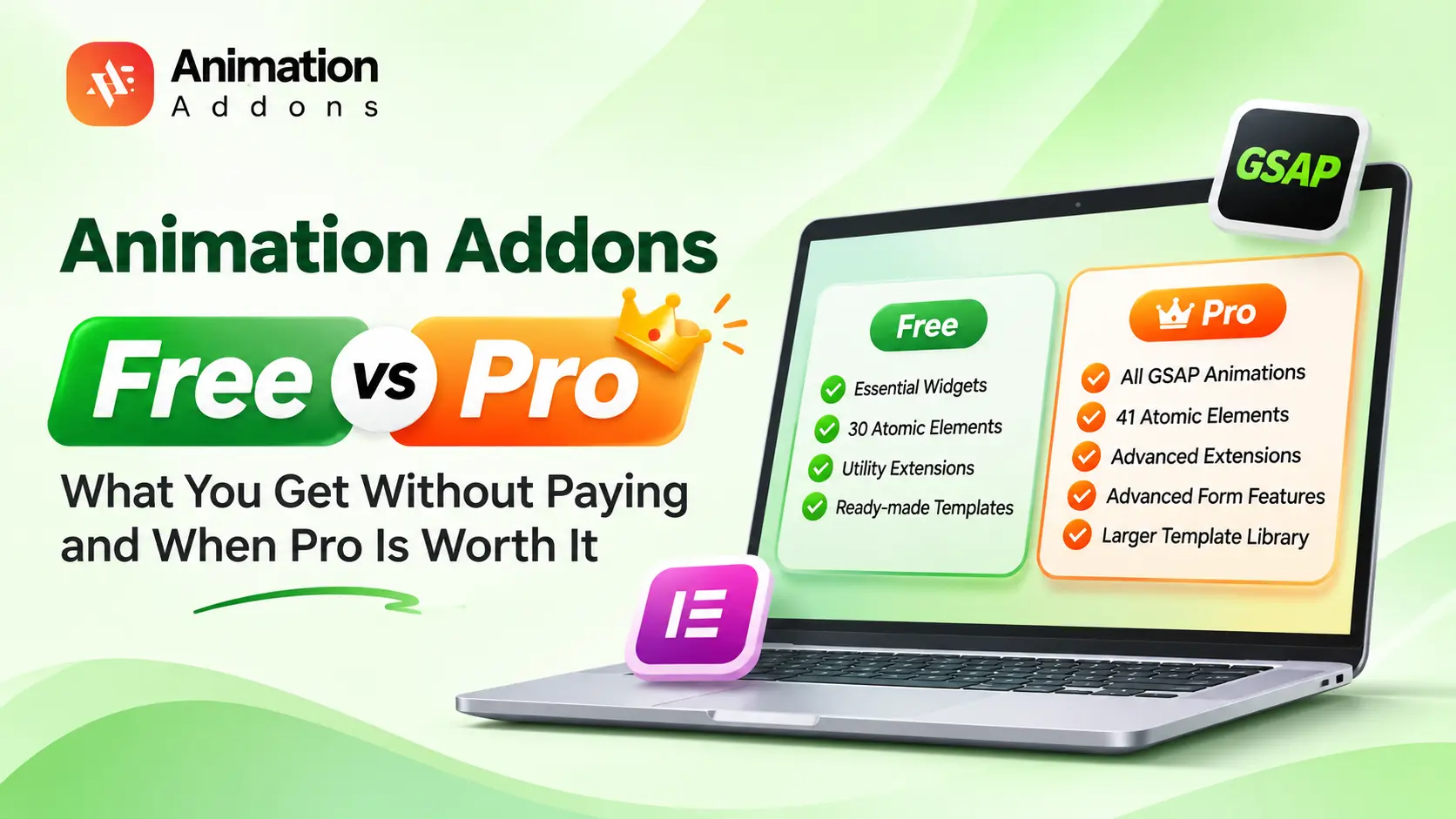
You installed the free plugin, opened the Elementor panel and found some features marked Pro. Now you want a straight answer: what can you build for free, and what is worth paying for?
This guide compares Animation Addons Free vs Pro element by element and task by task. You will see what the free plugin includes, what Pro adds, and which animations need a license. You also get Pro prices, a clear answer on GSAP and an upgrade path that does not touch your existing pages.
Every count below matches the Animation Addons 4.3 release for Elementor 4.3.
Quick Answer
Animation Addons Free is ideal for building Elementor
websites with essential widgets, 30 Atomic elements, utility extensions,
and ready-made templates all without paying.
However, if you want advanced
GSAP animations such as SplitText, ScrollTrigger, parallax, horizontal
scrolling, sticky effects, and image reveals, you’ll need
Animation Addons Pro.
Start with Free for everyday website building, and upgrade to Pro when you
need more creative control and powerful animation capabilities.
Animation Addons Free vs Pro at a Glance
You can get an overview of Animation Addons Free vs Pro here at the following table. If you want to know more about the features and deals, you can visit the Free vs Pro page.
| Feature | Free | Pro |
| Atomic elements (Elementor 4) | 30 | 41 |
| V4 extensions | 9 utilities | 29 (utilities, motion, interaction, form logic) |
| GSAP animation | Not included | Every effect: SplitText, ScrollTrigger, pinning, MorphSVG, timelines |
| Entrance effects | Elementor’s own Interactions | Elementor’s, plus presets with stagger, delay and easing |
| Classic widgets (Elementor 3) | 72 | 102 |
| Classic extensions | 7 | 25+ |
| Forms | Form element with everyday fields | Plus date, rating and calculation fields, multi-step, conditional logic |
| Dynamic content | Loop Grid, theme builder, Post Type Builder | Plus Dynamic Tags on any field and PHP snippets |
| Website templates | A free selection, 80+ Elementor 3 starters | 330+ websites, 30+ for Elementor 4, 300+ for Elementor 3 |
| Support | WordPress.org forum | Help desk, reply within one business day |
| Sites | Unlimited | 1, 5 or 500 by plan; staging sites free |
| Price | $0 | From $49 a year or $85 once |
What You Get Without Paying
The free plugin is a working Elementor 4 kit, not a trial. Install it from WordPress.org, and it runs on unlimited sites with no time limit.
30 Atomic elements for Elementor 4
Free elements are styled in Elementor’s Style tab with your Classes, Variables and States, the same as Pro elements.
| Category | Free elements |
| Text and content | Advanced Heading, Icon List, Timeline, Progress Bar, Countdown, Toggle Switcher, Social Share, Curved Text |
| Navigation and buttons | WP Menu, Site Logo, Button, Search Form, Search Query |
| Posts and dynamic | Loop Grid, Loop Grid Slider, Posts Grid, Advanced Portfolio, Post Title, Post Content, Post Excerpt, Post Image, Post Pagination |
| Sliders and interactive | Nested Slider, Accordion, Flip Box |
| Media | Image Compare, Video, Video Mask, Google Maps |
| Forms | Form |
One limit: on the free plugin, the Nested Slider and Loop Grid Slider hold up to 3 slides each.
9 utility extensions
- Custom CSS
- Background Video
- Image Overlay
- Mask
- Custom Fonts
- Custom Icons
- Code Snippets (CSS, JavaScript and HTML)
- Post Type Builder
- Template Library
Builders and forms
- Theme builder: Header, footer, single, archive and search templates, without Elementor Pro.
- Form element: Text, email, number, phone, URL, textarea, select, checkbox, radio and file fields, with email actions and saved submissions.
- Classic popup builder for Elementor 3 workflows.
The free version also works with every free template in the library. See the Elementor V4 templates for examples of the designs.
What Animation Addons Pro Adds
Every GSAP animation
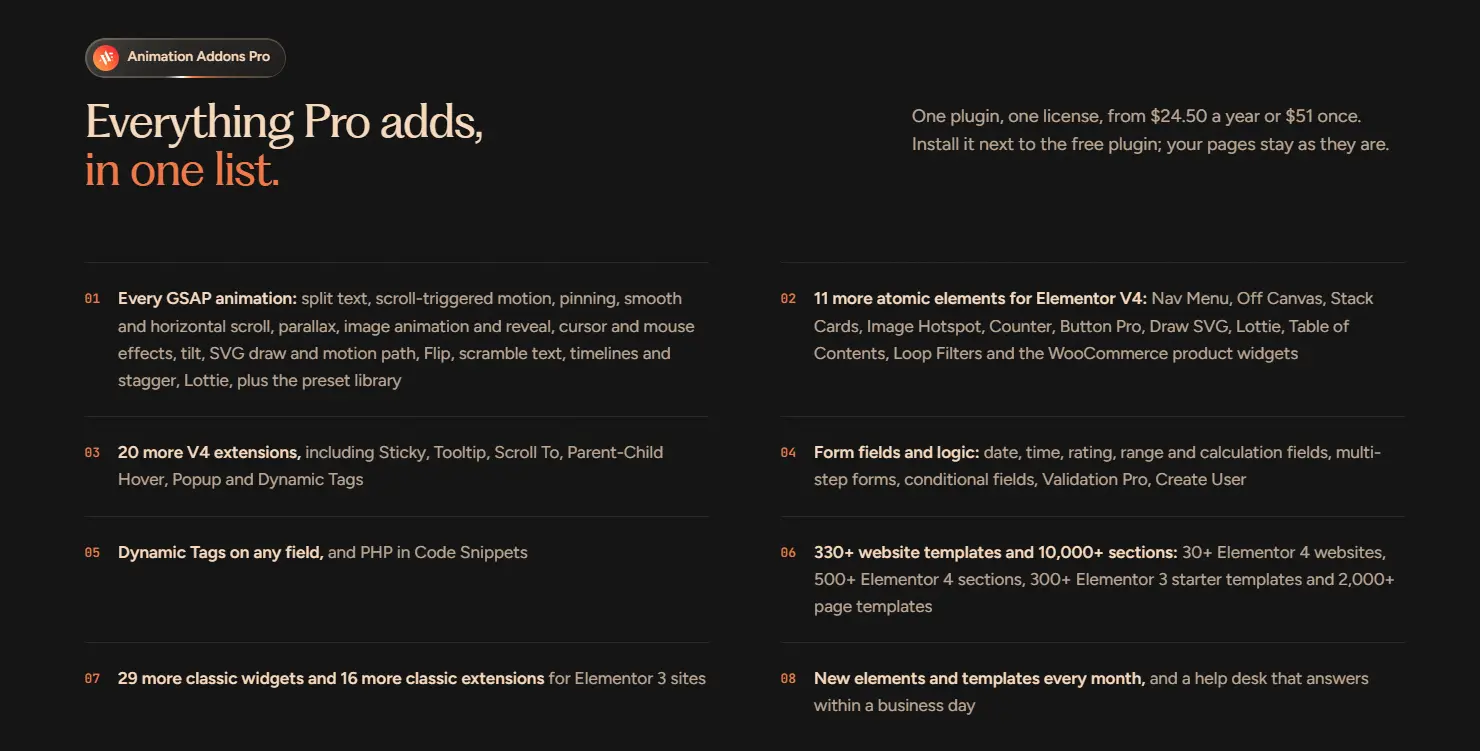
Pro ships the GSAP engine and every effect built on it, set from the Elementor panel without code: split text, scroll-triggered motion, pinning, smooth and horizontal scroll, parallax, image reveal, cursor and mouse effects, tilt, SVG draw, motion path, Flip, scramble text, timelines, stagger, Lottie and a preset library.
11 more Atomic elements
- Nav Menu
- Off Canvas
- Stack Cards
- Image Hotspot
- Counter
- Button Pro
- Draw SVG
- Lottie
- Table of Contents
- Loop Filters
- WooCommerce product widgets
20 more V4 extensions
- Animation: Regular Animation presets, Parallax, Text Animation, Image Animation, Horizontal Scroll.
- Interaction: Sticky and Pin, Image Hover, Cursor Hover Effect, Mouse Move Effect, Tilt, Advanced Tooltip, Scroll To, Parent-Child Hover, Popup.
- Forms and data: Conditional Display, Validation Pro, Create User, Dynamic Tags, Custom Fields, AI and Connections, PHP in Code Snippets.
Templates, classic library and support
- 330+ website templates and 10,000+ sections, with new templates every month.
- The full classic library for Elementor 3: 102 widgets and 25+ extensions.
- A help desk that replies within one business day, including plugin and theme conflicts.
Can I Do It on Free? 10 Common Animation Tasks
Use this table to check the task you have in mind. Every Pro answer is available on every Pro plan, because Animation Addons does not lock features by plan.
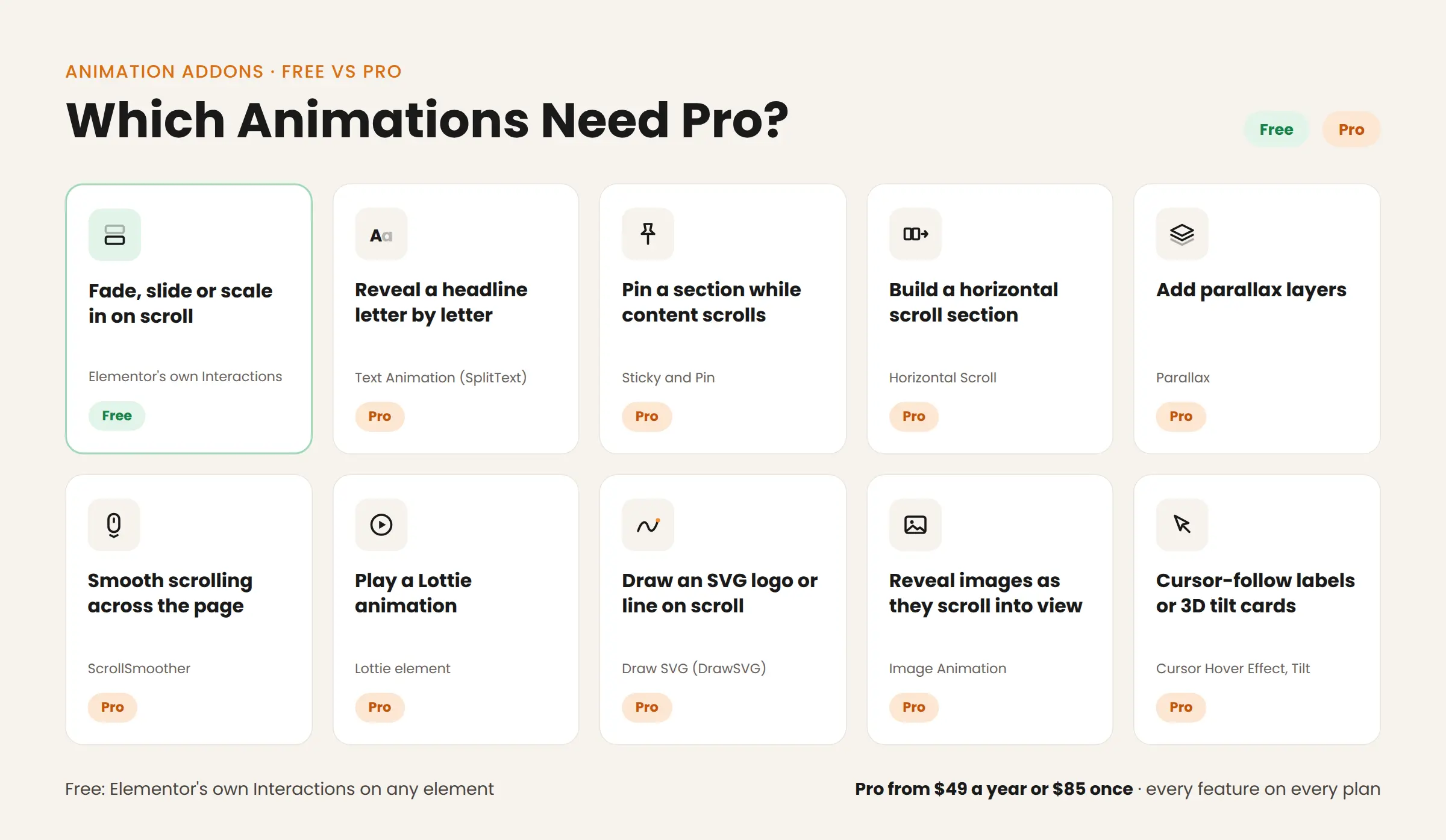
| Task | On Free? | What you use | Lowest price |
| Fade, slide or scale elements in on scroll | Yes | Elementor’s own Interactions (Pro adds presets with stagger, delay and easing) | $0 |
| Reveal a headline letter by letter or word by word | No | Text Animation (SplitText) | $49 a year or $85 once |
| Pin a section while content scrolls past | No | Sticky and Pin | $49 a year or $85 once |
| Build a horizontal scroll section | No | Horizontal Scroll | $49 a year or $85 once |
| Add parallax layers | No | Parallax | $49 a year or $85 once |
| Smooth scrolling across the page | No | ScrollSmoother | $49 a year or $85 once |
| Play a Lottie animation | No | Lottie element | $49 a year or $85 once |
| Draw an SVG logo or line on scroll | No | Draw SVG element (DrawSVG) | $49 a year or $85 once |
| Reveal images as they scroll into view | No | Image Animation | $49 a year or $85 once |
| Cursor-follow labels or 3D tilt cards | No | Cursor Hover Effect, Tilt | $49 a year or $85 once |
Until 10th December 2026, the Pro prices above are $24.50 for the first year or $51 once.
Interactive elements you can use on Free: Flip Box, Image Compare (before and after), Countdown, Video Mask, Accordion, Timeline, Progress Bar and Toggle Switcher.
Learn each Pro effect in our tutorials: split text animations, sticky scroll effects, smooth scroll, Lottie and SVG animations and GSAP DrawSVG.
Is GSAP Free in Animation Addons?
GSAP itself is free for everyone. The free Animation Addons plugin does not include it, and that is a WordPress.org rule, not a sales choice.
Free plugins in the WordPress.org directory must use GPL-compatible code. Animation Addons explained on the WordPress.org support forum that GSAP is not under a GPL license, so the review team removed an earlier free version that included GSAP animations. Since then, every GSAP feature has shipped in Pro, which is not distributed through WordPress.org.
What this means for you:
- On Free, use Elementor’s own Interactions for entrance effects.
- For scroll-driven, text and SVG motion, you need Pro.
To understand what GSAP adds over CSS motion, read how to use GSAP ScrollTrigger in WordPress and Elementor.
Ease of Use and Performance
Checking compatibility before you commit? See our Elementor V4 compatible addons guide.
What Pro Costs
Every Pro plan includes every feature. You choose the site count and the billing term.
| Plan | Sites | Annual | Lifetime | Black Friday (until 10th Dec) |
| Starter | 1 | $49 a year | $85 once | $24.50 first year, or $51 once |
| Professional | 5 | $89 a year | $159 once | $44.50 first year, or $95.40 once |
| Agency | 500 | $159 a year | $399 once | $79.50 first year, or $239.40 once |
Annual plans renew at the regular price. Lifetime plans never renew. Every plan includes a 15-day money-back guarantee, and staging sites are free.
When Free Is Enough and When Pro Is Worth It
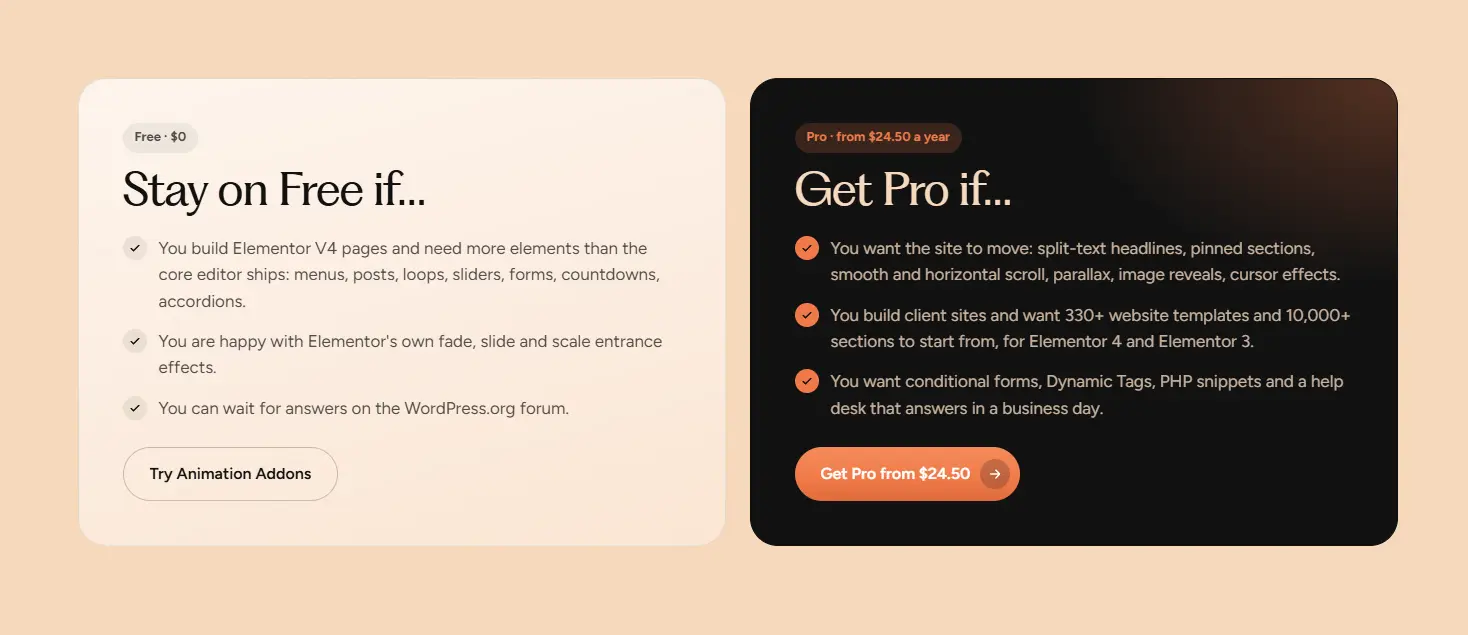
Stay on Free if
- You need more Elementor 4 elements than core Elementor ships: menus, loops, sliders, forms, countdowns, accordions.
- Elementor’s fade, slide and scale entrance effects are enough for your design.
- You can wait for answers on the WordPress.org forum.
Get Pro if
- The design needs real motion: split-text headlines, pinned sections, horizontal scroll, parallax, image reveals or cursor effects.
- You build client sites and want 330+ websites and 10,000+ sections to start from.
- You need conditional or multi-step forms, Dynamic Tags or PHP snippets.
- You want help desk support within one business day.
The break-even math: If you bill $40 an hour, Professional Lifetime ($159) costs less than 4 hours of your time, and it covers 5 sites with no renewals. One animated client project that saves you a day of custom GSAP code pays for the license.
Comparing other animation tools too? See the best animation plugins for Elementor.
How to Upgrade From Free to Pro Without Rebuilding
- Choose a plan on the pricing page and complete checkout.
- Download Pro from your account at store.wealcoder.com. The license key arrives by email.
- Install Pro next to the free plugin. Keep the free plugin active.
- Activate your license in WordPress.
- Open any page in Elementor. Your pages, elements and settings stay as they are, and the Pro elements and extensions appear in the panel.
ANIMATION ADDONS PRO
Every GSAP animation, 41 Atomic elements, and 330+ website templates.
Starting at $49/year or $85 lifetime.
Get up to 50% OFF until
December 10, 2026.
Backed by a 15-day money-back guarantee.
Final Thoughts
The Animation Addons free vs pro choice comes down to motion. Free gives you 30 Atomic elements, a theme builder, Loop Grid, forms and templates on unlimited sites, with Elementor’s own entrance effects. Pro adds every GSAP animation, 11 more elements, form logic, Dynamic Tags and 330+ websites.
Start on Free and build the page. When the design needs split text, pinning or scroll-driven motion, upgrade to Pro and keep everything you already built. Test it first in the live demo, and use the 15-day refund window on a real project. Every Pro plan includes every feature, so you only choose the number of sites.
FAQs
Does the free version of Animation Addons include GSAP animations?
No, the free plugin does not include GSAP or any effect built on it. Free users can still use Elementor’s own entrance Interactions on any element.
Why is GSAP only in Animation Addons Pro?
WordPress.org requires free plugins to use GPL-compatible code, and GSAP is not under a GPL license. Animation Addons ships every GSAP feature in Pro, which is distributed outside WordPress.org.
Is the free version of Animation Addons limited to a number of sites?
No, the free plugin runs on unlimited sites with no time limit. Pro plans cover 1, 5 or 500 live sites, and staging sites are free.
How many Atomic elements are free?
30 of the 41 Atomic elements for Elementor 4 are free. Pro adds Nav Menu, Off Canvas, Stack Cards, Image Hotspot, Counter, Button Pro, Draw SVG, Lottie, Table of Contents, Loop Filters and the WooCommerce widgets.
Do I need Elementor Pro for Animation Addons Free or Pro?
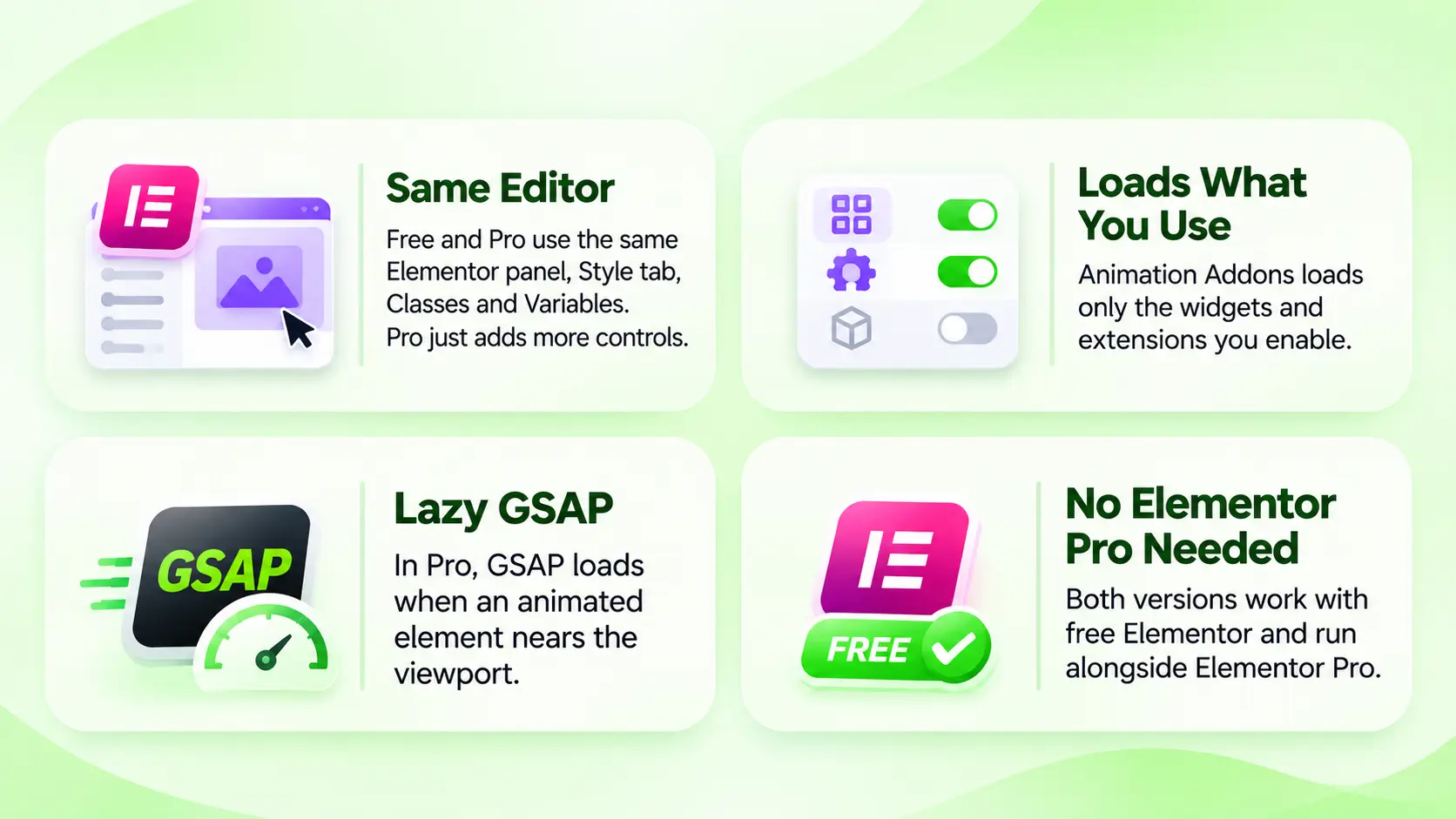
No, both versions work with free Elementor. If you have Elementor Pro, they run alongside it.
Can I upgrade from Free to Pro without rebuilding my pages?
Yes, install Pro next to the free plugin and activate your license. Your pages, elements and settings stay as they are.
Which Animation Addons Pro plan includes GSAP?
Every Pro plan includes every GSAP animation, because features are not locked by plan. Plans differ only by site count and billing term.
How much does Animation Addons Pro cost?
Pro starts at $49 a year or $85 once for 1 site. The 5-site plan costs $89 a year or $159 once, and the 500-site plan costs $159 a year or $399 once.
Can I try Animation Addons Pro before buying?
Yes, you can test Pro features in the live demo at try.animation-addons.com. Every plan also has a 15-day money-back guarantee.
Are the free templates the same quality as the Pro templates?
Yes, the free templates come from the same library as the Pro templates. Pro adds the rest of the library and the new templates added every month.


Leave a Reply