


 Login
Login

Elementor V4 changes how websites are built with Atomic Elements, Variables, Classes, Components, and a more system-based styling workflow. But that also raises an important question: which Elementor addons actually work well with the new architecture?
We tested popular Elementor addons against key V4 requirements, including Atomic Editor compatibility, Flexbox Containers, performance, Elementor Pro integration, and ongoing developer support.
If you only want the short answer: Animation Addons is a strong choice for animation-focused websites, while other addons may be better for WooCommerce, dynamic content, templates, or general-purpose site building.
Below, you’ll find our comparison, testing criteria, compatibility checks, and recommendations by use case.
Elementor V4 introduces a new Atomic architecture, making addon compatibility more important than ever. The article shows that choosing a V4-ready addon requires more than simply checking the number of atomic elements, it should also consider architecture support, container compatibility, performance, updates, documentation, and Elementor Pro integration.
Animation Addons is presented as an animation-focused option, while users are encouraged to verify compatibility before upgrading or using an addon on a live website.
Key Takeaways
- Check Elementor V4 compatibility: Look for compatibility tags, changelogs, and official developer updates before installing or updating an addon.
- Prioritize modern architecture: Addons supporting Atomic Elements, Variables, Classes, Components, and container-based workflows are better aligned with Elementor V4.
- Don’t choose based only on widget count: Performance, stability, responsive behavior, documentation, and ongoing development matter just as much.
- Test before updating a live site: Use a staging environment to check widgets, layouts, animations, dynamic content, WooCommerce features, and frontend rendering.
- Choose addons based on your needs: Animation-focused websites may benefit from Animation Addons, while other projects may require addons optimized for general widgets, WooCommerce, templates, or advanced site building.
What Changed in Elementor V4 and Why Compatibility Matters
Elementor V4 introduces a new Atomic-based architecture that changes how websites are built and managed inside the editor.
It brings major improvements like Atomic Elements, Variables, Classes, Components, reusable design systems, and more performance-focused workflows.
These changes also impact Elementor addon plugins because many older atomic elements were originally designed for the Elementor v3 workflow.
As a result, some addons already work smoothly with Elementor V4, while others may still require updates for full compatibility. Certain advanced atomic elements or older controls may also behave differently under the new architecture.
This is why choosing actively maintained Elementor addons has become more important than ever for long-term compatibility and stability.
How We Tested Elementor V4 Addons
Elementor V4 introduces the Atomic Editor, a CSS-first architecture, reusable Classes, Variables, and Components. Because third-party addons can interact with Elementor’s editor, containers, atomic elements, styling, and frontend output, simply seeing an addon activate successfully isn’t enough to call it V4-ready.
We evaluated each addon using the same criteria: official V4 compatibility information, recent changelog activity, Elementor integration, container support, performance considerations, documentation, and the addon’s primary use case. Where a developer has not published a clear V4 compatibility statement, we recommend treating the status as “Verify before updating” rather than assuming compatibility.
1. Animation Addons
Animation Addons is particularly relevant for users who want advanced motion effects inside Elementor rather than relying only on Elementor’s built-in animation controls. Its latest WordPress.org changelog lists Elementor 4.2.3 compatibility in version 3.0.0, released August 30, 2026.
Best For
- Advanced website animations
- GSAP-powered interactions
- Creative portfolios
- Agency websites
- Interactive landing pages
- Scroll-based experiences
Key Features
Animation Addons provides GSAP-based tools including ScrollTrigger, ScrollSmoother, MotionPath, MorphSVG, DrawSVG, SplitText, Flip, Stagger, timeline animation, and advanced easing. It also offers 40+ Elementor elements and a large collection of templates and animation-focused tools.
Performance
Animation-heavy websites can easily become slow if animations depend on excessive scripts or poorly optimized effects. Animation Addons focuses on enabling users to selectively use elements and extensions, while its recent releases also include general performance improvements.
Pros
- Strong focus on GSAP animation
- Advanced scroll and interaction effects
- No-code animation workflow
- Large template and element library
- Works with Elementor Free and Pro according to its documentation
Cons
- Overkill for simple websites that only need basic elements
- Advanced animation features can still affect performance when used excessively
- Users should test complex animation effects after major Elementor updates
Verdict
Best choice for Elementor users who want advanced animation and interaction capabilities. If animation is not a major part of your website, a general-purpose addon may provide better value with less functionality to manage.
2. Essential Addons for Elementor
Essential Addons is a broad, general-purpose Elementor addon rather than a plugin focused on one specific design category. Its changelog records Elementor V4.0 Atomic Editor compatibility, along with ongoing security, performance, and stability improvements.
Best For
- Business websites
- Blogs
- Agencies
- Landing pages
- General-purpose Elementor development
Key Features
It provides a large collection of widgets covering content, creative elements, forms, galleries, marketing sections, WooCommerce-related features, and more. This makes it useful when you want to expand Elementor without installing several smaller widget plugins.
Performance
A large widget library doesn’t automatically mean a website will be slow, but unused features and poorly managed assets can add unnecessary overhead. Essential Addons’ ongoing performance, security, and code-quality improvements are positive signs, but you should still enable only the widgets you actually need.
Pros
- Large widget collection
- General-purpose functionality
- V4 Atomic Editor support
- Free version available
- Suitable for many types of websites
Cons
- May provide more features than a simple website needs
- Users should avoid installing multiple addons with overlapping widgets
- Advanced animation isn’t its primary specialization
Verdict
A strong all-round option for users who want a broad Elementor widget library with documented V4 support.
3. ElementsKit
ElementsKit is aimed at users who want more than individual widgets, with features for headers, footers, menus, templates, dynamic content, and broader website building. Its developer states that ElementsKit has been updated for Elementor 4.0, while the latest 4.0 release focuses heavily on performance and accessibility.
Best For
- Complete website building
- Headers and footers
- Mega menus
- Dynamic websites
- Agencies and freelancers
Key Features
ElementsKit combines widgets with site-building functionality, including header/footer tools, mega menus, dynamic content features, templates, and design controls.
Performance
Its recent 4.0 release introduced per-widget CSS and JavaScript loading, so widget-specific assets load when those widgets are actually used. The developer also reports reductions in CSS, JavaScript, and redundant assets as part of the performance work.
Pros
- Broad website-building toolkit
- Elementor V4 compatibility
- Strong header/footer functionality
- Focus on performance and accessibility
- Can work without Elementor Pro
Cons
- Large feature set can be overwhelming for beginners
- Many features may be unnecessary for simple websites
- Performance still depends on which modules you actually use
Verdict
One of the stronger choices for agencies and users who want an all-in-one Elementor website-building toolkit rather than just additional widgets.
4. The Plus Addons for Elementor
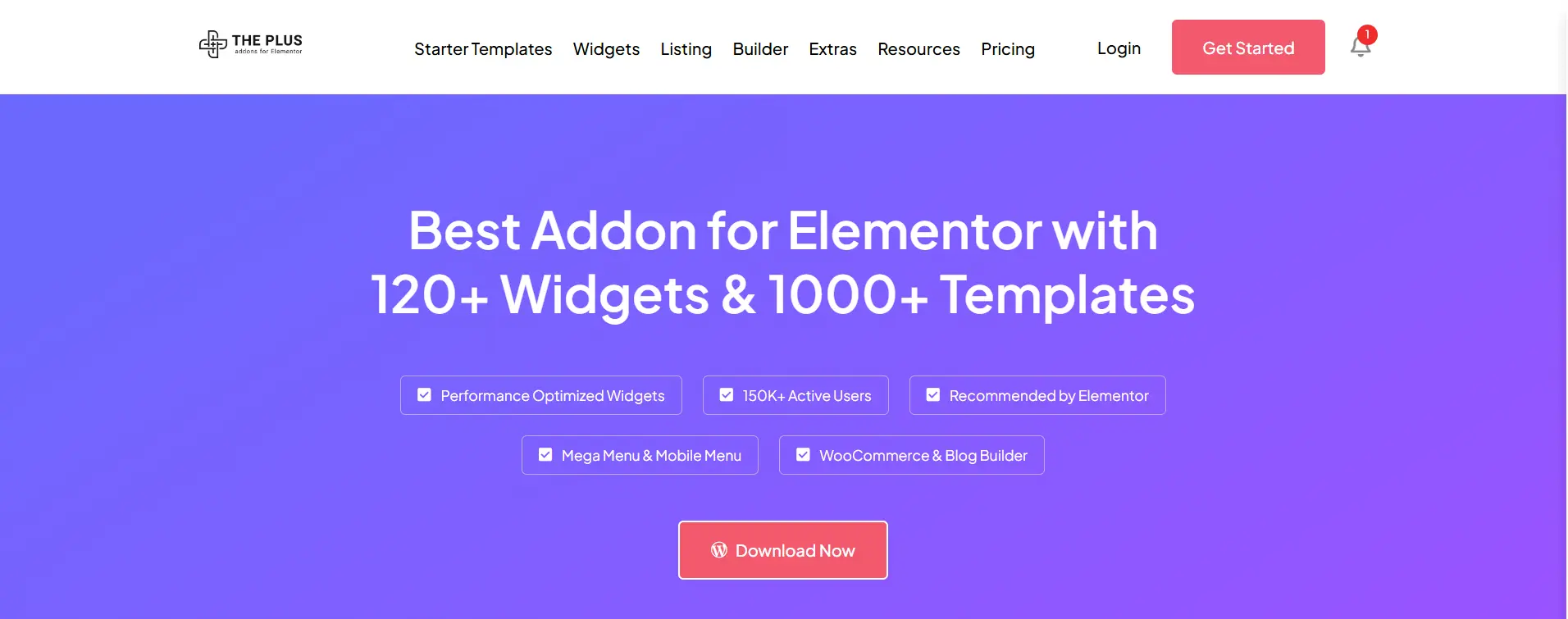
The Plus Addons announced Elementor V4 compatibility in March 2026 and states that its existing widgets continue working alongside V4 Atomic elements. The developer also reports using the addon with Elementor’s Atomic environment in production.
Best For
- Advanced websites
- Creative agencies
- Dynamic content
- WooCommerce
- Advanced interactions
Key Features
The Plus Addons provides 120+ widgets and extensions, along with WooCommerce and blog-building functionality, mega menus, dynamic content tools, animation features, and a large template library.
Performance
The plugin has continued to receive frontend performance and asset-loading improvements. Its 2026 updates also include GSAP animation improvements and changes designed around Elementor’s newer architecture.
Pros
- V4 compatibility
- Large feature set
- Strong dynamic-content functionality
- WooCommerce support
- Advanced animation options
- Extensive template library
Cons
- Large feature set may be excessive for simple websites
- More functionality means more configuration decisions
- Some advanced features require Pro
Verdict
A strong choice for designers and agencies building feature-rich Elementor websites that need widgets, dynamic content, WooCommerce tools, and advanced interactions in one package.
5. Ultimate Addons for Elementor
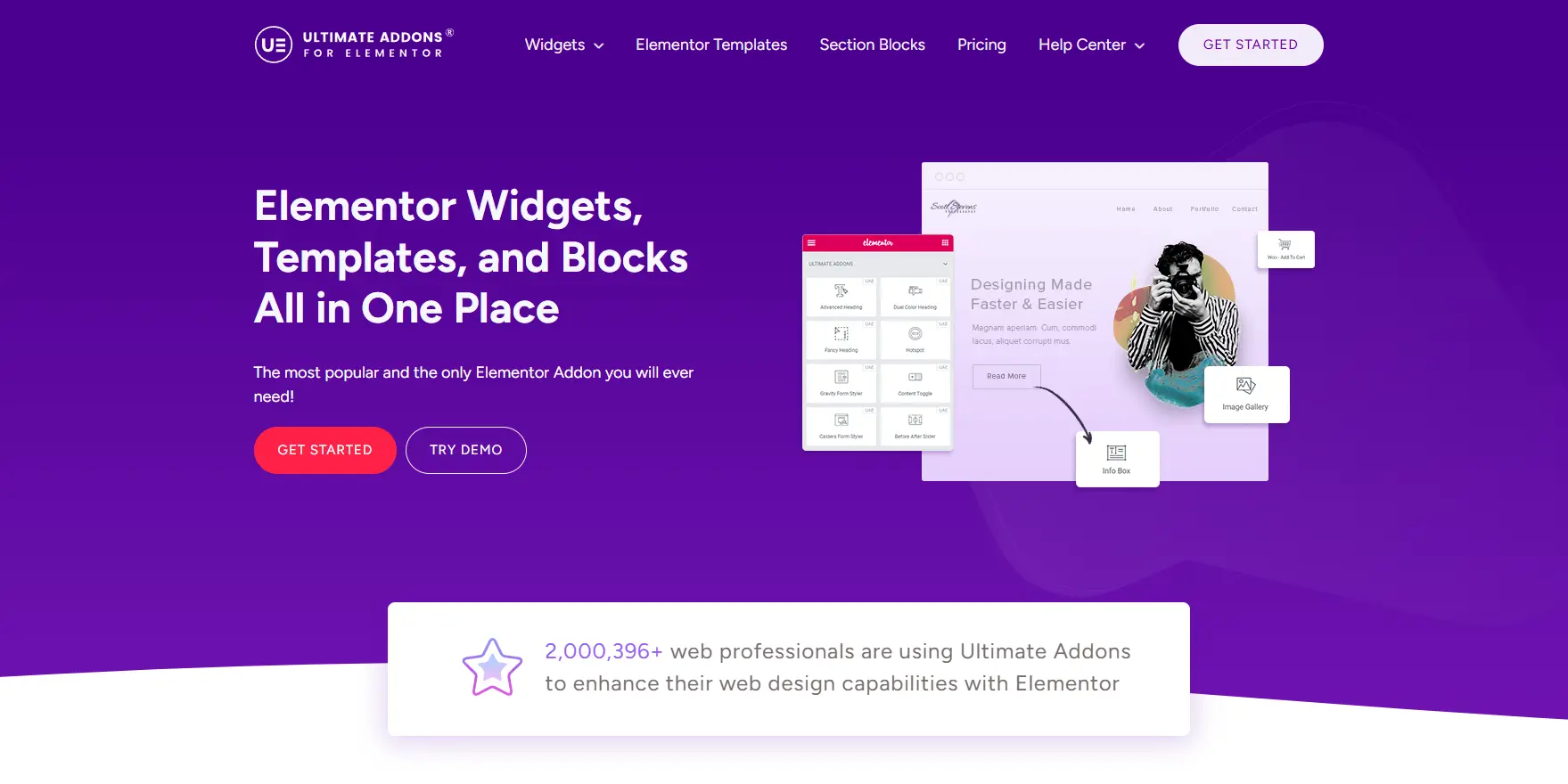
Ultimate Addons for Elementor has documented compatibility updates for Elementor 4.0 and later releases. Its changelog also mentions fixes related to Atomic widget styles, performance, security, and editor behavior.
Best For
- Business websites
- Agencies
- Lightweight Elementor builds
- Header and footer customization
- WooCommerce websites
Key Features
Ultimate Addons focuses on essential website-building widgets, templates, header/footer functionality, WooCommerce elements, and responsive design controls.
Performance
One advantage is its focus on allowing users to deactivate unused widgets. The plugin has also made DOM and code optimizations in previous releases, including removal of unnecessary wrapper markup in some areas. (WordPress.org)
Pros
- Established Elementor addon
- V4 compatibility updates
- Useful header/footer tools
- WooCommerce support
- Widget deactivation options
Cons
- Smaller feature focus than some large addon suites
- Some advanced features require Pro
- Compatibility should still be checked after major Elementor releases
Verdict
A good option for users who want a mature Elementor addon with practical widgets and site-building features without needing an enormous collection of extras.
6. PowerPack Addons for Elementor
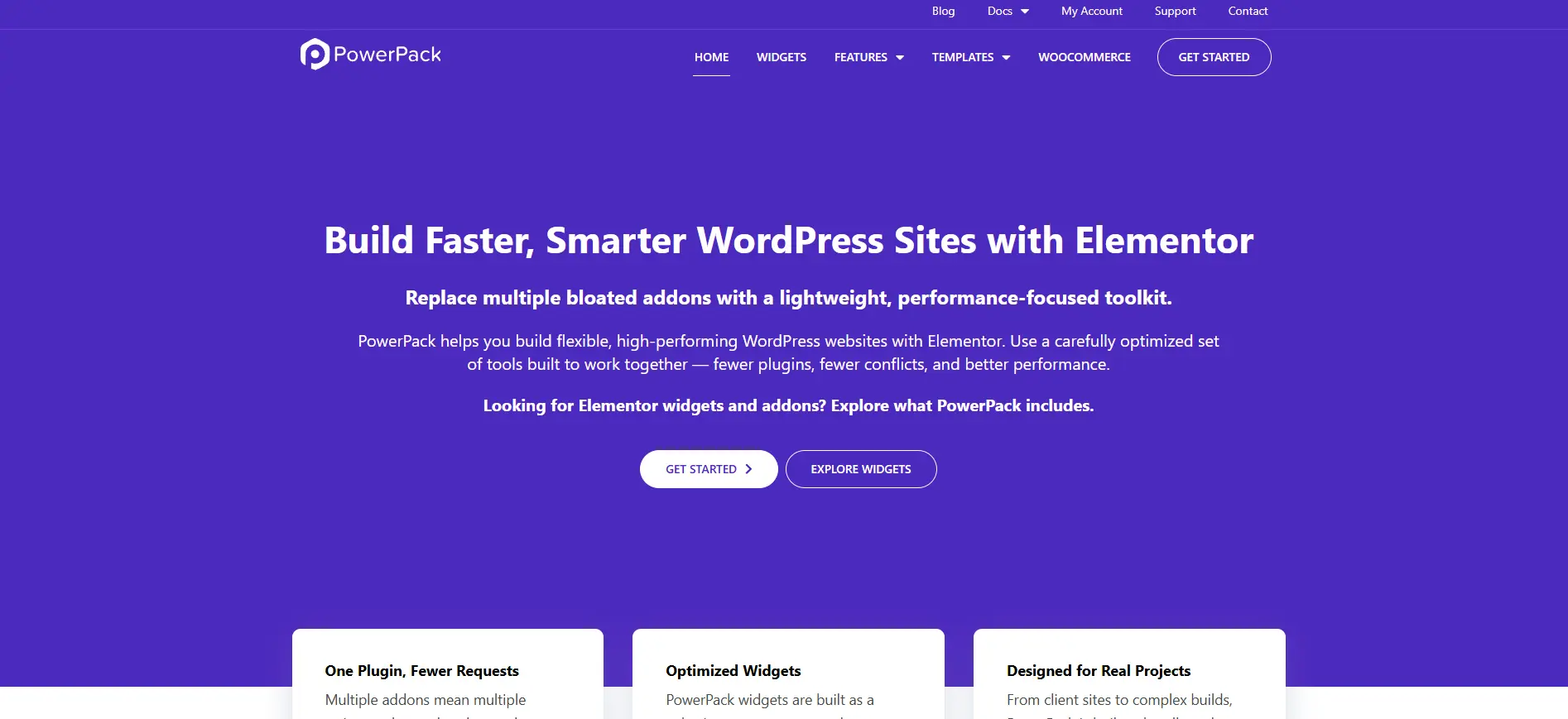
PowerPack is a long-established Elementor addon offering widgets, extensions, and design tools for business and agency websites. Because the current sources reviewed did not provide a sufficiently clear, current Elementor V4 compatibility statement, we would not label it “fully V4 compatible” without additional hands-on testing or a current developer confirmation.
Best For
- Business websites
- Agencies
- Landing pages
- Content-focused websites
Key Features
PowerPack provides a broad selection of Elementor widgets and extensions for layouts, content, forms, navigation, marketing sections, and other common website-building requirements.
Performance
As with any large addon library, performance depends heavily on which widgets and extensions are enabled and used. Before deploying it on a V4 site, test editor performance, frontend rendering, asset loading, and responsive layouts.
Pros
- Established Elementor ecosystem
- Broad widget selection
- Useful for business and agency projects
- Multiple design extensions
Cons
- Current V4 status should be verified
- Large addon libraries can add unnecessary functionality
- Testing is recommended before production deployment
Verdict
Worth considering if its feature set matches your project, but verify its current V4 compatibility before recommending it as a production-ready V4 addon.
7. Premium Addons for Elementor
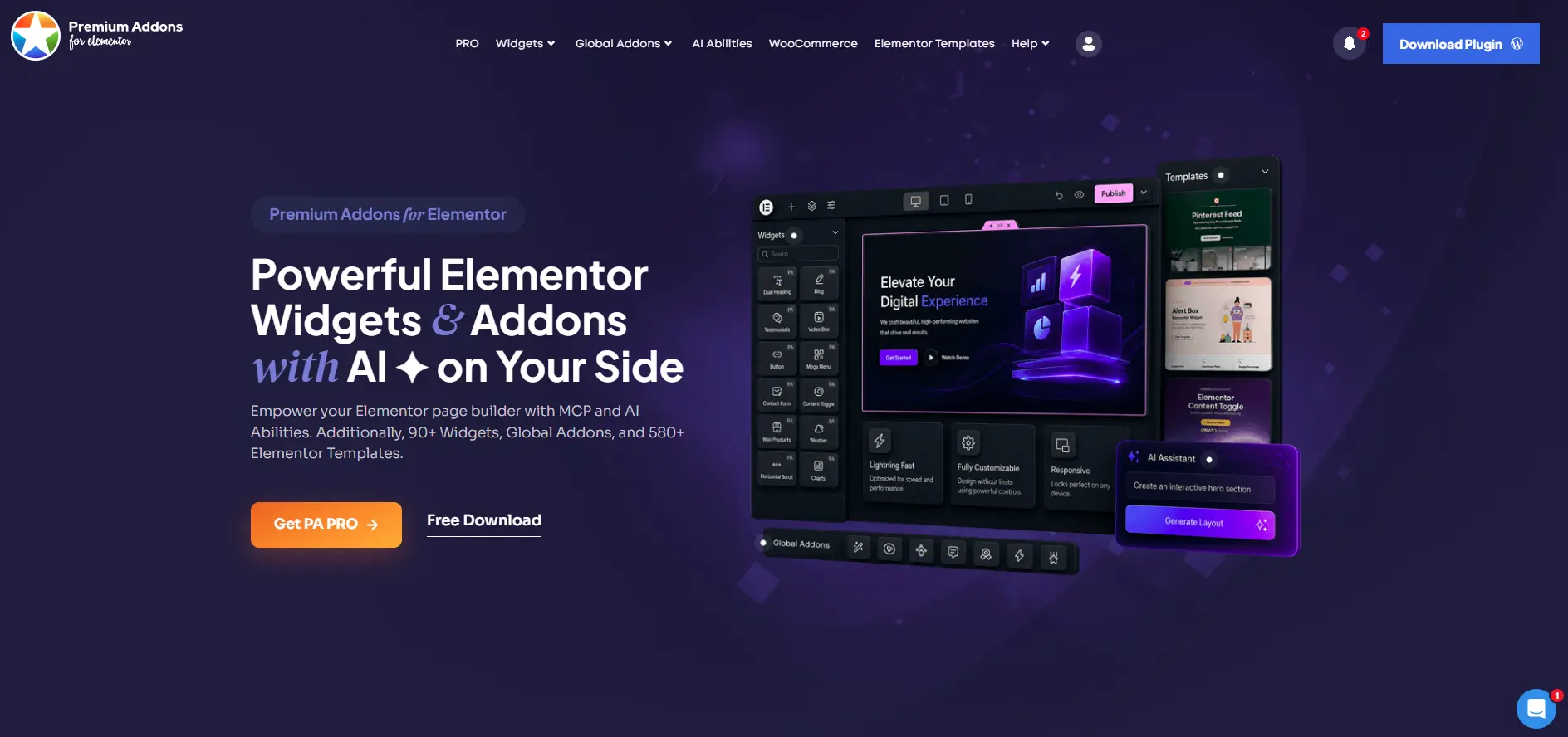
Premium Addons provides a broad collection of Elementor widgets and extensions, including content, creative, marketing, WooCommerce, and interactive elements. Its current plugin development includes performance, compatibility, security, and widget-level fixes, but the compatibility information reviewed here does not establish a current V4 status as clearly as some other addons.
Best For
- General-purpose websites
- Creative layouts
- Agencies
- Marketing websites
- WooCommerce
Key Features
Premium Addons offers a wide range of widgets, templates, and extensions designed to expand Elementor’s design and content capabilities.
Performance
The plugin has made performance-related improvements, including core optimization and widget-level fixes. However, users should still test the actual widgets used on their site rather than assuming that the entire addon will have the same performance profile.
Pros
- Large widget library
- Wide range of design features
- WooCommerce and marketing functionality
- Active development
Cons
- Current V4 status should be verified
- Large feature sets can increase complexity
- Some functionality may overlap with other Elementor addons
Verdict
A capable general-purpose Elementor addon, but confirm its latest V4 compatibility before making it a primary recommendation for a production V4 site.
8. Happy Addons
Happy Addons has a clear V4 compatibility history. Its changelog records Elementor 4.0 compatibility in April 2026, Elementor 4.1 compatibility in June, and further Elementor 4.x compatibility updates in subsequent releases.
Best For
- Beginners
- Business websites
- Creative layouts
- Agencies
- Users wanting additional design effects
Key Features
Happy Addons includes a broad collection of widgets and extensions, along with features such as Happy Effects, templates, advanced content widgets, and Elementor Pro integration.
Performance
Its changelog shows ongoing bug fixes and compatibility work, which is important for maintaining stability as Elementor evolves. Users should still avoid enabling unnecessary widgets and test custom effects after updates.
Pros
- Documented Elementor 4.x compatibility
- Large widget collection
- Elementor Pro support
- Useful design effects
- Active development
Cons
- Large feature set can be unnecessary for simple sites
- Some advanced features require Pro
- Users should still test complex widgets after major updates
Verdict
A solid general-purpose option for users who want a large widget collection and a plugin that has demonstrated ongoing adaptation to Elementor V4.
9. Element Pack
Element Pack has a large collection of Elementor widgets and extensions covering content, creative layouts, WooCommerce, forms, navigation, and specialized integrations. Its Pro 9.3.0 release explicitly states that it was made compatible with Elementor 4.0.0.
Best For
- Agencies
- Large websites
- Complex Elementor projects
- Users needing specialized widgets
- WooCommerce websites
Key Features
Element Pack provides a particularly broad widget library, including content, marketing, WooCommerce, forms, creative elements, and specialized integrations.
Performance
With a large number of widgets available, performance depends heavily on configuration and which features are active. Recent releases have included fixes for widget rendering, Theme Builder behavior, and frontend asset handling, making current-version testing important.
Pros
- Very large widget collection
- Documented Elementor 4.0 compatibility
- Extensive WooCommerce functionality
- Many specialized widgets
- Frequent maintenance releases
Cons
- Can be overwhelming for beginners
- Large functionality footprint
- Users should disable features they don’t need
Verdict
A good fit for agencies and advanced Elementor users who need specialized widgets and integrations, provided the current version is tested with their V4 setup.
10. Crocoblock
Crocoblock is different from most addons on this list because it is an ecosystem of JetPlugins rather than a single widget pack. Crocoblock officially supports Elementor and states that its JetPlugins can be used with Elementor without requiring Elementor Pro.
Best For
- Dynamic websites
- Directory websites
- Booking websites
- Membership projects
- WooCommerce
- Custom post types
Key Features
Its ecosystem is particularly useful for dynamic content, custom post types, listings, forms, bookings, WooCommerce, and advanced database-driven websites.
Performance
Crocoblock can be extremely powerful, but its larger ecosystem means you should install only the JetPlugins your project actually requires. For V4 projects, test the specific JetPlugins and workflows you use rather than treating the entire Crocoblock ecosystem as one compatibility unit.
Pros
- Excellent dynamic-content capabilities
- Strong custom post type functionality
- Useful for complex websites
- Elementor integration
- Doesn’t require Elementor Pro for its plugins
Cons
- More complex than a standard widget addon
- Can be excessive for simple websites
- V4 compatibility should be checked at the individual JetPlugin/workflow level
Verdict
Best suited to advanced Elementor projects where dynamic content, listings, custom post types, WooCommerce, or complex functionality matters more than simply adding extra widgets.
Which Addon Should You Choose?
The answer depends less on the number of widgets and more on what your website actually needs.
| Addon | Best For | V4 Position |
|---|---|---|
| Animation Addons | GSAP & advanced animation | ✅ Updated for Elementor 4.2.3 |
| Essential Addons | General-purpose websites | ✅ V4 Atomic support |
| ElementsKit | Complete site building | ✅ V4 updated |
| The Plus Addons | Advanced/creative websites | ✅ V4-ready |
| Ultimate Addons | Lightweight general building | ✅ V4 updates |
| PowerPack | Business & agency sites | ⚠️ Verify current status |
| Premium Addons | General-purpose design | ⚠️ Verify current status |
| Happy Addons | Beginners & creative sites | ✅ V4.x updates |
| Element Pack | Large widget requirements | ✅ V4.0 documented |
| Crocoblock | Dynamic websites | ⚠️ Verify per JetPlugin |
Our recommendation
If animation is your priority, Animation Addons is the most specialized option in this list, with its GSAP-based workflow and extensive motion features.
If you need an all-purpose Elementor toolkit, Essential Addons, ElementsKit, The Plus Addons, Happy Addons, and Element Pack are more appropriate starting points.
For dynamic, database-driven websites, Crocoblock is the more specialized choice.
And if you’re updating an existing production website, the safest approach is the same regardless of which addon you choose: backup → staging → update Elementor and addons → test widgets/templates/responsive behavior → then update production. Elementor itself recommends a controlled transition for existing sites rather than treating V4 as a forced rebuild.
What to Look For Before Choosing an Elementor V4 Addons
Not all Elementor addons adapt to major Elementor updates at the same speed. Many plugins already support Elementor V4.
However, compatibility quality can still vary depending on how actively the addon is maintained and how well it supports Elementor’s new Atomic architecture.
Before choosing an Elementor V4 addon, it’s important to look beyond just the number of widgets.
Some plugins may offer hundreds of widgets but still create compatibility issues, performance problems, or unstable editor behavior due to outdated architecture.
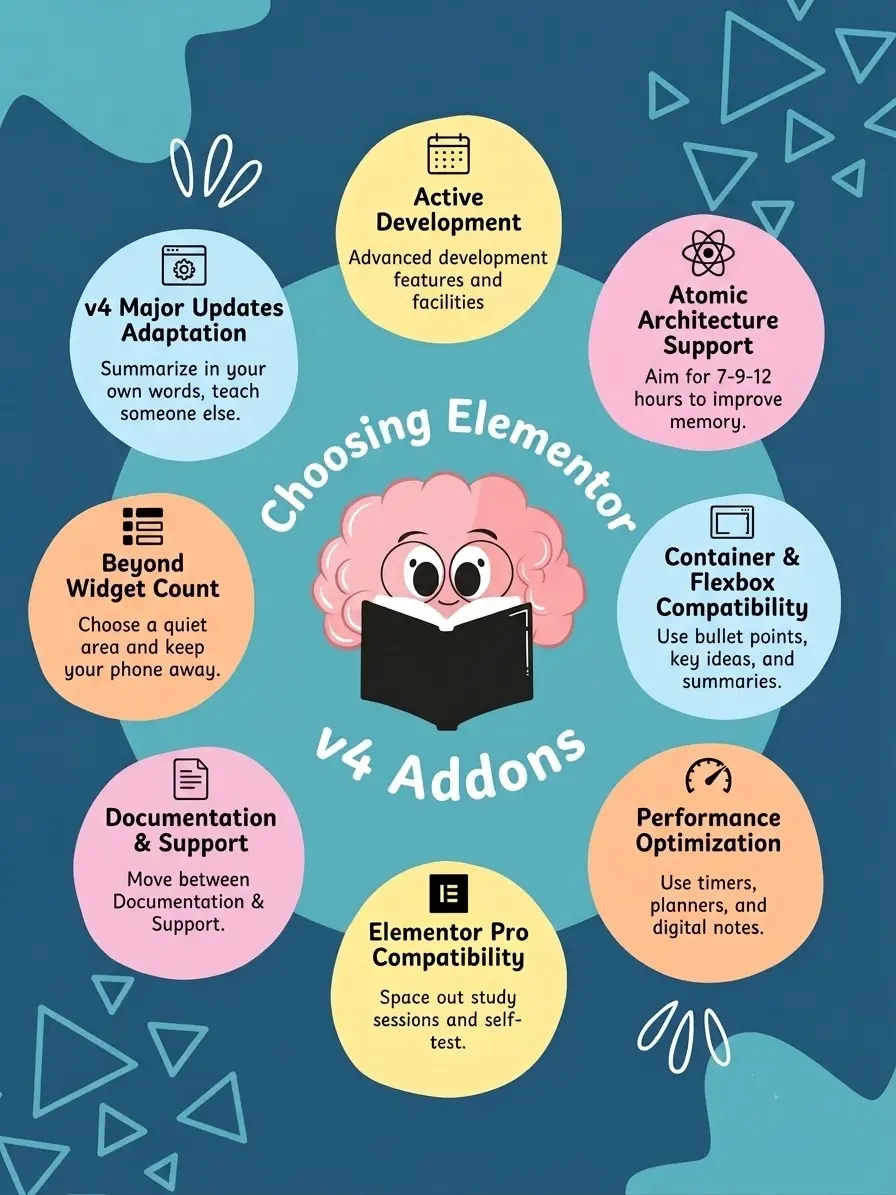
Active Development and Updates
Regular updates are one of the biggest signs of long-term compatibility. Since Elementor V4 is still evolving, addon developers continue improving support for Atomic Elements, Components, and the new editor workflow.
Before choosing a plugin, check its recent updates, changelogs, and developer activity.
Atomic Architecture Support
Elementor V4 is built around a new Atomic workflow. Addons that support Variables, Global Classes, Components, reusable styling systems, and container-first layouts are more likely to work smoothly with the new architecture.
Container and Flexbox Compatibility
Modern Elementor websites now rely heavily on Flexbox Containers. A good addon should work properly inside nested containers, responsive layouts, and advanced Flexbox structures without breaking alignment or responsiveness.
Performance Optimization
Performance has become even more important in Elementor V4. Well-optimized addons should use lightweight scripts, optimized CSS output, conditional asset loading, and reduced DOM size to keep both the editor and frontend fast.
Elementor Pro Compatibility
Many users combine addon plugins with Elementor Pro features like Theme Builder, Dynamic Tags, WooCommerce Builder, Forms, and Popups. Strong compatibility with Elementor Pro helps avoid conflicts inside templates and dynamic layouts.
Documentation and Support
Reliable documentation and responsive support are extremely valuable during major architecture changes. Good addon developers usually provide migration guides, compatibility documentation, troubleshooting resources, and active support channels.
Choosing an actively maintained Elementor addon with modern architecture and strong Elementor V4 support is the safest long-term approach for building stable and scalable websites.
How To Check If Your Addon Supports Elementor v4
Before updating your live website to Elementor v4, it’s important to verify whether your addon plugins fully support the new architecture and editor workflow.
Here are some of the best ways to check Elementor v4 compatibility.
Method 1: Check Elementor Compatibility Tags
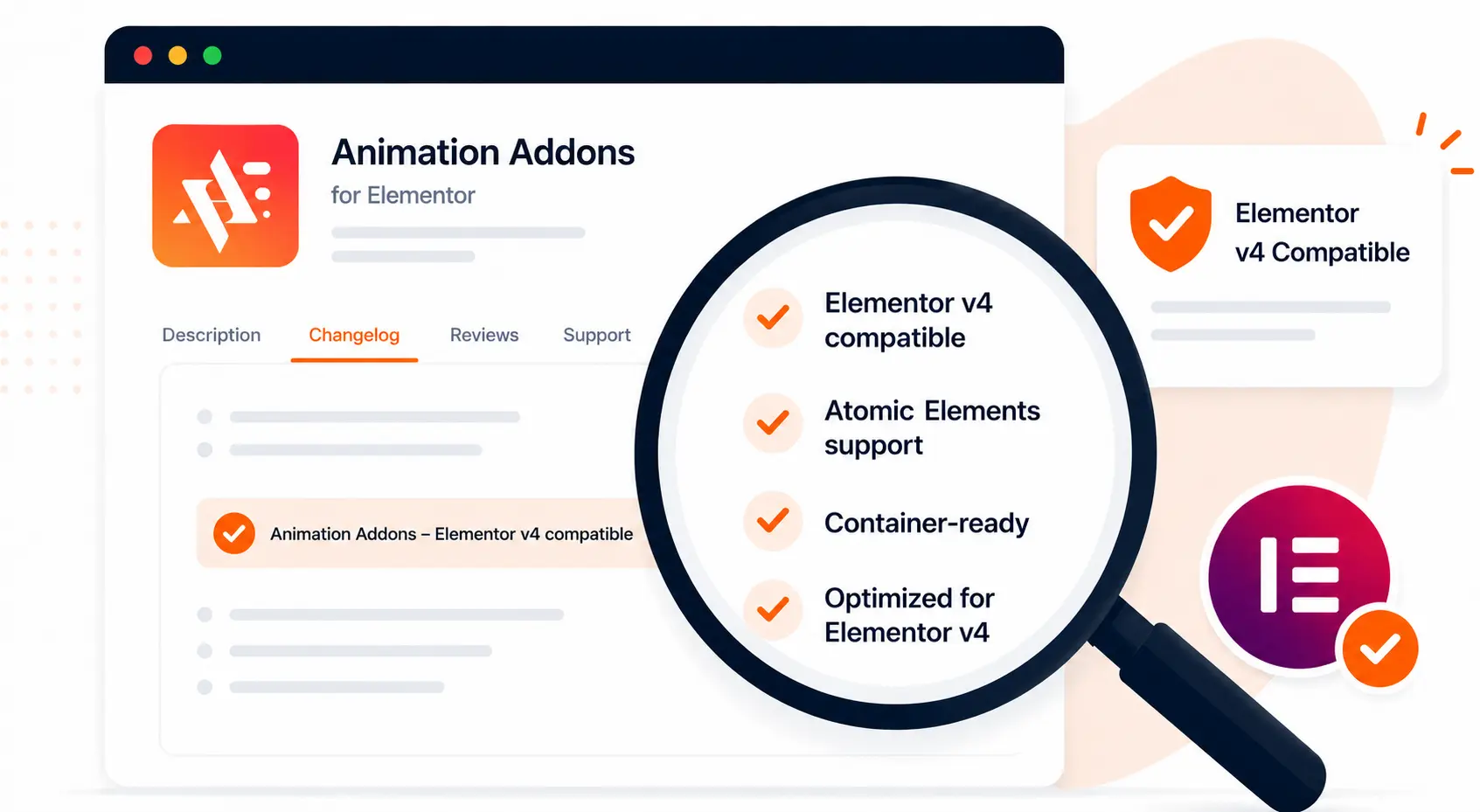
Many addon developers now include Elementor compatibility tags in:
- Plugin changelogs
- Documentation
- WordPress plugin listings
- Official announcements
Look for phrases such as:
- “Elementor v4 compatible”
- “Atomic Elements support”
- “Container-ready”
- “Optimized for Elementor v4”
These indicators usually confirm that the developer has already tested compatibility with the latest Elementor version.
Method 2: Review the Plugin Changelog
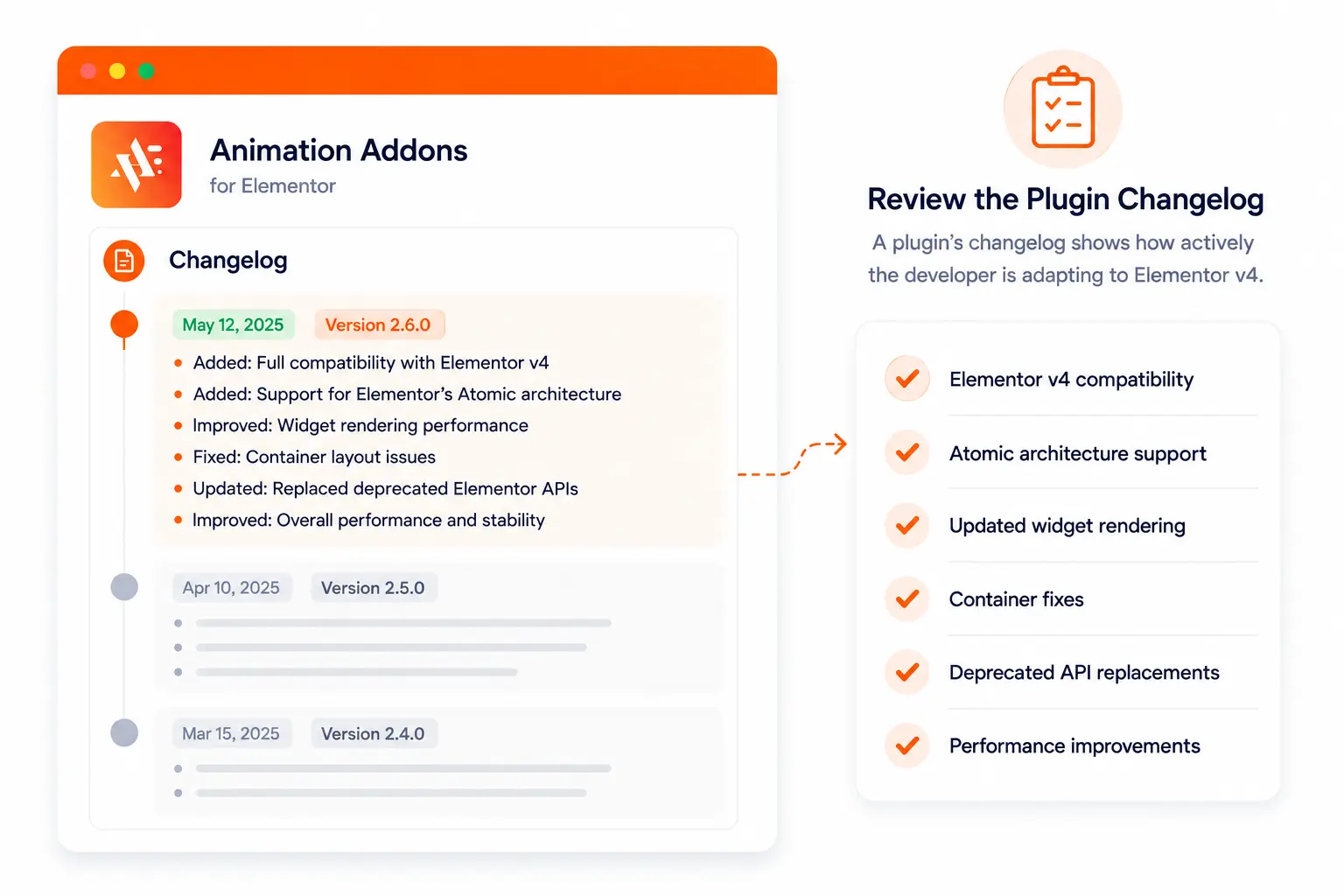
A plugin’s changelog often reveals how actively the developer is adapting to Elementor v4.
Check whether recent updates mention:
- Elementor v4 compatibility
- Atomic architecture support
- Updated widget rendering
- Container fixes
- Deprecated API replacements
- Performance improvements
Plugins with consistent compatibility updates are generally safer choices for long-term stability.
Method 3: Test on a Staging Website
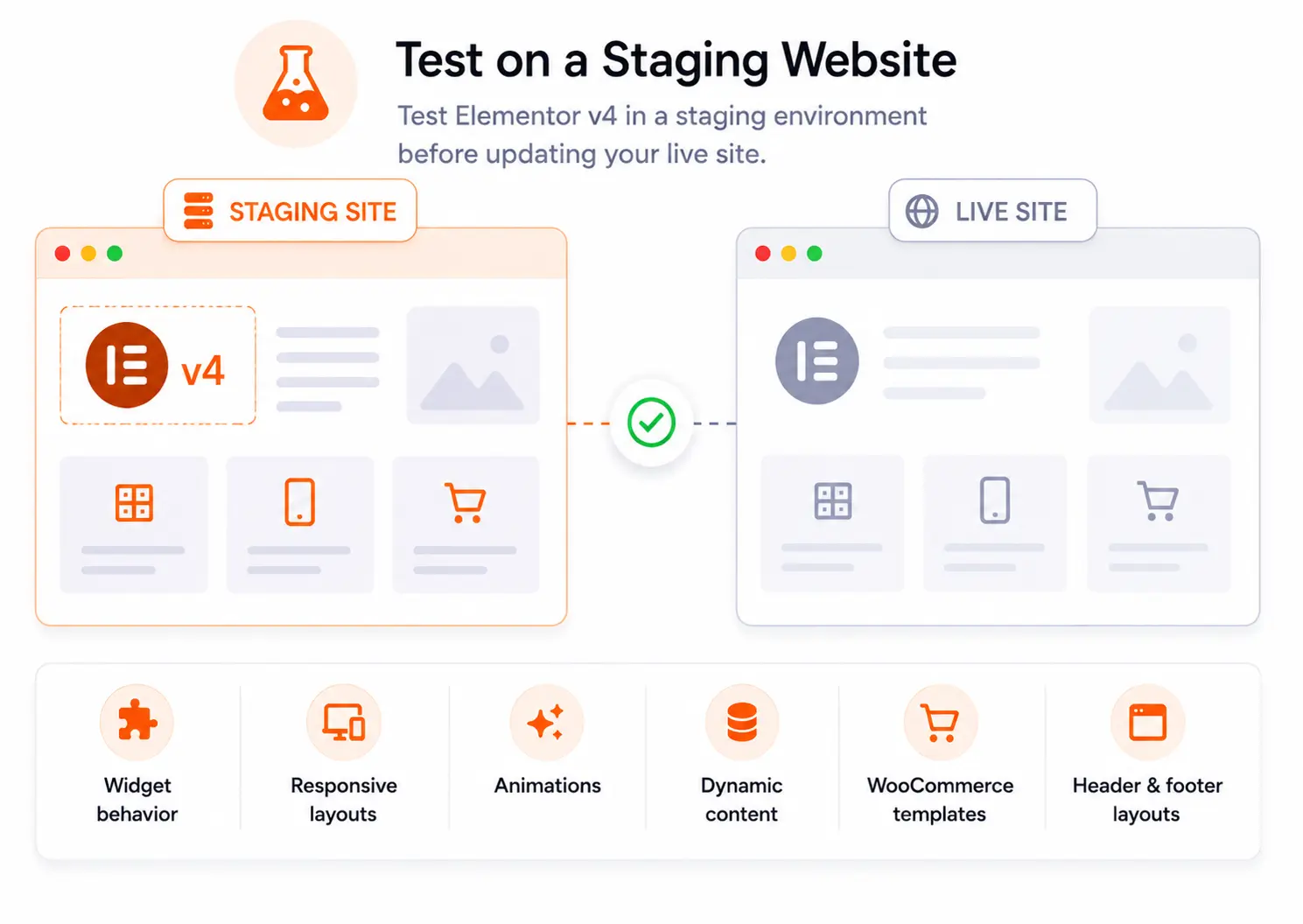
Before updating a production website, always test Elementor v4 inside a staging environment.
This allows you to safely check:
- Widget behavior
- Responsive layouts
- Animations
- Dynamic content
- WooCommerce templates
- Header and footer layouts
Testing on staging helps identify compatibility issues before they affect live users.
Method 4: Contact Plugin Support
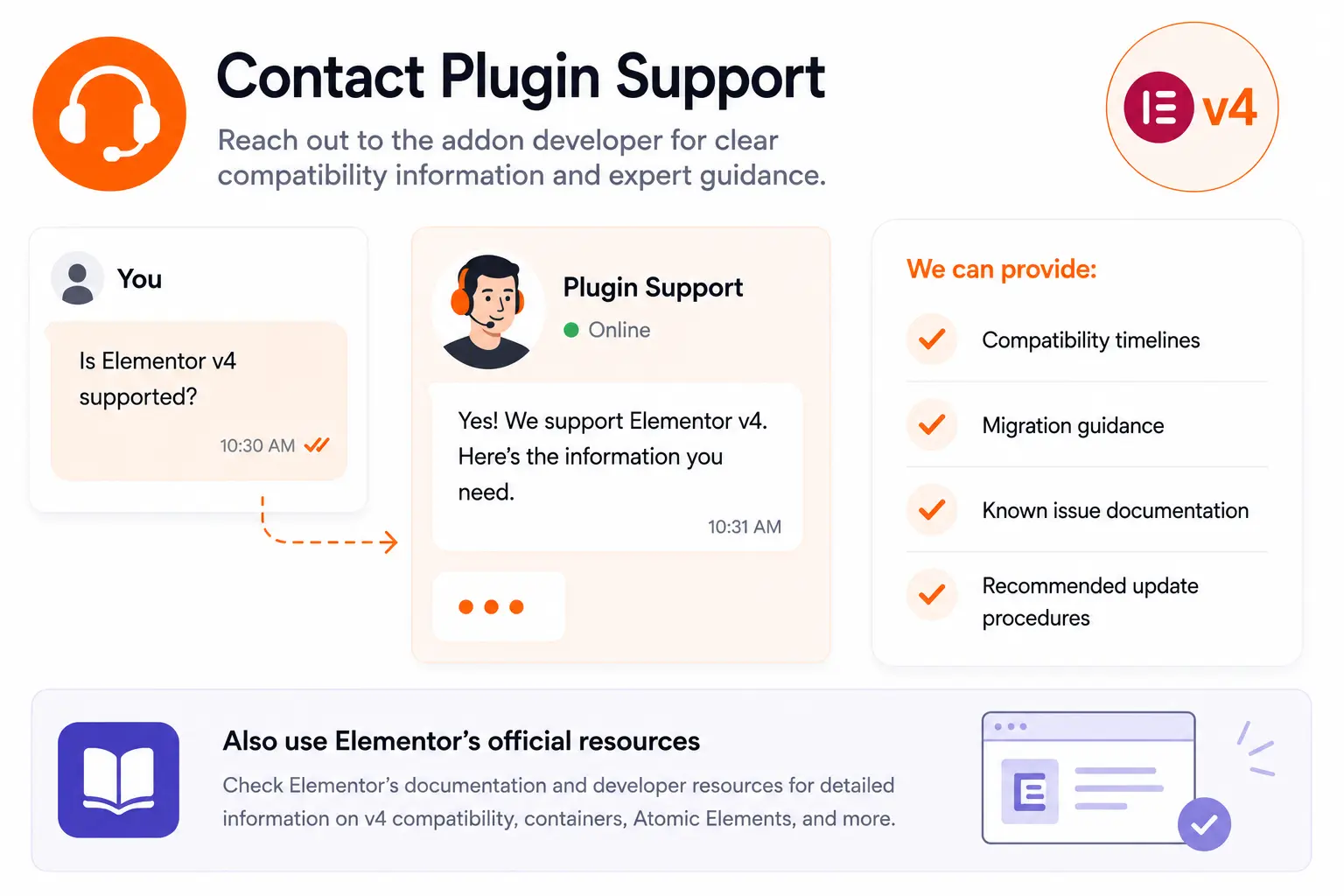
If compatibility information is unclear, contacting the addon developer directly is often the safest approach.
Reliable Elementor addon developers usually provide:
- Compatibility timelines
- Migration guidance
- Known issue documentation
- Recommended update procedures
This is especially important for agencies and businesses managing large or complex Elementor websites.
You can also use Elementor’s official compatibility documentation and developer resources. They help explain how Elementor v4 handles addons, containers, Atomic Elements, and rendering workflows.
Should You Upgrade to Elementor v4 Right Now
For most users, yes. Elementor v4 introduces a modern Atomic architecture with Components, Variables, and Global Classes that make websites easier to build, manage, and scale.
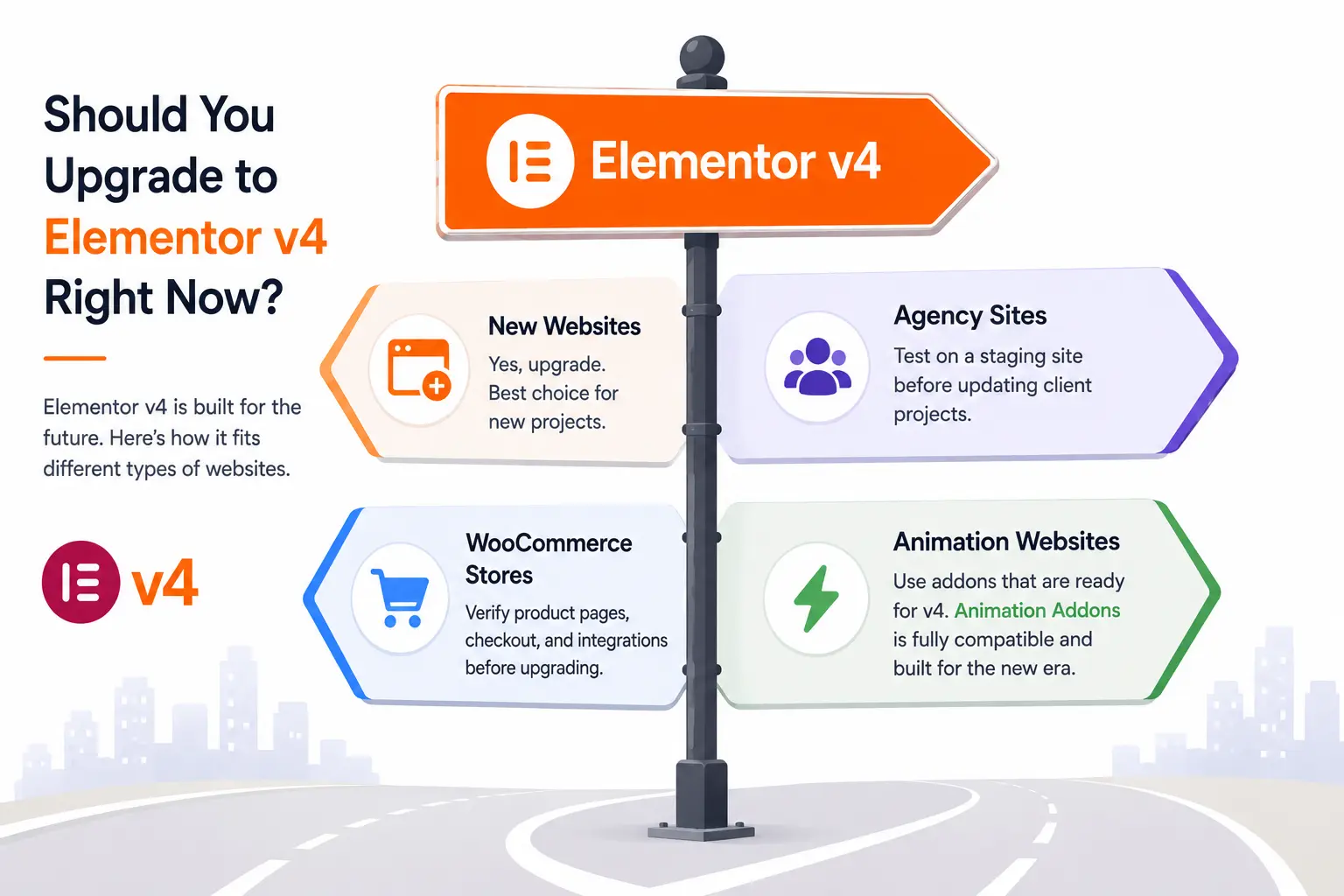
New Websites
If you’re starting a new website, Elementor v4 is the best choice. Building with the new system from day one allows you to take full advantage of Elementor’s latest features and workflows.
Agency and Client Websites
Agencies should test Elementor v4 on a staging site before updating client projects. This helps ensure all plugins, templates, and customizations continue working as expected.
WooCommerce Stores
WooCommerce users should verify product pages, checkout flows, and third-party integrations before upgrading. A quick compatibility check can help avoid unexpected issues.
Animation-Heavy Websites
Websites that rely heavily on animations should use addons that actively support Elementor v4 and its Atomic architecture.
Look for solutions that offer modern animation workflows and container compatibility. Prioritize addons with optimized performance, reusable effects, and support for advanced interactions. These features help ensure a smooth experience across both the editor and the frontend.
Final Thoughts
Elementor v4 introduces a modern Atomic architecture that brings better scalability, improved performance, and more efficient website building workflows.
If you’re planning to upgrade an existing website, always verify compatibility before making changes on your live site. Reviewing changelogs, checking compatibility announcements, testing on a staging environment, and consulting plugin support can help you avoid unexpected issues.
By choosing modern, actively maintained addons that fully support Elementor v4, you can build faster, more stable, and future-ready Elementor websites with confidence.
Need advanced animation for V4?
Animation Addons for Elementor is designed around modern animation workflows, GSAP-powered effects, and Elementor V4 compatibility.
Explore Animation Addons →FAQs
Compatibility varies by addon and its latest release, so users should check the developer’s compatibility statement, changelog, and Elementor compatibility information before updating. The article identifies Animation Addons as an option designed around modern Elementor workflows, but compatibility should always be verified against the current versions.
Check the addon’s WordPress listing, documentation, changelog, and Elementor compatibility tag for the current version. Elementor specifically recommends checking third-party addon compatibility before updating Elementor.
Yes, Elementor V4 can work alongside existing Elementor 3.x Containers, but individual third-party addons may behave differently depending on how they were built. Test important widgets and features before moving a website to V4.
Not every Elementor addon needs to be replaced, but addons that interact with Elementor’s editor and newer workflows should be tested for compatibility. Elementor recommends confirming third-party addon support before updating to a new version.
No; a compatibility tag is a useful indicator, but it should be combined with the addon’s changelog, documentation, known issues, and real-world testing. Elementor describes compatibility tags as a way to identify plugins that have declared compatibility and help reduce conflicts.
Create a backup and test the addon on a staging website before updating your live site. Check widgets, responsive layouts, animations, dynamic content, templates, and frontend rendering for unexpected problems.
Yes, but using several addons can increase the chance of overlapping functionality, CSS/JS conflicts, or unnecessary performance overhead. Keep only the addons you need and test them together after updating Elementor.
There is no single best addon for every website because performance depends on the widgets and features you actually use. Look for addons with optimized asset loading, lightweight implementation, regular updates, and minimal unnecessary scripts; the article highlights these factors when evaluating V4 addons.
For animation-focused websites, Animation Addons is the most relevant choice discussed in the article because it focuses on GSAP-powered animations, interactive effects, and motion workflows. Its current plugin changelog also states compatibility with Elementor 4.2.3 in version 3.0.0.
Not necessarily, but outdated or unsupported addons can experience rendering, editor, or functionality problems after major Elementor updates. Elementor recommends keeping third-party plugins updated and checking compatibility before updating to reduce the risk of conflicts.
For a production website, don’t update immediately without preparation, first create a backup, check addon compatibility, review release documentation, and test the update on staging. Once the site and its critical widgets work correctly in staging, you can proceed with the live update more safely.


Leave a Reply