
 Login
Login


Website visitors form an impression of your page in roughly 50 milliseconds and leave within 10 to 20 seconds if nothing holds them. A static page spends that time explaining. A page with motion spends it holding attention.
That is why 87% of marketing professionals now factor motion graphics into their work, with reported engagement lifts of 38% to 300%. Nielsen Norman Group found the same thing at the interface level: subtle animation confirms user actions, guides attention, and makes a website easier to use. The risk is the opposite outcome. Poorly built animation slows the page, and 53% of mobile users abandon a page that takes more than three seconds to load. Which plugin you pick decides which result you get.
So which WordPress animation plugin should you actually use in 2026? We compared 10 popular options across animation features, page-builder compatibility, scroll effects, GSAP and Lottie support, performance, pricing, and ease of use.
Animation Addons is one of the strongest choices for Elementor users who want advanced WordPress animations without coding, especially for GSAP-powered scroll effects, text animations, timelines, and interactive motion.
However, the best plugin depends on your page builder, animation requirements, performance goals, and budget. Bricks users get the same GSAP range from BricksFly, Gutenberg users from GreenShift, and Divi users from DiviMotion. Slider Revolution and LayerSlider remain slider tools first, so they fit only if sliders are the actual requirement.
What Is a WordPress Animation Plugin?
A WordPress animation plugin is a tool that lets you add movement and interactive effects to your website without having to build every animation from scratch with CSS, JavaScript, or animation libraries.
Instead of leaving visitors with static sections, you can use an animation plugin to make elements fade, slide, scale, rotate, move on scroll, respond to hover, or react to user interactions.
Depending on the plugin, you can also create advanced effects such as GSAP-powered motion, animated text, parallax scrolling, Lottie animations, timelines, and interactive page transitions.
How Do WordPress Animation Plugins Work?
Most animation plugins add a visual interface or additional controls to WordPress without manually writing complex code.
A typical workflow looks like this:
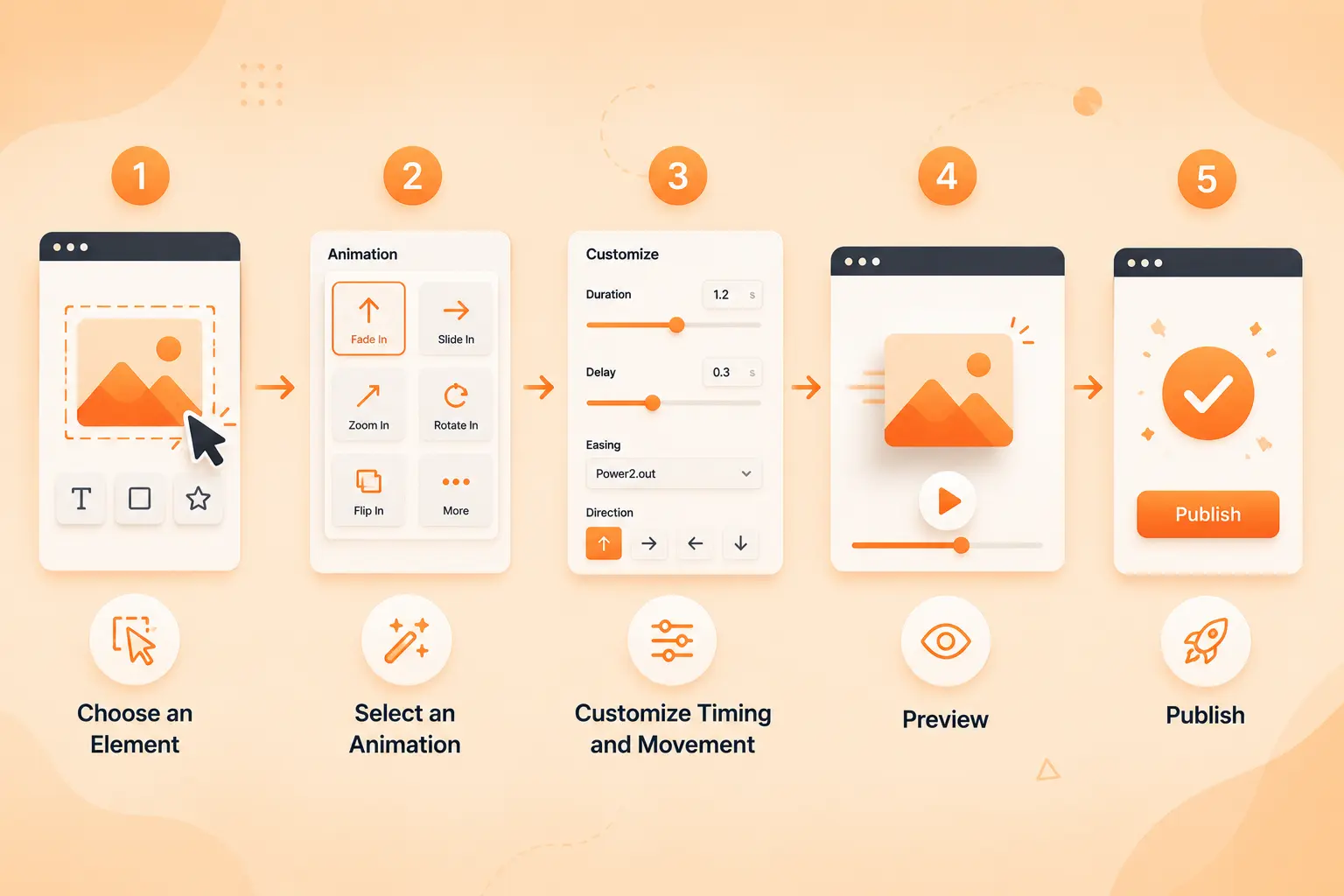
Depending on the plugin, you may be able to control:
- Trigger: When the animation starts, such as page load, scroll, hover, or click
- Duration: How quickly the animation happens
- Delay: When the animation begins
- Easing: How naturally the movement accelerates and slows down
- Direction: Where the element enters or moves
- Scroll behavior: How animation responds to the visitor’s scrolling
- Repeat: Whether an animation runs once or continuously
- Responsive behavior: How the animation behaves on desktop, tablet, and mobile
Why Use Animation on a WordPress Website?
Good animation isn’t just decoration. Motion can help visitors understand what to look at, what to do next, and how different elements of a page relate to each other.
The key is purposeful motion. If every heading, image, button, and section is constantly moving, animation can quickly become distracting rather than engaging.
That’s why the best WordPress animation plugin isn’t necessarily the one with the most effects. It’s the one that gives you the right balance of creative control, usability, performance, responsiveness, and accessibility for your specific website.
Best WordPress Animation Plugins at a Glance
Choosing the right WordPress animation plugin depends on more than the number of effects it offers. The best option should match your page builder, animation needs, technical skill level, and performance goals.
We compared 10 popular WordPress animation plugins in 2026 to help you quickly find the right fit for your website.
| Plugin | Best For | Key Animation Features | Users |
| Animation Addons | Advanced WordPress animations | GSAP, scroll animations, text effects, hover effects, interactive motion | Elementor users, designers, agencies |
| MotionKit | Visual GSAP animation for WordPress with direct publishing and reuse across client sites | GSAP, scroll animations, text effects, hover effects, interactive motion, custom visual timeline, responsive controls | Elementor, Bricks, Divi, and Gutenberg users, designers, freelancers, agencies |
| BricksFly | Advanced animations and faster Bricks website building | GSAP, scroll animations, hover effects, interactive motion, parallax effects, | Bricks Builder users, designers, freelancers, agencies |
| Greenshift | Advanced visual effects | Scroll effects, GSAP, timelines, 3D effects, interactive animations | Elementor & block-based workflows |
| Motion Page | Visual GSAP animation | GSAP timelines, scroll-triggered effects, custom interactions | Designers and advanced users |
| Slider Revolution | Animated sliders & hero sections | Sliders, transitions, parallax, particle effects, visual effects | Interactive hero sections |
| LottieFiles for WordPress | Lightweight vector animations | Lottie animations, interactive playback, scalable motion graphics | Illustrations and micro-interactions |
| DiviMotion | Divi animations | Scroll effects, hover effects, entrance animations, custom motion | Divi users |
| HappyAddons | Elementor websites | Entrance effects, hover animations, interactive widgets | Elementor beginners and site builders |
| LayerSlider | Animated visual content | Sliders, transitions, parallax, timelines, interactive scenes | Visual-heavy websites |
| Essential Addons | Elementor animation enhancements | Entrance effects, hover effects, interactive widgets | Elementor users |
Which WordPress Animation Plugin Is Best for You?
There isn’t one animation plugin that is perfect for every WordPress website. Your ideal choice depends on what you’re trying to create.
- Want advanced animations without writing JavaScript? → Animation Addons
- Need powerful visual motion and advanced effects? → Greenshift
- Want to build detailed GSAP timelines visually? → Motion Page
- Creating animated sliders or hero sections? → Slider Revolution
- Need lightweight animated illustrations? → LottieFiles for WordPress
- Building with Divi? → DiviMotion
- Want an Elementor addon with animation features? → HappyAddons
- Building complex sliders and visual presentations? → LayerSlider
- Looking for an all-in-one Elementor addon with animation options? → Essential Addons
- The important thing is to choose animation based on what the user needs to experience, not simply how many effects a plugin provides.
A subtle scroll reveal can guide attention, while a carefully timed GSAP interaction can make a landing page feel significantly more engaging.
How to Choose the Best WordPress Animation Plugin
The right WordPress animation plugin isn’t necessarily the one with the longest feature list.
What matters is whether it gives you the animation capabilities you actually need without making your website harder to build, slower to load, or difficult to maintain.
Before choosing a plugin, consider these factors:
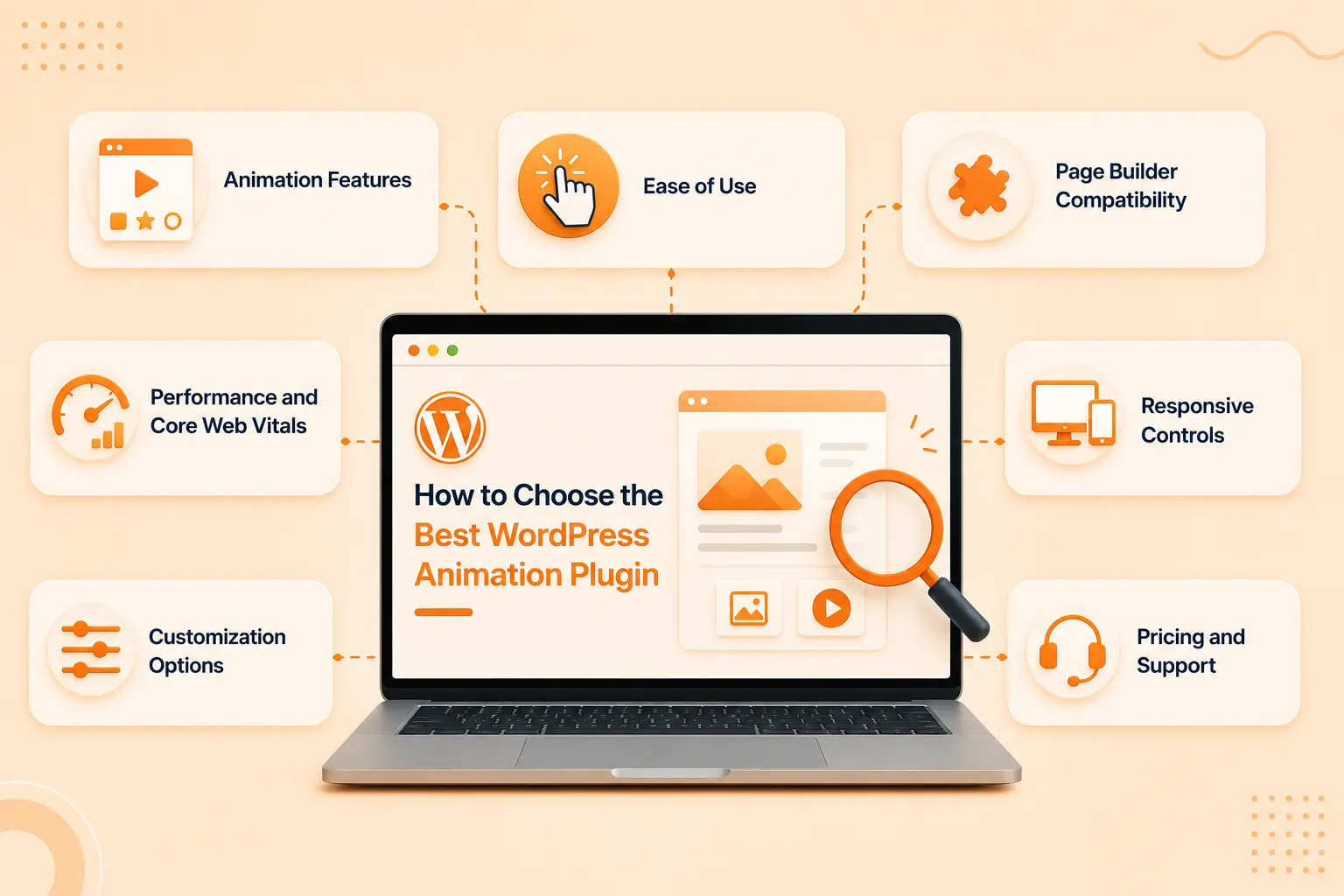
Animation Features
Start with the type of motion you want to create. Look for essential effects such as entrance animations, hover effects, scroll-triggered motion, parallax, text animations, and interactive effects.
If you’re building more advanced experiences, check for GSAP, timelines, Lottie, or custom animation controls.
Ease of Use
A powerful plugin becomes frustrating if every animation requires a complicated setup. Look for an intuitive interface, visual controls, presets, and clear documentation.
Beginners should be able to create attractive animations quickly, while advanced users should still have enough control to fine-tune their work.
Page Builder Compatibility
Your animation plugin should work smoothly with the tools you already use. Check compatibility with Elementor, Gutenberg, Divi, or other page builders before installing it.
Good integration means you can animate existing elements without rebuilding your pages.
Performance and Core Web Vitals
Animation should enhance the experience, not slow it down. Choose plugins that use efficient animation techniques, avoid unnecessary scripts, and give you control over when animations load.
Always test animated pages for loading performance and Core Web Vitals.
Responsive Controls
An effect that looks impressive on desktop can feel awkward on mobile. Look for controls that let you adjust, disable, or simplify animations across desktop, tablet, and mobile.
Customization Options
Presets are useful, but customization gives your website its personality. Check whether you can control duration, delay, easing, direction, triggers, transforms, and animation sequences.
Pricing and Support
Finally, consider the total value, not just the price. Compare free features, premium capabilities, update frequency, documentation, and customer support. A reliable plugin that continues to receive updates can be a better long-term investment than a cheaper plugin with limited support.
10 Best WordPress Animation Plugins in 2026
The right animation plugin can turn an ordinary WordPress page into a more engaging, interactive experience but every plugin approaches animation differently.
To make the choice easier, we’ve selected 10 WordPress animation plugins worth considering in 2026 and evaluated them based on their animation capabilities, ease of use, ideal use cases, strengths, limitations, and pricing.
1. Animation Addons
Animation Addons is built for Elementor users who want to go beyond basic entrance and hover effects.
Its biggest strength is bringing advanced GSAP-powered animation into the visual Elementor workflow, allowing users to create sophisticated motion without manually writing JavaScript.
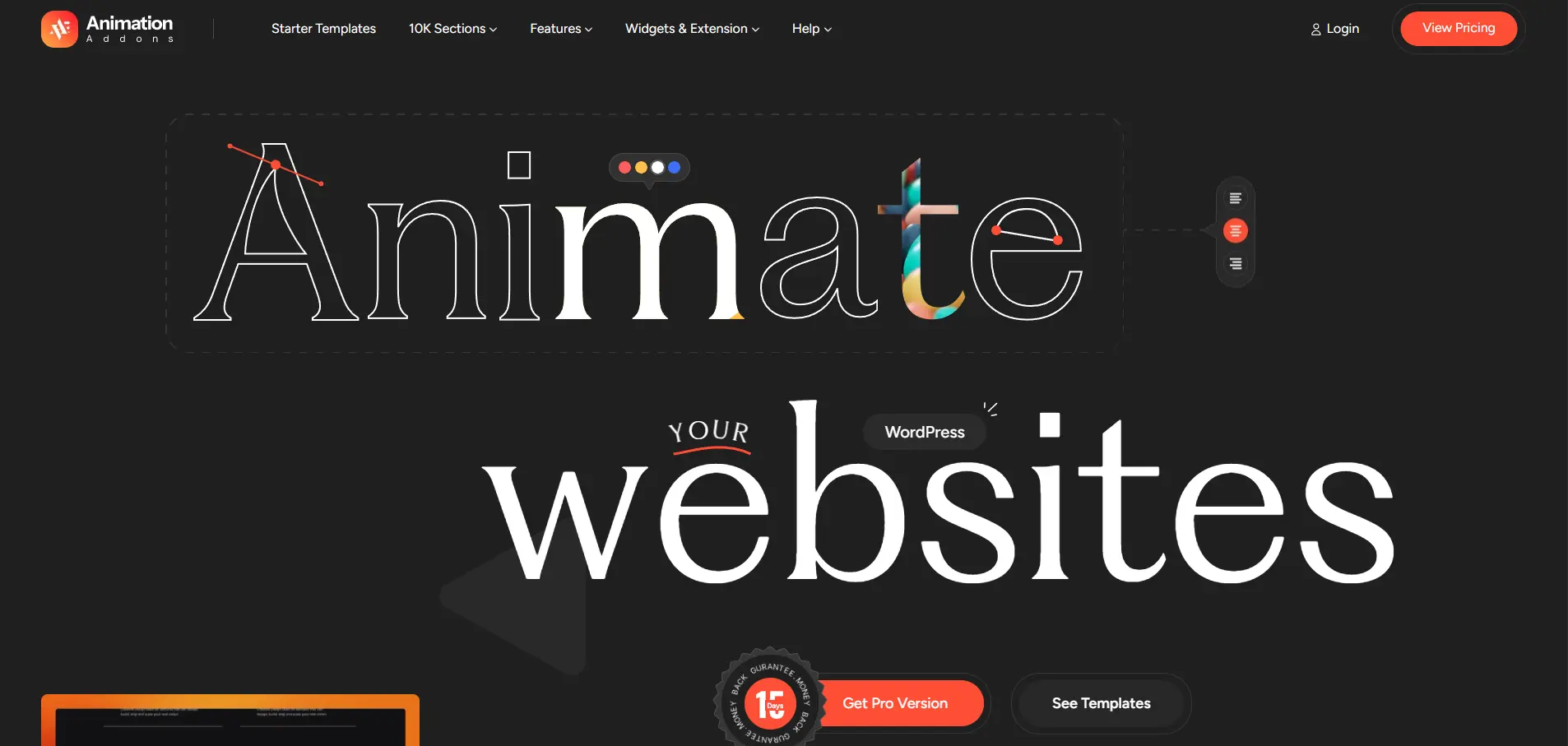
You can use it for everything from simple element reveals to scroll-driven interactions, text animations, horizontal scrolling, parallax effects, SVG motion, and timeline-based animations.
Key Features
- GSAP-powered animation system
- 300+ full website templates
- 2,000+ page templates and 10,000+ section templates
- 100+ Elementor widgets and extensions
- ScrollTrigger and ScrollSmoother
- SplitText and text animation
- MotionPath, DrawSVG, MorphSVG, and Flip animations
- Timeline-based animations
- Horizontal scrolling and parallax effects
- Lottie and SVG animation
- Stagger, reveal, cursor, and hover effects
- Responsive animation controls
- Works with Elementor Free and Pro
Best For
Elementor users, freelancers, agencies, designers, and businesses that want to create advanced, interactive WordPress websites without depending heavily on custom JavaScript.
It’s particularly useful when basic Elementor motion effects aren’t enough and you want more control over scroll-based storytelling, text effects, timelines, and interactive elements.
Pros and Cons
Pros
- Advanced GSAP animation capabilities
- No-code visual workflow
- Extensive collection of animation types
- Works with existing Elementor designs
- Large library of website and section templates
- Responsive and performance-focused controls
- Suitable for both beginners and advanced designers
Cons
- Requires Elementor
- Advanced GSAP features are part of the paid offering
- The large number of features may take some time for beginners to explore
This plugin is an absolute must-have for anyone serious about building visually stunning, high-performance websites with Elementor. I highly recommend it for designers and developers! From the moment I started using it, I was blown away by how easy and intuitive it is to bring motion and life to every section of a page without writing a code
Pricing
The pricing starts at $49/year for a single site, including all GSAP animations and interaction features.
2. MotionKit
MotionKit is a connected WordPress GSAP animation platform. You sign up, install the MotionKit connector on your WordPress site, open a page inside the visual editor, and build the animation with controls instead of code. Preview it, publish it back to WordPress, then save it and drop the same animation onto the next page or the next client site.
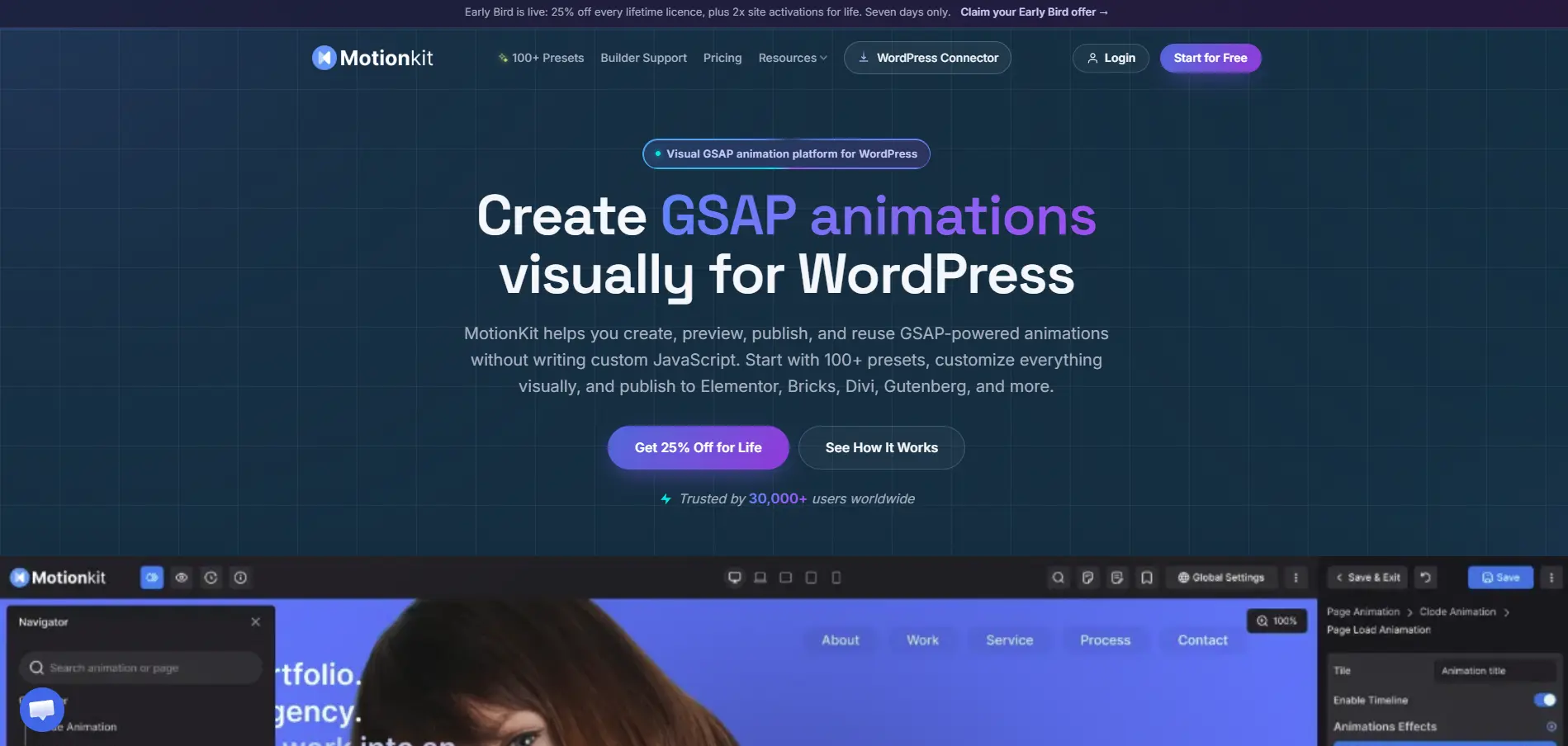
The difference from most animation tools is the connection. Nothing stops at a code snippet you have to paste somewhere. Creation, preview, publishing, and reuse happen in one place.
Key Features
- Visual GSAP editor. No JavaScript to write, debug, or maintain.
- Connect a WordPress site to MotionKit and work with its real pages from the editor, not a mockup or a sandbox.
- Direct publishing to WordPress. No copy and paste, no manual file edits.
- Custom visual timeline, control sequence, duration, delay, easing, and properties by hand.
- Reusable animation system across pages, projects, and client websites.
- Responsive animation controls which run the full sequence on desktop and simplify it on phones.
- Multi-builder workflow with Elementor, Bricks, Divi, Gutenberg and many more.
- Animation configuration loads only where it is needed, rather than on every page of the site.
- JSON import and export, a portability option for developers, not the main event.
Best For
- Template and website kit creators who need reusable animations across kits
- WordPress agencies producing several client sites and needing consistent motion across designers and projects
- Freelancers who want to sell premium animated builds without hiring a GSAP specialist for every job
- Web and UI designers who understand motion but do not write JavaScript
- WordPress developers who want a faster way to configure repetitive animation work
- Page builder users who have hit the ceiling of built-in entrance effects
Pros and Cons
Pros
- Advanced GSAP control without writing or maintaining animation code
- Preview before publishing, so you see the result on the real page first
- Reuse removes the most repetitive part of agency and freelance animation work
- One workflow across different WordPress builders instead of a separate method per builder
- Device-level control for animations that behave differently on mobile
- Presets for speed, timeline for precision, both in the same tool
- Backed by a team with an existing track record in WordPress animation products
Cons
- Requires a MotionKit account and a connector install. It is not a standalone plugin you activate and forget.
- The editor is web-based, so you work with an internet connection rather than entirely inside wp-admin.
Pricing
The pricing starts at $39/year for a single site, upto 100 active animations.
3. BricksFly
BricksFly is built for Bricks Builder users who want to create more dynamic and visually engaging websites without relying on multiple separate addons. It combines advanced elements, extensions, templates, and no-code animation capabilities in one toolkit, making it useful for designers and agencies that want more creative control within the Bricks ecosystem.
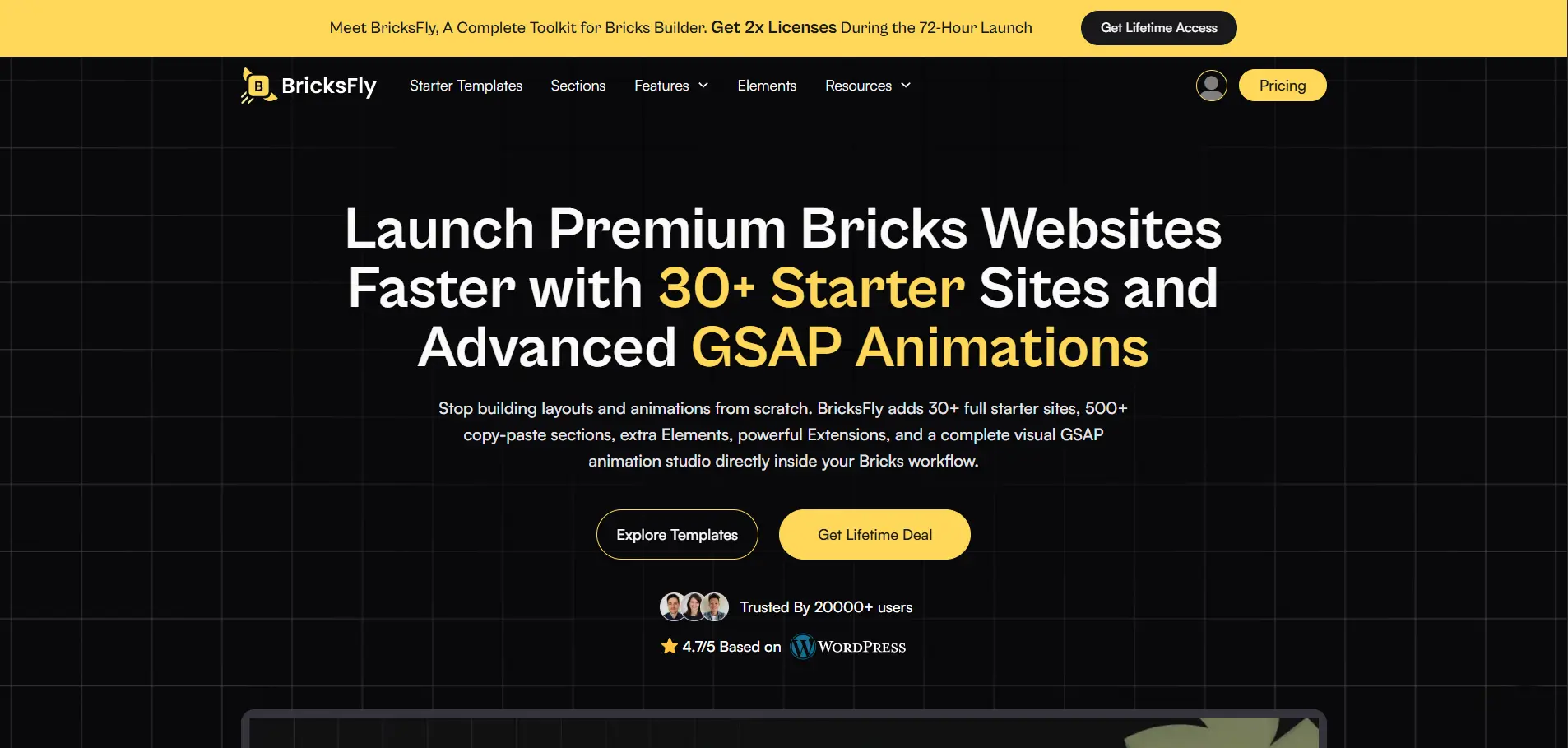
You can use it to build interactive sections, animated landing pages, dynamic layouts, and polished client websites while keeping much of the workflow inside Bricks Builder.
Key Features
- No-code GSAP animation capabilities
- Advanced animation and interaction controls
- 30+ complete website templates
- 500+ pre-built sections
- Additional Bricks elements
- Productivity-focused extensions
- Scroll-based animation effects
- Hover and interactive effects
- Responsive design controls
- Reusable website-building components
- Designed specifically for Bricks Builder
- Useful for agencies and freelance workflows
- Helps speed up website development and client projects
Best For
Bricks Builder users, freelancers, agencies, designers, and developers who want to extend Bricks with additional elements, ready-made layouts, and advanced animation capabilities.
It’s particularly useful when you want to build high-end, interactive Bricks websites faster without creating every component or animation from scratch.
Pros and Cons
Pros
- Built specifically for Bricks Builder
- No-code GSAP animation capabilities
- Large collection of pre-built sections and templates
- Additional elements and extensions in one toolkit
- Helps speed up website development
- Suitable for agencies and client projects
- Provides greater creative flexibility within Bricks
Cons
- Requires Bricks Builder
- Some advanced features may take time to learn
- May offer more functionality than needed for a simple Bricks website
Pricing
The pricing starts at $39/year for one active website, including advanced elements and no-code GSAP animation.
4. Greenshift
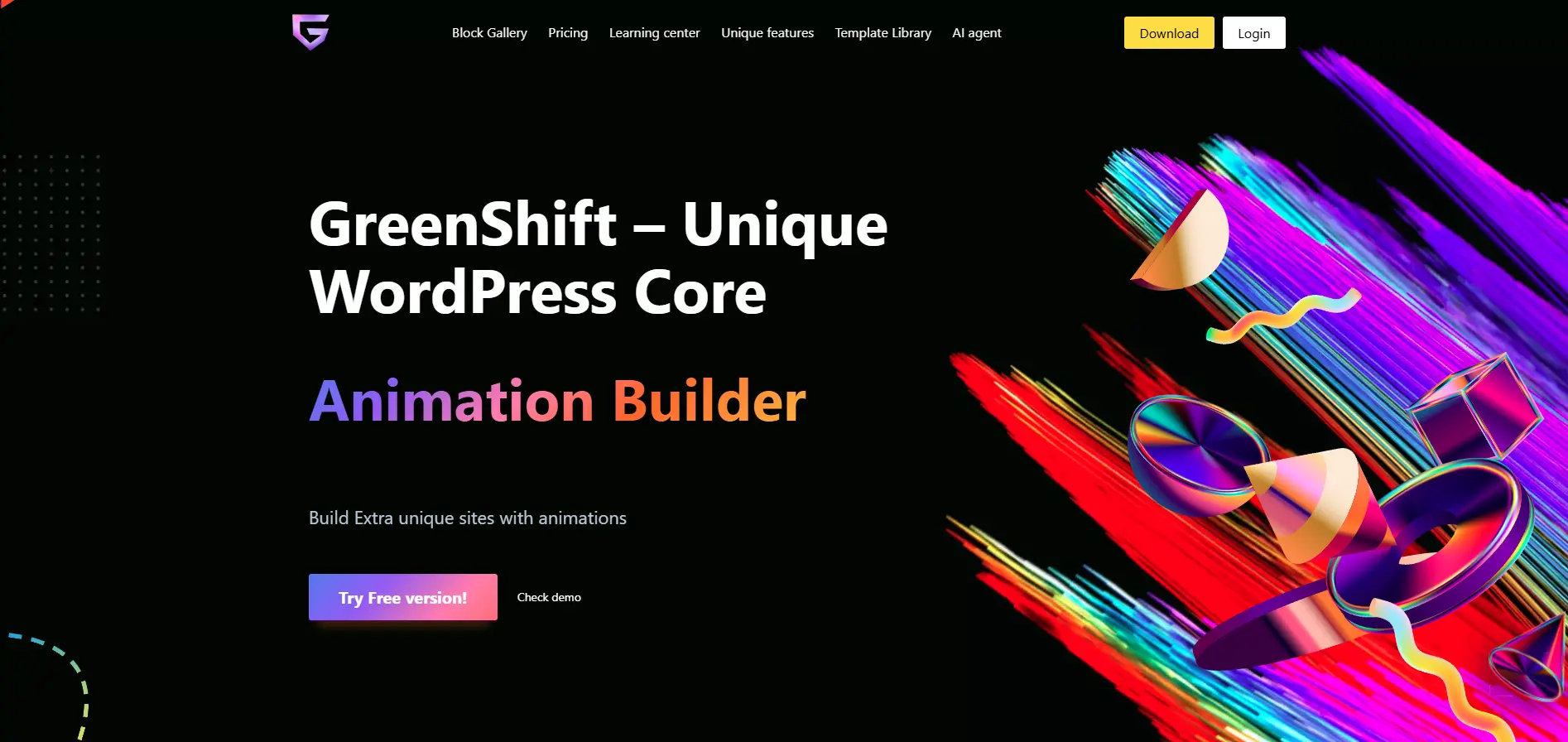
Greenshift is a performance-focused WordPress plugin that combines visual website-building capabilities with advanced animation and interaction tools. It is particularly appealing to users who want detailed control over motion while keeping their workflow inside WordPress.
Key Features
- Advanced animation controls
- Scroll-based animations
- GSAP integration
- Timeline-based motion
- Parallax and interactive effects
- 3D and transform effects
- Responsive animation controls
- Visual design controls
- Block-based website-building features
Best For
Greenshift is a strong choice for designers and developers who want granular control over animations and interactive layouts while working within a visual WordPress environment.
Pros and Cons
Pros
- Powerful animation controls
- Strong focus on performance
- Advanced interactions and effects
- Extensive visual customization
Cons
- Can feel overwhelming for beginners
- Some advanced functionality requires learning the interface
- May be more than you need for simple animations
Pricing
The pricing starts with $39.99/year including all the animations and interaction features.
5. Motion Page
Motion Page takes a more animation-focused approach, giving designers tools for creating sophisticated GSAP-based motion and timelines. Rather than concentrating primarily on ready-made widgets, it is designed for users who want to build more customized animation sequences.
Key Features
- GSAP-based animation
- Visual timeline creation
- Scroll-triggered animation
- Custom animation sequences
- Interactive motion
- Advanced easing and timing controls
- Timeline-based workflows
Best For
Motion Page is best suited to designers, motion enthusiasts, and advanced users who want to create custom animation sequences rather than relying exclusively on predefined effects.
Pros and Cons
Pros
- Strong focus on custom animation
- Powerful timeline workflow
- Suitable for sophisticated interactions
- Greater creative control
Cons
- Learning curve for beginners
- May be unnecessary for simple WordPress animations
- Advanced workflows can require more planning
Pricing
The pricing starts with $149/year for a single site, no lifetime options available.
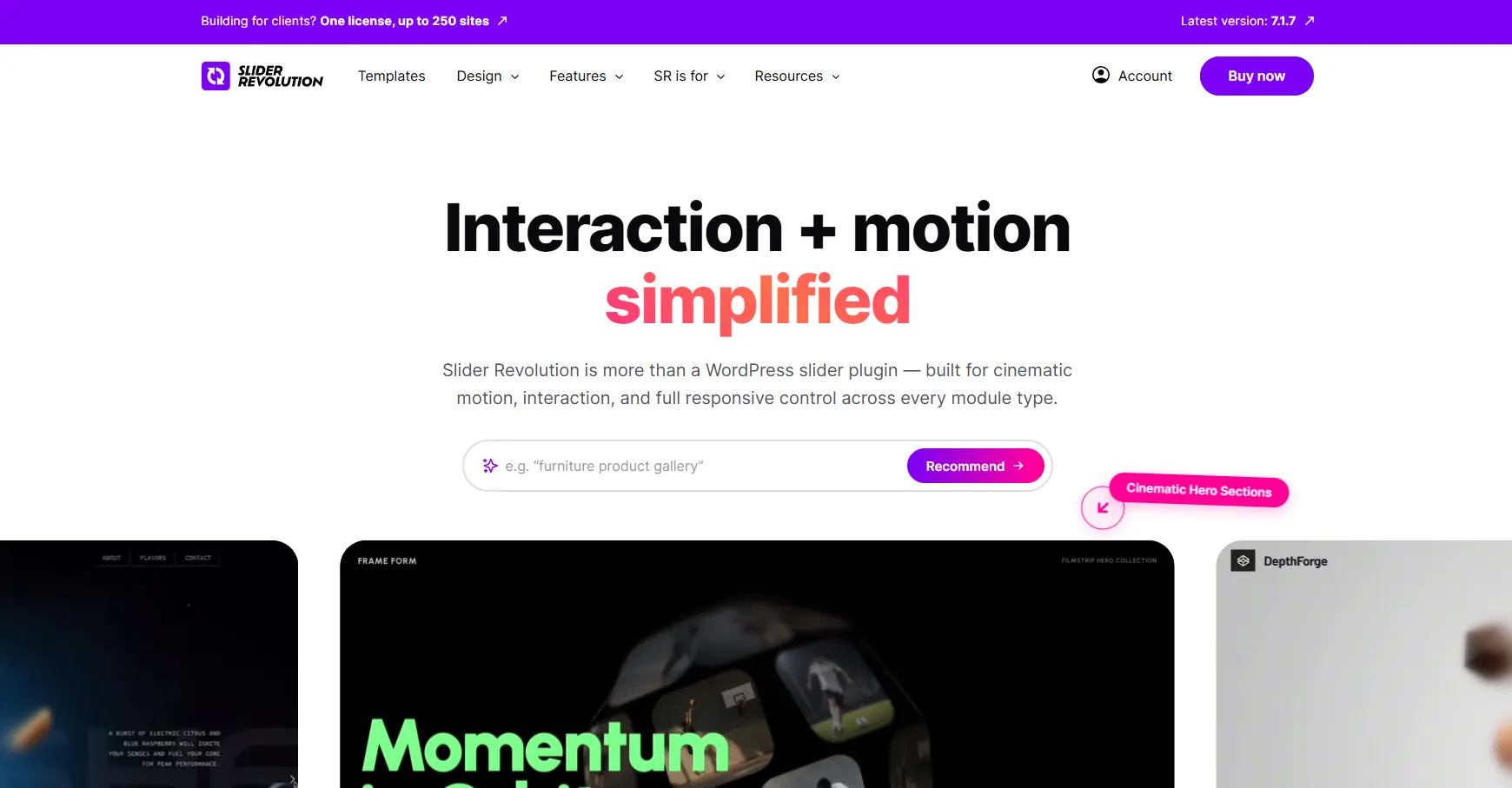
6. Slider Revolution
Slider Revolution is one of the better-known solutions for creating visually rich sliders, hero sections, and animated content in WordPress. While its name focuses on sliders, its animation capabilities extend well beyond traditional slideshows.
Key Features
- Animated sliders
- Layer-based animation
- Parallax effects
- Advanced transitions
- Interactive hero sections
- Video backgrounds
- Particle and visual effects
- Timeline-based slide animation
- Responsive design controls
Best For
It’s particularly useful for hero sections, product showcases, portfolios, promotional banners, and visually intensive landing pages.
Pros and Cons
Pros
- Powerful visual editor
- Excellent for animated hero sections
- Large selection of effects
- Strong media support
- Suitable for complex visual presentations
Cons
- Interface can feel complex
- More functionality than needed for simple animations
- Primarily focused on slider and visual presentation workflows
Pricing
The pricing starts with around $45/year for a single site, including the full template library and add-ons.
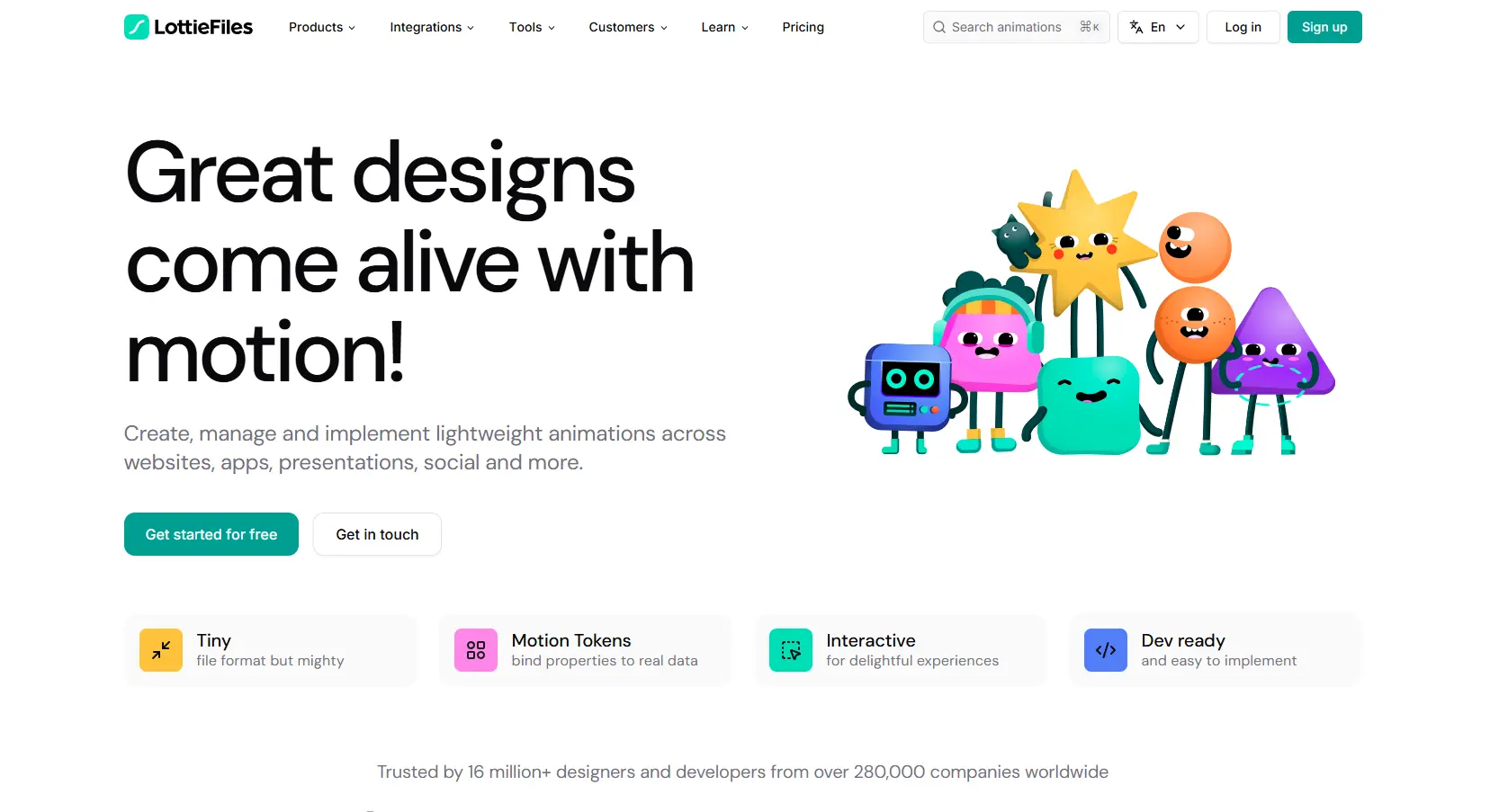
7. LottieFiles for WordPress
LottieFiles for WordPress focuses on Lottie animations, small, scalable animations that can add movement to websites without relying on large video files.
Instead of animating every element manually, you can use professionally designed Lottie animations for illustrations, icons, loading states, and micro-interactions.
Key Features
- Lottie animation support
- Scalable vector-based animation
- Lightweight animated illustrations
- Interactive animation controls
- Animation playback controls
- Large Lottie animation ecosystem
- Suitable for icons, illustrations, and micro-interactions
Best For
LottieFiles is ideal for designers, SaaS websites, startups, product pages, and businesses that want polished animated illustrations without building complex timelines.
Pros and Cons
Pros
- Lightweight animation format
- Excellent visual quality
- Easy to reuse animated assets
- Great for micro-interactions and illustrations
Cons
- Not designed primarily for complex page-wide animation
- Advanced scroll storytelling may require additional tools
- Quality depends on the Lottie assets you use
Pricing
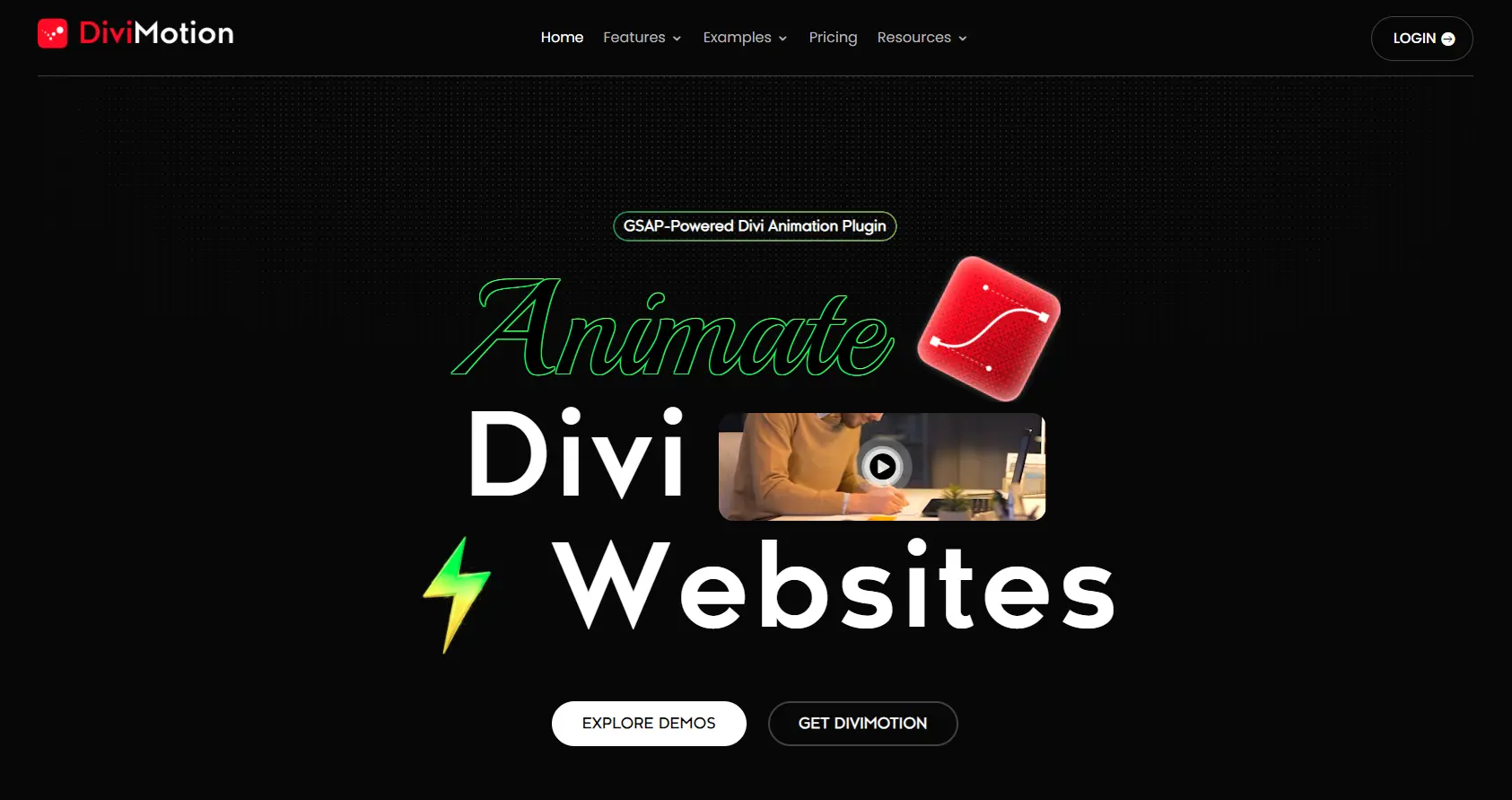
8. DiviMotion
DiviMotion is designed specifically for users working with the Divi Builder. It extends Divi’s animation capabilities with additional controls for creating more engaging motion effects.
Key Features
- Scroll animations
- Entrance effects
- Hover interactions
- Motion effects
- Transform controls
- Responsive animation settings
- Divi-focused workflow
Best For
DiviMotion is best for Divi designers and agencies that want more animation control without moving away from the Divi ecosystem.
Pros and Cons
Pros
- Designed specifically for Divi
- Convenient visual workflow
- Additional motion controls
- Useful for interactive Divi layouts
Cons
- Limited to Divi-focused workflows
- Not suitable if you’re using Elementor or Gutenberg
- Advanced animation needs may require additional tools
Pricing
The pricing starts with $49/year for a single site.
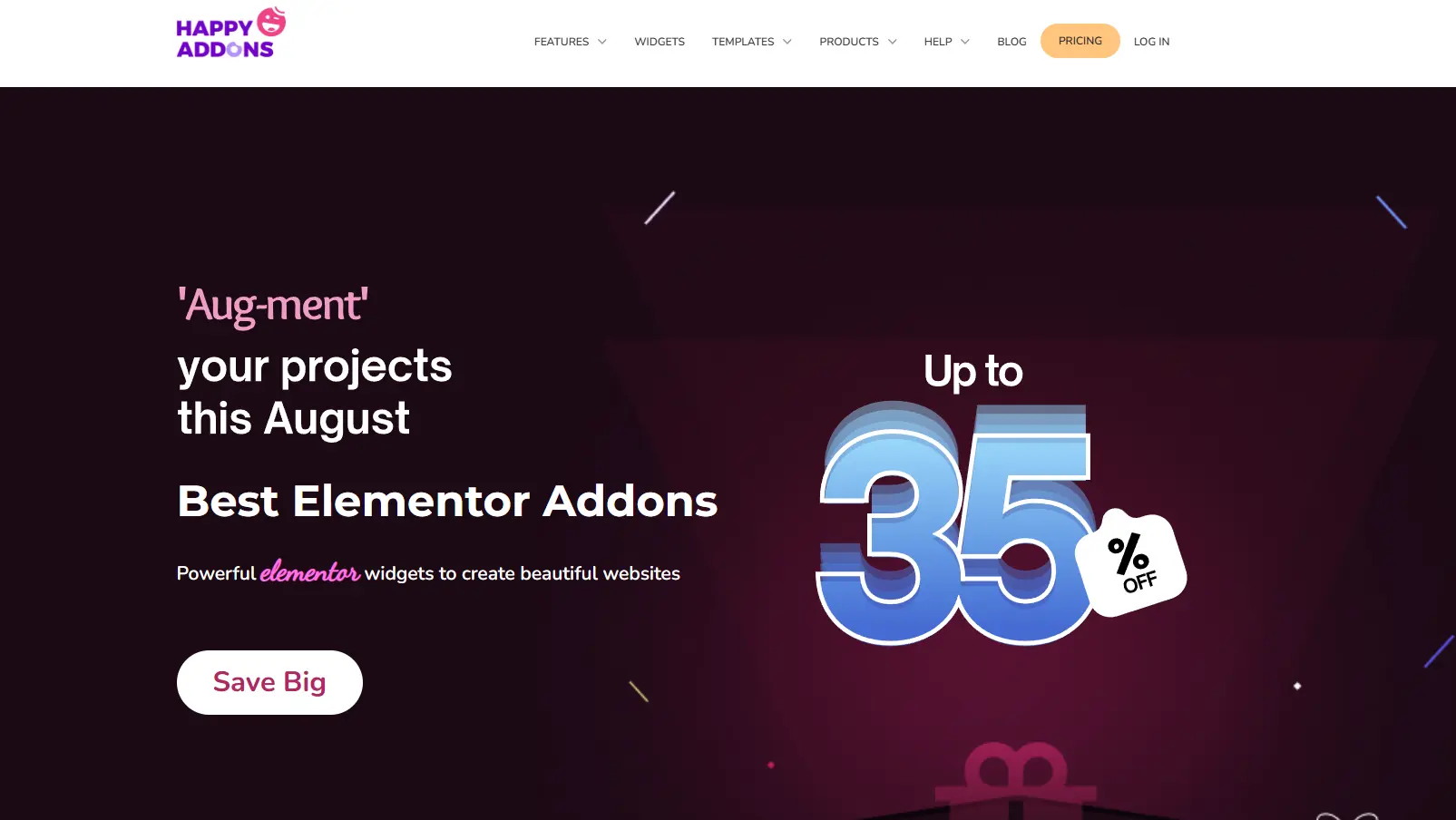
9. HappyAddons
HappyAddons is a popular Elementor addon that combines a large collection of widgets with design and animation enhancements. It’s aimed at users who want to build attractive Elementor websites without piecing together multiple plugins.
Key Features
- Elementor animation effects
- Entrance animations
- Hover effects
- Interactive widgets
- Motion effects
- Creative design elements
- Cross-domain copy and paste
- Presets and reusable design features
Best For
HappyAddons works well for Elementor beginners, freelancers, and business owners who want additional design capabilities alongside animation features.
Pros and Cons
Pros
- Beginner-friendly
- Large widget collection
- Useful design enhancements
- Good for quickly building Elementor websites
Cons
- Animation is only one part of a much broader addon
- Advanced GSAP-style animation may require a more specialized solution
- Additional widgets can increase plugin complexity
Pricing
The pricing starts with around $39/year for a single site, on top of a free version with a limited widget set.
10. Essential Addons
Essential Addons is an extensive Elementor addon that provides a large collection of widgets and extensions, including features that can help add motion and interaction to Elementor websites.
Key Features
- Entrance animation effects
- Hover effects
- Interactive widgets
- Creative Elementor elements
- WooCommerce-related widgets
- Content and marketing elements
- Responsive controls
- Large widget library
Best For
Essential Addons is a strong choice for Elementor users who want a broad collection of website-building tools and occasional animation capabilities in one addon.
Pros and Cons
Pros
- Large collection of widgets
- Beginner-friendly
- Useful for complete Elementor websites
- Free version available
- Animation features alongside many other design tools
Cons
- Animation isn’t its primary specialization
- Advanced GSAP animation requires a more dedicated solution
- Large feature set may be unnecessary for users who only need animation
Pricing
The pricing starts with around $59.97/year for a single site, on top of a free version.
Best WordPress Animation Plugins Compared
Choosing between animation plugins can be difficult when every tool highlights a different strength.
The comparison below focuses on the features that matter most when you’re choosing an animation solution for a real WordPress website.
| Plugin | Page Builder Compatibility | Scroll Animation | GSAP | Lottie | Performance | Pricing |
| Animation Addons | Elementor | ✅ Advanced | ✅ | ✅ | ⭐⭐⭐⭐⭐ | Free + Pro |
| MotionKit | All builders | ✅ Advanced | ✅ | ✅ | ⭐⭐⭐⭐⭐ | Free + Pro |
| BricksFly | Bricks Builder | ✅ Advanced | ✅ | ✅ | ⭐⭐⭐⭐⭐ | Free + Pro |
| Greenshift | Gutenberg, Elementor | ✅ Advanced | ✅ | ✅ | ⭐⭐⭐⭐⭐ | Free + Pro |
| Motion Page | WordPress / Visual workflows | ✅ Advanced | ✅ | — | ⭐⭐⭐⭐ | Free + Pro |
| Slider Revolution | Elementor, Gutenberg, Divi & others | ✅ | — | — | ⭐⭐⭐ | Premium |
| LottieFiles for WordPress | Gutenberg, Elementor & others | ✅ Basic–Moderate | — | ✅ Excellent | ⭐⭐⭐⭐⭐ | Free + Premium |
| DiviMotion | Divi | ✅ | — | — | ⭐⭐⭐⭐ | Premium |
| HappyAddons | Elementor | ✅ | — | — | ⭐⭐⭐⭐ | Free + Pro |
| Essential Addons | Elementor | ✅ | — | — | ⭐⭐⭐⭐ | Free + Pro |
Features Comparison
If you need advanced motion rather than basic entrance effects, look closely at the depth of animation controls. Animation Addons, Greenshift, and Motion Page stand out for users who want more control over scroll-driven interactions, timelines, and sophisticated motion.
For animated visual presentations, Slider Revolution and LayerSlider are more specialized, while LottieFiles focuses on reusable animated illustrations.
Page Builder Compatibility
Your page builder should be one of the first things you check. Elementor users have several choices, including Animation Addons, HappyAddons, and Essential Addons. Bricks builder users may use BricksFly, Divi users may prefer DiviMotion, while Gutenberg users can consider Greenshift.
Scroll Animation Support
Scroll animation can transform a static page into a more engaging storytelling experience. Look for more than a simple fade-in if you want advanced interactions. Animation Addons, Greenshift, and Motion Page are particularly relevant for scroll-driven experiences.
GSAP Support
GSAP is important when you want precise, sophisticated motion. Among these options, Animation Addons, Greenshift, and Motion Page are the strongest choices for users specifically looking for GSAP-based animation workflows.
Lottie Support
If your goal is animated illustrations rather than complex page transitions, Lottie can be a better fit. LottieFiles for WordPress is the obvious specialist, while Animation Addons and Greenshift can also support Lottie-based experiences.
Performance
Animation should never come at the cost of a frustrating user experience. Lightweight animation techniques, conditional asset loading, responsive controls, and avoiding unnecessary effects can help maintain good performance.
However, actual performance depends on your website, number of animations, media assets, hosting, and implementation, not simply the plugin you choose.
Pricing
Finally, consider what you actually need. Free versions can be enough for basic motion, while advanced animation systems typically require premium plans. Rather than choosing the cheapest option, compare features, updates, support, site limits, and long-term usability to find the best value for your project.
What Types of Animations Can You Add to WordPress?
WordPress animation is no longer limited to making an element simply fade into view. With the right plugin, you can create subtle micro-interactions, scroll-driven storytelling, animated illustrations, and highly interactive experiences.
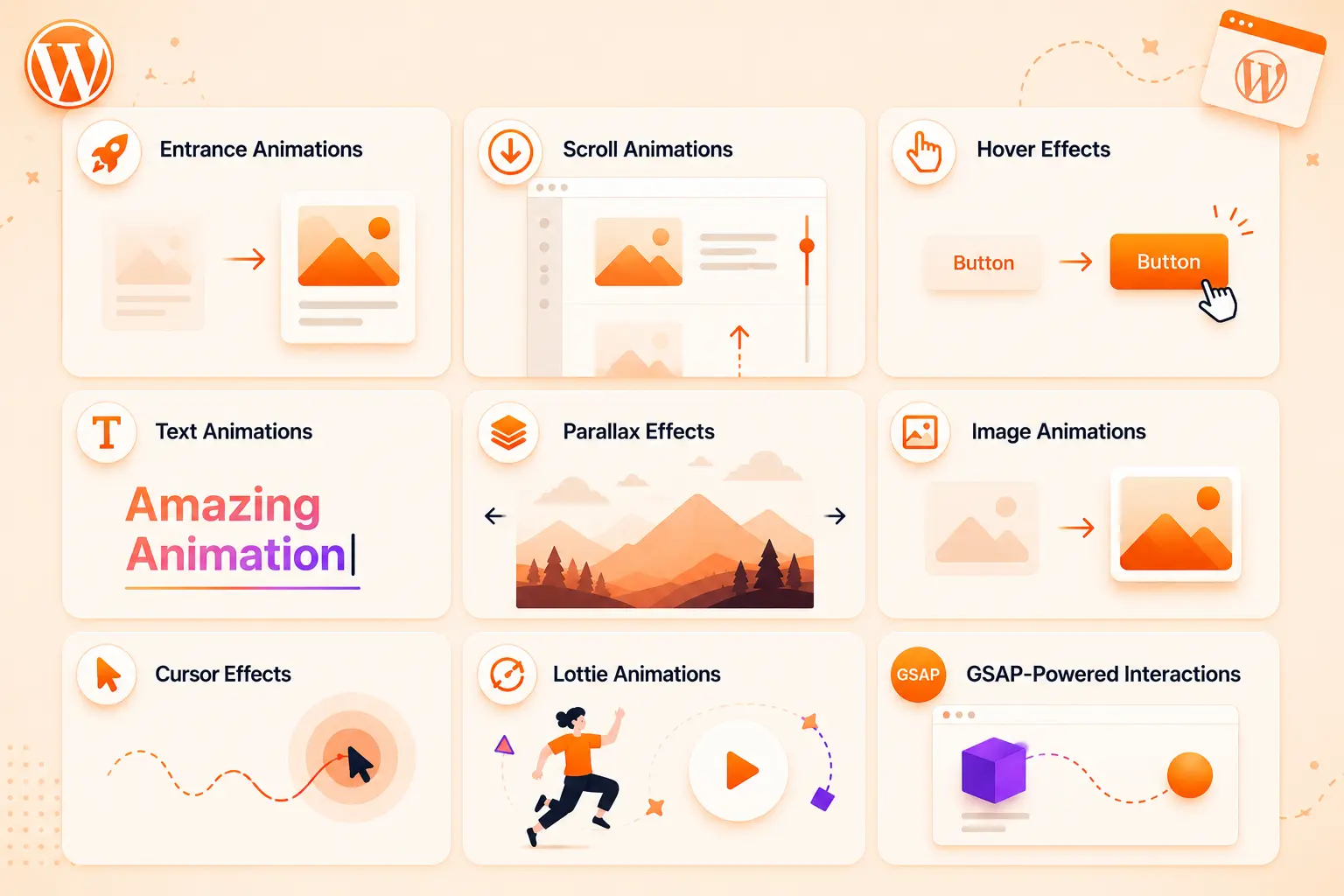
The key is choosing motion that helps visitors understand and navigate your content, rather than adding movement just for visual impact.
Entrance Animations
Entrance animations introduce elements as a page loads. A heading can fade in, a card can slide upward, or an image can scale into place. They’re useful for creating a polished first impression without overwhelming visitors.
Scroll Animations
Scroll-triggered animations activate as users move through the page. You can reveal sections, stagger content cards, or animate elements based on scroll position. They’re particularly effective for long landing pages and storytelling animated websites.
Hover Effects
Hover effects provide immediate visual feedback when someone interacts with an element. Buttons, images, cards, and navigation items can change position, scale, color, or appearance when hovered.
Text Animations
Animated text can make headlines and important messages more noticeable. Effects such as character reveals, word-by-word motion, split-text animations, and text scrambling can add personality to hero sections.
Parallax Effects
Parallax creates a sense of depth by moving background and foreground elements at different speeds. Used carefully, it can make hero sections and visual storytelling feel more immersive.
Image Animations
Image animations can fade, zoom, reveal, rotate, or move as users interact with them. These effects can draw attention to product visuals, portfolios, case studies, and featured content.
Cursor Effects
Custom cursor interactions can make a website feel more interactive. A cursor can change shape, follow an element, reveal content, or create subtle magnetic effects.
Lottie Animations
Lottie lets you add scalable animated icons, illustrations, and micro-interactions without relying on traditional video files. They’re especially useful for product interfaces and explanatory visuals.
GSAP-Powered Interactions
For advanced experiences, GSAP provides precise control over timelines, sequencing, transforms, scroll interactions, and complex motion. It’s particularly valuable when you want animations to respond dynamically to user behavior rather than simply play a predefined effect.
Do WordPress Animation Plugins Slow Down Websites?
They can but using an animation plugin doesn’t automatically make a WordPress website slow. The real impact depends on how the plugin loads its assets, how many animations you use, the complexity of those animations, and the size of the media involved.
How Animations Affect Performance
Simple CSS transitions and lightweight effects usually have little impact. Performance problems are more likely when a page loads multiple JavaScript libraries, heavy animation scripts, large videos, high-resolution images, or dozens of complex effects simultaneously.
Animations that trigger excessive browser recalculations can also increase CPU usage, particularly on mobile devices.
Animation and Core Web Vitals
Poorly implemented animation can indirectly affect Core Web Vitals, especially when animated elements cause layout shifts or consume significant resources during page loading.
For example, an animation that changes an element’s layout can contribute to Cumulative Layout Shift (CLS), while heavy scripts competing with the main thread can affect Interaction to Next Paint (INP).
That doesn’t mean you should avoid animation. Instead, prioritize animations that are lightweight, predictable, and triggered at the right time.
How to Optimize Animated Websites
To keep your WordPress website fast:
- Use transform and opacity for smoother animations where possible.
- Avoid animating large numbers of elements simultaneously.
- Load animation assets only when they’re needed.
- Optimize images, SVGs, and Lottie files.
- Reduce unnecessary JavaScript.
- Disable complex effects on low-powered mobile devices when appropriate.
- Test pages using PageSpeed Insights, Lighthouse, or Chrome DevTools.
- The goal is simple: make the website feel more engaging without making visitors wait for it.
Best Practices for Using Animation in WordPress
Great website animation should feel natural, not like an obstacle between visitors and the information they’re looking for. Whether you’re building a landing page, portfolio, store, or SaaS website, thoughtful motion can improve engagement while careless animation can quickly become distracting.

Follow these best practices to create a smoother experience.
Keep Animations Purposeful
Every animation should have a reason. Use motion to guide attention, explain relationships, provide feedback, or improve navigation. If removing an animation doesn’t change the user’s experience, you probably don’t need it.
Avoid Excessive Motion
Animating everything can make a website feel chaotic. Instead, establish a visual hierarchy and reserve stronger effects for important elements such as headlines, CTAs, product demonstrations, or key transitions.
Optimize Mobile Animations
Mobile devices have smaller screens and potentially less processing power. Simplify complex animations, reduce the number of simultaneously animated elements, and consider disabling effects that don’t translate well to touchscreens.
Respect Reduced-Motion Preferences
Some visitors may experience discomfort from excessive movement. Support the prefers-reduced-motion setting so users who have enabled reduced motion can receive a calmer version of your website experience.
Use Performant Animation Techniques
Whenever possible, favor efficient properties such as transform and opacity, avoid unnecessary layout changes, and keep JavaScript animation workloads under control. Lightweight assets also make a significant difference.
Test Animations Across Browsers and Devices
An animation that looks perfect on your development machine may behave differently elsewhere. Test important interactions on desktop, mobile, different browsers, and slower devices before publishing.
Final Verdict
The best WordPress animation plugin depends on the experience you want to create, the page builder you use, and how much control you need over motion. For Elementor users looking for advanced, no-code GSAP animations, Animation Addons stands out with powerful scroll effects, text animations, timelines, and interactive motion.
Greenshift and Motion Page are strong alternatives for advanced animation workflows, while LottieFiles is ideal for lightweight animated illustrations. DiviMotion, HappyAddons, and Essential Addons make sense for users within their respective ecosystems, while Slider Revolution and LayerSlider excel at animated sliders and visual presentations.
Ultimately, choose the plugin that gives you the right creative control without compromising performance, usability, or accessibility.
FAQs
The best plugin depends on your page builder and the type of animation you want to create. For advanced no-code motion and GSAP-powered interactions, Animation Addons is a strong choice for Elementor users, while other plugins may be better suited to Divi, Gutenberg, Lottie, or slider-focused projects.
There isn’t one universal winner because free plugins differ in animation features, compatibility, and customization options. Animation Addons, Greenshift, and LottieFiles for WordPress all offer free options worth considering depending on your requirements.
Yes, you can add GSAP animations to WordPress using a dedicated plugin, custom JavaScript, or a page-builder integration. Plugins such as Animation Addons, Greenshift, and Motion Page can make advanced GSAP animation more accessible without building everything from scratch.
For Elementor users, Animation Addons is a strong option if you want advanced GSAP, scroll-triggered, text, and interactive animations without coding. HappyAddons and Essential Addons are also useful if you want animation features alongside a broader collection of Elementor widgets.
The best option depends on whether you need simple effects or advanced custom motion, as Bricks already provides various animation and interaction capabilities. For highly customized animations, a dedicated GSAP-based workflow or custom code may provide more flexibility than a general-purpose addon.
Animation itself is not inherently bad for SEO, but poorly implemented animation can affect performance, accessibility, and user experience. Keep animations lightweight, avoid hiding important content unnecessarily, and make sure animated pages maintain good Core Web Vitals.
They can if a plugin loads unnecessary scripts, uses heavy assets, or creates too many complex animations at once. Choosing efficient animation techniques, optimizing media, limiting simultaneous effects, and testing performance can help keep an animated website fast.
Yes, many modern WordPress animation plugins provide visual controls for creating scroll-triggered effects without writing JavaScript. Depending on the plugin, you can configure triggers, timing, easing, direction, and other animation properties directly from the WordPress editor or page builder.

Leave a Reply