
 Login
Login


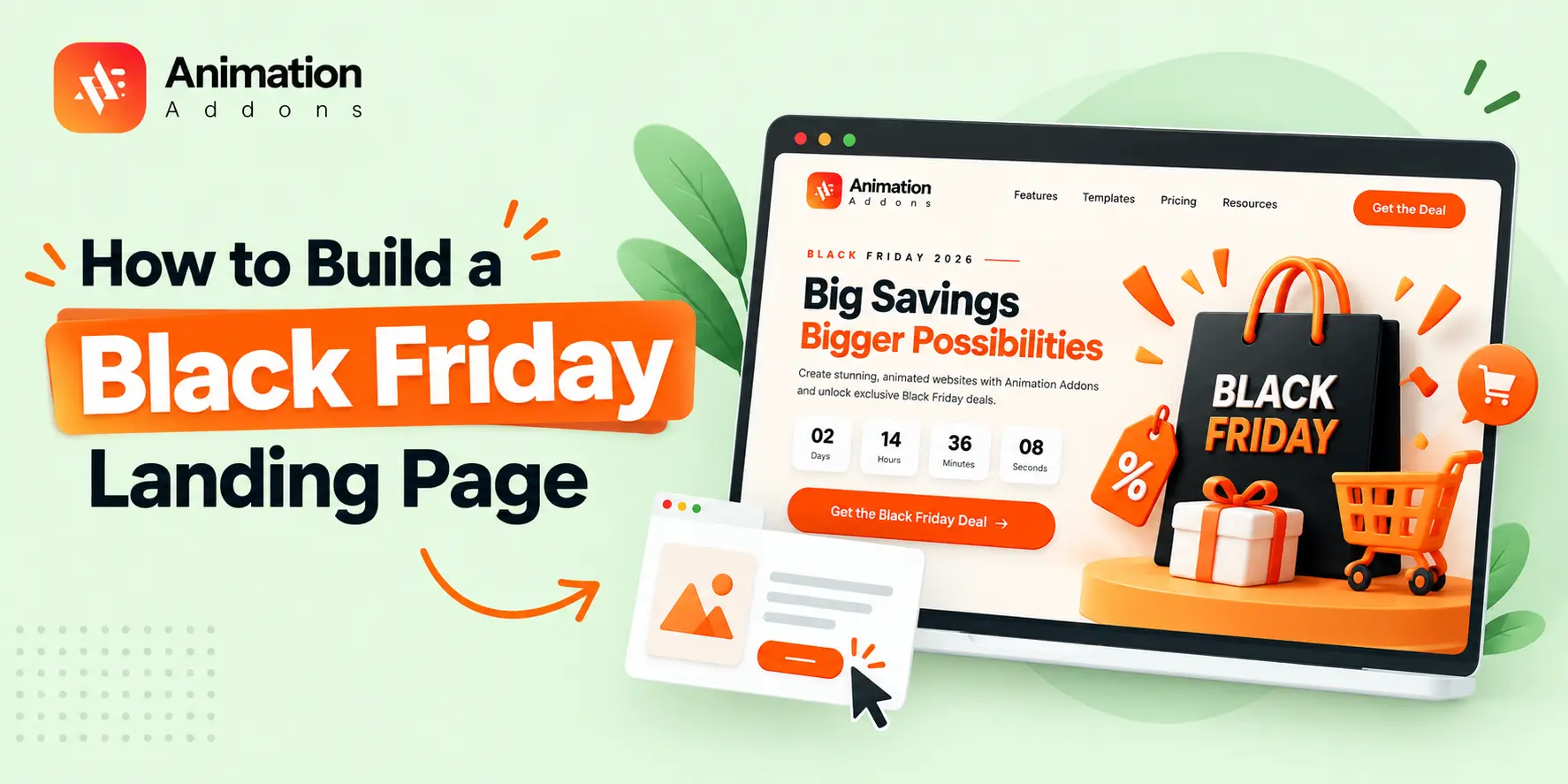
Black Friday is one of the biggest opportunities of the year to attract new customers, showcase special offers, and turn website visitors into paying customers.
But with so many brands competing for attention, simply announcing a discount is no longer enough. You need a landing page that grabs attention, highlights your best deals, and encourages visitors to take action before the offer ends.
That’s where a well-designed Black Friday landing page makes a difference.
With the power of Elementor and Animation Addons, you can create a visually engaging landing page with dynamic animations, interactive elements, and compelling calls to action, all without writing custom JavaScript.
In this guide, you’ll learn how to build a Black Friday landing page step by step, discover the essential elements of a high-converting design, and explore how Animation Addons can help you create a more engaging shopping experience.
Quick Answer: How Do You Build a Black Friday Landing Page?
To build a Black Friday landing page, create a new page in WordPress, open it with Elementor, and design a focused layout featuring a compelling headline, clear discounts, product highlights, a countdown timer, and strong call-to-action buttons. Use Animation Addons to enhance selected elements with engaging animation effects, optimize the page for mobile devices and speed, and test all links, checkout steps, and conversion tracking before launch.
What Is a Black Friday Landing Page?
A Black Friday landing page is a dedicated webpage designed to promote your special Black Friday discounts, products, or services.
Unlike a regular homepage, it focuses on a specific campaign. Its main purpose is to help visitors discover your offer and complete a desired action, such as purchasing a product, claiming a discount, or signing up for early access.
For example, if you’re selling WordPress plugins, your landing page might show discounted annual plans, lifetime offers, product benefits, customer testimonials, and a purchase button.
If you’re running an online clothing store, the page might feature popular products, discounted collections, and a link to the sale.
Both pages serve the same purpose: helping shoppers find the right offer without unnecessary steps.
Why Your Business Needs a Black Friday Landing Page
Imagine a potential customer clicking your Black Friday ad, expecting an exciting deal, but landing on your homepage. They have to search through menus, browse different product categories, and figure out which offers are available. Some visitors might keep looking, but many will leave before finding what they want.
A dedicated Black Friday landing page eliminates that unnecessary effort.
Instead of sending visitors in different directions, you give them a focused destination where they can discover your deals, understand the benefits, and take action.
Here’s why creating a dedicated landing page is worth your time.
- Promote your best deals in one place: Showcase discounts, limited-time bundles, seasonal offers, and exclusive promotions without making visitors search across your website.
- Capture attention quickly: Use a bold headline, an attractive hero section, and clear messaging to communicate your offer within seconds.
- Increase conversions: Guide visitors toward one primary action, such as purchasing a product, claiming a discount, or signing up for a deal.
- Create a consistent campaign experience: Match your landing page with your email campaigns, social media promotions, and paid advertisements.
- Measure campaign performance: Track visits, CTA clicks, purchases, and other relevant actions to understand what works best.
The goal is simple: help visitors understand the value of your offer and make it easy for them to act.
What Makes a High-Converting Black Friday Landing Page?
A beautiful landing page might attract attention, but a successful one must also persuade visitors to take action. The best designs combine visual appeal, clear communication, trust, and a smooth user experience.
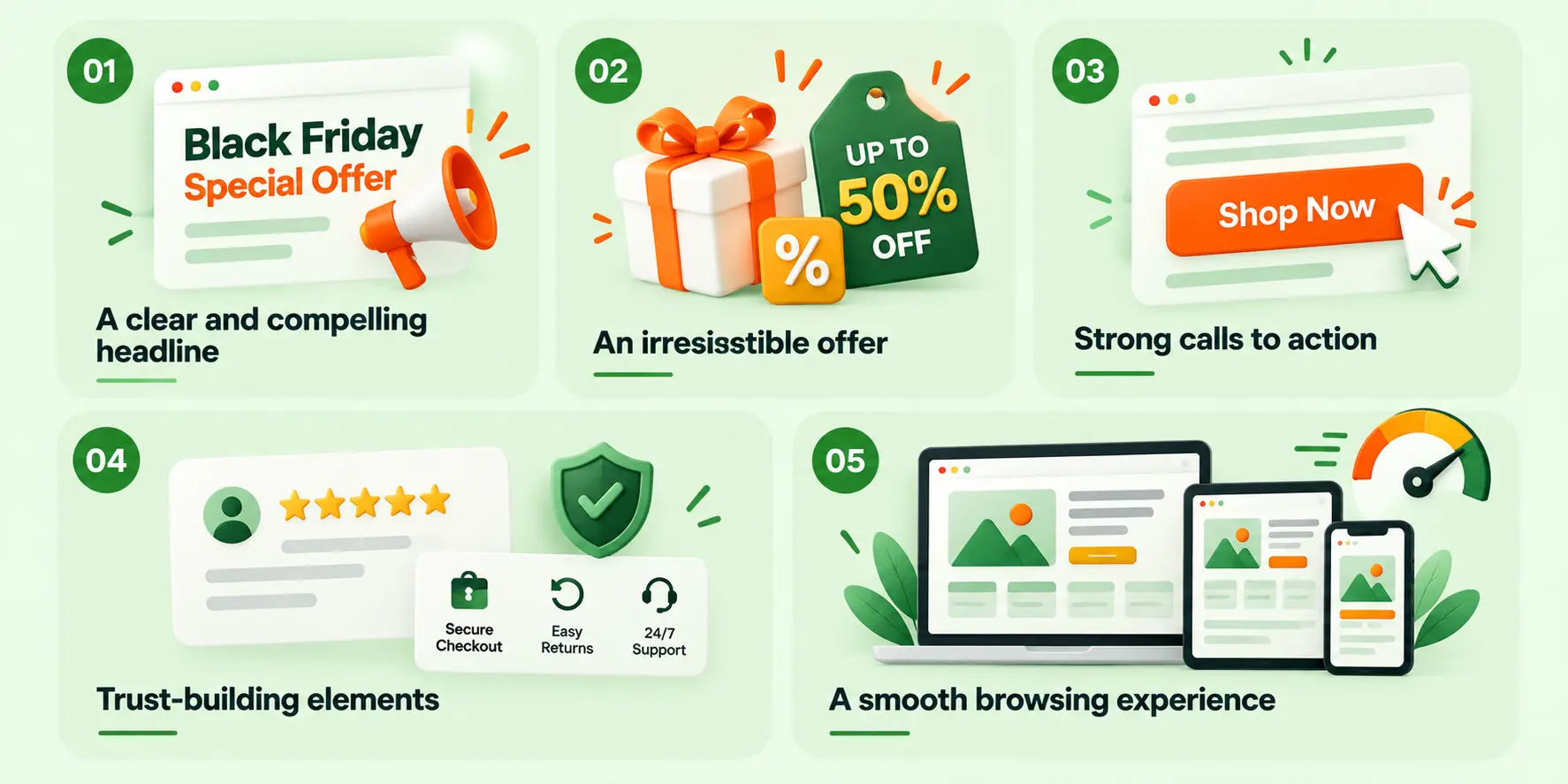
Consider these five essential principles.
A clear and compelling headline
Your headline should immediately explain what you’re offering and why visitors should care. Instead of a generic heading such as “Welcome to Our Store,” use something more specific, like “Black Friday Is Here – Save Big on Your Favorite Tools.”
An irresistible offer
Make your discount easy to understand. Clearly display the savings, eligible products, offer duration, and any applicable conditions. Visitors shouldn’t have to hunt for the details.
Strong calls to action
Use action-oriented buttons such as “Shop Black Friday Deals,” “Get 40% Off,” or “Explore the Offer.” Make your primary CTA visually distinct and place it where visitors can easily find it.
Trust-building elements
Customer reviews, testimonials, transparent pricing, secure checkout information, and clear refund policies help reduce hesitation and give potential customers more confidence.
A smooth browsing experience
Visitors should be able to browse your page, understand your offer, and complete their purchase without unnecessary friction. Fast loading, readable text, mobile-friendly layouts, and intuitive navigation all contribute to that experience.
Remember, the purpose of a Black Friday landing page isn’t to include every possible design effect. It’s to make the offer appealing, the information clear, and the next step obvious.
How to Create a Black Friday Cyber Monday Landing Page in Elementor
Creating a Black Friday landing page from scratch takes time, especially when you need to design promotional sections, pricing cards, countdown timers, and animations.
With Animation Addons Pro, you can import a ready-made Black Friday or Cyber Monday landing page template directly into WordPress. The imported page comes with its original design, making it easier to customize the content for your campaign.
Let’s walk through the process.
Prerequisites: What You’ll Need
Before importing the template, make sure your WordPress website has:
- Elementor V4 installed.
- Animation Addons for Elementor installed and activated.
- Animation Addons Pro installed, activated, and licensed for premium template access.
The Black Friday and Cyber Monday landing page templates require Animation Addons Pro.
Step 1 : Open the Animation Addons Page Library
Log in to your WordPress dashboard and navigate to Pages → All Pages.
At the top of the Pages screen, you’ll find the Import Page button.
Click it to open the Animation Addons page library.
Unlike the traditional Elementor workflow, you don’t need to create a new page first. The template importer automatically creates a WordPress page for you.
Step 2 : Find and Import the Black Friday Landing Page Template
After clicking Import Page, you’ll be redirected to the Animation Addons Template Library.
Use the search bar to find the Black Friday landing page template.
Hover over the template to reveal two options:
- Preview: View the complete template design before importing.
- Import: Import the template into your WordPress website.
Click Import to proceed.
Step 3 : Configure the Elementor V4 Import Settings
After clicking Import, a configuration window will appear with the message “This site already uses Elementor V4.”
Here, you can choose how the Black Friday template’s design works with your website’s existing Classes and Variables.
You’ll see two options:
Option 1: Keep the Page’s Original Design (Recommended)
This option keeps the template’s original design. Its Classes and Variables are imported as new entries. If any names already exist on your website, the imported ones receive a DUP_ prefix to avoid conflicts.
Option 2: Match My Site’s Design
This option uses your website’s existing Classes and Variables wherever their names match those in the imported template.
Copy the Images into My Media Library
Enable this option to download the template images into your WordPress Media Library. Otherwise, the images will remain linked to the demo server. Lottie animation files are always copied automatically.
Our recommendation: Select Keep the Page’s Original Design and enable Copy the Images into My Media Library to preserve the template design and store its images on your website.
Your existing pages, Classes, and Variables will remain unchanged.
Once you’ve selected your preferences, click Continue Import to proceed.
Step 4 : Complete the Black Friday Template Import
After clicking Continue Import, Animation Addons will import the Black Friday landing page with your selected settings.
Once the import is complete, you’ll see the confirmation message:
Congratulations! Your page is now imported and ready to use.
You’ll have two options:
- Go to page: Open the newly imported Black Friday landing page.
- Go to page library: Return to the Animation Addons Template Library.
The importer automatically creates a new WordPress page with the selected template, including its layout and styling.
You don’t need to create another page manually.
Step 5 : Edit the Imported Black Friday Landing Page in Elementor
Once the import is complete, navigate to Pages → All Pages in your WordPress dashboard.
Find the newly imported Black Friday landing page. You can change the page title and URL slug to match your Black Friday or Cyber Monday campaign.
Next, click Edit with Elementor to open the imported template in the Elementor editor.
You can now customize the headline, discount offers, product images, pricing, countdown timer, CTA buttons, and GSAP animations to match your campaign.
After making your changes, click Publish or Update to save your landing page.
Step 6 : Preview and Publish Your Black Friday Landing Page
After customizing your Black Friday landing page, preview the design to make sure everything looks and works correctly.
Before publishing, check the following:
- Responsive Design: Make sure the page displays properly on desktop, tablet, and mobile devices.
- Discount Details: Verify that all prices, discounts, and promotional dates are accurate.
- CTA Buttons: Test every button to ensure it links to the correct product or checkout page.
- Countdown Timer: Confirm that it displays the correct campaign deadline.
- GSAP Animations: Check that all animations run smoothly without affecting the user experience.
Once everything is ready, click Publish or Update in Elementor to make your Black Friday Cyber Monday landing page live.
How to Enhance Your Black Friday Landing Page
A well-structured landing page provides the foundation. Thoughtful animation can make it feel more polished, interactive, and memorable.
With Animation Addons, you can explore animation effects and design tools that help bring your Elementor layouts to life.
Here are five ways to use animation strategically in your Black Friday campaign.
1. Bring your headline to life
Use a suitable text animation to introduce your main offer. A subtle entrance effect can draw attention to your headline and create a stronger first impression.
Best for: Hero headings and promotional messages.
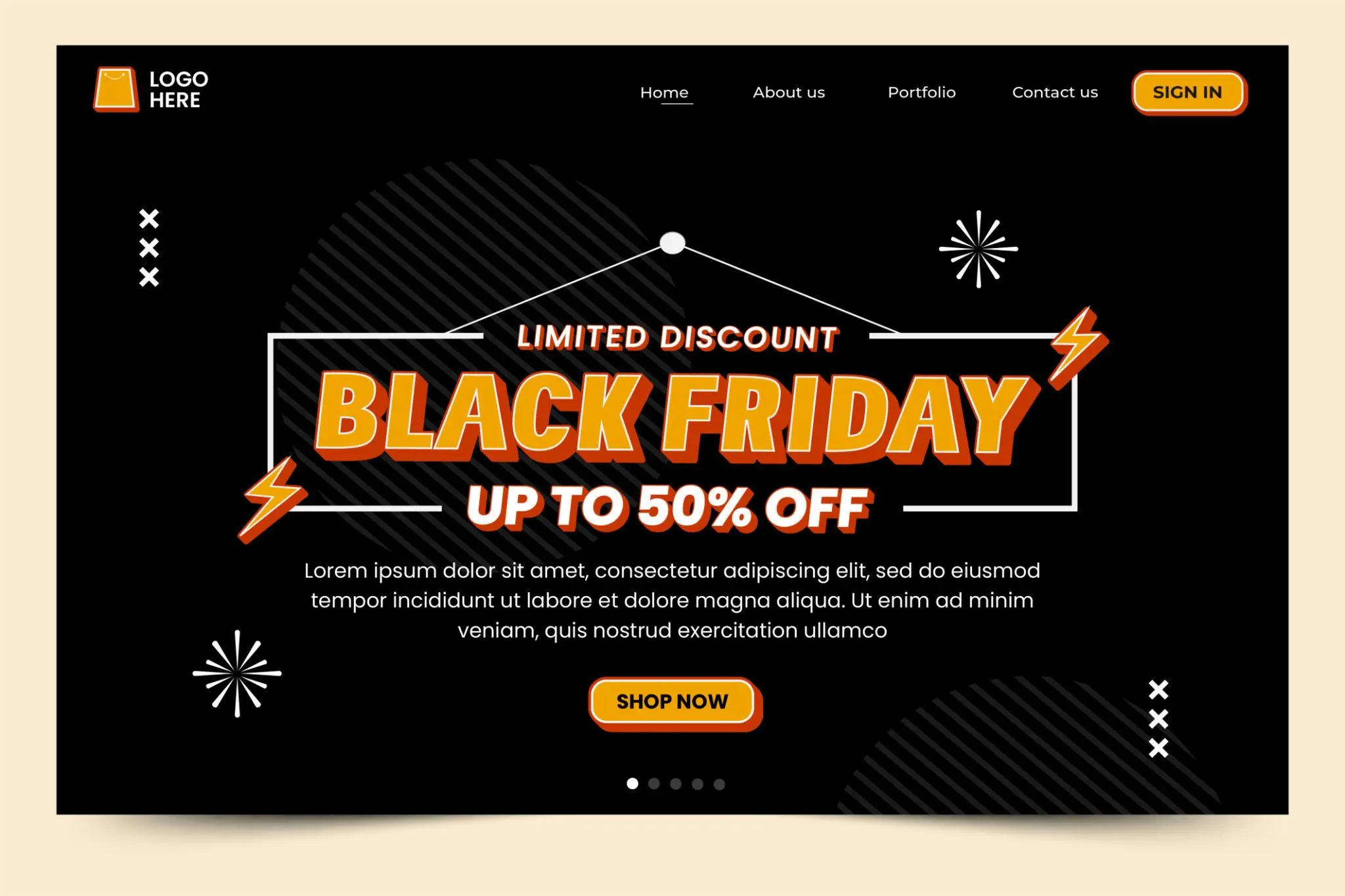
2. Reveal offer cards as visitors scroll
A staggered reveal can introduce product cards one after another as visitors move down the page. This adds visual rhythm without requiring a separate animation for every element.
Best for: Product grids, pricing cards, and feature sections.
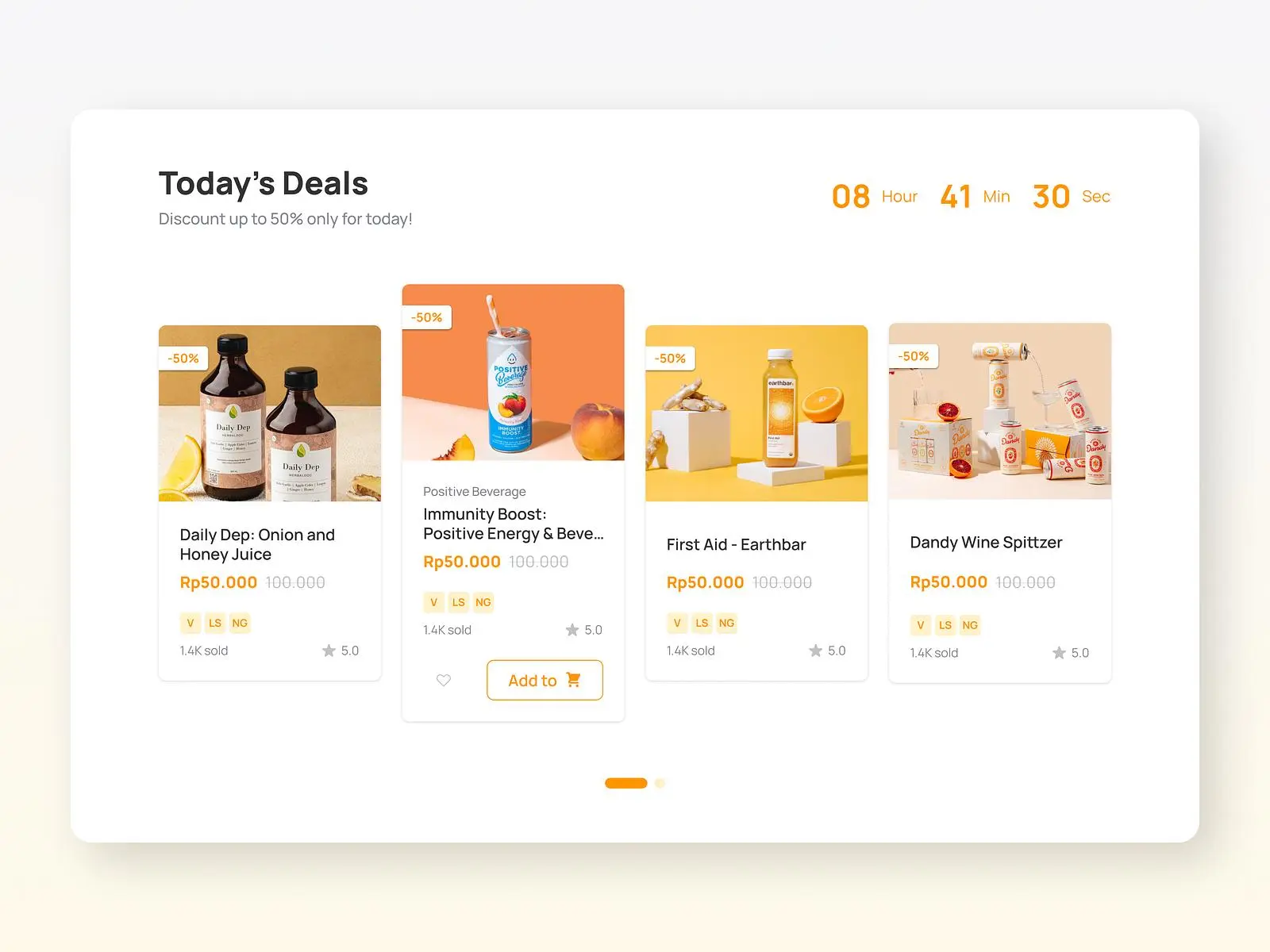
3. Add subtle interactive effects
Use suitable hover or interaction effects to make selected elements feel responsive. Keep the effect restrained so that the button remains easy to recognize and use.
Best for: CTA buttons, links, and interactive cards.
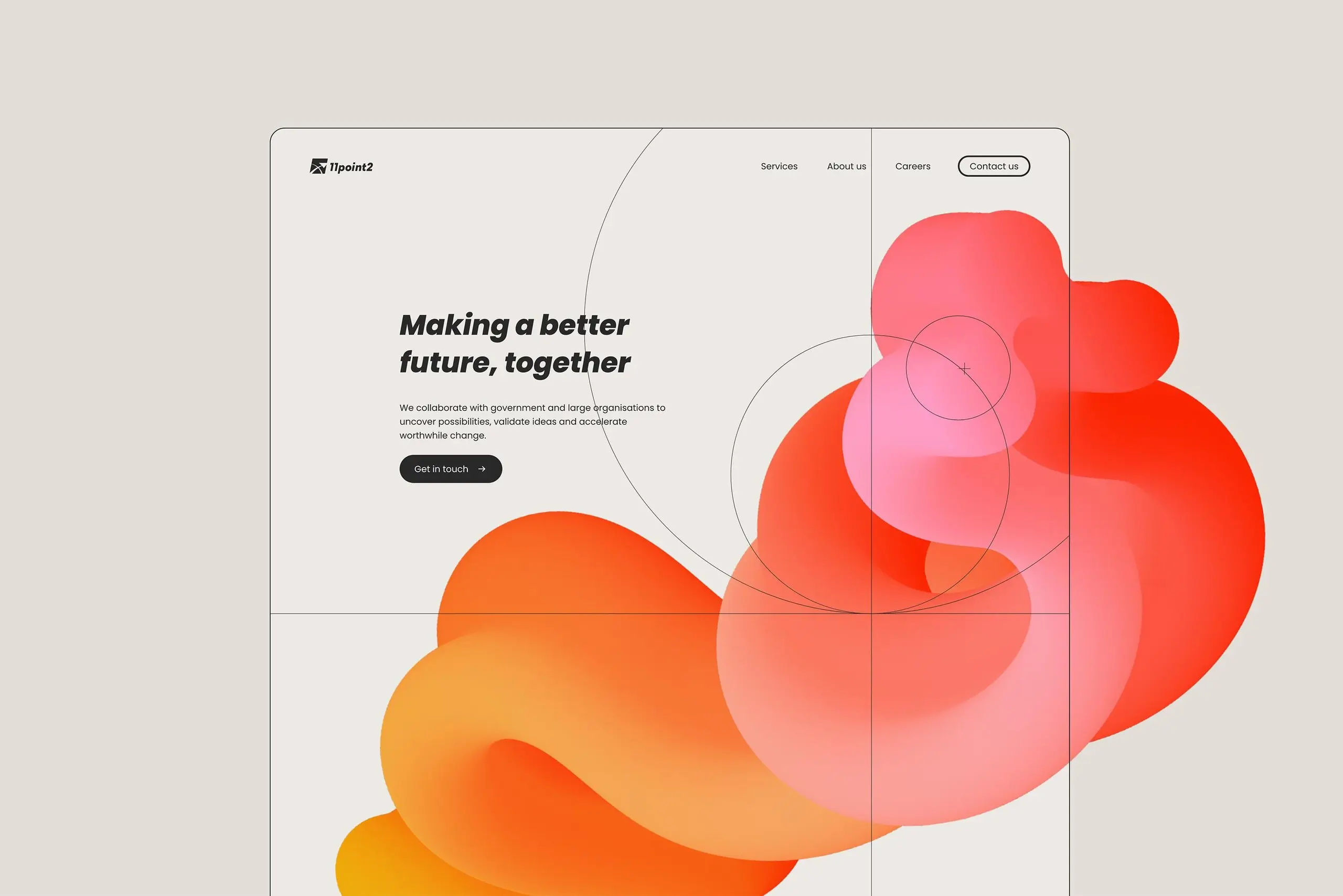
4. Create movement with scroll-based effects
Subtle movement can add depth to a section as visitors scroll. Use it sparingly on decorative elements or supporting visuals rather than applying it to every component.
Best for: Hero backgrounds and selected visual elements.
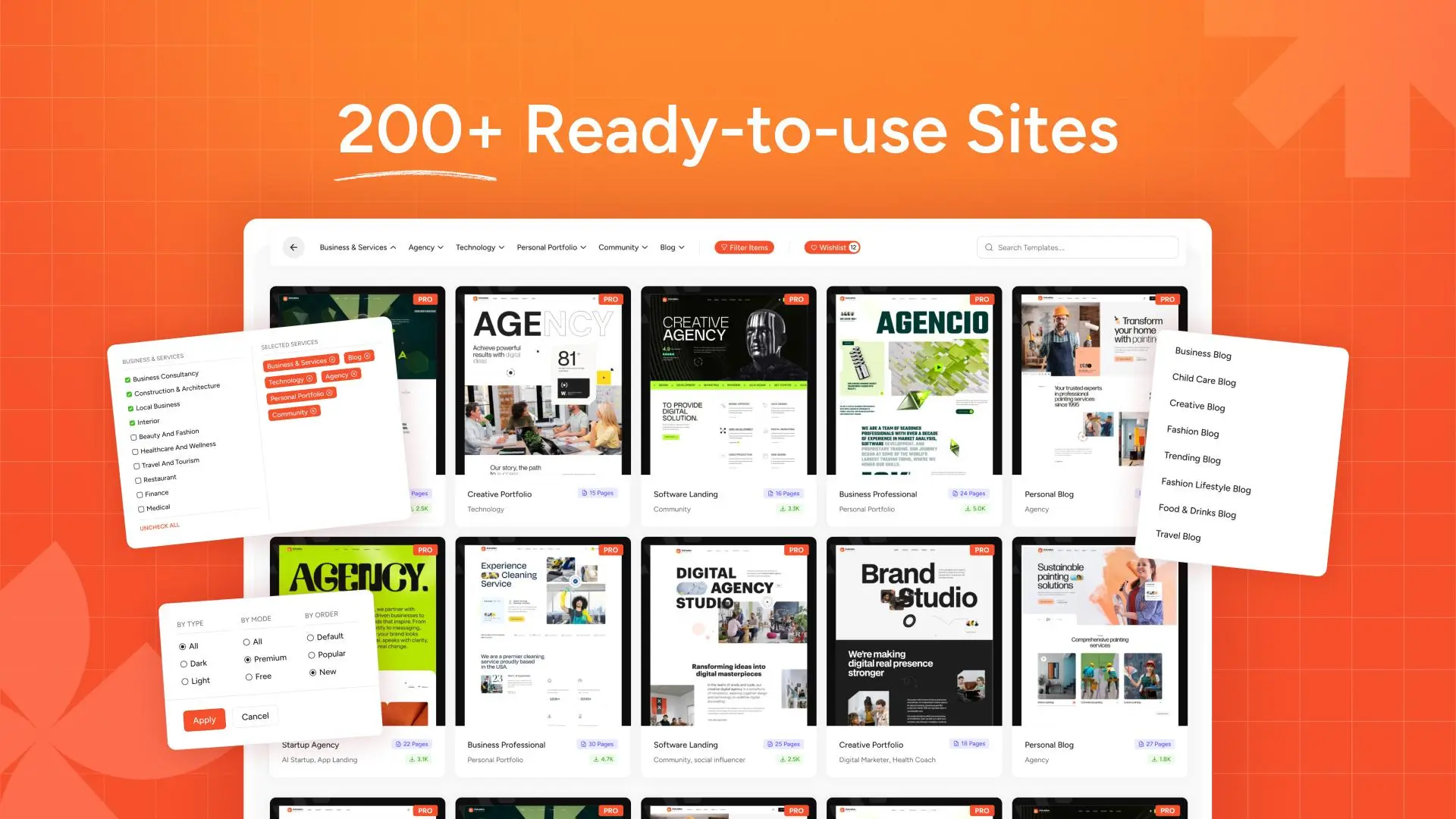
5. Speed up your design with templates
If your campaign deadline is approaching, start with a suitable ready-made template if one is available in your version of Animation Addons. Customize the copy, pricing, imagery, and colors instead of building every section from scratch.
Best for: Faster campaign setup and consistent layouts.
Why choose Animation Addons for your Black Friday landing page?
Animation Addons is designed to extend Elementor’s design capabilities with animation-focused tools and website-building features. Depending on the features available in your version, it can help you:
- Add GSAP-powered animation effects to selected page elements.
- Create more engaging visual experiences without writing custom JavaScript for every effect.
- Enhance the presentation of headlines, images, and content sections.
- Explore reusable design resources to speed up your workflow.
- Build more expressive landing pages while keeping your campaign content in Elementor.
You don’t need to animate everything to create an impressive page. Start with one or two high-impact effects, such as a hero headline reveal and a subtle product-card animation. Then test the page to make sure the effects improve the experience rather than slow it down.
Ready to create more engaging Elementor websites? Explore Animation Addons to discover its available animation tools and design features.
Black Friday Landing Page Design Best Practices
Building the page is only half the job. You also need to make sure the design supports your campaign goals.
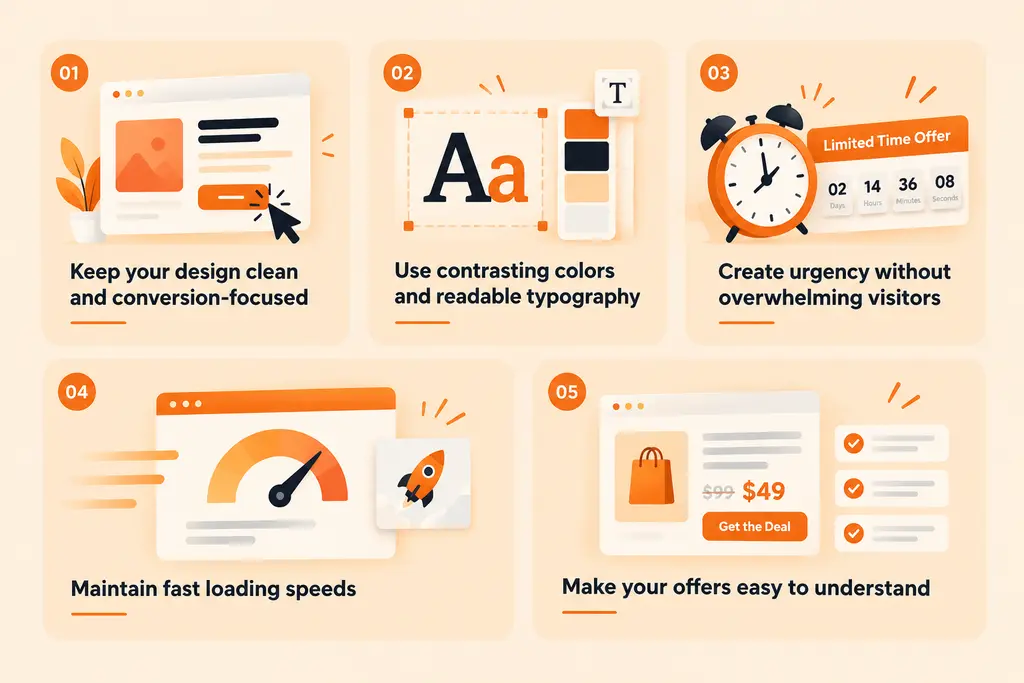
Keep your design clean and conversion-focused
A Black Friday campaign can tempt you to add flashing banners, multiple pop-ups, animated backgrounds, and several competing offers.
Resist that temptation.
Choose one primary offer and make it the focus. Use whitespace to separate sections, organize content with clear headings, and remove anything that distracts visitors from the next step.
Use contrasting colors and readable typography
Your headline, price, and CTA should stand out from the surrounding content.
Choose a consistent color palette and use typography that remains readable across devices. Don’t rely on color alone to communicate discounts or important information; labels and clear text also matter.
Create urgency without overwhelming visitors
Limited-time offers work best when the deadline is genuine.
You can communicate urgency through an accurate countdown, a clear end date, or a straightforward statement about the campaign period. Avoid fake countdowns, misleading scarcity messages, and constantly resetting deadlines.
Maintain fast loading speeds
A visually impressive page isn’t useful if visitors abandon it before it finishes loading.
To improve performance:
- Compress images and use appropriately sized assets.
- Avoid unnecessary videos and heavy visual effects.
- Limit animations to elements that benefit from them.
- Test your page with a performance tool such as Google PageSpeed Insights.
- Check the page on a real mobile device.
Make your offers easy to understand
Display the important information clearly: what’s included, how much visitors save, when the deal ends, and whether any conditions apply.
For subscription products, clarify renewal prices and license limitations where relevant. Transparent offers help visitors make informed decisions and reduce confusion at checkout.
Common Black Friday Landing Page Mistakes to Avoid
Even a professionally designed page can underperform if it creates friction or fails to communicate the offer.
| Common mistake | How to avoid it |
|---|---|
| A vague headline | State the main offer and its value clearly. |
| Too many competing CTAs | Choose one primary action and keep it consistent. |
| Cluttered layouts | Use clear sections, whitespace, and concise copy. |
| Excessive animations | Prioritize subtle effects that support the content. |
| Poor mobile responsiveness | Test the actual page across screen sizes. |
| Hidden discount conditions | Display eligibility, pricing, and terms clearly. |
| Fake urgency | Use genuine deadlines and accurate availability information. |
| Broken links or checkout errors | Test every important CTA and the complete purchase journey. |
| Slow page loading | Optimize images, scripts, and animation effects. |
| Publishing at the last minute | Prepare and test the campaign before launch day. |
Avoiding these mistakes will give visitors a clearer path from discovering your offer to completing the desired action.
How to Optimize Your Landing Page for Conversions
Once your landing page is live, the next step is to understand how visitors interact with it.
Rather than relying only on appearance or assumptions, use campaign data to identify what works and what needs improvement.
1. Write action-oriented headlines and CTAs
Your headline should explain the value of the offer, while the CTA should tell visitors what to do next.
Test meaningful alternatives where appropriate. For example, compare “Explore Black Friday Deals” with “Get Your Black Friday Discount” to see which wording produces more relevant clicks.
2. Optimize images and animations
Review whether your visual elements help visitors understand the product.
Remove unnecessary animation, compress oversized images, and check whether important text or CTA buttons are being obscured by moving elements.
3. Test different offers and page layouts
If you have enough traffic, run A/B tests to compare variations such as:
- Two different hero headlines.
- Alternative CTA labels.
- Different product-card arrangements.
- A short landing page versus a more detailed one.
Change one major element at a time where practical. This makes it easier to understand which change contributed to a difference in results.
4. Track meaningful campaign metrics
Use analytics tools and conversion tracking to monitor relevant actions.
| Metric | What it tells you |
|---|---|
| Landing page sessions | How many visits the page receives. |
| CTA click-through rate | How often visitors click your main CTA. |
| Conversion rate | What proportion of visitors complete the desired action. |
| Bounce or engagement metrics | How visitors interact with the page, interpreted in context. |
| Revenue per visitor | How much revenue the page generates relative to its traffic. |
| Page loading performance | How quickly the page becomes usable. |
For a purchase-focused campaign, track completed purchases rather than treating every button click as a conversion.
Review results throughout the campaign, but avoid making major changes based on very small amounts of data. A meaningful comparison requires enough observations to distinguish a real improvement from random variation.
Conclusion: Build an Engaging Black Friday Landing Page That Converts
A successful Black Friday landing page is more than a collection of discounts and attractive visuals. It’s a carefully planned experience that helps visitors discover your offer, understand its value, and take the next step without unnecessary distractions.
Most importantly, remember that great design should support your offer, not compete with it. Start with a strong headline, make your best deals easy to find, use animation with purpose, and test the complete experience before launch.
Ready to make your Black Friday campaign stand out? Explore Animation Addons and discover how you can create more engaging Elementor websites for your next big promotion.
FAQs
A Black Friday landing page is a dedicated webpage created to promote special Black Friday offers. It brings discounts, product information, important terms, and purchase links together in one place to help visitors understand the deal and take action.
Install and activate Elementor, create a new WordPress page, and open it in the Elementor editor. Build your hero section, add product or pricing cards, display your offer details, include clear CTAs, and optimize the layout for mobile devices. Test the complete customer journey before publishing.
Yes. Elementor lets you create page layouts using a visual editor and widgets. You can also use compatible addon plugins, templates, and built-in design controls to create more engaging layouts without manually writing HTML, CSS, or JavaScript for every element.
Animation Addons can help you enhance an Elementor landing page with animation effects and other available design features. You can use appropriate effects on headlines, product cards, and selected visual elements to create a more engaging experience. The key is to use animation strategically so the offer remains clear and the page stays responsive.
The most important elements include a clear headline, compelling offer, visible pricing, a prominent CTA, product benefits, trust signals, and a mobile-friendly layout. Depending on the campaign, an accurate countdown timer and relevant FAQs can also help visitors make informed decisions.
Use Elementor’s responsive editing controls to adjust layouts, typography, spacing, and images for smaller screens. Make buttons easy to tap, keep text readable, optimize assets, and test the complete page on actual mobile devices.
They can, depending on how they’re implemented and how many effects the page uses. Heavy scripts, oversized assets, and complex animations can affect loading or responsiveness. Use only the effects that add value, optimize your assets, and test page performance on desktop and mobile devices.
Ideally, publish and test the page before your campaign begins. This gives you time to check the layout, links, checkout, tracking, and mobile experience. You can also prepare the page in advance and activate the promotional messaging when your actual offer becomes available.

Leave a Reply