
 Login
Login


Your website’s header and footer are essential parts of its design. The header helps visitors navigate your website, while the footer provides useful links, contact details, and other important information.
However, creating a custom Elementor header and footer can be challenging, especially when you want advanced navigation menus, responsive layouts, sticky headers, or custom footer sections.
That’s where an Elementor header & footer builder plugin becomes useful.
These plugins allow you to design and customize headers and footers visually without writing code. Some also provide additional features such as mega menus, display conditions, templates, and animation effects.
In this guide, we’ll explore the best Elementor header and footer builder plugins in 2026, compare their features, and help you choose the right option for your WordPress website.
Quick Answer
The best Elementor header and footer builder plugin depends on your website’s requirements.
Ultimate Addons for Elementor is a practical option for creating free headers and footers. Elementor Pro offers native theme-building capabilities, while ElementsKit provides additional navigation and customization features.
If you’re building websites with Elementor V4 and need Atomic Widgets, reusable design controls, and animation features, Animation Addons for Elementor can complement your header and footer building workflow.
What Is an Elementor Header and Footer Builder Plugin?
An Elementor header and footer builder plugin is a WordPress tool that allows you to create and customize website headers and footers using Elementor’s visual editor.
Instead of relying entirely on your WordPress theme’s default layouts, you can create custom designs with elements such as logos, navigation menus, search forms, buttons, and social links.
Depending on the plugin, you may also be able to:
- Create responsive headers and footers for different screen sizes.
- Build sticky or transparent headers.
- Design dropdown navigation and mega menus.
- Display different headers on specific pages.
- Add custom footer widgets and content sections.
- Reuse templates across multiple pages.
Some plugins provide complete header and footer template management, while others primarily offer design widgets. Understanding this difference is important before choosing a plugin.
7 Best Elementor Header and Footer Builder Plugins
Here are seven options worth considering for your WordPress website.
1. Animation Addons for Elementor
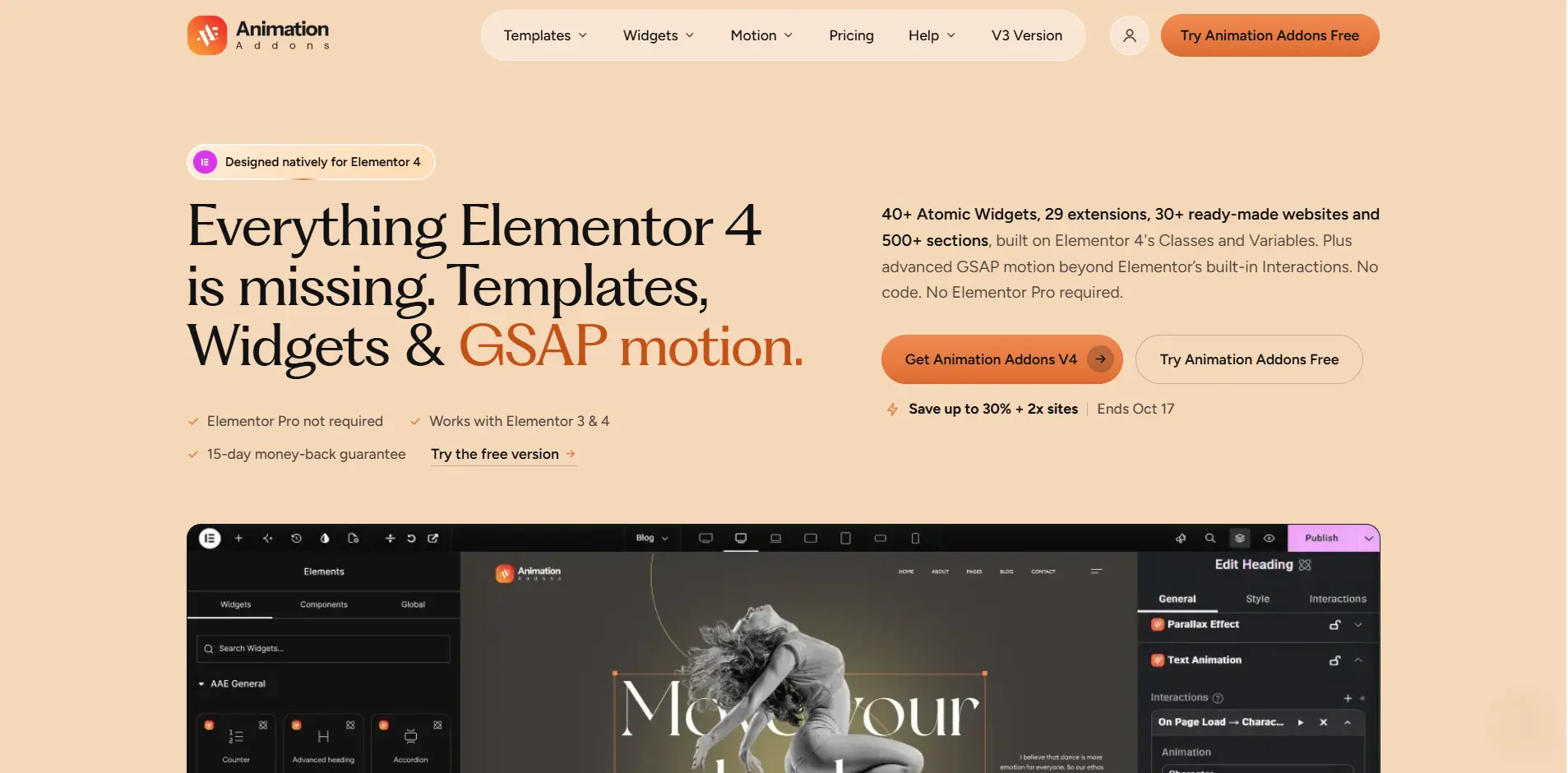
Animation Addons for Elementor is a WordPress plugin that extends Elementor’s website-building capabilities. It focuses on Elementor V4, Atomic Widgets, and GSAP animations.
Unlike a dedicated header and footer builder, Animation Addons offers extra widgets and design tools. These can help you create more customized website sections, including navigation and footer content.
For example, you can use its navigation, logo, and other design elements when building headers and footers. This works with a compatible theme or template-placement system.
Key Features
- 40+ Elementor V4 Atomic Widgets.
- Navigation and WordPress Menu elements.
- Site Logo and other website-building widgets.
- Support for Elementor V4 Classes and Variables.
- Advanced GSAP animation capabilities.
- Ready-made Elementor V4 templates and reusable sections.
- Additional design extensions for interactive website elements.
Why Choose Animation Addons?
Animation Addons is useful when your requirements go beyond a basic website header or footer.
For example, you might want to build a header with custom navigation. You can also add animated interactions to selected elements and maintain consistent styling with Elementor V4 Classes and Variables.
You can also use its widgets to design footer sections containing navigation links, branding, and other content.
Best For: Elementor V4 users, designers, and agencies looking for advanced design and animation capabilities.
Important: Animation Addons should not be treated as a standalone replacement for a header and footer template-placement system unless that functionality is available in your installed version.
2. Ultimate Addons for Elementor
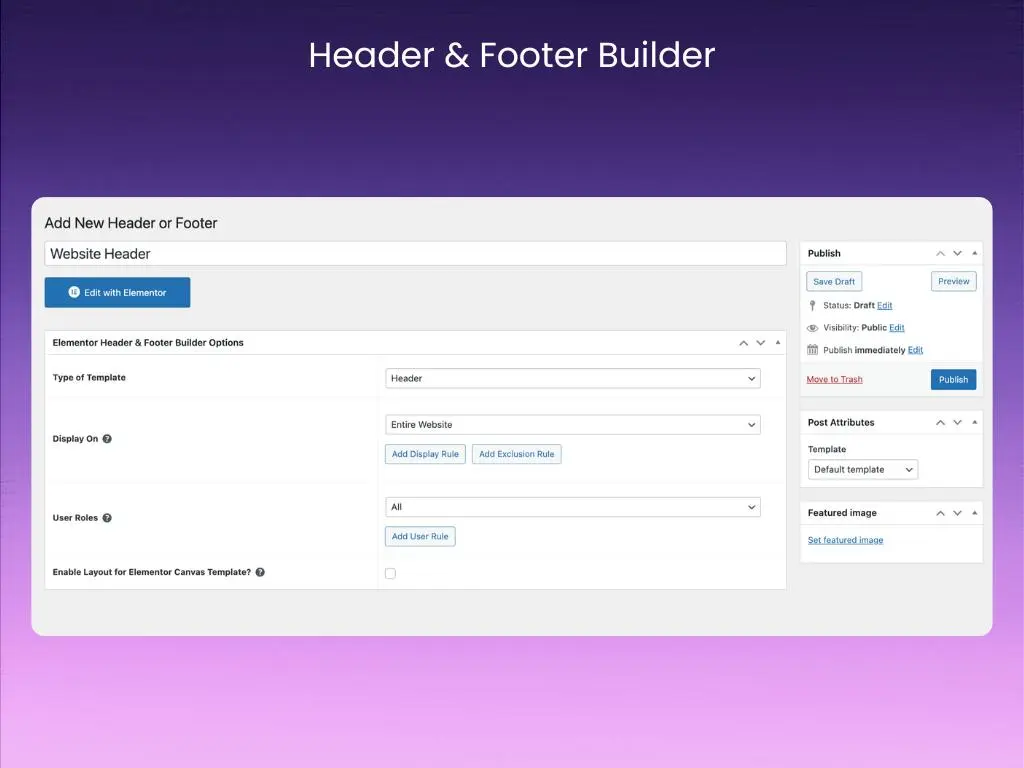
Ultimate Addons for Elementor is a popular WordPress plugin developed by Brainstorm Force. Previously known as Elementor Header & Footer Builder, it provides a free visual header and footer building solution.
The plugin lets you create custom header and footer templates using Elementor without requiring Elementor Pro’s Theme Builder.
You can also control where your templates appear, making it useful for websites that need different navigation layouts or footer designs.
Key Features
- Free Elementor header and footer builder.
- Site Logo and Navigation Menu widgets.
- Custom header and footer templates.
- Display rules for specific pages and posts.
- Search and cart elements.
- Additional premium sticky header features.
Why Choose Ultimate Addons?
Its main advantage is the ability to create site-wide Elementor headers and footers without purchasing Elementor Pro.
It is particularly useful for website owners who want to replace their theme’s default header with a customized layout while keeping the process simple.
3. ElementsKit
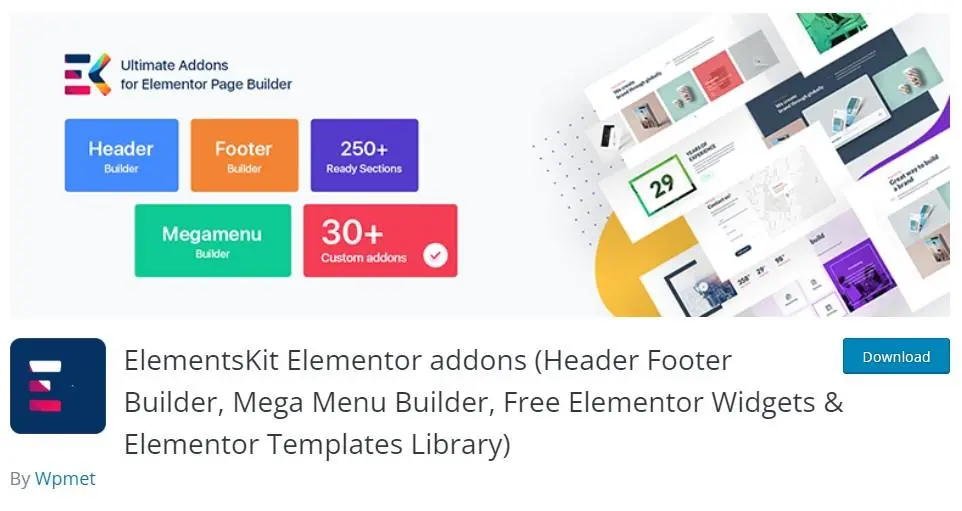
ElementsKit is a multipurpose Elementor addon that includes a header and footer builder alongside its collection of widgets and design modules.
It allows users to create custom header and footer layouts without depending entirely on their theme’s built-in options.
ElementsKit is particularly useful for websites that require more advanced navigation structures, such as dropdown menus or mega menus.
Key Features
- Header and footer builder module.
- Navigation Menu widget.
- Mega Menu functionality.
- Custom header and footer layouts.
- Responsive design controls.
- Additional Elementor widgets and templates.
Why Choose ElementsKit?
ElementsKit combines header and footer creation with a broader set of Elementor design features.
For example, you can create a navigation header with a logo, menu items, and action buttons while using the same plugin for other website sections.
However, the plugin includes many features beyond header and footer building, so it’s worth enabling only the modules you need.
4. Elementor Pro
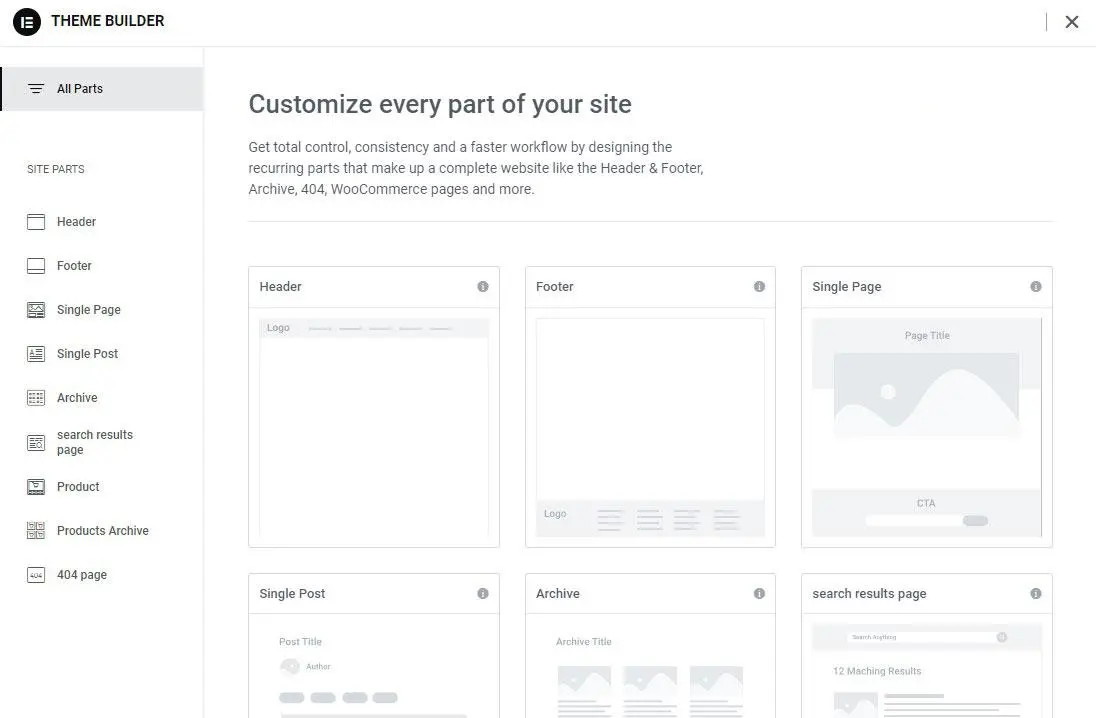
Elementor Pro provides a native Theme Builder that allows you to create and manage website headers, footers, and other theme templates directly within Elementor.
Unlike third-party header and footer plugins, Elementor Pro integrates template creation and display conditions into the Elementor ecosystem.
This makes it a convenient choice if you already use Elementor Pro for your website.
Key Features
- Native header and footer Theme Builder.
- Visual template editing.
- Display conditions for different pages.
- Responsive design settings.
- Sticky header options.
- Integration with other Elementor Pro widgets.
Why Choose Elementor Pro?
Elementor Pro allows you to manage headers and footers alongside other website templates, including single posts and archive pages.
For example, you can create a standard header for your entire website and a separate header for a specific landing page.
You can also combine Elementor Pro’s Theme Builder with additional widgets from Animation Addons to create more customized designs.
5. Royal Addons for Elementor
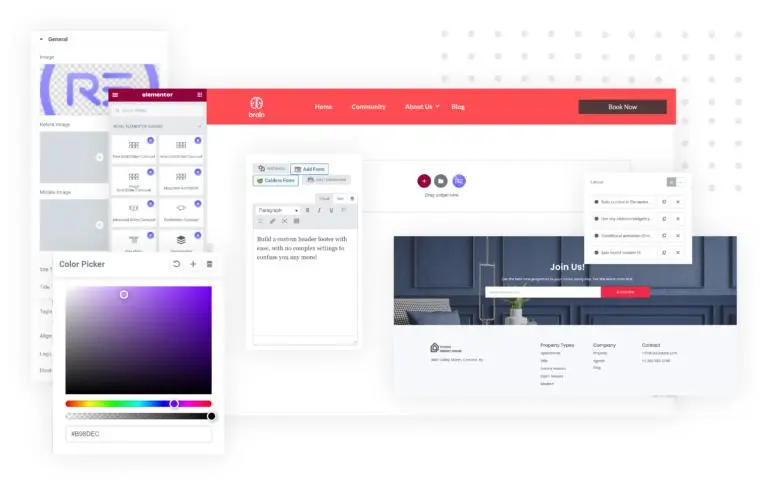
Royal Addons for Elementor offers Elementor widgets, templates, and website-building tools, including header and footer building functionality.
It is designed for users who want to create different website layouts without writing custom code.
The plugin provides additional Elementor elements that can be useful when designing navigation sections, footers, and other parts of a WordPress website.
Key Features
- Elementor header and footer builder.
- Navigation-related widgets.
- Pre-designed Elementor templates.
- Responsive layout controls.
- Additional design widgets.
- WooCommerce-related website-building features.
Why Choose Royal Addons?
Royal Addons can be a suitable option if you’re looking for header and footer design tools alongside a broader collection of Elementor widgets.
It is particularly relevant for users who want to build multiple website sections with one addon rather than installing several individual plugins.
6. The Plus Addons for Elementor
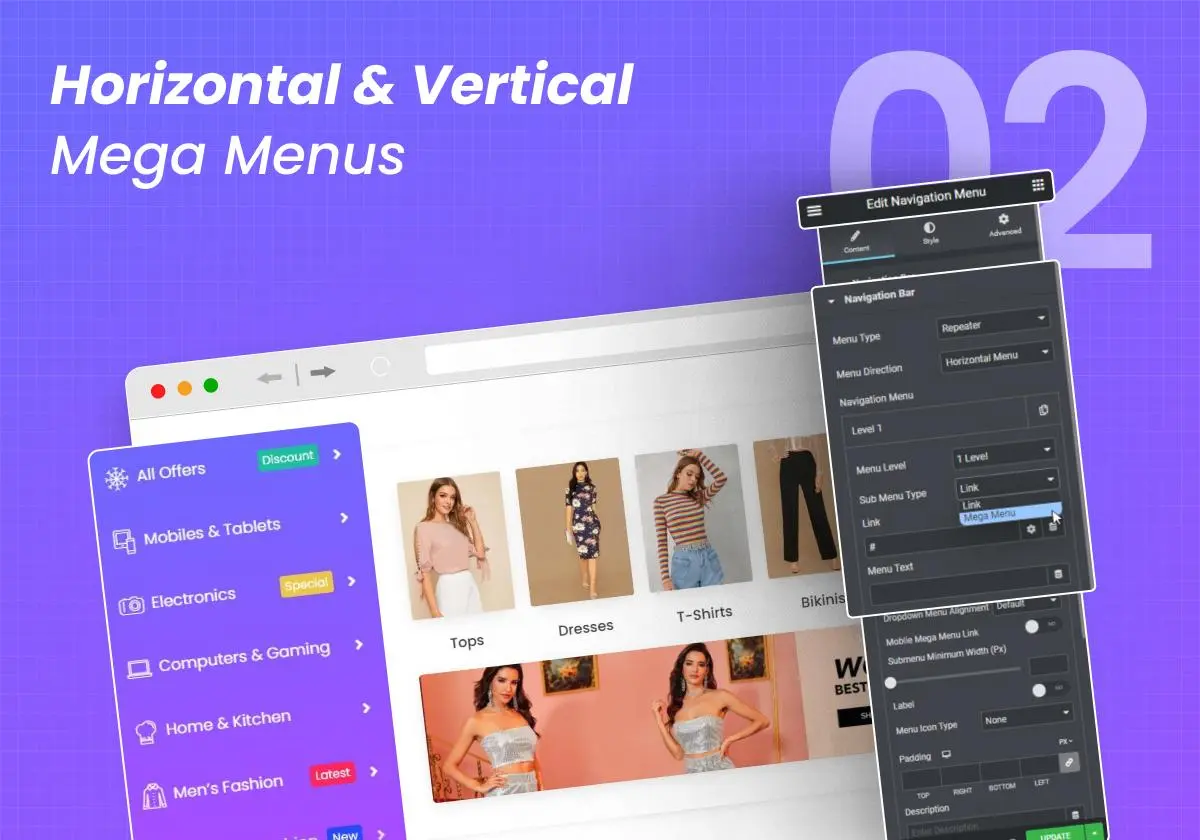
The Plus Addons for Elementor is another Elementor addon that provides advanced design widgets and tools for building custom website layouts.
Its header-related features include navigation menus, mega menus, and different header effects.
These features are particularly useful for websites with complex navigation requirements or interactive header designs.
Key Features
- Header and footer building tools.
- Advanced Navigation Menu widget.
- Mega Menu Builder.
- Sticky and transparent header effects.
- Mobile navigation options.
- Additional header elements such as search and cart controls.
Why Choose The Plus Addons?
The Plus Addons is useful for websites that need more than a standard navigation bar.
For example, an eCommerce website may require a header containing product categories, a search field, a shopping cart, and promotional buttons.
Its advanced header tools can help create these layouts, although several features require the Pro version.
7. HappyAddons for Elementor
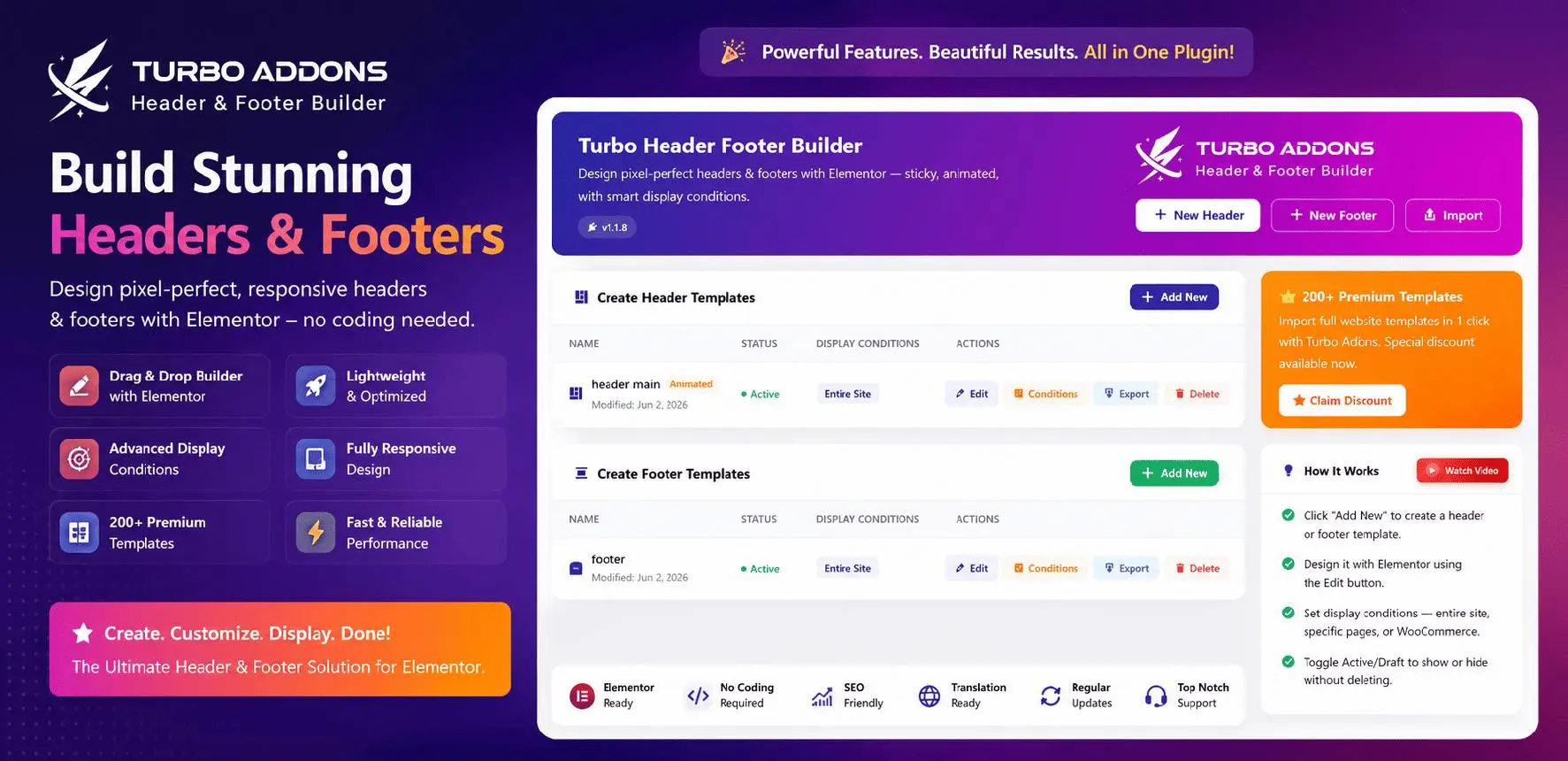
HappyAddons for Elementor provides a collection of Elementor widgets and website-building features, including header and footer builder functionality.
It helps users customize website layouts and create different sections through Elementor’s visual editing interface.
Alongside header and footer building, HappyAddons offers additional widgets and design features for creating WordPress pages.
Key Features
- Header and footer builder.
- Custom Elementor templates.
- Navigation and design widgets.
- Responsive customization options.
- Additional website-building elements.
- Mega menu functionality.
Why Choose HappyAddons?
HappyAddons can be useful if you want to create custom headers and footers while also extending Elementor’s general design capabilities.
It offers a broader toolkit for users who prefer managing different website design requirements through one addon.
Elementor Header and Footer Builder Plugins: Quick Comparison
The following table highlights the main differences between these plugins.
| Plugin | Header/Footer Capability | Main Strength | Best For |
|---|---|---|---|
| Animation Addons | Design widgets; use with compatible placement tools | Elementor V4 Atomic Widgets and GSAP | Advanced design |
| Ultimate Addons | Free builder | Simple header and footer templates | Beginners |
| ElementsKit | Builder module | Navigation and mega menus | Business websites |
| Elementor Pro | Native Theme Builder | Template display conditions | Pro users |
| Royal Addons | Builder included | Widgets and templates | Freelancers |
| The Plus Addons | Advanced tools, with Pro features | Header effects and mega menus | eCommerce |
| HappyAddons | Builder included | Broad design toolkit | General websites |
Feature availability may vary between free and premium versions.
How to Choose the Best Elementor Header and Footer Builder Plugin
Not every Elementor header and footer builder offers the same features. Before choosing a plugin, consider these important factors.
1. Header and Footer Customization
Choose a plugin that gives you enough flexibility to customize your website’s layout.
Look for features such as custom navigation menus, logos, buttons, social icons, and footer content sections.
If you need more advanced designs, additional Elementor widgets can help you build layouts beyond the default options.
2. Responsive Design
Your Elementor header and footer should work properly on desktops, tablets, and smartphones.
Make sure the plugin supports mobile navigation, responsive spacing, and device-specific layouts.
For example, a desktop navigation menu may need to switch to a hamburger menu on mobile devices.
3. Sticky Header and Navigation Features
A sticky header remains visible while visitors scroll through a webpage.
This can make navigation more accessible, particularly on long pages.
Depending on your website, you may also need transparent headers, dropdown menus, or mega menus. Check whether these features are included in the free version or require an upgrade.
4. Compatibility With Elementor V4
If you’re using Elementor V4, compatibility is an important consideration.
Elementor V4 introduces an Atomic design workflow with Classes, Variables, and reusable styling capabilities.
Plugins built to support these features can help you maintain more consistent designs across your website.
For example, Animation Addons provides Elementor V4 Atomic Widgets and design capabilities that can be useful when creating custom header and footer content.
5. Performance and Ease of Use
A header appears on many pages, so unnecessary scripts, complex animations, or excessive widgets can affect website performance.
Choose a plugin that allows you to manage features efficiently.
Also, consider whether its interface is easy to use, its documentation is helpful, and it receives regular updates.
Best WordPress Footer Widgets for Elementor Websites
A well-designed footer helps visitors find important information without returning to the top of the page.
When creating an Elementor footer, consider including these useful widgets.
You don’t need to include every widget. Choose elements that match your website’s purpose and audience.
For example, an agency website may benefit from a contact button and service links, while an online store may prioritize customer support, shipping information, and account links.
Common Mistakes to Avoid When Building Elementor Headers and Footers
Even with the right plugin, some design decisions can affect navigation and usability. Overloading the header: Adding too many links, buttons, and effects can make navigation confusing. Prioritize the most important pages.
Ignoring mobile navigation: Always test dropdown menus, hamburger buttons, and navigation spacing on smaller screens.
Using excessive animations: Header animations should support navigation rather than distract visitors. Keep interactions purposeful and avoid unnecessary motion.
Installing overlapping builders: Multiple plugins controlling the same header or footer location can cause template conflicts. Use one primary placement system.
Forgetting footer accessibility: Use readable text, sufficient contrast, descriptive links, and keyboard-accessible navigation.
Final Thoughts
Choosing the best Elementor header and footer builder plugin depends on your website’s design requirements, budget, and preferred workflow.
If you need a simple, free solution, Ultimate Addons for Elementor is worth considering. Elementor Pro offers native theme-building capabilities, while ElementsKit and The Plus Addons provide additional navigation and design features.
For users building with Elementor V4, Animation Addons for Elementor provides Atomic Widgets, ready-made templates, and advanced GSAP animation tools to help create more customized website experiences.
The right combination of a reliable header and footer builder and suitable design widgets can help you create consistent, responsive, and user-friendly WordPress websites.
Frequently Asked Questions
Yes. Plugins such as Ultimate Addons for Elementor and ElementsKit offer free header and footer building functionality. You don’t necessarily need Elementor Pro.
Install a compatible header builder plugin or use Elementor Pro’s Theme Builder. Create a header template, customize it with Elementor widgets, configure its display conditions, and publish it.
Yes. Animation Addons provides widgets such as navigation and Site Logo elements that can help you design header content. Use a compatible header template-placement system to display the finished design across your website.
You can create a sticky Elementor header using Elementor Pro’s motion settings or a compatible third-party plugin. Select the header container, configure the sticky behavior, and test it across devices.
Useful footer widgets include navigation menus, social icons, contact information, search forms, newsletter forms, and copyright text. The right selection depends on your website.
Yes. Several third-party plugins allow you to create headers and footers using the free Elementor plugin. However, advanced features such as sticky effects or additional display conditions may require premium versions.
Compatibility depends on the plugin and version. Check the developer’s documentation and test your templates before updating a production website. Animation Addons includes widgets built specifically for Elementor V4’s Atomic workflow.

Leave a Reply