
 Login
Login



Looking for the best Elementor Black Friday deals in 2026? Whether you want to upgrade to Elementor Pro, purchase premium Elementor addons, or get a lifetime license for your favorite WordPress tools, Black Friday is a great opportunity to compare offers and save on your website-building setup.
Black Friday 2026 falls on November 27, followed by Cyber Monday on November 30. Elementor and other WordPress plugin developers may announce special discounts, limited-time bundles, or early-access deals leading up to these dates.
In this guide, we cover the best Elementor Black Friday deals to watch in 2026, including Elementor Pro, Animation Addons and other popular tools and addons.
You’ll find:
- Elementor Pro Black Friday discount information
- Elementor addons and WordPress plugin offers
- Coupon codes and promotional dates when confirmed
- Annual versus lifetime license comparisons
- Recommendations for freelancers, agencies, and website owners
- Last checked: October 10, 2026. Many official 2026 offers have not yet been confirmed. We distinguish upcoming promotions from verified discounts and recommend checking each provider’s official checkout before purchasing.
Best Elementor Black Friday Deals 2026 at a Glance
The best Elementor Black Friday deal depends on whether you need a page builder, additional widgets, advanced animations, dynamic content, or an Elementor-compatible theme.
Here are the top products to watch during the 2026 Black Friday and Cyber Monday sales.
| Product | Best For | Key Strength | 2026 Black Friday Offer |
|---|---|---|---|
| Elementor | Page building | Complete website building | Awaiting confirmation |
| Animation Addons | The complete Elementor V4 Addon | GSAP-powered visual animation, widgets, Templates, Atomic Elements | Awaiting confirmation |
| MotionKit | Cross-builder animation | Visual GSAP workflow | Awaiting confirmation |
| Dokan | Multivendor ecommerce | Marketplace functionality | Awaiting confirmation |
| FluentCart | Digital products & ecommerce | WordPress-native selling | Awaiting confirmation |
| Rank Math SEO | SEO | Advanced SEO tools | Awaiting confirmation |
| Astra | Themes & website building | Speed, flexibility & templates | Awaiting confirmation |
| ThemeHunk Themes | WordPress websites | Themes, plugins & templates | Awaiting confirmation |
| MetForm | Forms | Advanced Elementor forms | Awaiting confirmation |
| MalCare | Security | Malware protection & cleanup | Awaiting confirmation |
| PostX | Blog/news websites | Post grids & magazine layouts | Awaiting confirmation |
| MasterStudy LMS | Online courses | LMS & course management | Awaiting confirmation |
| Dracula Dark Mode | Dark mode | One-click website dark mode | Awaiting confirmation |
| Paymattic | Payments & donations | WordPress payment forms | Awaiting confirmation |
| LatePoint | Bookings | Appointments & scheduling | Awaiting confirmation |
Note: This list covers products worth watching, not a list of confirmed live discounts. We recommend comparing the regular price, final checkout price, renewal terms, and website license limits before purchasing.
What Makes a Good Elementor Black Friday Deal?
A big percentage does not automatically mean a good deal.
Before buying an Elementor Black Friday deal, look at five things:
1. Features
Does the product actually solve a problem you have? A 70% discount is meaningless if you never use the features.
2. Website limits
Check whether the license works on one website, several websites, or unlimited sites. Freelancers and agencies should pay particular attention to this.
3. Renewal pricing
A low first-year price can become expensive if the subscription automatically renews at the regular rate. Always check the renewal terms.
4. Lifetime vs annual pricing
Some WordPress companies offer lifetime deals, while others only provide annual subscriptions. A lifetime offer can be particularly attractive if you plan to use the product for several years.
5. Support and updates
Premium WordPress plugins need regular updates for compatibility, security, and new WordPress features. Make sure you understand what happens when the license expires.
1. Elementor
When discussing Elementor Black Friday, it makes sense to start with Elementor itself.
Elementor is one of the most widely used visual website builders for WordPress. It lets users create pages and complete website layouts through a drag-and-drop interface instead of manually coding every section.
For beginners, Elementor provides a relatively approachable way to start building websites. For professionals, Elementor Pro adds more advanced design and site-building capabilities.
The biggest attraction during Black Friday is not simply buying a page builder. It is the opportunity to upgrade your entire website-building workflow at a potentially lower price.
Key Features
- Drag-and-drop visual editor
- Responsive design controls
- Theme Builder
- Header and footer design
- Dynamic content
- Form building
- Popup creation
- WooCommerce design capabilities
- Global styling and design controls
- Website and page templates
- AI-assisted website creation and content workflows
- Extensive third-party addon ecosystem
Elementor has also released seasonal resources specifically aimed at Black Friday campaigns.
That makes Elementor particularly useful if you are not only buying a tool during Black Friday but also planning to build a Black Friday Elementor landing page for your own business.
Pros
Pros
- Extremely flexible visual editor
- Large ecosystem of third-party addons
- Huge template ecosystem
- Excellent for beginners and professionals
- Strong WooCommerce integration
- Useful for landing pages and marketing campaigns
- Large community and documentation ecosystem
Cons
Cons
- Some advanced features require a paid plan
- Large Elementor installations can require careful performance optimization
- The growing ecosystem can make choosing addons confusing
- Annual renewals should be checked before purchasing
Pricing
Current Elementor pricing lists annual plans such as Essential (for a basic website) at $60/year, Advanced Solo (for a single professional & eCommerce website) at $84/year, and Advanced (For professional and eCommerce websites) at $108/year.
Who Should Buy Elementor on Black Friday?
Elementor is a strong choice for:
- Beginners
- Freelancers
- Web designers
- Agencies
- Small businesses
- WooCommerce store owners
- Landing-page designers
- Anyone who wants a visual WordPress workflow
Our take: If Elementor is already part of your workflow, Black Friday can be an excellent time to upgrade or renew but compare the promotional price with the renewal price before checking out.
2. Animation Addons
If Elementor is responsible for building the structure of your website, Animation Addons is designed to make that structure move.
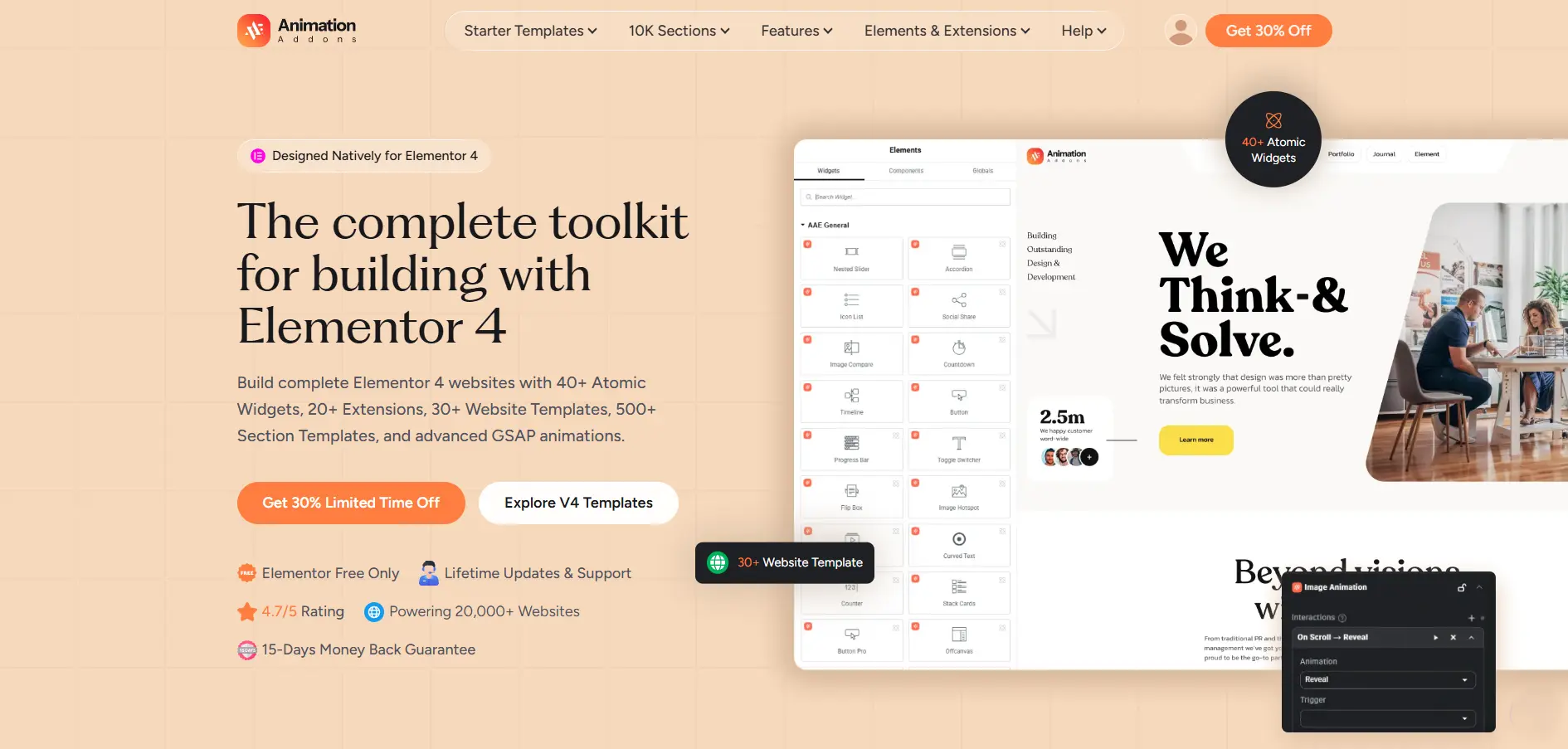
Animation Addons for Elementor is a complete Elementor toolkit that combines native Elementor V4 widgets, ready-made templates, and advanced GSAP animations.
Animation Addons is an Elementor-focused animation toolkit built around advanced motion capabilities, including GSAP-powered animations. It is particularly interesting for designers who want to move beyond basic fade, slide, zoom, and hover effects.
Instead of treating animation as something that requires custom JavaScript for every interaction, the plugin brings advanced motion controls into a visual WordPress workflow.
For agencies, freelancers, creative portfolios, SaaS websites, product pages, and high-converting landing pages, that can significantly reduce the amount of custom animation work required.
Why Animation Addons Stands Out
The biggest advantage is the combination of Elementor + GSAP + visual controls.
GSAP is widely used for sophisticated web animation, but implementing complex sequences manually can require JavaScript knowledge. Animation Addons makes those concepts much more accessible to Elementor users.
Its feature set includes tools such as:
- GSAP-powered animation
- ScrollTrigger
- ScrollSmoother
- SplitText
- MotionPath
- Advanced hover effects
- Scroll-based animations
- Text animations
- Image animations
- Interactive motion effects
- Animation presets
- Ready-made templates
- Elementor widgets and creative elements
Animation Addons is therefore more than a traditional Elementor widget pack. Its strongest selling point is motion design.
Key Features
GSAP-Powered Animation: Create sophisticated animations using the GreenSock Animation Platform without having to build every interaction from scratch.
ScrollTrigger: Build animations that react to scrolling, including entrance sequences, pinned sections, progress-based effects, and interactive storytelling.
ScrollSmoother: Create smoother scrolling experiences and combine them with motion effects for more immersive pages.
SplitText: Animate individual words, characters, or lines to create more engaging typography.
MotionPath: Move elements along custom paths for more creative interactions.
Ready-Made Templates: Templates can speed up the design process when you want a visually impressive result without starting from a blank canvas.
Elementor Integration: The workflow is designed around Elementor, making it easier for Elementor users to add motion without switching to a completely different development environment.
Pros
- Excellent for animation-focused Elementor websites
- GSAP-powered motion capabilities
- Advanced scroll animation options
- Useful for creative landing pages
- Reduces the need for custom JavaScript
- Strong option for agencies and freelancers
- Helps differentiate websites visually
Cons
- Advanced animation features can have a learning curve
- Not every website needs sophisticated animation
- Excessive motion can hurt usability if poorly implemented
- Animation-heavy pages require performance optimization
Animation Addons Pricing & Black Friday 2026
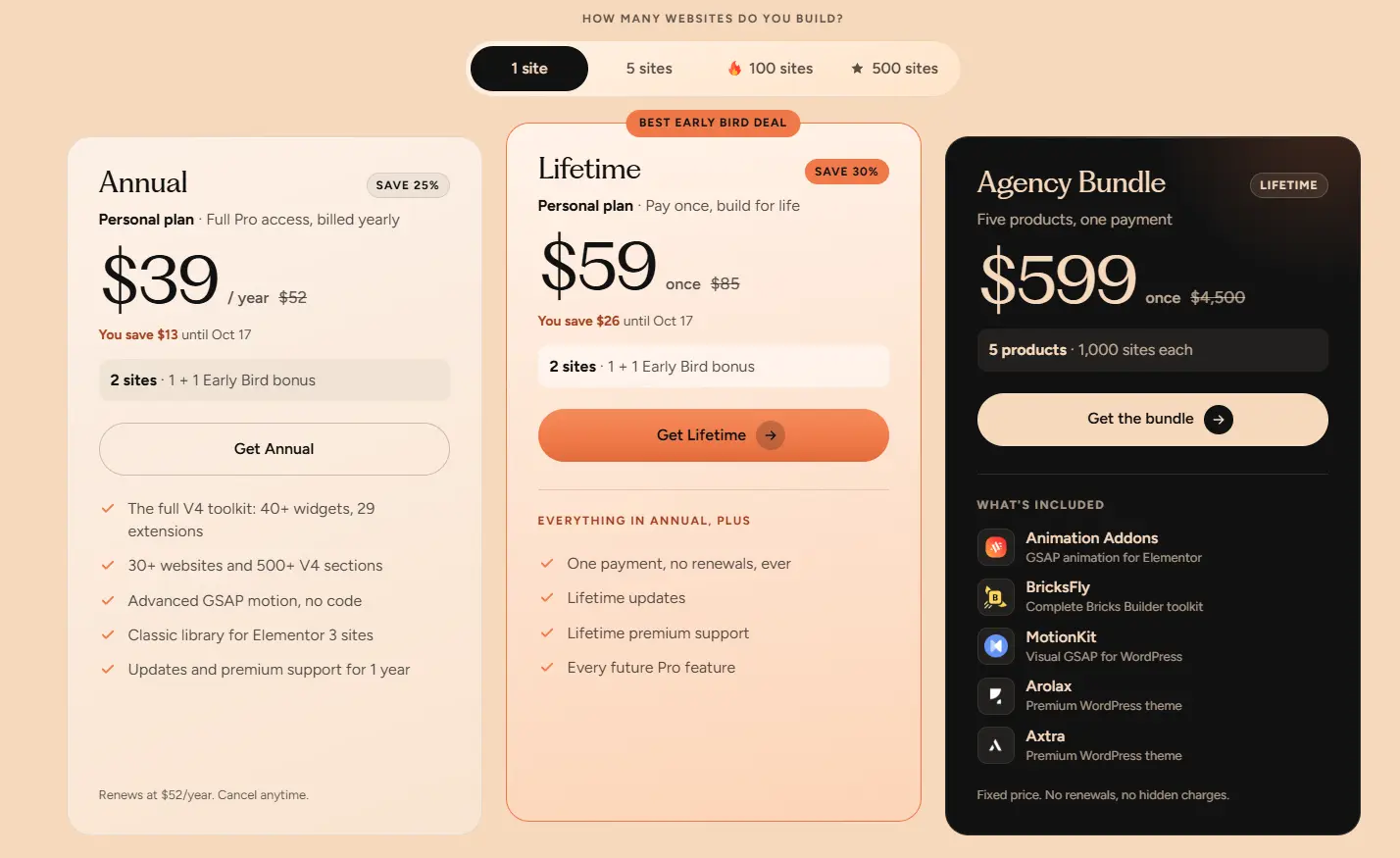
For Animation Addons Black Friday 2026, check the official website for the final sale price, coupon/code requirements, license terms, and any lifetime or annual offer.
Who Should Buy Animation Addons?
It is especially suitable for:
- Creative agencies
- Elementor designers
- Freelancers
- Portfolio websites
- SaaS landing pages
- Product landing pages
- Interactive storytelling websites
- Designers who want GSAP-style motion without coding everything manually
Our take: If your priority is making an Elementor website feel more premium, interactive, and memorable, Animation Addons deserves to be near the top of your Black Friday shortlist.
3. MotionKit
MotionKit takes a slightly different approach to website animation.
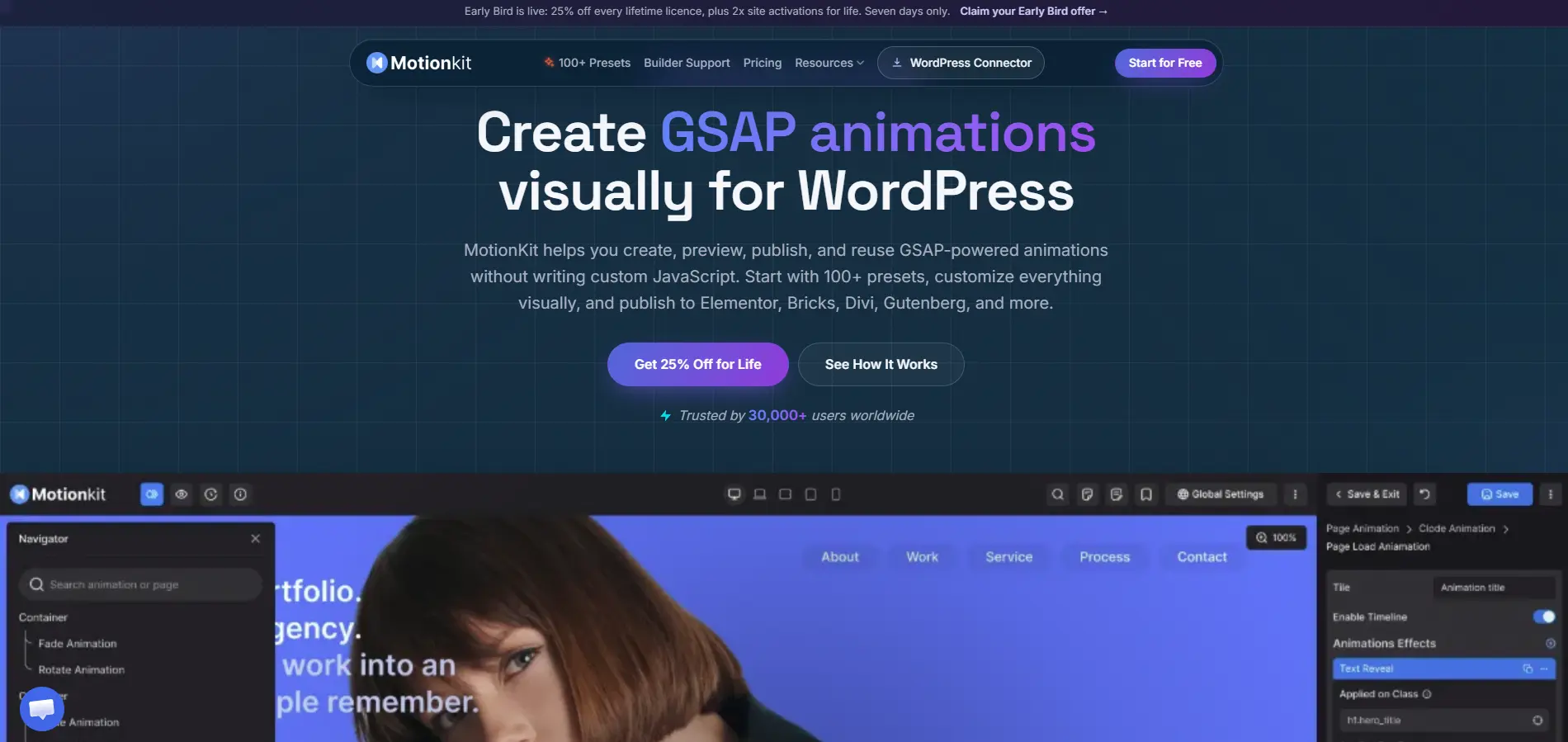
Instead of being limited to one page builder, MotionKit provides a visual workflow for creating GSAP-powered animations across WordPress. That makes it particularly interesting for freelancers and agencies who work with different builders.
MotionKit currently supports Elementor, Bricks, Divi, Gutenberg, Breakdance, Oxygen, Beaver Builder, WPBakery, Avada, and custom WordPress themes.
That flexibility is one of its biggest advantages.
Key Features
Visual GSAP Editor: Create GSAP-powered motion through a visual interface rather than writing JavaScript for every animation.
Visual Timeline: A timeline-based workflow gives designers greater control over animation sequencing and timing.
ScrollTrigger Controls: Create scroll-driven effects using visual controls.
Animation Presets: MotionKit includes a growing collection of presets that can speed up the animation workflow.
Reusable Animation Library: Save animations and reuse them across projects instead of rebuilding the same effect repeatedly.
Page Transitions: Create more polished navigation experiences with animated page transitions.
Smooth Scrolling: Add smooth-scrolling behavior to suitable projects.
Preloader: Create animated preloaders for more immersive experiences.
Multiple Page Builders: This is arguably MotionKit’s biggest differentiator. You are not locked into Elementor.
Pros
- Works across multiple WordPress builders
- Visual GSAP workflow
- Timeline-based animation editing
- Reusable animation library
- Suitable for freelancers and agencies
- Lifetime options currently available during the founder pricing window
Cons
- More advanced than what a beginner may need
- Animation workflows require some learning
- The product is still developing
- Founder pricing and offer availability are time-sensitive
MotionKit Pricing
MotionKit currently offers a free plan and paid founder/lifetime options. Its current pricing page lists:
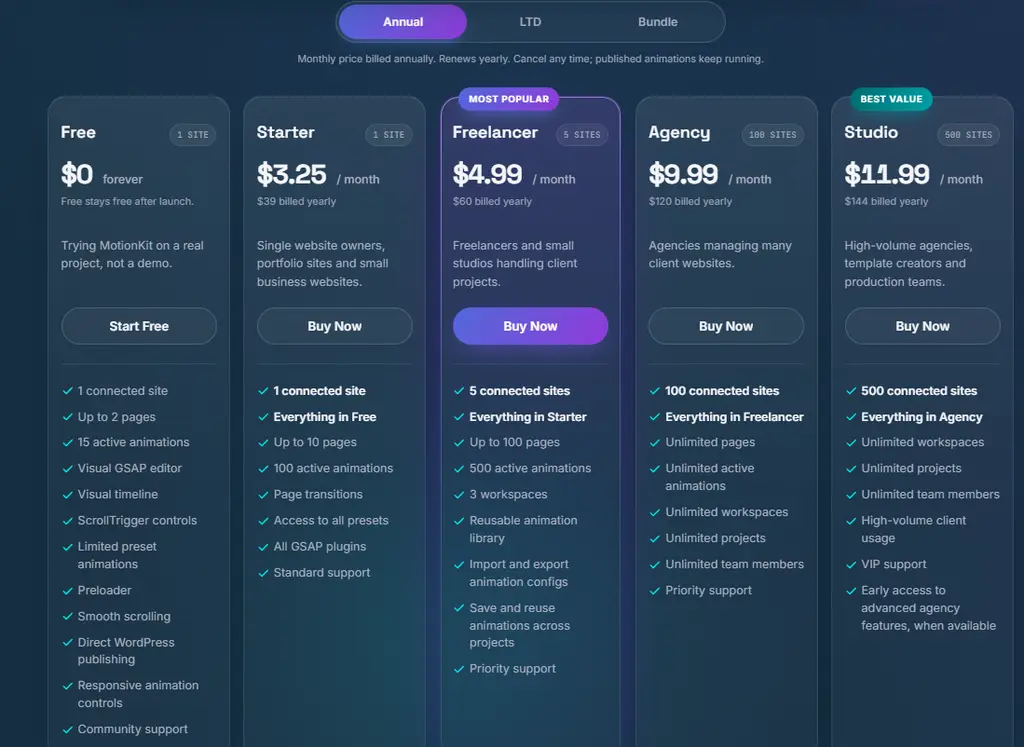
MotionKit pricing also lists lifetime pricing, including a bundle plan at $599 billed lifetime. The company says lifetime pricing is available only during the founder launch window.
Who Should Buy MotionKit?
MotionKit is particularly attractive to:
- Freelancers
- WordPress agencies
- Creative developers
- Bricks users
- Elementor users
- Multi-builder professionals
- Designers who want reusable GSAP animation systems
Our take: If Animation Addons is the specialist choice for Elementor-focused motion, MotionKit is the more flexible option for people who build across multiple WordPress ecosystems.
4. Dokan
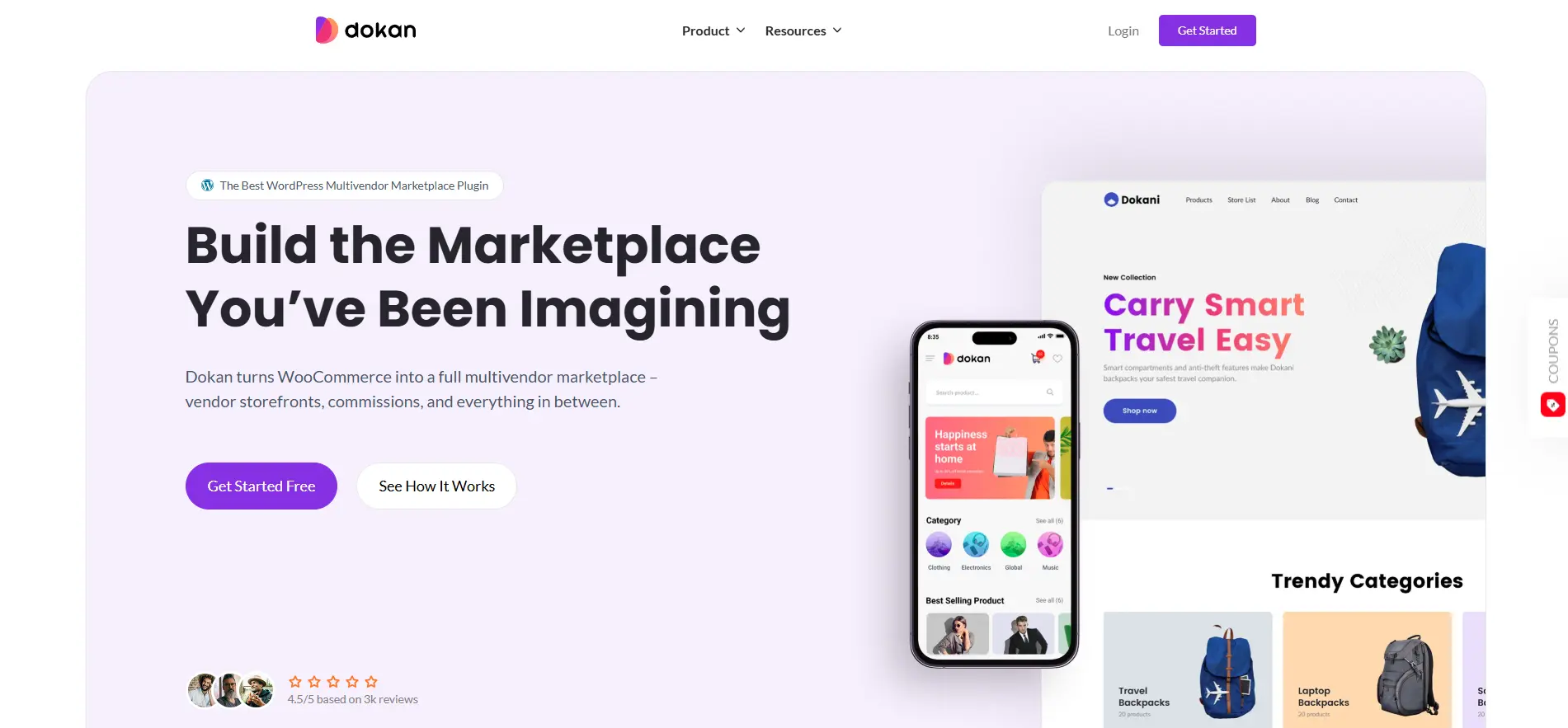
Dokan is one of the major WordPress solutions for building multivendor marketplaces.
Instead of creating a traditional single-vendor WooCommerce store, Dokan lets you build a marketplace where multiple sellers can register, create products, manage orders, and operate their own storefronts.
Key Features
- Multivendor marketplace
- Vendor dashboards
- Vendor management
- Commission management
- Product management
- Vendor analytics
- Social login
- Product bulk editing
- Payment integrations
- Vendor withdrawal systems
- Booking and subscription integrations
- Elementor integration
Pros
- Excellent for marketplace websites
- Strong vendor management
- Large feature ecosystem
- WooCommerce-based
- Suitable for complex marketplaces
Cons
- Can be overkill for a simple WooCommerce store
- Advanced features require premium plans
- Marketplace configuration can take time
Pricing
Current Dokan pricing lists annual plans such as Starter at $149/year, Professional at $249/year, and Enterprise at $999/year, with lifetime options also available.
Check the official site for the final Dokan Black Friday 2026 discount or coupon.
Best for: Multivendor marketplaces, ecommerce entrepreneurs, and agencies.
5. FluentCart
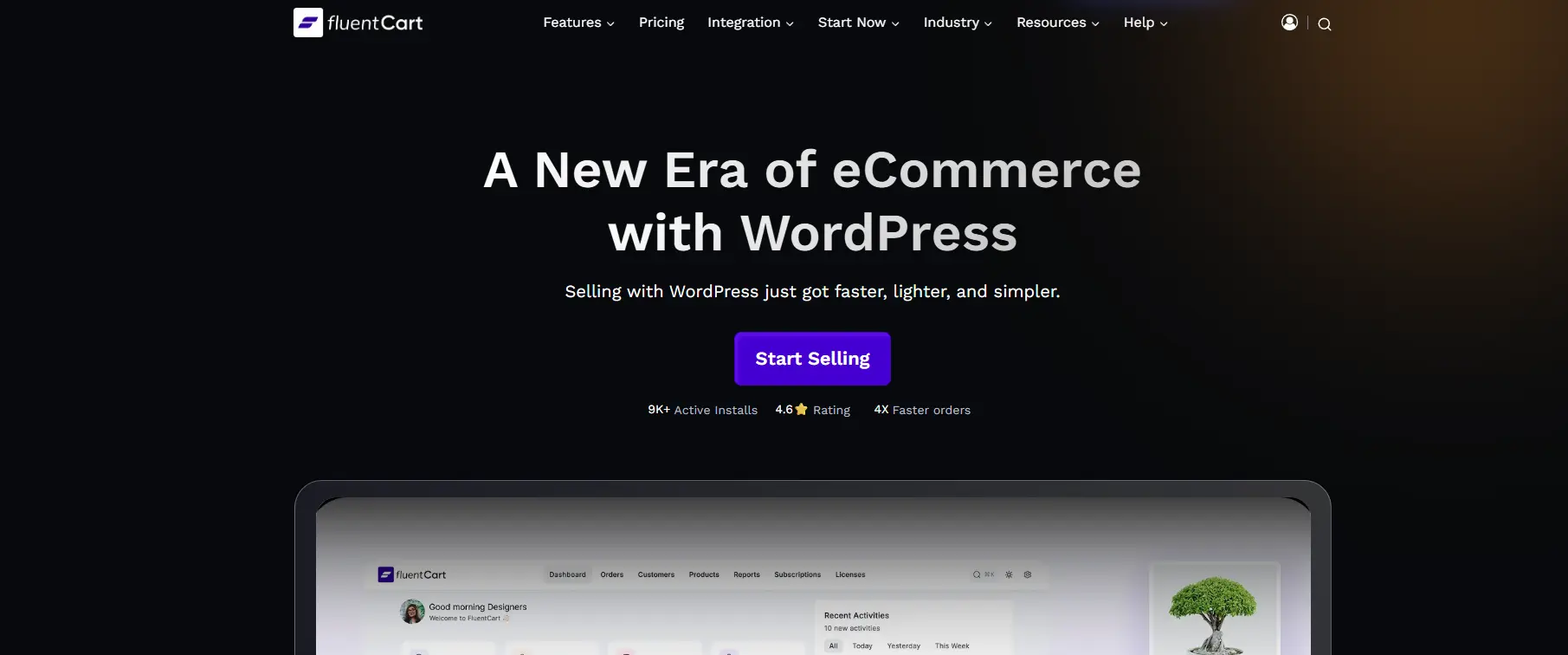
FluentCart is designed to turn WordPress into a powerful ecommerce platform, particularly for selling digital products and managing online sales.
It works with Elementor, Gutenberg, and Bricks, giving website owners flexibility in how they design their storefronts.
Key Features
- Product management
- Order management
- Payment processing
- Digital product selling
- Checkout
- Customer management
- Coupons
- Subscription functionality
- Ecommerce analytics
- Elementor compatibility
Pros
- Strong WordPress-native ecommerce workflow
- Useful for digital products
- Works with multiple builders
- Lifetime options available
- No-code-friendly interface
Cons
- Newer than established ecommerce platforms
- Some advanced workflows may require integrations
- Best suited to users comfortable with the WordPress ecosystem
Pricing
FluentCart currently lists annual plans beginning at $199/year and lifetime plans beginning at $499 for one site. Higher lifetime tiers include 5, 15, and 50-site options.
Best for: Digital products, WordPress stores, creators, and businesses looking for an alternative ecommerce workflow.
6. Rank Math SEO
A beautiful website is not enough if nobody can find it.
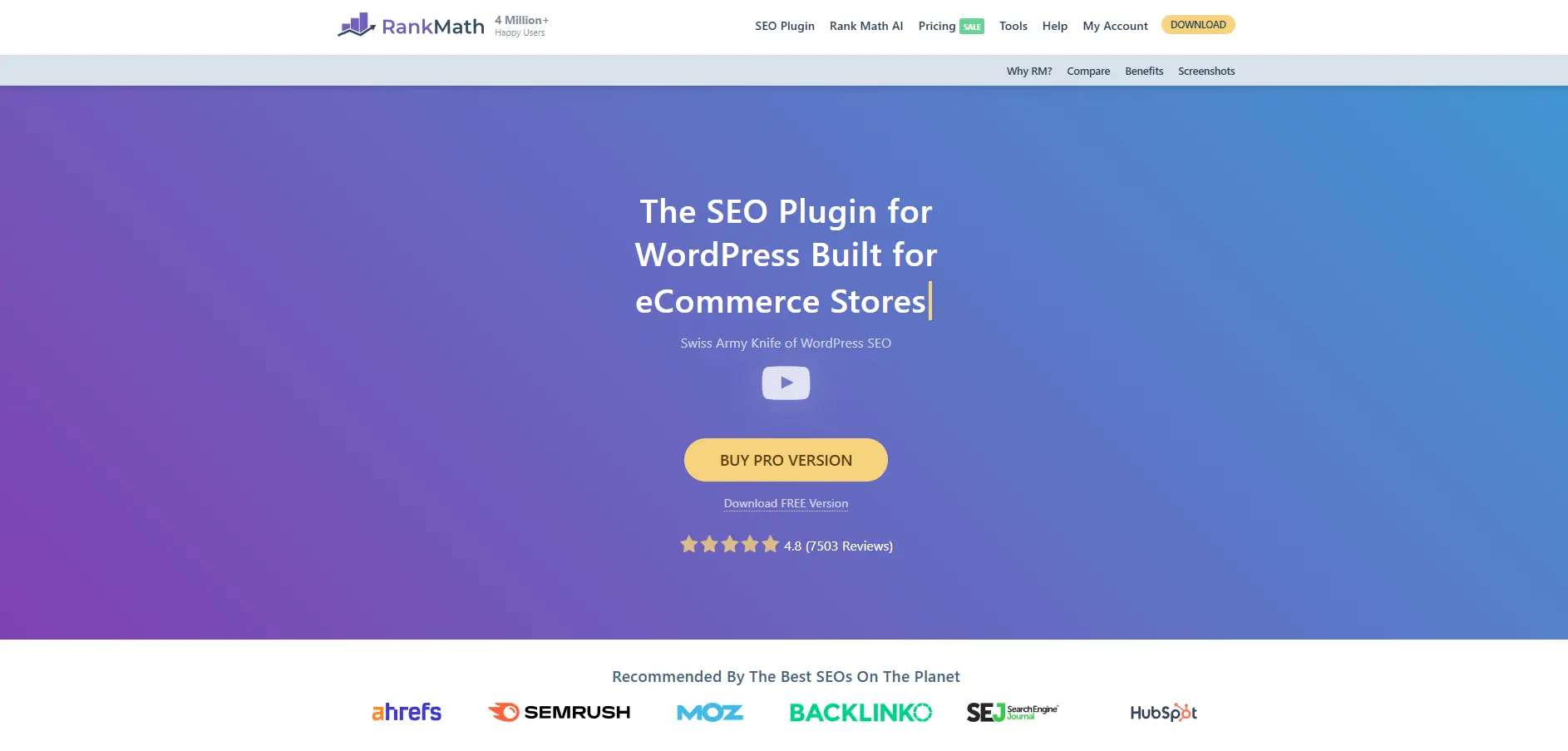
Rank Math is an SEO plugin designed to help WordPress users optimize content, technical SEO, schema, metadata, redirects, and other search-related elements from inside WordPress.
Key Features
- On-page SEO analysis
- Schema markup
- XML sitemap tools
- Redirection management
- SEO analytics
- Keyword tracking
- Local SEO features
- WooCommerce SEO
- Content optimization
- Search Console integration
Pros
- Feature-rich
- Strong free version
- Excellent for content websites
- Useful schema tools
- Good WooCommerce support
Cons
- Large feature set can feel overwhelming
- Some advanced features require Pro
- Users need basic SEO knowledge to get maximum value
Pricing
Rank Math’s current pricing page lists Pro at around €8.99/month for its displayed license comparison, with taxes excluded. The larger site counts for Business and Agency plans are €27.99/month and €64.99/month respectively.
For Rank Math Black Friday 2026, compare the sale price with the normal annual cost and renewal terms before purchasing.
Best for: Bloggers, agencies, ecommerce stores, and businesses serious about organic traffic.
7. Astra
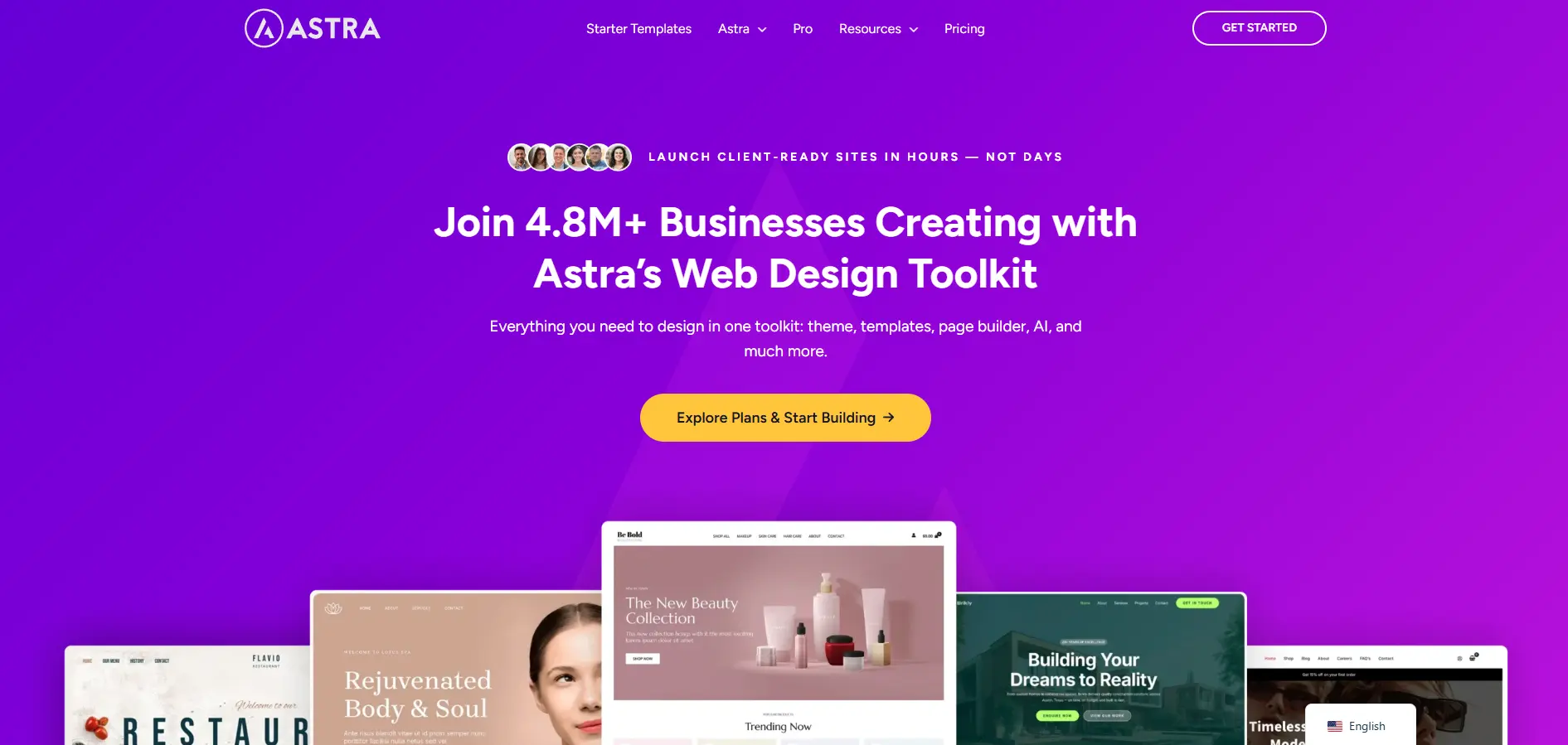
Astra is one of the best-known lightweight WordPress themes and is particularly popular among Elementor users.
Its strength is flexibility: you can combine Astra with Elementor, WooCommerce, starter templates, and other tools to build websites quickly.
Key Features
- Lightweight theme framework
- Header and footer builder
- Typography controls
- WooCommerce customization
- Starter templates
- Elementor integration
- Responsive controls
- Performance-focused design
Pros
- Fast and flexible
- Excellent Elementor compatibility
- Huge template ecosystem
- Suitable for beginners and agencies
- Lifetime options available
Cons
- Advanced features require Pro
- Large bundles can include tools you may not need
- Pricing structure has become more complex
Pricing
Current Astra pricing lists an Astra Pro Addon plan at $149/year for up to three websites and a lifetime option at $449 one-time.
Best for: Elementor websites, freelancers, agencies, WooCommerce stores, and users who want ready-made templates.
8. ThemeHunk Themes
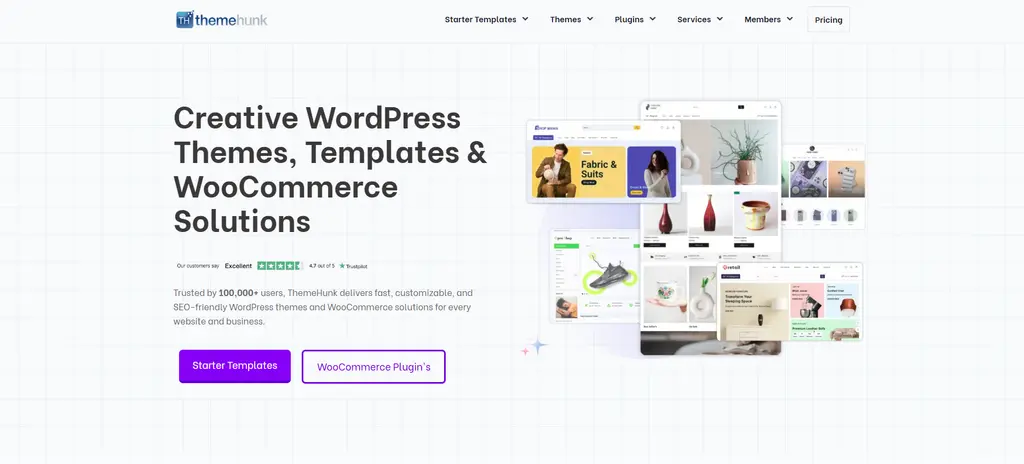
ThemeHunk is a WordPress theme and plugin provider with a broad collection of themes, Elementor-related tools, WooCommerce solutions, and starter templates.
Its full membership can be especially interesting during Black Friday because one purchase can cover multiple products.
Key Features
- Premium WordPress themes
- Elementor templates
- WooCommerce themes
- Premium plugins
- Starter websites
- Website templates
- Ecommerce tools
- Elementor addons
Pros
- Large product ecosystem
- Useful for freelancers
- Multiple themes and plugins in bundles
- Lifetime membership available
- Good option for website creators managing several projects
Cons
- Large product library can make selection difficult
- You may not need every included product
- Some products are more niche than others
Pricing
ThemeHunk currently lists annual membership at $249 and lifetime membership at $699 on its main pricing page. Individual theme plans and other bundles are also available.
Best for: Freelancers, agencies, WooCommerce developers, and users who build multiple WordPress websites.
9. MetForm
MetForm is an Elementor form builder that lets users create advanced forms without building everything from scratch.
It is useful for contact forms, lead generation, surveys, applications, bookings, calculations, and payment-related forms.
Key Features
- Drag-and-drop form builder
- Multi-step forms
- Conditional logic
- Form analytics
- Calculation forms
- Quiz and survey forms
- Payment integrations
- Form templates
- CRM integrations
- Webhooks
Pros
- Excellent Elementor integration
- Large feature set
- Advanced conditional logic
- Multi-step forms
- Payment support
- Lifetime plans available
Cons
- Advanced integrations require higher tiers
- Depends on Elementor
- Some features may be unnecessary for simple contact forms
Pricing
Current MetForm pricing lists annual plans such as Personal at $49, Professional at $119, and Agency at $249 before promotional discounts. Lifetime plans and larger WPMet bundles are also available.
Best for: Lead-generation websites, businesses, agencies, booking websites, and Elementor users who need advanced forms.
10. MalCare
Design and SEO mean very little if your WordPress website gets hacked.
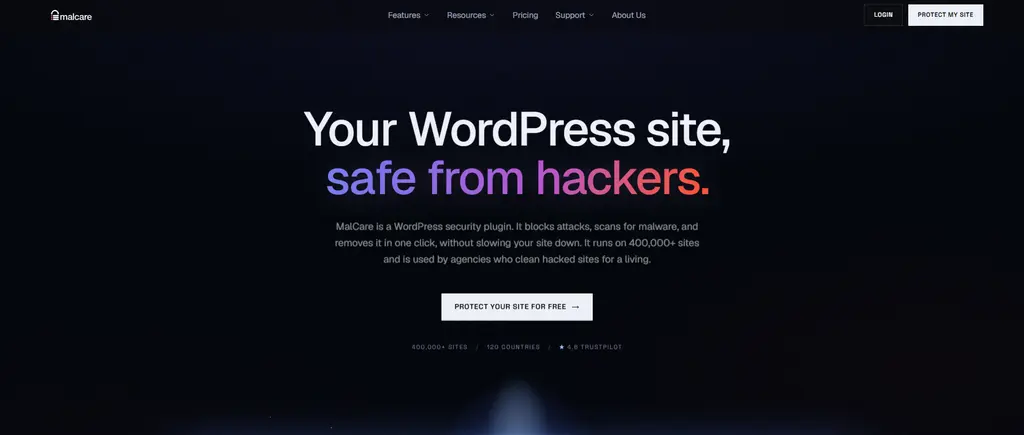
MalCare focuses on WordPress security, malware scanning, firewall protection, vulnerability monitoring, and malware cleanup.
Key Features
- Automatic malware scanning
- Malware cleanup
- Web application firewall
- Vulnerability alerts
- Brute-force protection
- Bot protection
- Virtual patching
- Two-factor authentication
- IP blacklisting
- Security monitoring
Pros
- Strong security focus
- Automatic malware detection
- Cleanup tools
- Firewall protection
- Free plan available
- Useful for agencies managing multiple websites
Cons
- Advanced security features require paid plans
- Pricing increases with site count
- Some small websites may only need the free tier
Pricing
MalCare currently offers a free plan and paid protection plans. Its current pricing page lists Protect at $99/year for one site, while Repair and Fortify provide more advanced remediation and protection capabilities for one site at $299/year and $499/year respectively.
Best for: Business websites, ecommerce stores, agencies, and anyone who considers security a priority.
11. PostX
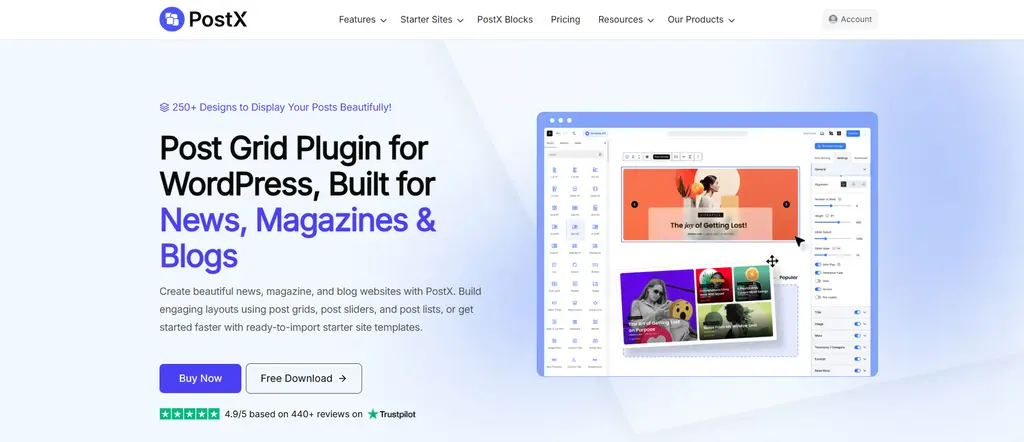
PostX is designed for WordPress users who want to create attractive post grids, news websites, blogs, magazines, and content-heavy layouts.
For Elementor users and WordPress creators who care about content presentation, PostX can reduce the amount of custom layout work required.
Key Features
- Post grids
- Post lists
- Magazine layouts
- News layouts
- Query builder
- Dynamic content
- Category filtering
- Ajax pagination
- Post sliders
- Pre-built templates
Pros
- Great for content-heavy websites
- Useful for news and magazine designs
- Many layout possibilities
- Helps create visual blog archives
- Saves development time
Cons
- Not necessary for simple blogs
- Advanced features require Pro
- Another plugin adds to the overall WordPress stack
Best for: News websites, magazines, bloggers, publishers, and content-heavy WordPress websites.
For the final PostX pricing plans, for 1 site is $99/year and $112 for lifetime. You can go for unlimited sites also.
12. MasterStudy LMS
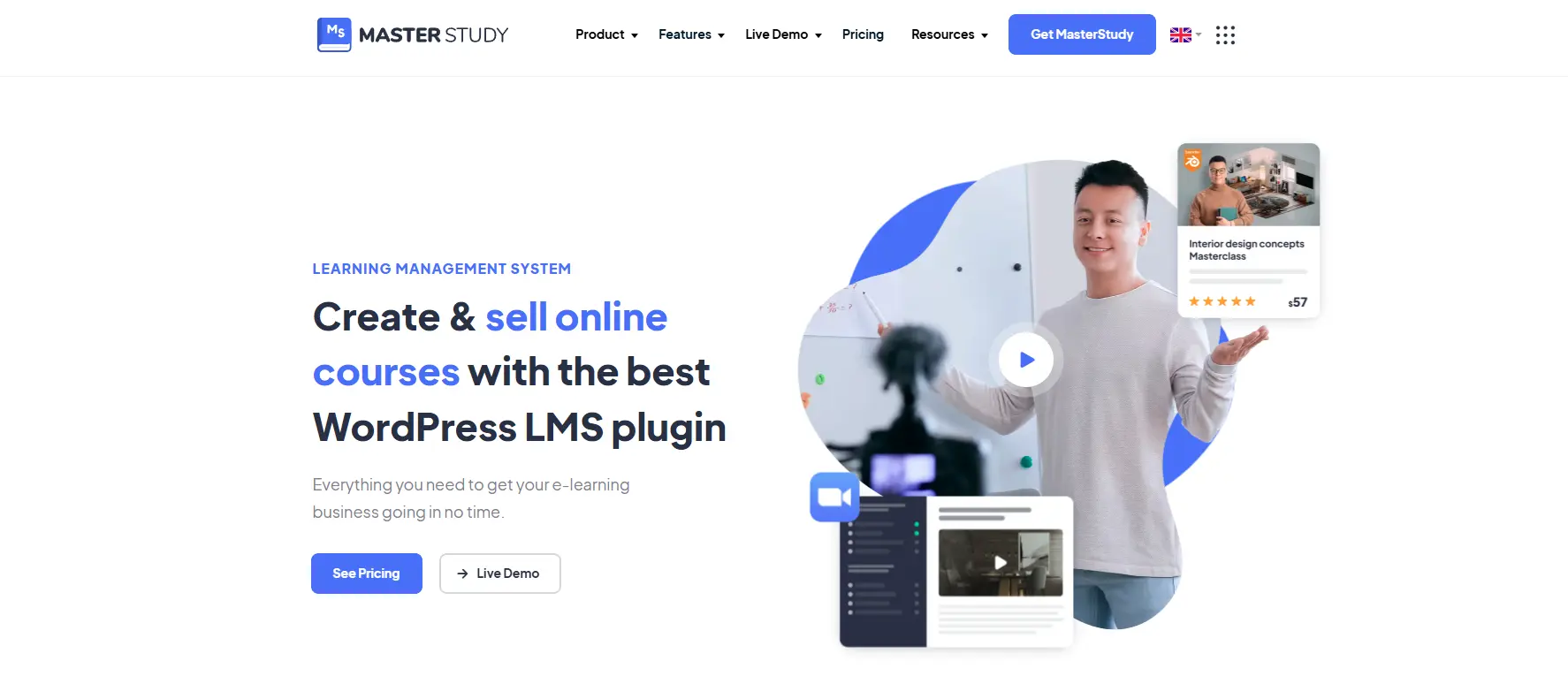
MasterStudy LMS turns WordPress into an online learning platform.
It can be used to create courses, lessons, quizzes, memberships, instructor profiles, and online education businesses.
Key Features
- Course builder
- Online lessons
- Quizzes
- Certificates
- Instructor management
- Memberships
- Subscriptions
- Course selling
- Student management
- WooCommerce compatibility
- Zoom and webinar integrations
Pros
- Comprehensive LMS functionality
- Free version available
- Supports memberships and subscriptions
- Useful for course creators
- Annual and lifetime licensing options
Cons
- Advanced LMS setups require configuration
- Large feature set can be overwhelming
- Some integrations may require additional setup
MasterStudy confirms that its Pro version is available through both annual and lifetime licensing. Annual licenses provide one year of updates and priority support, while lifetime licenses remove recurring renewals.
Best for: Online academies, coaches, instructors, membership businesses, and course creators.
13. Dracula Dark Mode
Dark mode is no longer just a visual trend. For many websites, it has become an expected user experience.
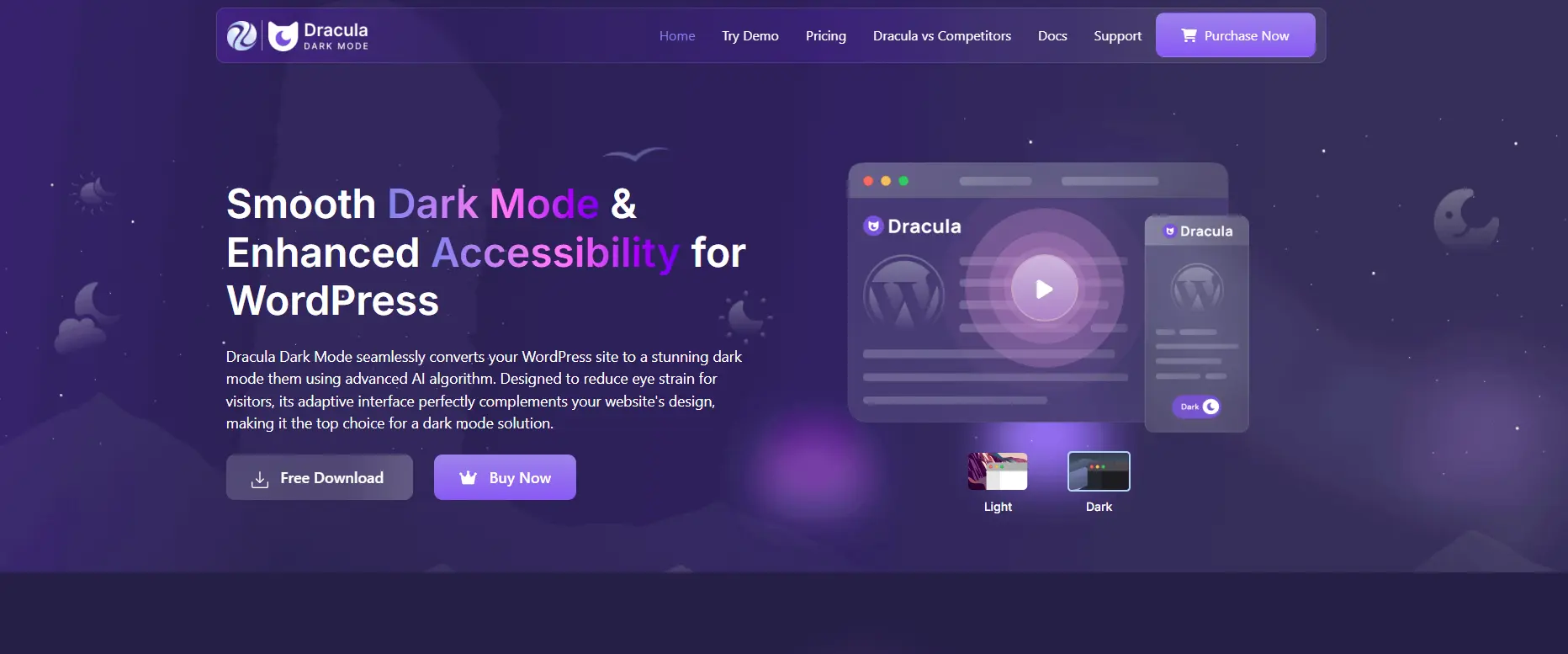
Dracula Dark Mode is designed to add dark-mode functionality to WordPress websites without requiring users to manually create an entirely separate dark design.
Key Features
- One-click dark mode
- Automatic dark-mode switching
- Custom color controls
- Dark-mode customization
- Floating switcher
- User preference support
- Elementor compatibility
- Responsive design
Pros
- Easy way to add dark mode
- Improves visual flexibility
- Useful for modern websites
- Works well with content and creative websites
- Can complement Elementor designs
Cons
- Not every website needs dark mode
- Complex custom designs may require additional testing
- Dark-mode color combinations need careful accessibility checks
Dracula Dark Mode currently lists annual plans starting at $37/year for one site, with lifetime plans beginning at $76 for one site. Higher site-count plans are also available.
Best for: Creative websites, SaaS websites, blogs, portfolios, agencies, and modern business websites.
14. Paymattic
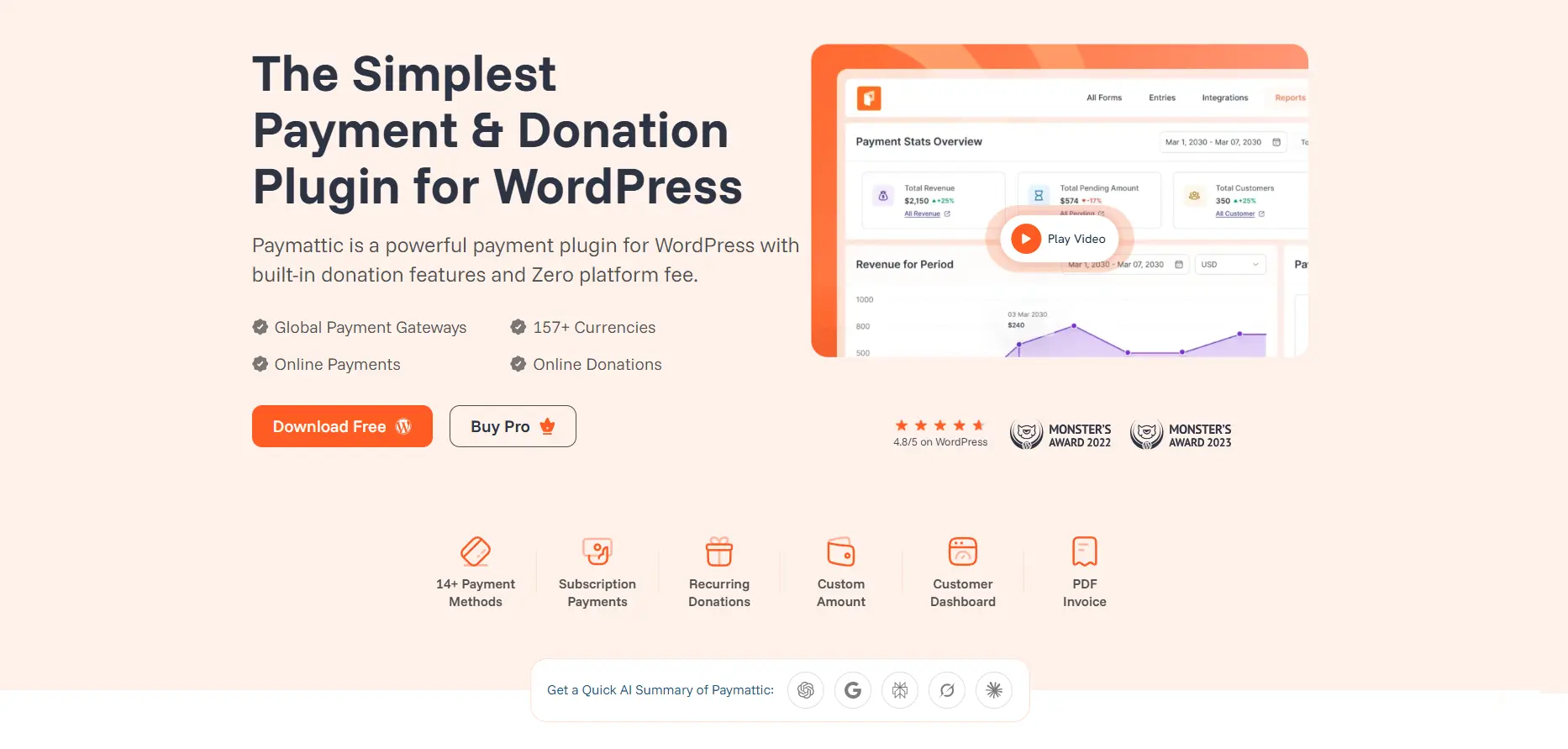
Paymattic focuses on payments, donations, registrations, subscriptions, and payment forms directly inside WordPress.
It is particularly useful for businesses and organizations that need to collect payments without building a full ecommerce store.
Key Features
- One-time payments
- Subscription payments
- Donation forms
- Payment forms
- Coupons
- Customer dashboard
- Multiple payment gateways
- 157+ currencies
- Analytics
- Spam protection
- WooCommerce-related workflows
Pros
- All-in-one payment functionality
- No extra add-ons required for core features
- Supports donations and subscriptions
- Lifetime plans available
- No Paymattic transaction fee
Cons
- Payment gateway fees still apply
- Advanced payment workflows require configuration
- May be unnecessary for a simple brochure website
Pricing
Paymattic currently lists annual plans starting at $119/year for one site, with lifetime plans beginning at $349 for one site. Higher site-count plans are also available.
Best for: Payment forms, donations, memberships, subscriptions, nonprofits, and businesses selling without a full ecommerce setup.
15. LatePoint
If your website sells appointments rather than products, LatePoint is one of the tools worth watching.
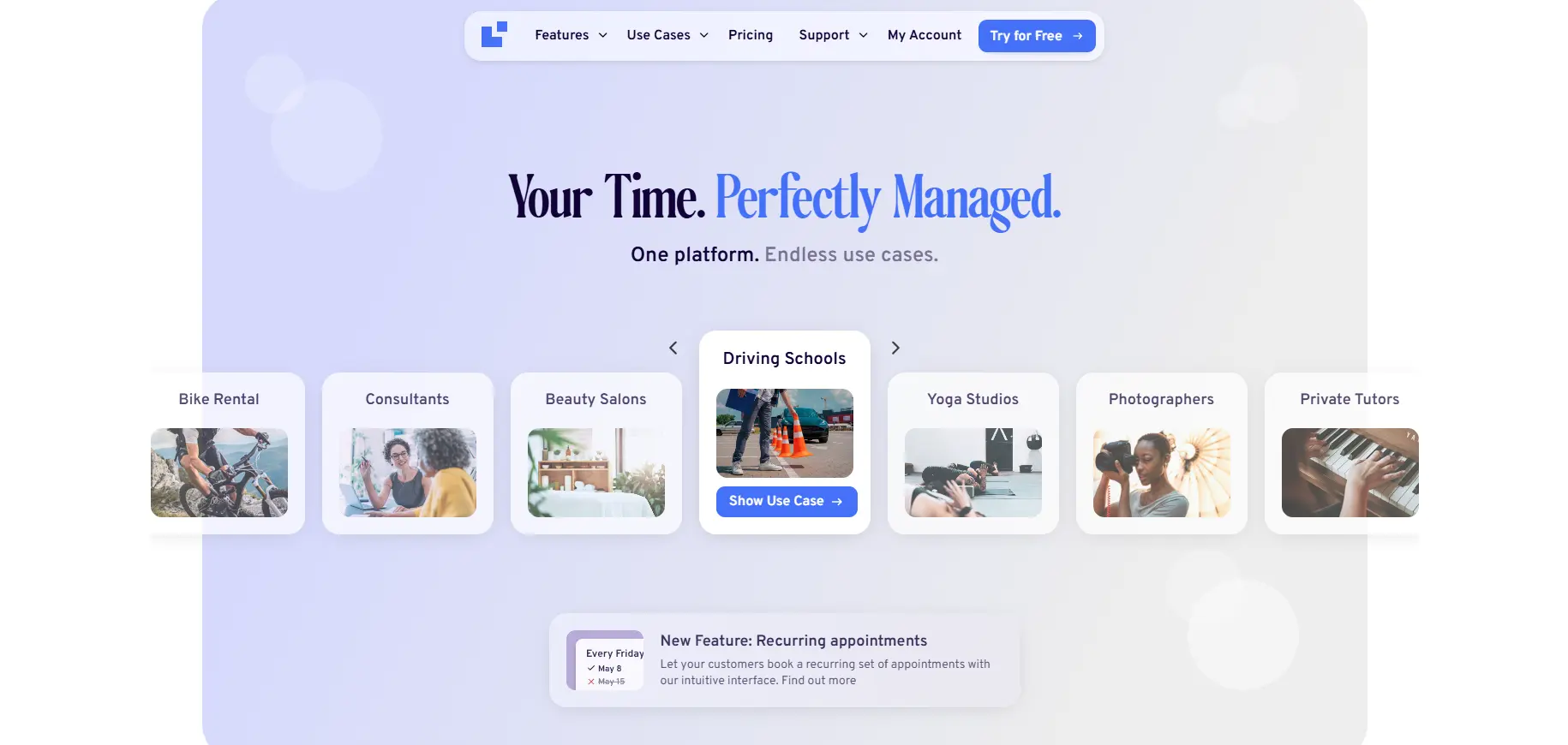
LatePoint is an appointment booking and scheduling system for WordPress. It supports businesses such as consultants, salons, clinics, agencies, coaches, trainers, and service providers.
Key Features
- Online appointment booking
- Staff management
- Customer dashboards
- Multiple payment processors
- WhatsApp notifications
- Invoicing
- Payment links
- Refunds
- WooCommerce integration
- Google address autocomplete
- Elementor integration
- Multi-location scheduling
- Events and registrations
Pros
- Comprehensive booking system
- Elementor support
- Multiple payment options
- Useful customer dashboard
- Supports events as well as appointments
- Lifetime licenses available
Cons
- More functionality than simple businesses may need
- Advanced booking setups require configuration
- Payment and integration setup can take time
Pricing
LatePoint currently lists annual plans from $99 for one site, $249 for five sites, and $499 for 100 sites under its displayed promotional pricing. Lifetime plans currently start at $249 for one site, with higher tiers available.
The company notes that introductory pricing renews at the full price shown during checkout, while lifetime customers do not have recurring renewal fees.
Best for: Appointment-based businesses, agencies, consultants, salons, coaches, trainers, and service provide
Best Elementor Black Friday Deals 2026 Compared
With 15 products on the list, the best deal depends heavily on what you are building.
| Product | Best For | Pricing Model | Our Pick |
|---|---|---|---|
| Elementor | Website building | Annual | ⭐⭐⭐⭐⭐ |
| Animation Addons | Elementor animation | Annual/promotional | ⭐⭐⭐⭐⭐ |
| MotionKit | Cross-builder animation | Annual/Lifetime | ⭐⭐⭐⭐⭐ |
| Dokan | Multivendor ecommerce | Annual/Lifetime | ⭐⭐⭐⭐ |
| FluentCart | Ecommerce | Annual/Lifetime | ⭐⭐⭐⭐⭐ |
| Rank Math | SEO | Annual | ⭐⭐⭐⭐⭐ |
| Astra | Theme & templates | Annual/Lifetime | ⭐⭐⭐⭐⭐ |
| ThemeHunk | Themes/plugins | Annual/Lifetime | ⭐⭐⭐⭐ |
| MetForm | Forms | Annual/Lifetime | ⭐⭐⭐⭐⭐ |
| MalCare | Security | Annual | ⭐⭐⭐⭐⭐ |
| PostX | Content layouts | Annual | ⭐⭐⭐⭐ |
| MasterStudy LMS | Online courses | Annual/Lifetime | ⭐⭐⭐⭐⭐ |
| Dracula Dark Mode | Dark mode | Premium | ⭐⭐⭐⭐ |
| Paymattic | Payments | Annual/Lifetime | ⭐⭐⭐⭐⭐ |
| LatePoint | Bookings | Annual/Lifetime | ⭐⭐⭐⭐⭐ |
How to Get the Best Elementor Black Friday Discount in 2026
Black Friday shopping is not simply about clicking the first “50% OFF” banner you see.
Use these strategies to get better value.
1. Compare the regular price
A discount percentage can look impressive while the final price is still higher than another product’s normal price.
2. Check renewal pricing
This is particularly important for annual subscriptions. Some promotional prices apply only to the first year.
3. Look for lifetime offers
If you know you will use a plugin for several years, a lifetime deal can potentially save considerably more than repeated annual purchases.
4. Check site limits
A $50 license for one website may be less valuable to an agency than a $100 license covering 10 or 100 websites.
5. Don’t buy duplicate functionality
If you already have several Elementor addons, check whether the new plugin adds genuinely useful functionality.
6. Watch the dates
Many Black Friday offers begin before Black Friday and continue through Cyber Monday. Others may have early-bird promotions.
7. Verify the coupon code
Searches for an Elementor Black Friday code or Elementor Pro Black Friday coupon often bring up old promotional pages. Always verify that a code is actually valid for the 2026 campaign.
What About Elementor Pro Black Friday Renewals?
Existing users should pay special attention to renewals.
A new-customer promotion does not necessarily mean that the same discount will automatically apply to your existing subscription. Elementor’s coupon terms make clear that offers can be limited to specific users, plans, and promotional periods.
Before purchasing an Elementor Pro Black Friday renewal, check:
- Your current subscription expiration date
- Renewal price
- Whether the promotion applies to renewals
- Whether the offer is upgrade-only
- Whether a coupon code is required
- Whether the discount applies to your specific plan
The same principle applies to other WordPress plugins on this list.
Final Verdict: Best Elementor Black Friday Deals 2026
The best Elementor Black Friday Deals 2026 will depend on what you actually need.
If your priority is building websites, Elementor remains the foundation.
If your priority is advanced motion, Animation Addons and MotionKit stand out for different reasons. Animation Addons is particularly attractive for Elementor-centered workflows, while MotionKit is compelling for professionals who work across multiple WordPress builders.
For ecommerce, Dokan and FluentCart solve different problems: Dokan focuses on multivendor marketplaces, while FluentCart provides a flexible WordPress ecommerce workflow.
For the rest of your website stack, Rank Math handles SEO, Astra and ThemeHunk help with design and templates, MetForm handles advanced forms, MalCare protects your website, PostX improves content presentation, MasterStudy LMS powers online learning, Dracula Dark Mode adds dark-mode functionality, Paymattic handles payments, and LatePoint handles appointments.
The biggest mistake would be buying everything simply because the sale looks attractive.
Instead, identify the bottleneck in your website first. Then use the Black Friday 2026 discounts to solve that specific problem.
Build better. Design smarter. Buy strategically.
FAQs
Black Friday 2026 falls on November 27, and Cyber Monday is November 30. Elementor may announce offers before Black Friday, but the exact sale dates and duration depend on its official announcement.
Start checking from early November. Many WordPress companies launch early-access, pre-Black Friday, or extended Black Friday offers before the actual date.
Elementor has historically run seasonal promotions, but the exact Elementor Black Friday 2026 offer should be confirmed from Elementor’s official promotional page when it is announced.
It can be, especially if you already use Elementor and need advanced website-building functionality. Black Friday can reduce the initial cost, but you should always check renewal pricing before buying.
A coupon code may or may not be required depending on the promotion. Do not rely on old Elementor Black Friday codes because promotional terms can change between campaigns.
There is no single winner for everyone. Animation Addons is particularly attractive for advanced animation, while MetForm is better for forms and other addons in this list target SEO, ecommerce, security, LMS, payments, and bookings.
Animation Addons is especially compelling if you primarily build with Elementor and want an Elementor-centered animation workflow. MotionKit is more attractive if you work across multiple WordPress builders because it supports Elementor, Bricks, Divi, Gutenberg, and other platforms.
If you expect to use a product for several years and the lifetime price is reasonable, lifetime can provide strong long-term value. If you are testing a product or only need it temporarily, an annual plan may be safer.
It depends on the company and promotion. Never assume that a new-customer discount automatically applies to renewals. Check the specific offer terms before purchasing.
Yes. A dedicated Black Friday Elementor template can help you launch promotional landing pages faster. Elementor has previously released seasonal Black Friday assets containing landing pages, popups, sections, and other promotional design resources.
Only if each addon provides functionality you actually need. Buying several plugins with overlapping widgets can increase your website’s plugin footprint without providing meaningful additional value.
Check the final price, renewal price, license limits, update/support period, refund policy, and whether the discount applies to new purchases or renewals. A large discount is not necessarily the best deal if the renewal cost is high.
Leave a Reply