
 Login
Login

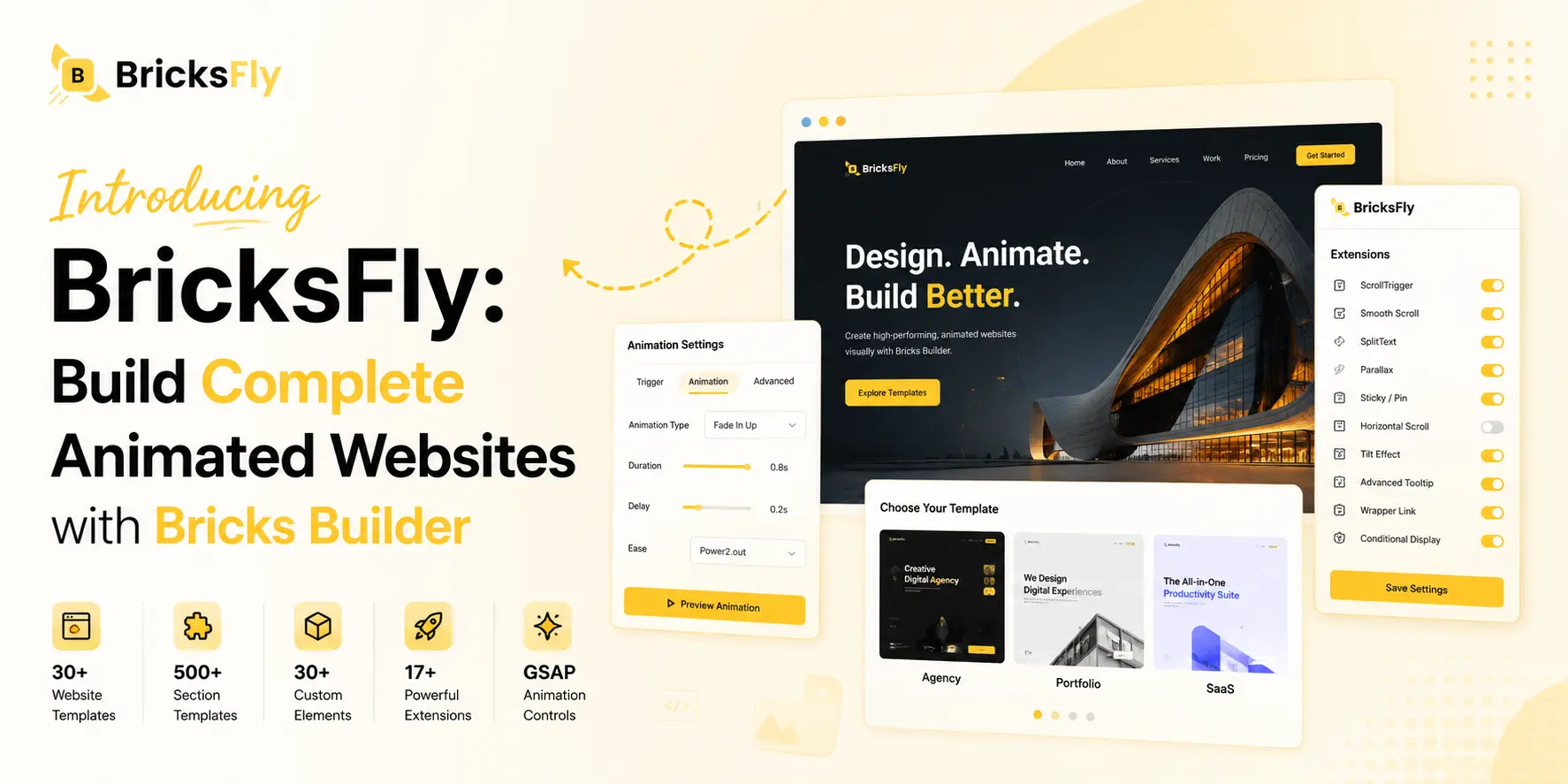
Today, we are introducing BricksFly, a new product built specifically for Bricks Builder users.
While Animation Addons helps Elementor users create advanced GSAP-powered animations without writing complex JavaScript, BricksFly brings that same no-code animation vision to the Bricks Builder ecosystem.
BricksFly combines complete website templates, 500+ ready-made sections, practical Elements, smart Extensions, and no-code GSAP animation features in one connected toolkit.
If you build websites with Bricks Builder, BricksFly gives you a faster way to start, customize, animate, and launch complete websites without starting every project from scratch.
Quick Overview
BricksFly is a complete website-building toolkit for Bricks Builder.
It helps agencies, freelancers, designers, developers, and business owners build animated Bricks websites with less repetitive work.
With BricksFly, you can:
- Build faster while keeping the workflow more organized.
- Import complete Bricks website templates.
- Build pages using 500+ ready-made sections.
- Add practical Elements for modern website layouts.
- Enable useful Extensions only when needed.
- Create GSAP-powered animations without writing custom JavaScript.
- Apply text reveal, parallax, sticky, horizontal scroll, and scroll-based effects.
- Preview and adjust animation settings visually.
Watch the launch video here:
Why We Are Sharing BricksFly on Animation Addons
Animation Addons is built for Elementor users. It helps website creators add advanced animations, interactions, and motion effects inside Elementor.
But many WordPress creators also work with Bricks Builder.
Some agencies use Elementor for certain projects and Bricks Builder for others. Some freelancers are exploring Bricks because they want more control over structure, performance, and custom layouts. Some developers also prefer Bricks because of its flexibility.
That is why we are sharing BricksFly with the Animation Addons community.
Note
BricksFly is not a replacement for Animation Addons, and it does not work inside Elementor. It is a separate product created specifically for Bricks Builder users.
If you use Elementor, Animation Addons is still the right solution for you. If you also build websites with Bricks Builder, BricksFly gives you a dedicated toolkit for creating animated Bricks websites faster.
The Challenge for Bricks Builder Users
Bricks Builder gives users a lot of design freedom. You can build clean layouts, control the structure, and customize almost every part of a website.
However, building a complete professional website still takes time.
You often need to create pages manually, design matching sections, build responsive layouts, add custom interactions, and write extra code for advanced animation effects.
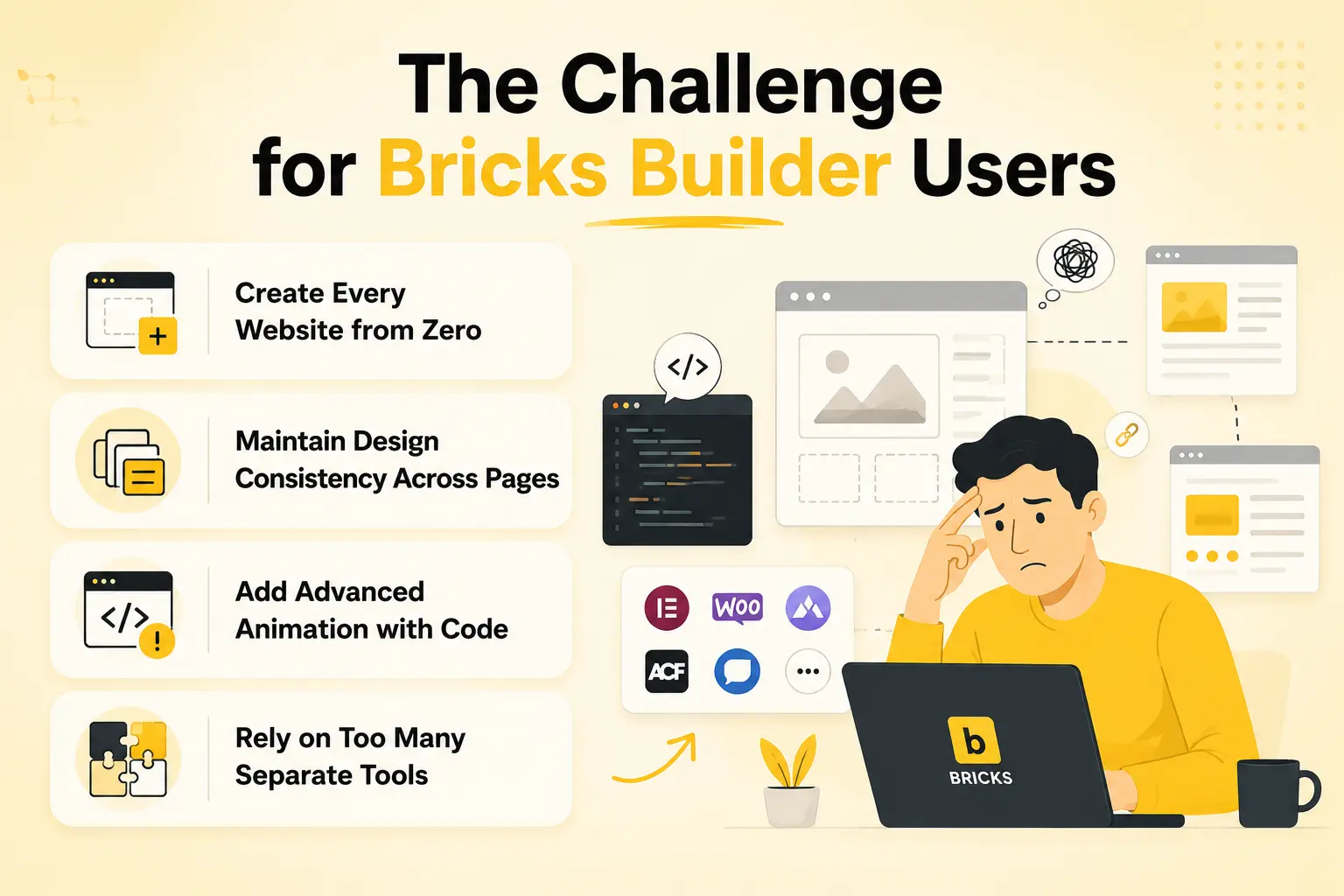
For one project, this may be manageable. But for agencies and freelancers working on multiple client websites, repeating the same process again and again can slow down delivery.
Create Every Website from Zero
A blank canvas gives you full control, but it also means you need to build every section, page, layout, and responsive structure manually.
This can take a lot of time before the real content and final design work even begins.
BricksFly helps by giving you complete website templates and ready-made sections that you can import, customize, and reuse.
Maintain Design Consistency Across Pages
A complete website usually needs more than a homepage.
You may need service pages, about pages, portfolio pages, pricing pages, blog layouts, contact pages, headers, footers, and call-to-action sections.
Creating everything separately can make it harder to maintain the same visual style across the full website.
BricksFly gives you professionally designed templates and section layouts that help keep your design consistent from page to page.
Add Advanced Animation with Code
Modern websites often use scroll animations, text reveals, smooth scrolling, parallax effects, horizontal scroll, sticky sections, and interactive hover effects.
These effects can make a website feel more premium, but creating them manually usually requires JavaScript, GSAP, ScrollTrigger, animation timelines, trigger points, and responsive testing.
BricksFly makes many of these animation workflows visual, so you can apply and control advanced effects without writing the full animation code yourself.
Rely on Too Many Separate Tools
One tool may provide extra Elements. Another may provide templates. A different plugin may handle animations. Another one may add cursor effects, scroll effects, or small workflow features.
Using several separate tools can make the workflow harder to manage.
BricksFly brings templates, sections, Elements, Extensions, and GSAP-powered animation features together in one Bricks-focused toolkit.
What BricksFly Does
BricksFly helps you move from a blank WordPress website to a complete animated Bricks website more efficiently.
It gives you ready-made starting points for design, practical building blocks for layouts, and visual animation controls for adding motion effects.
Instead of building everything manually, you can start with a template or section, customize it inside Bricks Builder, and then add animation where it improves the user experience.
BricksFly is designed to support the full website-building workflow, not only one part of it.
For a full product overview, feature details, and launch information, read the official BricksFly launch announcement.
Key Features of BricksFly
Here are some of the main features included in BricksFly.
1. Complete Bricks Website Templates
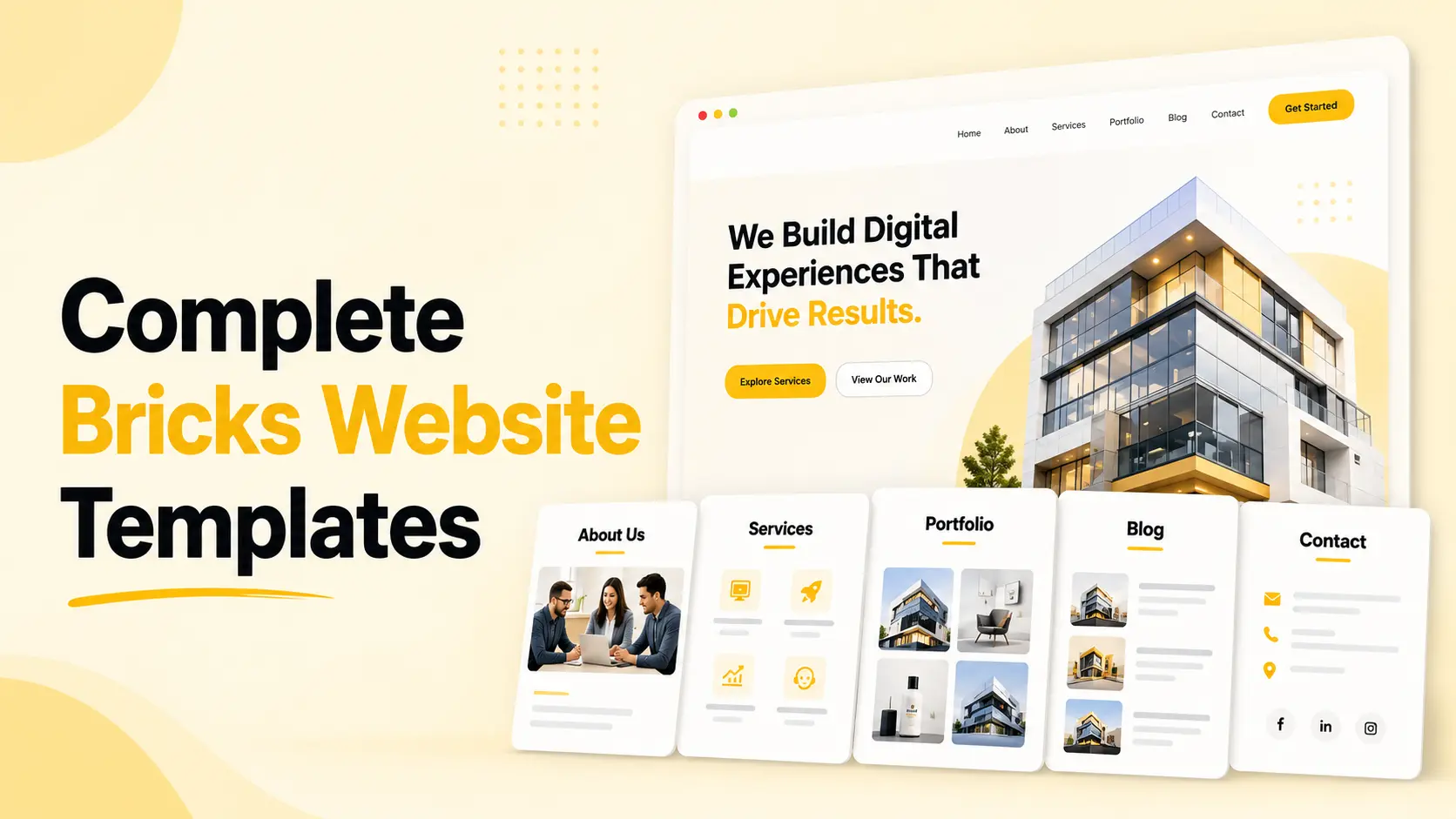
BricksFly includes complete website templates built for different business and creative use cases.
Instead of importing only a homepage, you can start with a more complete website structure that includes matching inner pages. This helps you begin projects faster and maintain a consistent design direction.
What it helps you do
- Start with a ready-made website structure.
- Import complete Bricks website templates.
- Use matching inner pages.
- Replace demo content with your own content.
- Customize everything inside Bricks Builder.
- Save time on early layout planning.
- Build client websites faster.
This is useful for agencies, freelancers, and website creators who do not want to start every project from an empty canvas.
2. Huge 500+ Ready-Made Sections
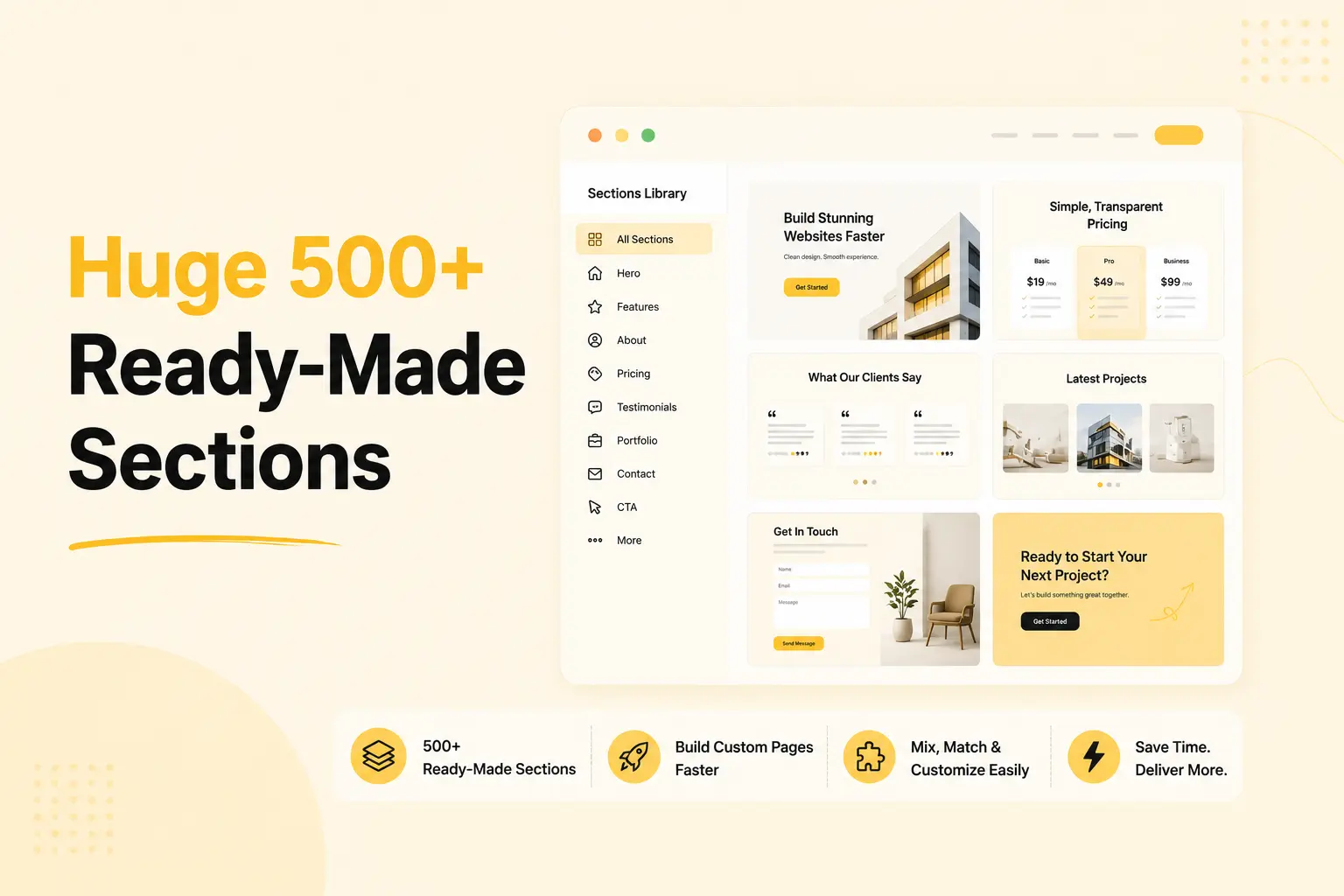
Not every project needs a complete template. Sometimes you only need a hero section, pricing layout, testimonial area, contact section, portfolio block, or call-to-action section.
BricksFly includes 500+ ready-made sections to build custom pages faster.
What it helps you do
- Build pages section by section.
- Use pre-designed layouts as starting points.
- Maintain better design consistency.
- Create custom pages without starting from scratch.
- Combine different sections based on project needs.
- Speed up repetitive design work.
This gives you more flexibility when you want to build a custom page but still need a faster starting point.
3. No-Code GSAP Animation for Bricks Builder
GSAP is widely used for smooth, advanced, and professional web animations.
However, using GSAP manually usually requires JavaScript knowledge and an understanding of timelines, triggers, easing, movement values, and responsive behavior.
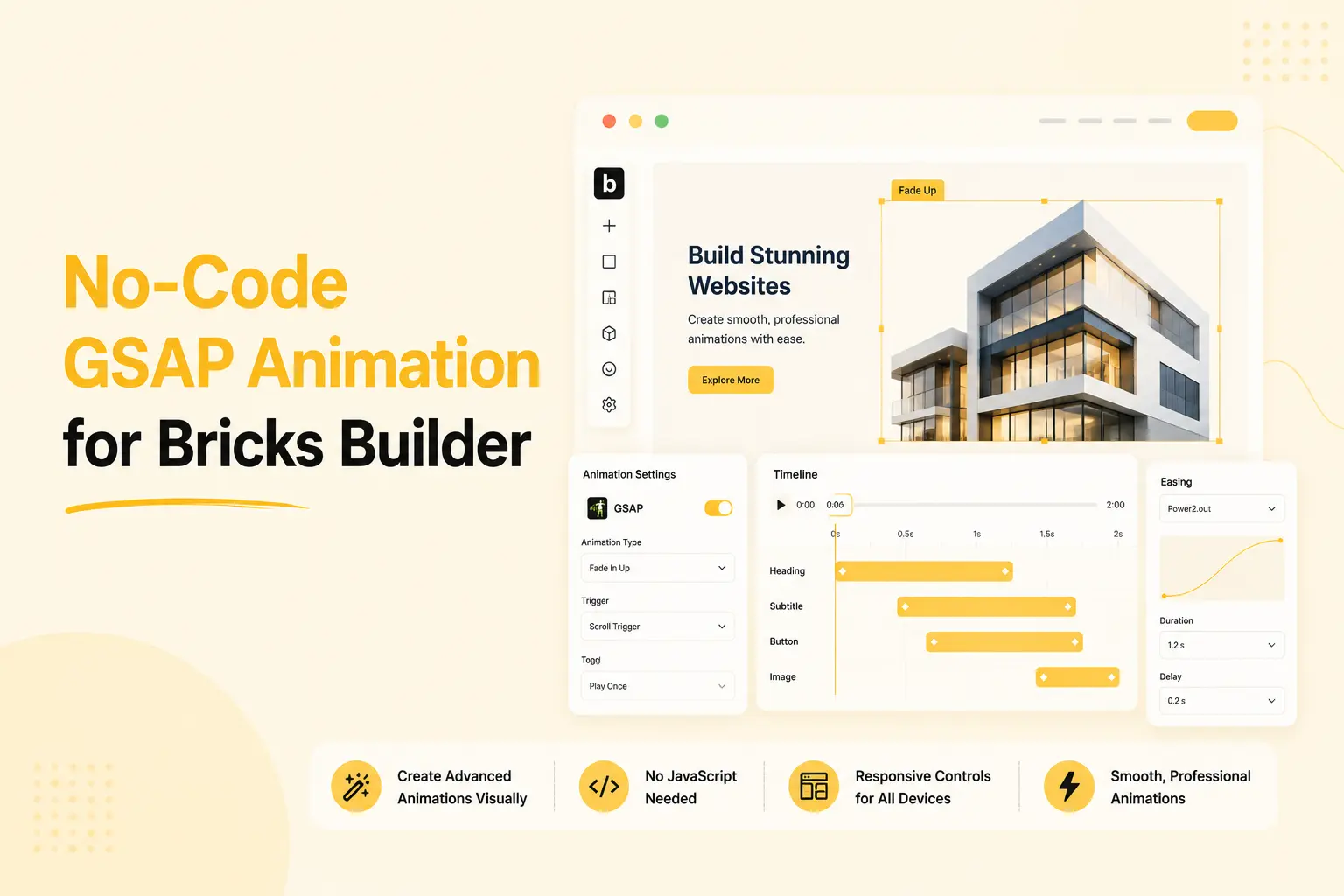
BricksFly brings visual GSAP animation controls into the Bricks Builder workflow, so you can create many advanced effects without writing custom JavaScript.
What it helps you do
- Apply GSAP animations visually.
- Animate Bricks elements and sections.
- Control duration, delay, easing, movement, opacity, scale, and rotation.
- Create entrance animations.
- Build scroll-based animation effects.
- Add hover and interaction-based motion.
- Reduce the need for custom animation code.
This is one of the biggest reasons Animation Addons users may find BricksFly interesting. It brings a no-code animation workflow to Bricks Builder, while Animation Addons continues to serve Elementor users.
4. Animation Presets and Visual Preview
Not every animation needs to be configured from the beginning.
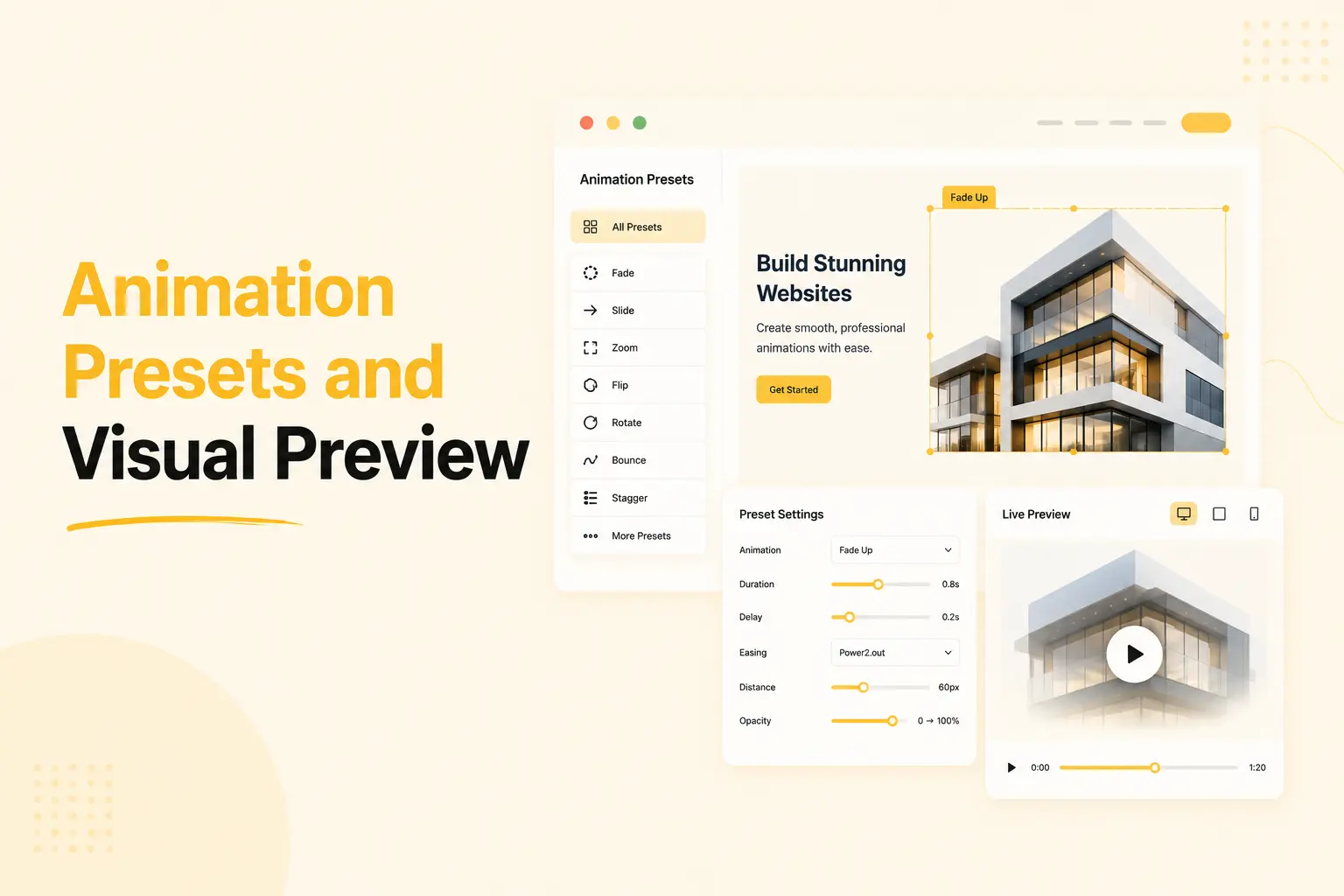
BricksFly includes animation presets that help you apply common effects faster. After selecting a preset, you can adjust the settings based on your design needs.
The preview workflow also helps you test and refine animations without constantly switching between the editor and frontend.
What it helps you do
- Apply animation presets quickly.
- Use presets as starting points.
- Adjust timing, movement, direction, and easing.
- Preview animation changes more easily.
- Test different animation styles before publishing.
- Create consistent motion across the website.
This makes the animation process faster, especially for users who want professional-looking effects without spending too much time on manual setup.
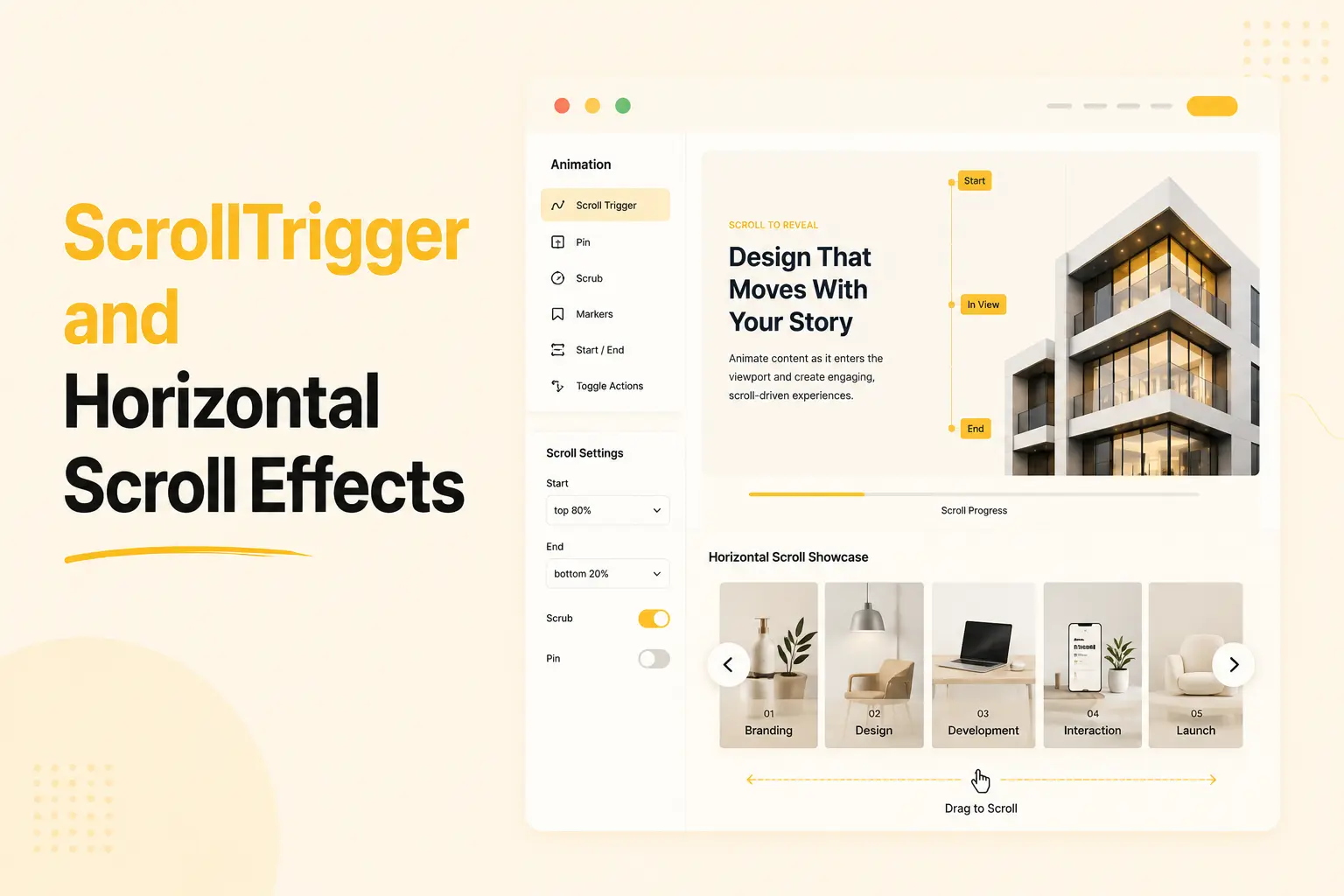
5. ScrollTrigger and Horizontal Scroll Effects
Scroll-based animation is a major part of modern website design.
With ScrollTrigger-style effects, you can animate content when it enters the viewport, control animation progress during scrolling, and create more engaging storytelling sections.
BricksFly also supports horizontal scrolling experiences for portfolio sections, product stories, creative showcases, and interactive layouts.
What it helps you do
- Trigger animations on scroll.
- Control animation start and end positions.
- Create scroll-linked animation sequences.
- Build horizontal portfolio sections.
- Present projects in a more interactive way.
- Create product and brand storytelling layouts.
- Make long pages feel more engaging.
These effects are especially useful for creative websites, agency websites, SaaS landing pages, and portfolio websites.
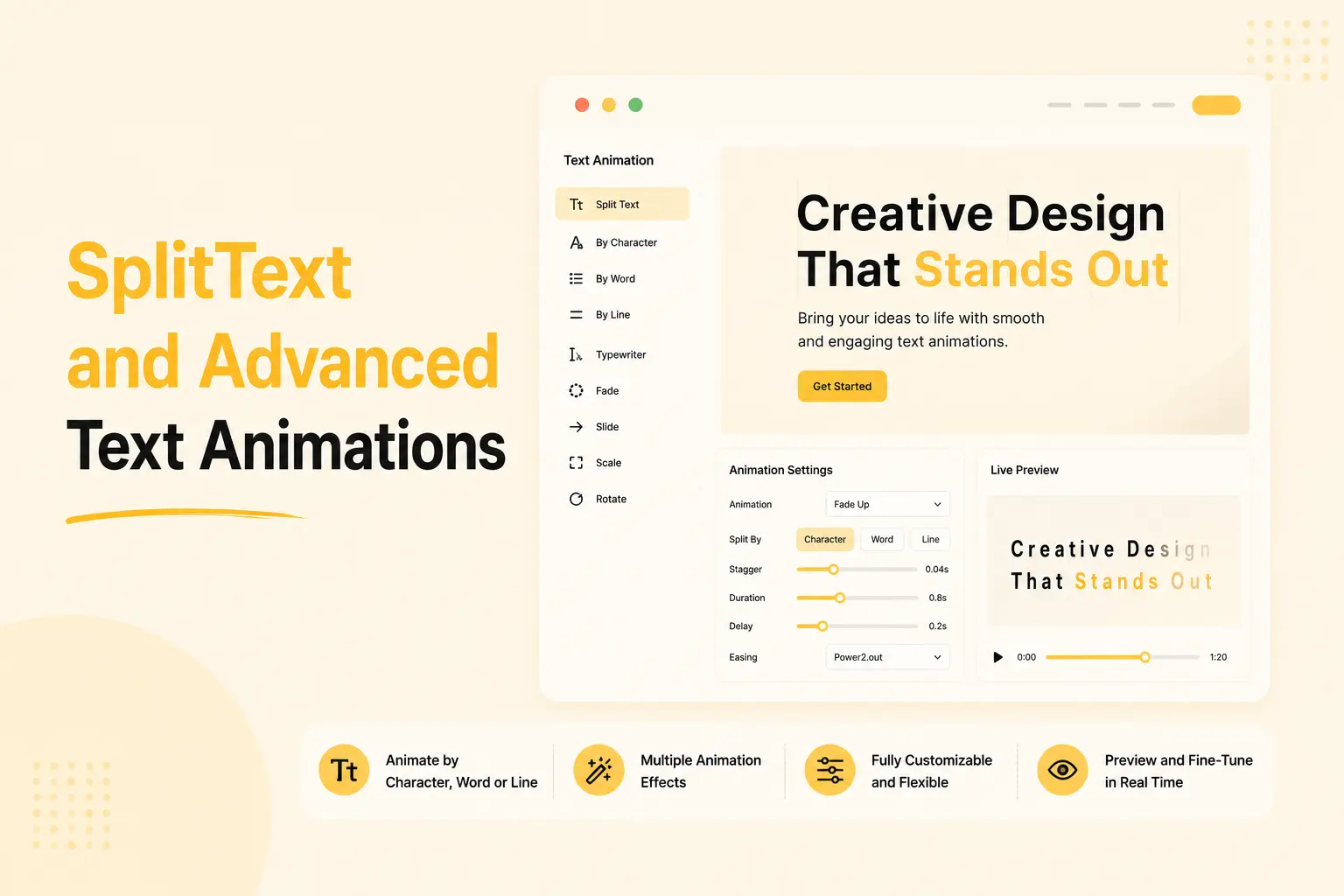
6. SplitText and Advanced Text Animations
Text animation can make hero sections, headings, and campaign messages feel more polished.
BricksFly includes text animation features that allow you to animate text by character, word, or line.
What it helps you do
- Animate headings and text blocks.
- Create text reveal effects.
- Add staggered text animations.
- Animate by character, word, or line.
- Use fade, slide, rotate, and other text effects.
- Improve hero sections and section intros.
- Create more expressive typography.
This helps designers create stronger visual moments without manually splitting text or writing separate animation logic.
7. Parallax, Sticky, and Smooth Scroll Effects
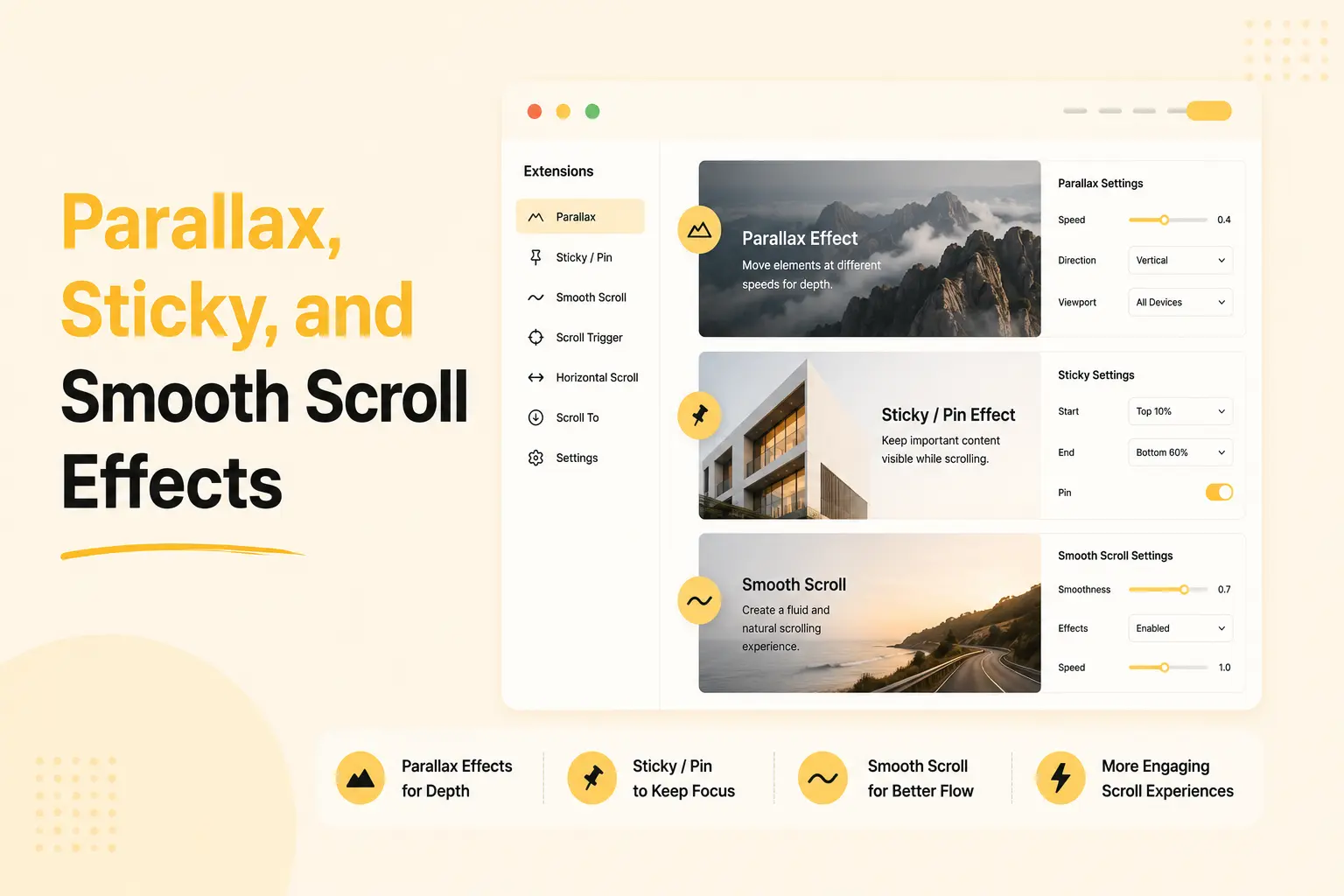
BricksFly includes Extensions for creating more interactive scrolling experiences.
You can use parallax effects to move images or sections at different speeds. You can use sticky or pin effects to keep important content visible while the rest of the page scrolls. You can also create smoother scrolling experiences when the design requires it.
What it helps you do
- Add parallax effects.
- Pin sections during scroll.
- Create sticky product or service presentations.
- Build scroll-based storytelling sections.
- Add smooth scrolling where needed.
- Improve the visual flow of long pages.
- Use advanced scroll effects without setting everything up manually.
These effects work well for landing pages, portfolio websites, service pages, and modern business websites.
8. Practical Bricks Elements
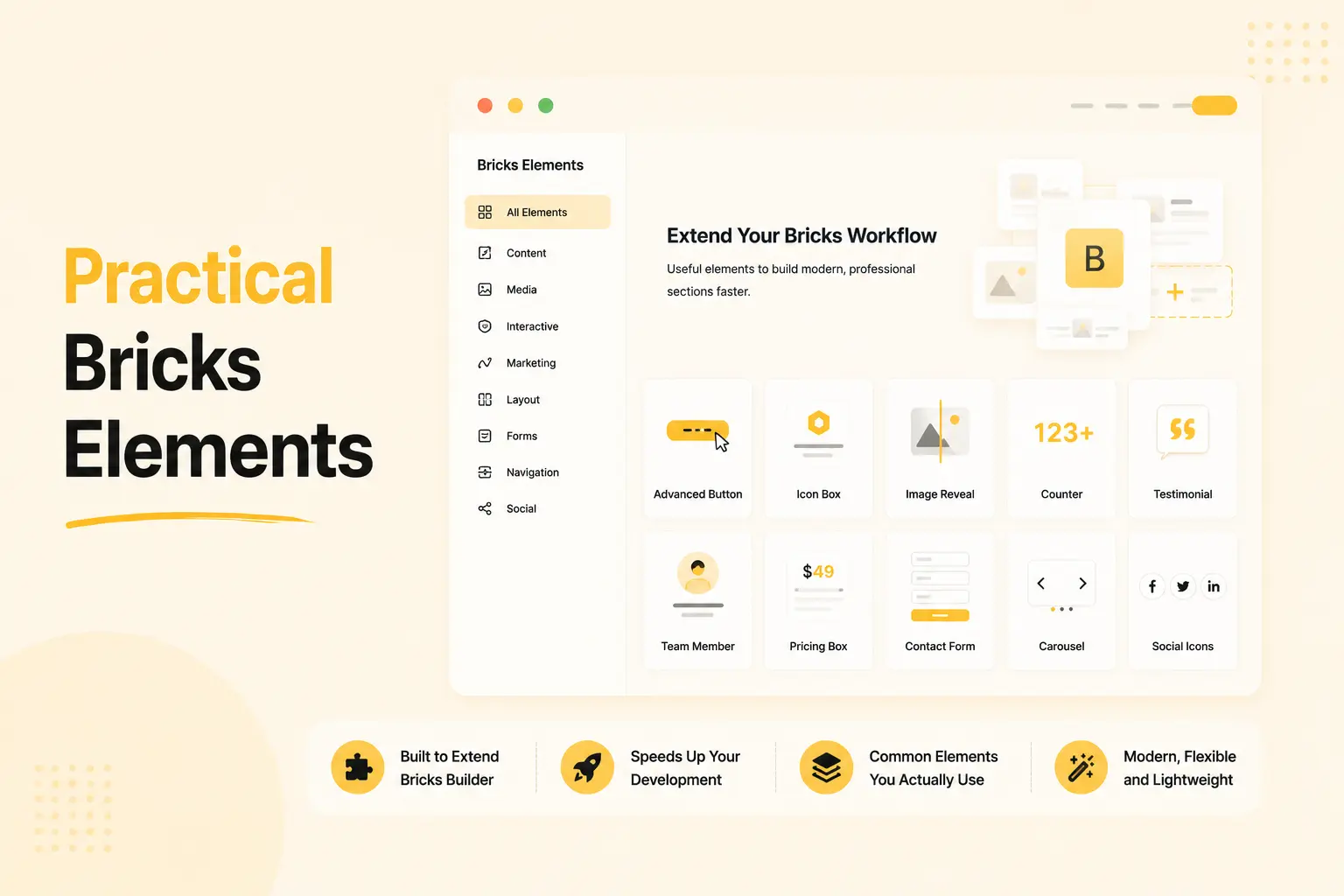
BricksFly includes a growing collection of practical Elements for building modern website sections.
These Elements are not meant to replace Bricks Builder. Instead, they extend the Bricks workflow with useful components that are commonly needed in real projects.
What it helps you do
- Add animated buttons.
- Create counters.
- Display testimonials.
- Build team sections.
- Add brand sliders.
- Create video layouts.
- Use advanced headings.
- Add image accordions.
- Present dynamic content.
- Customize Elements using Bricks controls.
These Elements help reduce the time required to build common website blocks from basic elements.
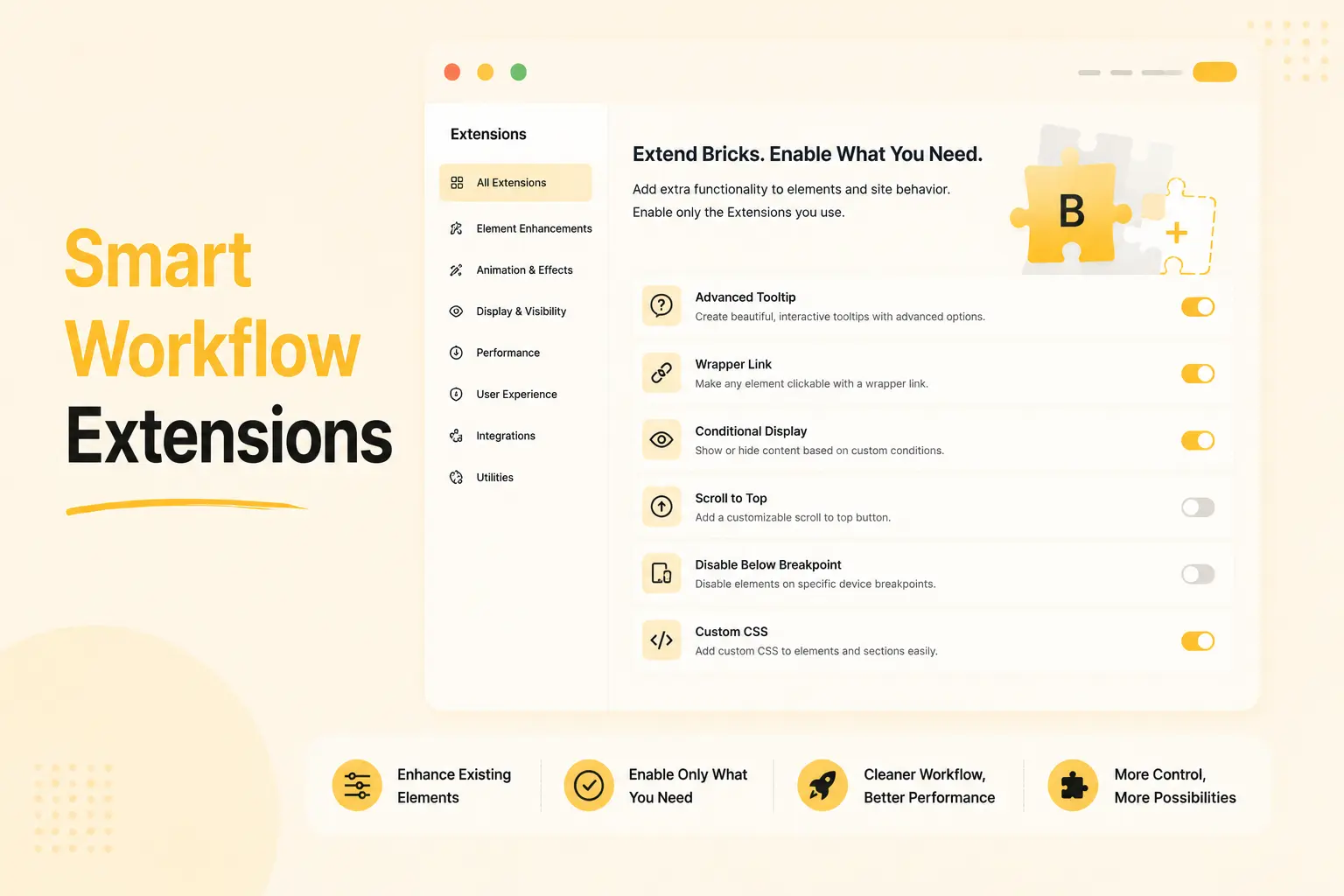
9. Smart Workflow Extensions
BricksFly also includes Extensions that add useful functionality to existing Bricks elements and website behavior.
You can enable only the Extensions you need, which helps keep the workflow cleaner.
What it helps you do
- Add custom cursor effects.
- Use cursor movement effects.
- Display advanced tooltips.
- Make containers clickable with Wrapper Link.
- Add preloaders.
- Show scroll progress indicators.
- Add scroll-to-top buttons.
- Apply tilt effects.
- Reveal images on hover.
- Use ScrollTo navigation for one-page websites.
- Manage Extensions from one dashboard.
These small workflow improvements can reduce the need for multiple separate plugins or custom code snippets.
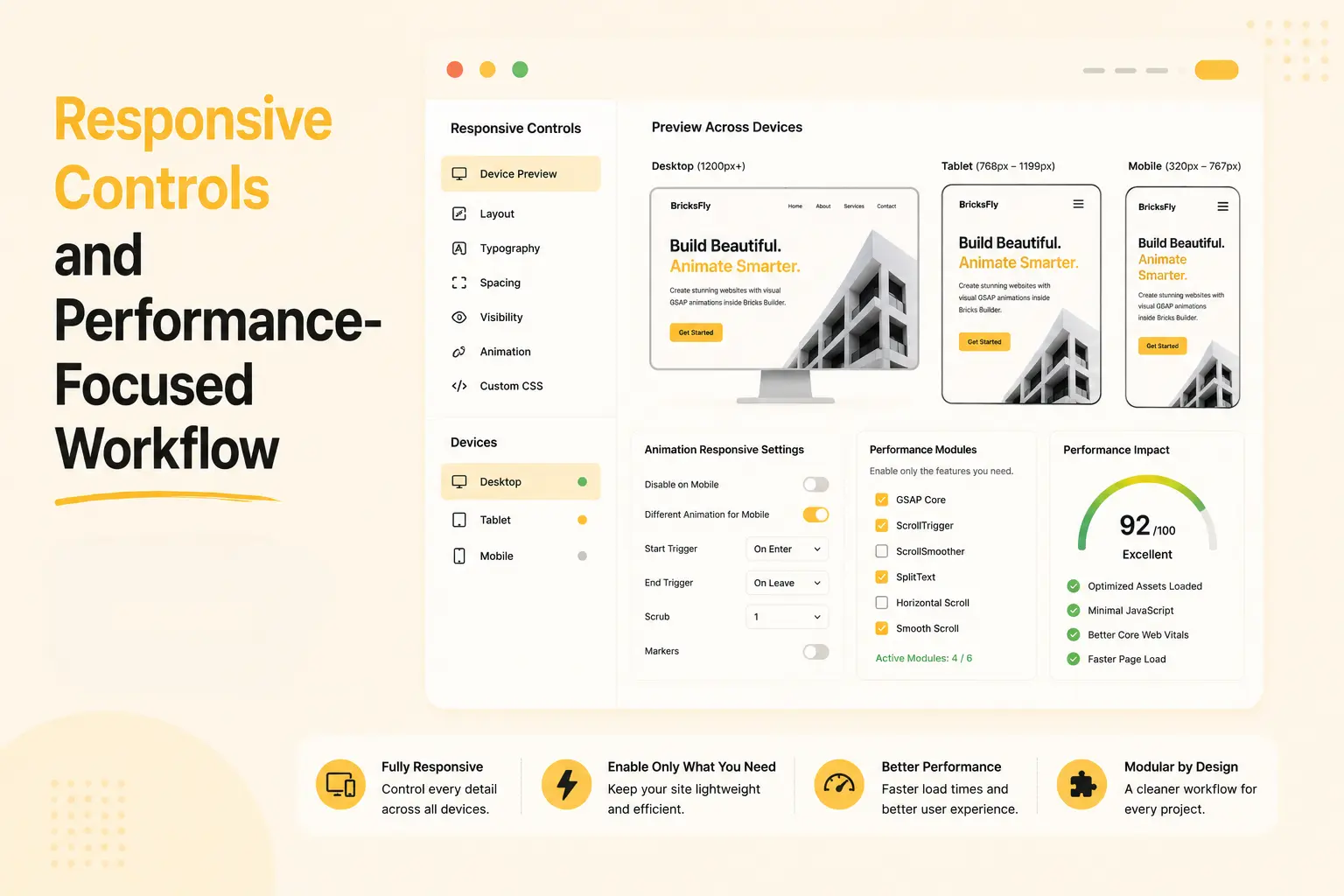
10. Responsive Controls and Performance-Focused Workflow
Animations should improve the website experience, not make it harder to use.
BricksFly includes responsive controls so you can adjust how designs and animations behave across desktop, tablet, and mobile devices.
It also follows a modular approach, allowing users to enable only the features they need for each project.
What it helps you do
- Adjust settings for different devices.
- Disable or simplify effects on smaller screens.
- Avoid unnecessary animation overload.
- Enable only required Elements and Extensions.
- Keep the workflow more organized.
- Build motion experiences that remain usable across devices.
This helps users create animated websites while still thinking about usability and performance.
Who BricksFly Is For
BricksFly is made for WordPress creators who use Bricks Builder and want to build faster without losing control over design.
Agencies
Agencies can use BricksFly to create client websites faster with reusable templates, sections, Elements, and animation presets.
It helps teams follow a more repeatable workflow instead of rebuilding everything from the beginning for every project.
Freelancers
Freelancers can use BricksFly to deliver more polished websites without spending too much time on repetitive layouts or custom animation code.
It helps them save time while still offering a premium website experience.
Developers
Developers can use BricksFly to reduce repetitive frontend work while still keeping the flexibility to customize when needed.
It can speed up common tasks and leave more time for advanced project-specific development.
Business Owners
Business owners can use BricksFly to start with professional templates and customize them for their brand without building every page from scratch.
Why Animation Addons Users May Care
If you already use Animation Addons, you probably understand the value of visual animation tools.
Animation Addons helps Elementor users create advanced animation effects more easily. BricksFly brings a similar no-code motion mindset to Bricks Builder, while also adding full website templates, sections, Elements, and Extensions.
So, if you or your team also build websites with Bricks Builder, BricksFly can help you create animated Bricks websites faster.
The main difference is simple:
- Animation Addons is for Elementor users.
- BricksFly is for Bricks Builder users.
Both products are built around a similar goal: helping WordPress creators build more advanced, animated websites without making the workflow too complicated.
Final Words
BricksFly is now live, and we are excited to share it with the Animation Addons community.
It is not just another Element add-on for Bricks Builder. It is a complete toolkit that brings together templates, sections, Elements, Extensions, and visual GSAP animation features in one workflow.
If you build websites with Bricks Builder, BricksFly can help you start faster, design more consistently, add advanced motion without code, and launch complete animated websites with less repetitive work.
Explore BricksFly and start building animated Bricks websites faster.
Common Questions You May Have
BricksFly is a complete toolkit for Bricks Builder. It includes full website templates, 500+ sections, practical Elements, smart Extensions, and no-code GSAP animation features.
No. Animation Addons is built for Elementor, while BricksFly is built for Bricks Builder. Both products help users create advanced animations visually, but they are made for different WordPress builders.
No. BricksFly is built specifically for Bricks Builder. If you use Elementor, Animation Addons is the right product for that workflow.
Yes. BricksFly is built specifically for Bricks Builder. You need the Bricks theme installed and active on your WordPress website.
No. The main BricksFly workflow is visual. You can use templates, sections, Elements, Extensions, and supported GSAP animation controls without writing custom JavaScript.
Yes. BricksFly includes complete website templates with matching inner pages, so you can start with a full website structure instead of only a single page.
Yes. BricksFly is useful for agencies and freelancers because it helps reduce repetitive work and create complete animated Bricks websites faster.