
 Login
Login


Choosing the right Elementor addon can make a big difference in how quickly you build, customize, and enhance a WordPress website.
Animation Addons and PowerPack Addons both extend Elementor, but they take different approaches to website creation. Animation Addons focuses on bringing advanced motion, GSAP-powered interactions, and creative effects into your workflow, while PowerPack offers a broad toolkit of widgets, templates, extensions, and WooCommerce features.
So, which one is the better fit for your website? I
n this comparison, we’ll look beyond feature counts and compare their animation capabilities, widgets, templates, ease of use, performance, pricing, and real-world use cases to help you choose the Elementor addon that best matches your design goals.
Animation Addons is the better choice if advanced animation and interactive effects are your priority, while PowerPack is a strong option for general Elementor widgets, templates, and website-building features.
Animation Addons stands out with its GSAP-powered animation builder, ScrollTrigger, text effects, horizontal scrolling, SVG/Lottie animations, and other motion-focused tools. PowerPack is better suited to users who want a broader set of traditional Elementor widgets and extensions without focusing heavily on advanced animation.
Animation Addons Overview
Animation Addons brings advanced motion and creative design capabilities into the Elementor ecosystem, giving designers more freedom to transform static layouts into dynamic, engaging experiences. Built around GSAP-powered animation, it combines powerful animation tools, purpose-built widgets, flexible extensions, and ready-to-use templates so you can create sophisticated interactions without building every effect from scratch with custom code.
For Elementor V4 users, Animation Addons fits naturally alongside the Atomic Editor workflow. By working with reusable elements, Classes, and Variables, you can keep your design system structured and consistent while adding motion exactly where it enhances the user experience.
Whether you’re creating an interactive landing page, an animated portfolio, or a modern business website, Animation Addons helps bridge the gap between structured Elementor design and expressive web animation, so your website doesn’t just look good, it responds, moves, and feels alive.
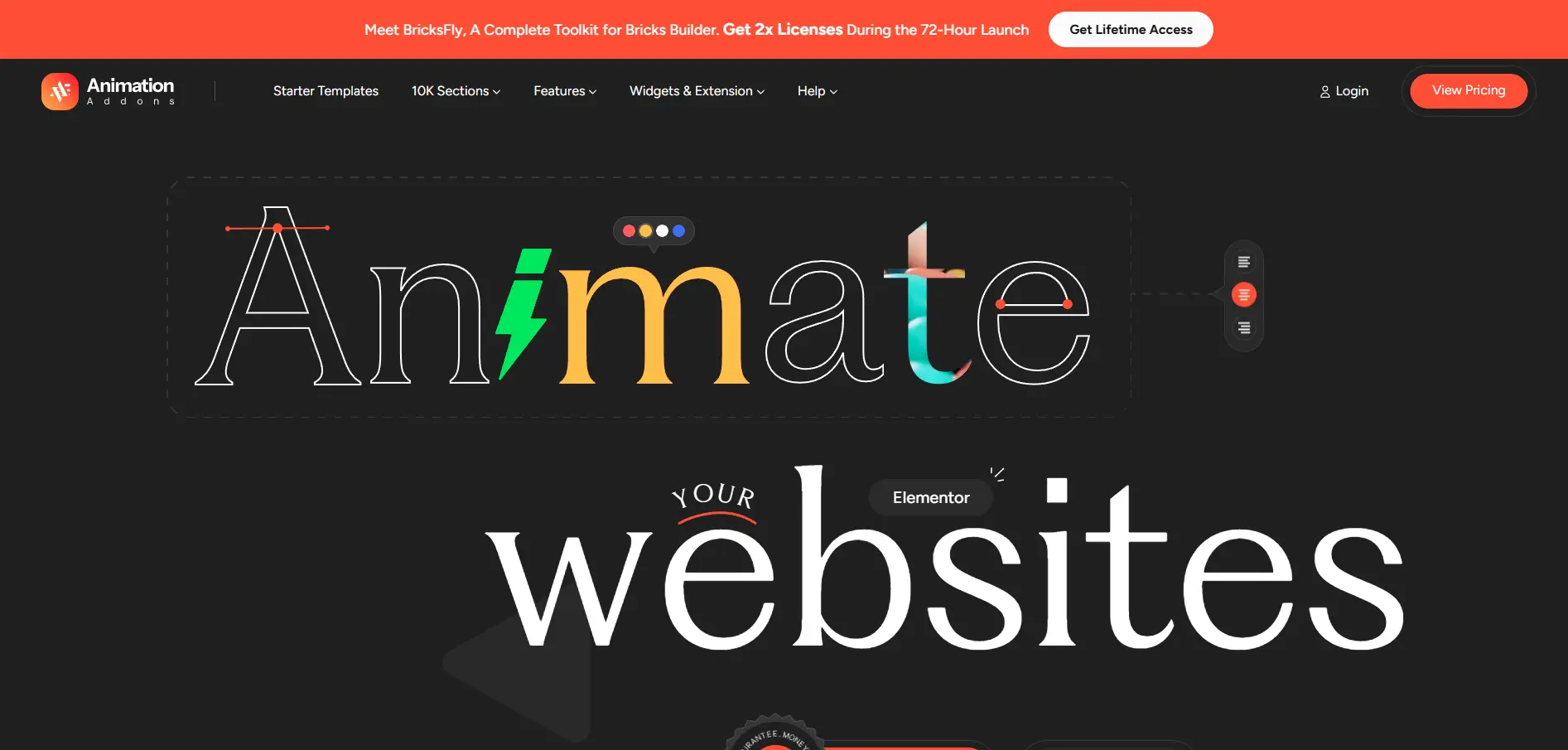
Huge Template Library
One of the standout features is its Starter Template Library, which includes:
All of the paid templates have built-in animations, which makes it easy to make modern, professional websites quickly. You can quickly start designing by importing sections, pages, or entire demo sites with just one click.
Advanced Animation Features
Animation Addons is more than just basic effects; it also opens advanced animation features in WordPress plugins. Some of the advanced animation features are –
- ScrollTrigger animations
- Smooth Scrolling Animation
- Split text animations
- Responsive Horizontal Scroll
- Flip and invert text/image effects
- Lottie & DrawSVG support
- Hover and cursor-based effects
- Intuitive Pin Elements
- Draggable and interactive elements
This lets you make websites with stories where every part moves for a reason, keeping visitors interested.
Innovative Widgets and Extensions
The best animation plugin offers 100+ widgets and 25+ extensions to animate pre-designed websites with interactivity in mind. Designers and agencies can use the powerful tools it gives them to improve any project, from animated buttons and image galleries to interactive sliders and creative content elements.
Beginner-Friendly, Yet Powerful
Even though Animation Addons has advanced features, it is easy for beginners to use because it has a drag-and-drop interface. Freelancers, agencies, and designers can make complicated animations quickly without technical expertise. It is lightweight, fast, and integrates perfectly with both Elementor Free and Pro.
Animation Addons: Pros & Cons
Pros
- Elementor-focused workflow
- 100+ widgets
- 25+ extensions
- Large template library
- Animation features
- Elementor V4 support
- Live Copy Paste
Cons
- Primarily focused on Elementor
- Less suitable for users working across multiple builders
PowerPack Addons Overview
PowerPack Addons for Elementor is a versatile Elementor addon designed to expand WordPress website-building capabilities with 70+ creative widgets, 350+ pre-designed templates, WooCommerce tools, and useful extensions. It focuses on helping designers and agencies build complete websites faster without relying on multiple separate plugins or custom code.
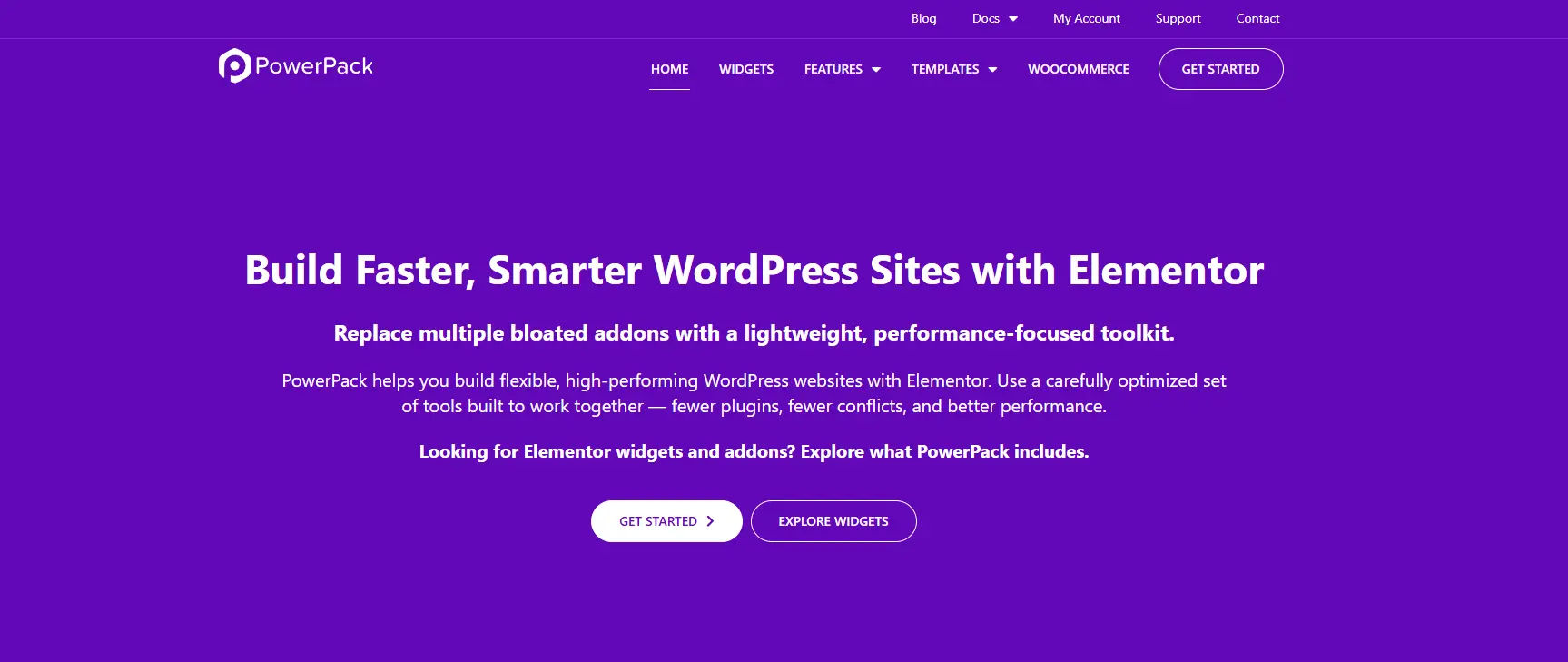
Key Features
- 70+ Elementor widgets covering content, creative, media, navigation, marketing, forms, and WooCommerce.
- 350+ pre-designed templates for quickly building pages and sections.
- WooCommerce widgets for products, carts, checkout, and account pages.
- Useful extensions such as Display Conditions, Custom Cursor, Background Effects, Tooltips, and Cross-Domain Copy Paste.
- New Event Calendar and Slide Menu widgets, introduced in PowerPack 3.0.0.
- Redesigned dashboard with widget search, categories, usage filters, and easier activation controls.
PowerPack Addons: Pros & Cons
Pros
- Broad collection of practical Elementor widgets.
- Strong WooCommerce and business-focused functionality.
- Beginner-friendly, no-code workflow.
- Performance-focused approach with fewer third-party dependencies.
Cons
- Less specialized for advanced GSAP-based animation than Animation Addons.
- Its large feature library may be more than needed for simple websites.
- Users focused primarily on sophisticated motion effects may need a more animation-focused solution.
Latest update: PowerPack reached version 3.0.4 on August 24, 2026, following its major 3.0.0 release earlier that month. (PowerPack Addons for Elementor)
Features Comparison Table: Animation Addons vs PowerPack Addons
Core Features
| Feature | Animation Addons | PowerPack |
|---|---|---|
| Elementor integration | ✅ Yes | ✅ Yes |
| Free version | ✅ Yes | ✅ Yes |
| Pro version | ✅ Yes | ✅ Yes |
| Drag-and-drop workflow | ✅ Yes | ✅ Yes |
| No-code workflow | ✅ Yes | ✅ Yes |
| Ready-made templates | 300+ websites | 350+ templates |
| Elementor widgets | 100+ | 70+ creative widgets |
| Extensions | 25+ | 13+ |
| Best suited for | Animation & creative websites | General-purpose Elementor websites |
Animation Addons currently highlights 300+ pre-designed websites and 100+ widgets, while PowerPack promotes 70+ creative widgets and 350+ pre-designed templates.
Animation Features
| Animation Feature | Animation Addons | PowerPack |
|---|---|---|
| GSAP integration | ✅ | — |
| ScrollTrigger | ✅ | — |
| Smooth scrolling | ✅ | — |
| Split Text animation | ✅ | — |
| Horizontal scrolling | ✅ | — |
| Timeline animations | ✅ | ✅ Timeline widget |
| Text reveal | ✅ | — |
| Staggered animations | ✅ | — |
| MotionPath | ✅ | — |
| DrawSVG | ✅ | — |
| MorphSVG | ✅ | — |
| Lottie animations | ✅ | — |
| Image animation | ✅ | Limited |
| Hover & cursor effects | ✅ | ✅ |
| Background effects | ✅ | ✅ |
Animation Addons is clearly the more animation-focused option, with GSAP, ScrollTrigger, MotionPath, DrawSVG, MorphSVG, Split Text, and other advanced motion features listed in its current comparison.
Widgets & Advanced Controls
| Category | Animation Addons | PowerPack |
|---|---|---|
| Creative widgets | ✅ | ✅ |
| Content widgets | ✅ | ✅ |
| Image widgets | ✅ | ✅ |
| Video widgets | ✅ | ✅ |
| Navigation widgets | ✅ | ✅ |
| Advanced typography | ✅ | ✅ |
| Interactive elements | ✅ | ✅ |
| Custom animation controls | ✅ | Limited |
| Custom cursor | ✅ | ✅ |
| Motion-focused extensions | ✅ | Limited |
Pricing Comparison Between Animation Addons and PowerPack
Pricing can be a deciding factor when choosing between Animation Addons and PowerPack, especially for freelancers, agencies, and users building multiple websites. Comparing their plans, included features, site limits, and licensing options helps you determine which tool offers the better value for your specific animation needs.
Pricing table for Animation Addons –
| License | Annual | Lifetime |
|---|---|---|
| Starter (1 Site) | $49 | $79 |
| Professional (5 Sites) | $99 | $179 |
| Agency (100 Sites) | $199 | $399 |
Pricing table for PowerPack Addons –
| License | Annual | Lifetime |
|---|---|---|
| Starter (1 Site) | $49 | $199 |
| Expert (25 Sites) | $99 | $299 |
| Agency (1000 Sites) | $149 | $399 |
| Ultimate (Ultimate Sites) | $199 | $499 |
Quick Verdict
| If you need… | Better choice |
|---|---|
| Advanced GSAP animation | Animation Addons |
| Scroll-triggered animation | Animation Addons |
| Split-text effects | Animation Addons |
| MotionPath / DrawSVG / MorphSVG | Animation Addons |
| General Elementor widgets | PowerPack |
| WooCommerce-focused widgets | PowerPack |
| General website-building features | PowerPack |
| Animation-first websites | Animation Addons |
| Traditional Elementor addon functionality | PowerPack |
Animation Addons is the better choice for motion-heavy, interactive and creative Elementor websites, while PowerPack is better suited to users looking for a broader collection of conventional Elementor widgets and website-building utilities.
Which One Should You Choose?
The right choice depends on what you want to achieve with your website rather than simply how many features each tool offers. Choose Animation Addons for advanced, creative Elementor animations, while Motion.page is better suited to users who want a dedicated visual interface for creating complex web animations.
Choose Animation Addons If:
- You want GSAP-powered animation directly within Elementor.
- You need advanced effects such as ScrollTrigger, SplitText, MotionPath, DrawSVG, or MorphSVG.
- You want to create scroll-driven and interactive website experiences without extensive custom coding.
- You prefer an animation-focused workflow inside Elementor.
- You want access to animated templates and ready-made creative sections.
- You’re building creative portfolios, agency websites, SaaS landing pages, or interactive marketing websites.
- You want animation capabilities alongside a broader collection of Elementor widgets and extensions.
Choose Motion.page If:
- You want a dedicated visual animation platform for creating sophisticated web animations.
- You prefer building animations through a timeline-based visual interface.
- You need detailed control over animation sequences and interactions.
- You work across different WordPress page-building workflows where Motion.page fits your setup.
- You are comfortable working with a more animation-centric interface rather than keeping everything inside Elementor.
- Your primary requirement is advanced motion design, rather than a large collection of Elementor widgets and templates.
Why Choose Animation Addons Over PowerPack?
Both Animation Addons and PowerPack expand what you can build with Elementor, but Animation Addons takes a more motion-first approach. If your goal is to create websites that feel interactive, dynamic, and visually memorable, not simply add more widgets, these capabilities make Animation Addons a compelling choice.

1. GSAP-powered animation
Animation Addons brings GSAP-powered animation into the Elementor workflow, giving designers access to advanced motion capabilities without having to build complex JavaScript animations from scratch. Features such as ScrollTrigger, SplitText, MotionPath, DrawSVG, and MorphSVG make it possible to create polished interactions while keeping the design process visual and flexible.
2. Advanced scroll interactions
Scroll can become more than a way to move down a page, it can drive the experience. Animation Addons supports advanced scroll-based interactions that can reveal content, move elements, create pinned sections, and build storytelling sequences that respond naturally as visitors navigate the page.
3. Advanced text animation
Static headlines can easily get lost among competing visual elements. With SplitText and other text-animation capabilities, you can animate words, characters, or lines to create engaging hero sections, headings, announcements, and content reveals while maintaining control over the timing and movement.
4. MotionPath and SVG animation
For designs that need more than standard fades and slides, MotionPath and SVG animation open up more creative possibilities. Elements can follow custom paths, while SVG-based effects can bring illustrations, icons, and graphic details to life without requiring designers to manually code every animation.
5. Animated templates
Starting with a blank Elementor canvas isn’t always necessary. Animation Addons provides ready-to-use templates and sections that can give you a strong visual starting point, helping you combine layouts and motion effects faster instead of designing every interaction from scratch.
6. Animation-first workflow
Perhaps the biggest difference is the philosophy behind the toolkit: animation isn’t treated as an afterthought. Animation Addons puts motion, interaction, and visual storytelling alongside layout and content, making it particularly useful for creative agencies, portfolios, landing pages, SaaS websites, and brands that want their Elementor websites to feel more dynamic.
Final Verdict
Animation Addons is the stronger choice for Elementor users who want advanced animation, interactive effects, and creative visual experiences. Its GSAP-powered tools, scroll interactions, text animations, SVG effects, and animation-focused workflow make it particularly well suited to creative websites, portfolios, agencies, and engaging landing pages. Motion.page is a better fit if your priority is a dedicated visual animation workflow with detailed timeline-based control.
Ultimately, the best option depends on your workflow: choose Animation Addons for a deeper Elementor-integrated experience, or Motion.page when animation creation itself is your primary focus.
Ready to Bring Animations to Elementor?
With Animation Addons, you can create GSAP-powered animations directly in Elementor without relying on custom JavaScript. Explore its animation features, widgets, extensions, and templates to build more interactive websites faster.
Explore with Animation AddonsFAQs
Animation Addons is better if advanced animation and interactive motion are your main priorities, while PowerPack is stronger for broad Elementor website-building features. Animation Addons focuses on GSAP-powered tools such as ScrollTrigger, SplitText, MotionPath, MorphSVG, and timeline animations, whereas PowerPack offers a wider range of general-purpose widgets and WooCommerce tools.
Animation Addons is primarily focused on animation, motion effects, and creative Elementor experiences, while PowerPack focuses on expanding Elementor with a broad collection of widgets, extensions, and WooCommerce features. In simple terms, choose Animation Addons for motion-heavy websites and PowerPack when you need more general-purpose website-building components.
PowerPack provides various animation and interactive effects, but it is not positioned as a dedicated GSAP animation solution like Animation Addons. Animation Addons directly integrates advanced GSAP features including ScrollTrigger, SplitText, MotionPath, MorphSVG, DrawSVG, and Timeline Animation into Elementor.
Animation Addons is the better choice for advanced Elementor animations because its core feature set is built around GSAP and includes scroll-based, text, SVG, timeline, and interactive effects. PowerPack is suitable for adding general visual effects, but its primary focus is its broader widget and extension ecosystem rather than advanced motion design.
Yes, Animation Addons works with both Elementor Free and Elementor Pro. Its free version provides essential widgets, templates, and basic animations, while advanced GSAP features are available with the Pro version.
Yes, you can use Animation Addons and PowerPack together, provided you manage overlapping widgets and extensions carefully. Using only the features you actually need can help avoid unnecessary functionality and keep your Elementor setup easier to manage.
PowerPack is the stronger choice for WooCommerce because it provides dedicated WooCommerce widgets for products, product categories, cart, checkout, My Account, single products, and other store-building needs. Animation Addons is better suited to adding advanced animation and interactive experiences rather than serving as a dedicated WooCommerce toolkit.
The answer depends on how each product counts and categorizes its widgets, so raw widget numbers should not be the only deciding factor. PowerPack has a broad widget library, while Animation Addons currently offers 100+ Elementor widgets alongside 25+ extensions, with a stronger emphasis on animation and creative functionality.
Animation Addons can be a strong choice for agencies creating interactive, branded websites because it combines ready-made templates with no-code GSAP animation tools. PowerPack may be a better fit for agencies that primarily need a broad set of reusable Elementor widgets, WooCommerce components, and general website-building features.
Animation Addons is generally the better fit for creative websites where animation, storytelling, interaction, and visual movement are important parts of the design. Its animated templates and GSAP-powered tools are specifically designed for creating motion-rich Elementor websites without requiring custom animation code.



Leave a Reply