
 Login
Login


Animation Addons and Motion.page are two popular options for adding advanced animations to WordPress websites, but they take different approaches. Animation Addons is built primarily around Elementor and combines animation with widgets, extensions, and templates. Motion.page focuses more heavily on visual animation and supports multiple WordPress page builders.
So which one is better in 2026? It depends on your workflow, budget, page builder, and the type of animation you need. This comparison covers their features, pricing, compatibility, ease of use, animation capabilities, and ideal use cases to help you choose.
Quick Answer
Animation Addons is a strong choice for Elementor-focused websites, combining GSAP animations with widgets, extensions, and templates, while Motion.page is better suited to users who want a dedicated visual animation workflow across multiple WordPress builders.
Your choice ultimately depends on whether you need a complete Elementor design toolkit or more specialized, cross-builder animation control.
Key Takeaways
- Animation Addons is ideal for Elementor-focused websites and combines animations with widgets, extensions, and templates.
- Motion.page is better suited for advanced animation workflows across multiple WordPress builders.
- Both platforms offer GSAP-powered animation capabilities and interactive motion effects.
- Animation Addons provides a broader website-building ecosystem, while Motion.page focuses primarily on animation.
- Motion.page stands out for visual timelines, scroll effects, and advanced interactions.
- Choose Animation Addons for an all-in-one Elementor toolkit; choose Motion.page for specialized, cross-builder animation control.
Animation Addons vs Motion.page at a Glance
Animation Addons and Motion.page take different approaches to WordPress animation. Animation Addons is an Elementor-focused toolkit that combines GSAP-powered animations with widgets, extensions, templates, and website-building features, making it useful for creating complete interactive websites.
Motion.page, on the other hand, focuses primarily on visual animation and provides a Builder for creating timelines, scroll effects, interactions, and complex motion without writing code.
For Elementor users who want an all-in-one design and animation solution, Animation Addons offers a broader ecosystem. For designers and developers who work with multiple WordPress builders or need animation controls, Motion.page provides greater flexibility.
Animation Addons Overview
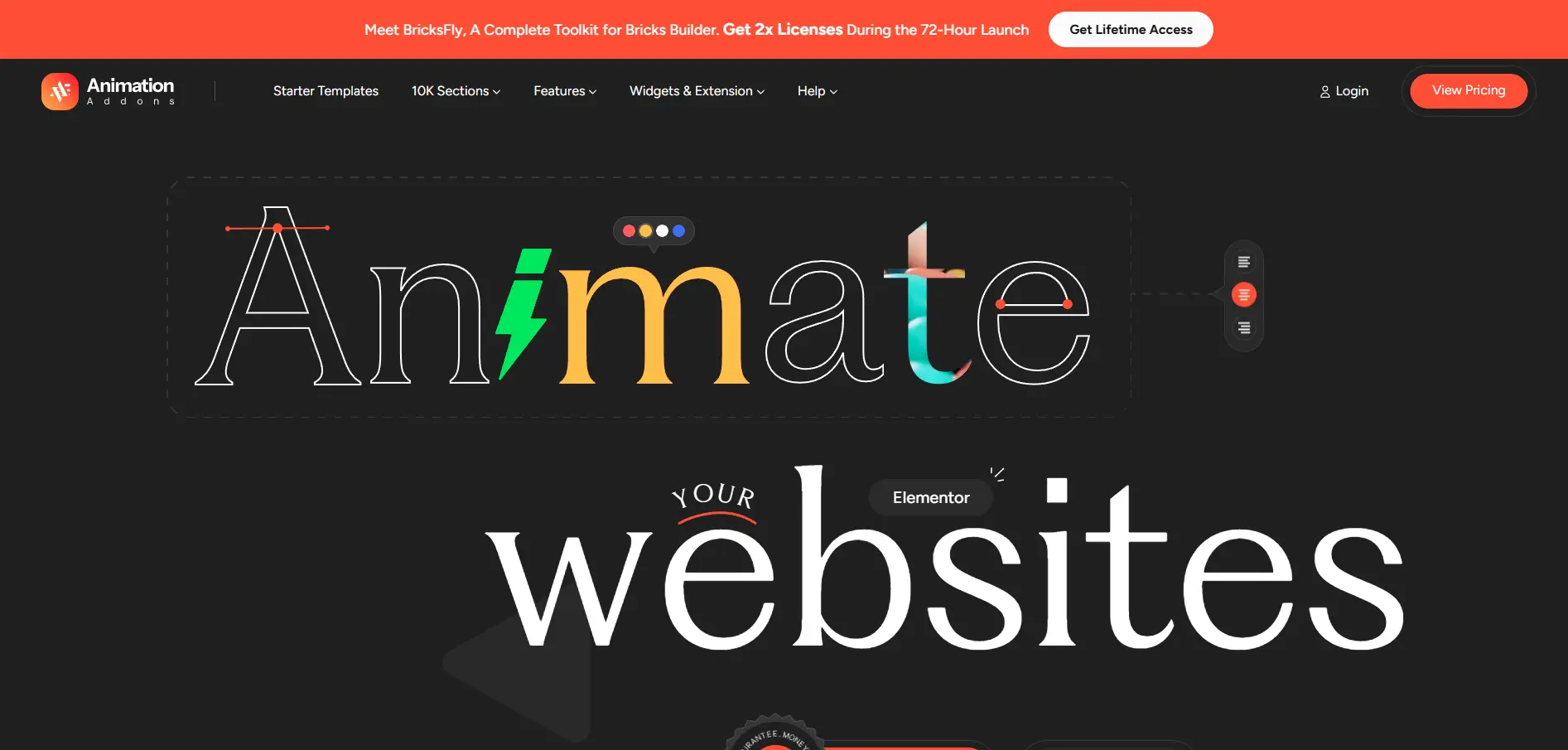
Animation Addons brings powerful motion and creative design capabilities directly into the Elementor ecosystem, supporting both the familiar Elementor workflow and the newer Elementor V4 Atomic Editor.
With GSAP-powered animations, purpose-built widgets, flexible extensions, and ready-to-use templates, it gives designers the tools to turn static pages into more engaging, interactive experiences without having to build everything from scratch with custom code.
For Elementor V4 users, Animation Addons complements the Atomic workflow by working alongside reusable elements, Classes, and Variables. This combination helps keep designs organized and consistent while giving you more control over where and how motion is used throughout the website.
Key Features
- 300+ pre-built website templates, 2,000+ pages templates and 10,000+ section templates
- 100+ widgets and 25+ extensions in one powerful plugin
- Lightweight design ensures fast website loading speed
- Works seamlessly with Elementor Free and Pro
- Advanced mega menu builder
- Multi-widget area and fully responsive
- Cross-browser compatibility
- Built-in support for custom CSS for unique designs
Animation Addons: Pros & Cons
Pros
- Elementor-focused workflow
- 100+ widgets
- 25+ extensions
- Large template library
- Animation features
- Elementor V4 support
- Live Copy Paste
Cons
- Primarily focused on Elementor
- Less suitable for users working across multiple builders
Why Choose Animation Addons?
Animation Addons is a strong choice for designers, developers, freelancers, and agencies that want to push Elementor beyond basic entrance animations.
Its support for Elementor V4 and Atomic workflows means users can combine reusable design systems and cleaner page structures with GSAP-powered motion.
Motion.page Overview
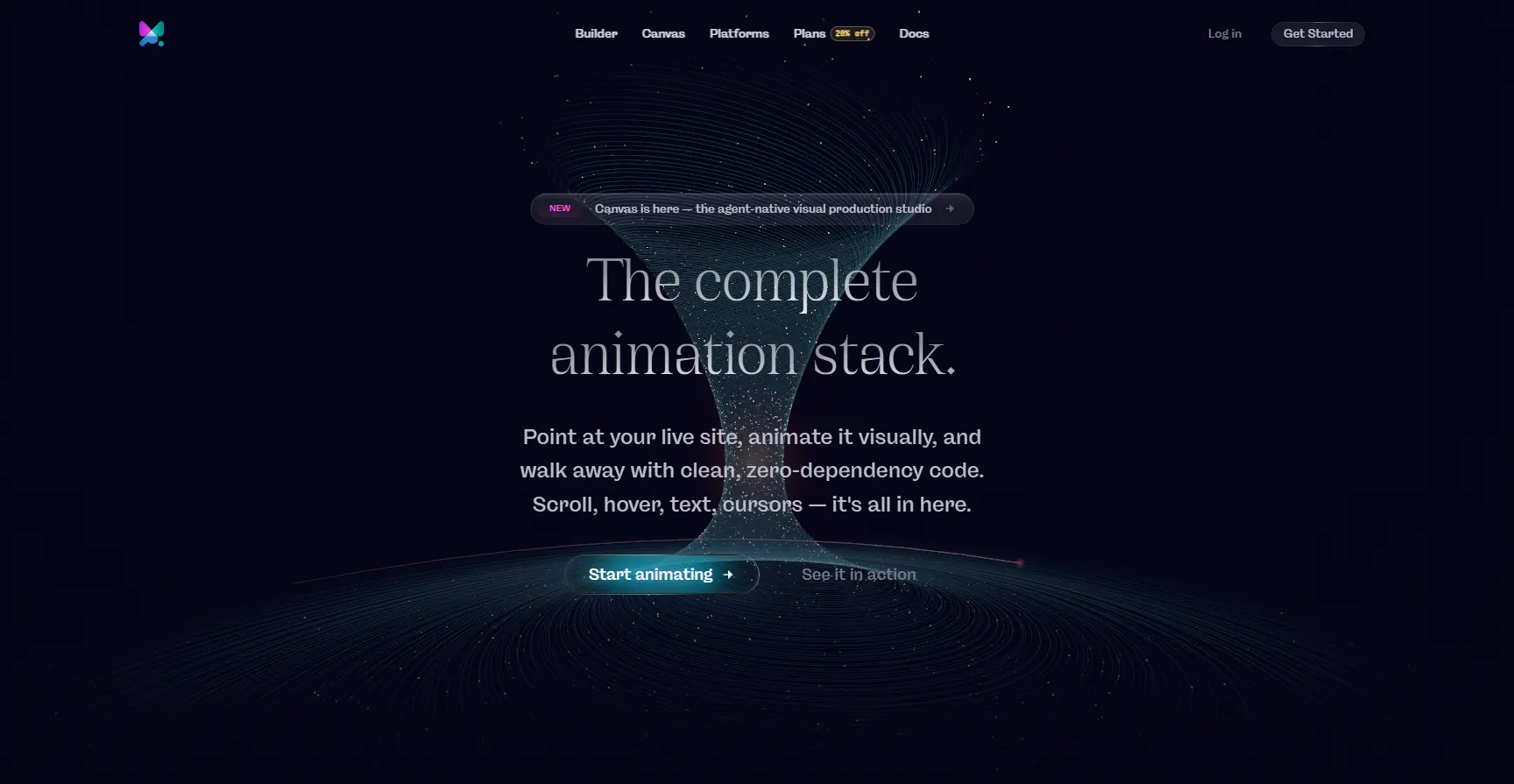
Motion.page takes a different approach to WordPress animation. Rather than focusing on a large library of Elementor widgets or ready-made website templates, it is built around a dedicated visual animation workflow that lets you bring existing page elements to life.
With its visual Builder, you can select elements directly from your website, define how they should behave, create animation timelines, fine-tune timing, preview the result, and publish the interaction, all without manually writing the underlying animation code.
Key Features
- Scroll-based animations with pinning, parallax, and page-load effects.
- Interactive triggers such as hover and click actions.
- Advanced text effects including SplitText-style animations and staggered reveals.
- SVG and motion effects such as DrawSVG and Motion Path.
- Creative interactions including mouse movement and custom cursors.
- Advanced transitions such as FLIP, image sequences, loops, and page transitions.
- Responsive animation controls, allowing animation values to be customized for different devices within the same timeline.
Motion.page: Pros & Cons
Pros
- Multi-builder support
- Dedicated animation workflow
- Visual animation controls
- Advanced timelines
- Suitable for existing websites
Cons
- Less focused on broader website-building functionality
- May be unnecessary if Elementor is already the core workflow
Why Choose Motion.page?
For designers and developers who already have their website structure in place and want dedicated, visual control over advanced animations across different WordPress builders, Motion.page offers a flexible animation-first workflow.
Animation Addons vs Motion.page: Features Comparison
The table below highlights the key differences between Animation Addons and Motion.page.
| Feature / Category | Animation Addons | Motion.page |
|---|---|---|
| Versions | Free, Pro | Paid, 7-day trial |
| Template Library | ||
| Prebuilt Websites | ✅ 300+ Websites | ❌ |
| Page Templates | ✅ 2,000+ Pages | ❌ |
| Section Templates | ✅ 10,000+ Sections | ❌ |
| Animation Presets | ✅ | ✅ |
| Widgets & Extensions | ||
| Total Widgets | 100+ | N/A |
| Total Extensions | 25+ | N/A |
| Elementor | ||
| Elementor Integration | ✅ | ✅ |
| Elementor V4 Support | ✅ | Works with rendered Elementor pages |
| Atomic Widgets | ✅ | ❌ |
| Elementor V4 Templates | ✅ | ❌ |
| Global Classes & Variables Workflow | ✅ | Not Elementor-specific |
| Animation & Interaction | ||
| Advanced Animation Engine | GSAP-powered Features | Motion.page SDK |
| Scroll-Based Animation | ✅ | ✅ |
| Scroll Scrubbing | ✅ | ✅ |
| Pinning Elements | ✅ | ✅ |
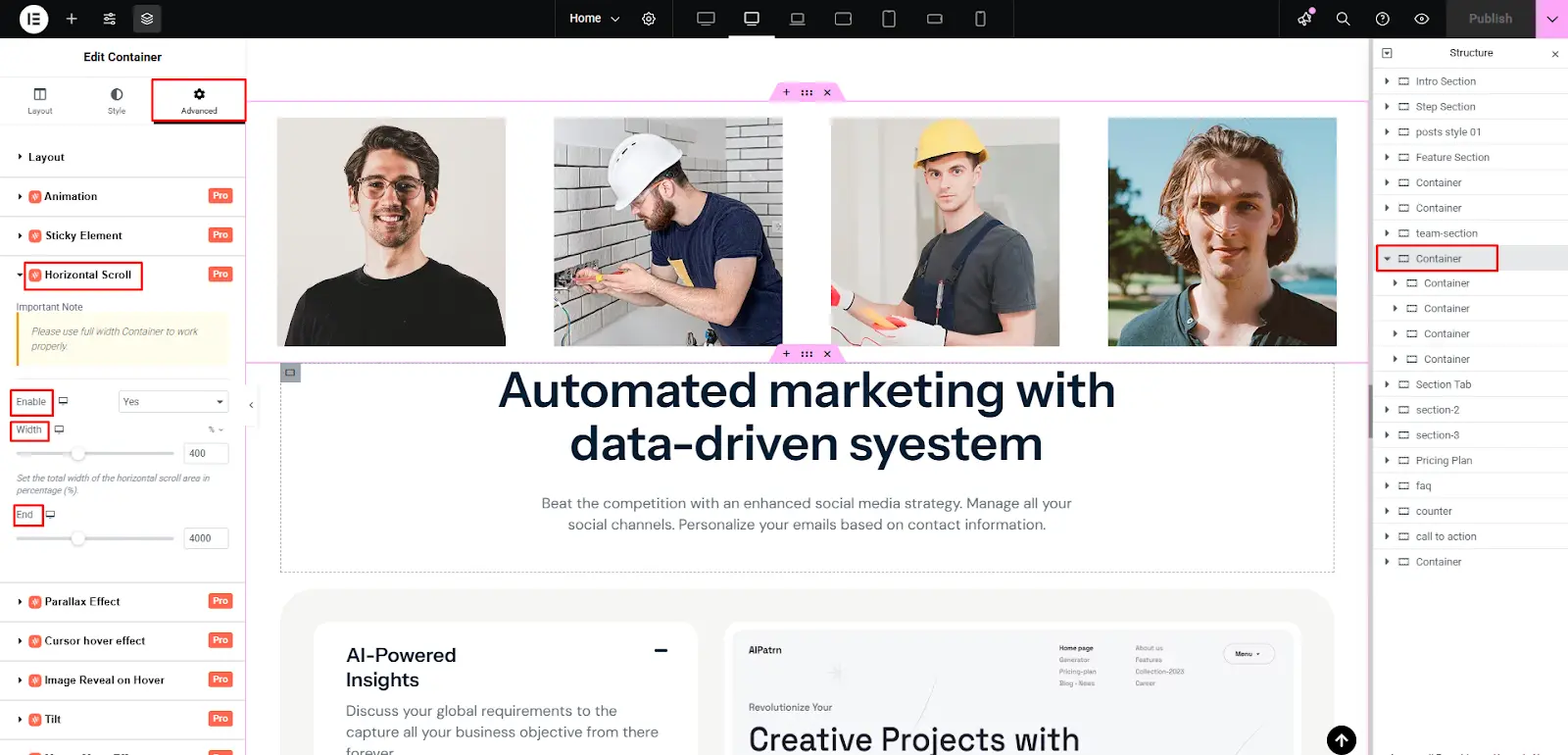
| Horizontal Scroll Effects | ✅ | ✅ |
| Parallax Effects | ✅ | ✅ |
| Page Load Animation | ✅ | ✅ |
| Split Text Animation | ✅ | ✅ |
| Stagger Animation | ✅ | ✅ |
| Timeline Sequencing | ✅ | ✅ |
| DrawSVG | ✅ | ✅ |
| MotionPath Animation | ✅ | ✅ |
| FLIP Animation | ✅ | ✅ |
| Lottie Animation | ✅ | ✅ |
| Hover Animation | ✅ | ✅ |
| Click-Based Animation | ✅ | ✅ |
| Cursor / Mouse Effects | ✅ | ✅ |
| Draggable Effects | ✅ | ✅ |
| Image Animation | ✅ | ✅ |
| Image Sequence Animation | Image Animation Features | ✅ Dedicated Workflow |
| Page Transitions | Animation Effects Available | ✅ |
| Workflow & Usability | ||
| Animate Existing Layouts | ✅ | ✅ |
| Live Preview | ✅ | ✅ |
| Responsive Controls | ✅ | ✅ |
| Preset-Based Workflow | ✅ | ✅ |
| Live Copy Paste | ✅ | ❌ |
| Full Website Templates | ✅ | ❌ |
| Drag & Drop Workflow | ✅ Elementor Workflow | ✅ Visual Animation Workflow |
| Works Across Multiple Page Builders | Elementor-focused | ✅ |
| WordPress Integration | ✅ | ✅ |
- Ready to build animated Elementor websites faster?
Explore Animation Addons’ widgets, extensions, templates, and animation tools.
Pricing Comparison Between Animation Addons and Motion.page
Animation Addons and Motion.page offer different pricing approaches based on their features, supported builders, and intended users. Comparing their plans, included features, website limits, and overall value can help you choose the right animation solution for your WordPress workflow.
Pricing table for Animation Addons –
| License | Annual | Lifetime |
|---|---|---|
| Starter (1 Site) | $49 | $79 |
| Professional (5 Sites) | $99 | $179 |
| Agency (100 Sites) | $199 | $399 |
Pricing table for Motion.page –
| License | Monthly | Yearly |
|---|---|---|
| Builder (Unlimited Sites) | €25 | €449 |
| Canvas (Unlimited Sites) | €25 | €449 |
| Bundle (Unlimited Sites) | €33 | €449 |
Animation Addons vs Motion.page: Feature-by-Feature Comparison
Animation Addons and Motion.page both provide powerful tools for creating animated WordPress websites, but their approaches are different. Animation Addons combines animation capabilities with Elementor-focused website-building features, while Motion.page puts emphasis on visual animation controls and cross-builder compatibility.
Animation Features: Animation Addons vs Motion.page
GSAP Support
Both platforms use GSAP-powered animation capabilities to create smooth and interactive motion effects. Animation Addons integrates GSAP animation into the Elementor workflow, while Motion.page provides a visual environment for creating and controlling effects.
Scroll Animations
Scroll-based animation can transform static pages into more engaging experiences by triggering effects as visitors move through a page. Animation Addons provides dedicated controls for scroll animations, including pinning and parallax, while Motion.page brings scroll-based effects into workflow.
Timeline Controls
Animation Addons focuses more on making animation controls accessible within the broader Elementor website-building experience to control animation sequences. While, Motion.page places a emphasis on visual timeline-based animation.
ScrollTrigger
ScrollTrigger-style interactions are useful for creating animations that respond precisely to a user’s scrolling behavior. is particularly focused on scroll-driven workflows, while Animation Addons provides scroll animation capabilities as part of its Elementor-focused animation toolkit.
Text Animations
Both platforms can be used to create engaging text effects that make headings and content more dynamic. Animation Addons offers advanced text animation capabilities such as SplitText-style effects and stagger animations, while Motion.page provides text animation options within the workflow.
Image Animations
Animated images can add depth and visual interest without requiring custom animation code. Animation Addons allows Elementor users to incorporate animated visual elements into their page designs, while Motion.page provides controls for animating existing elements on a page.
Hover Effects
Hover animations are useful for creating interactive buttons, cards, images, and other UI elements. Both platforms support interactive animation workflows, with Animation Addons allowing users to define hover and click-based interactions through its visual Builder.
Page Transitions
Page transitions can create smoother movement between different pages and make a website feel more polished. Animation Addons includes page-transition capabilities, making it particularly useful for designers who want animation to extend beyond individual sections and elements.
Website Building Features: Animation Addons vs Motion.page
The biggest difference between the two platforms becomes clearer when looking beyond animation. Animation Addons is designed to support the broader website-building process, whereas Motion.page primarily focuses on adding animations to existing websites.
Widgets
Animation Addons includes a large collection of Elementor widgets, allowing users to add different content and design elements without building them from scratch. Motion.page is an animation platform rather than a large widget library.
Extensions
Animation Addons also provides Elementor extensions that expand the functionality of the page builder and complement its animation features. Motion.page focuses more narrowly on animation controls rather than providing a broad collection of Elementor-style website extensions.
Templates
Ready-made templates can significantly speed up the website creation process. Animation Addons includes full website templates and section templates, giving Elementor users a starting point for building complete websites, while Motion.page’s primary focus is animating existing website layouts.
Full Website Kits
Animation Addons goes beyond individual animations by providing complete website-building resources, making it useful for users who want to design a website and add motion within the same ecosystem. Motion.page is better viewed as an animation layer that can be applied to websites created with different builders.
Copy & Paste
Animation Addons supports reusable design workflows that can help Elementor users move sections and design elements between projects more efficiently. This makes it easier to combine pre-built website components with animation effects without recreating everything from scratch.
Which One Should You Choose?
The answer depends on how you build websites.
Choose Animation Addons If:
- Elementor is your primary website builder.
- You want animation and Elementor features in the same plugin.
- You need ready-made websites, pages, and sections.
- You want 100+ Elementor widgets and 25+ extensions.
- You are building with Elementor V4 and Atomic Widgets.
- You want Live Copy Paste for faster layout creation.
- You want to reduce dependence on several separate Elementor addons.
- You regularly build complete websites for clients.
Animation Addons combines animation with a much broader Elementor production toolkit. Its template library alone includes 300+ websites, 2,000+ pages, and 10,000+ sections.
Choose Motion.page If:
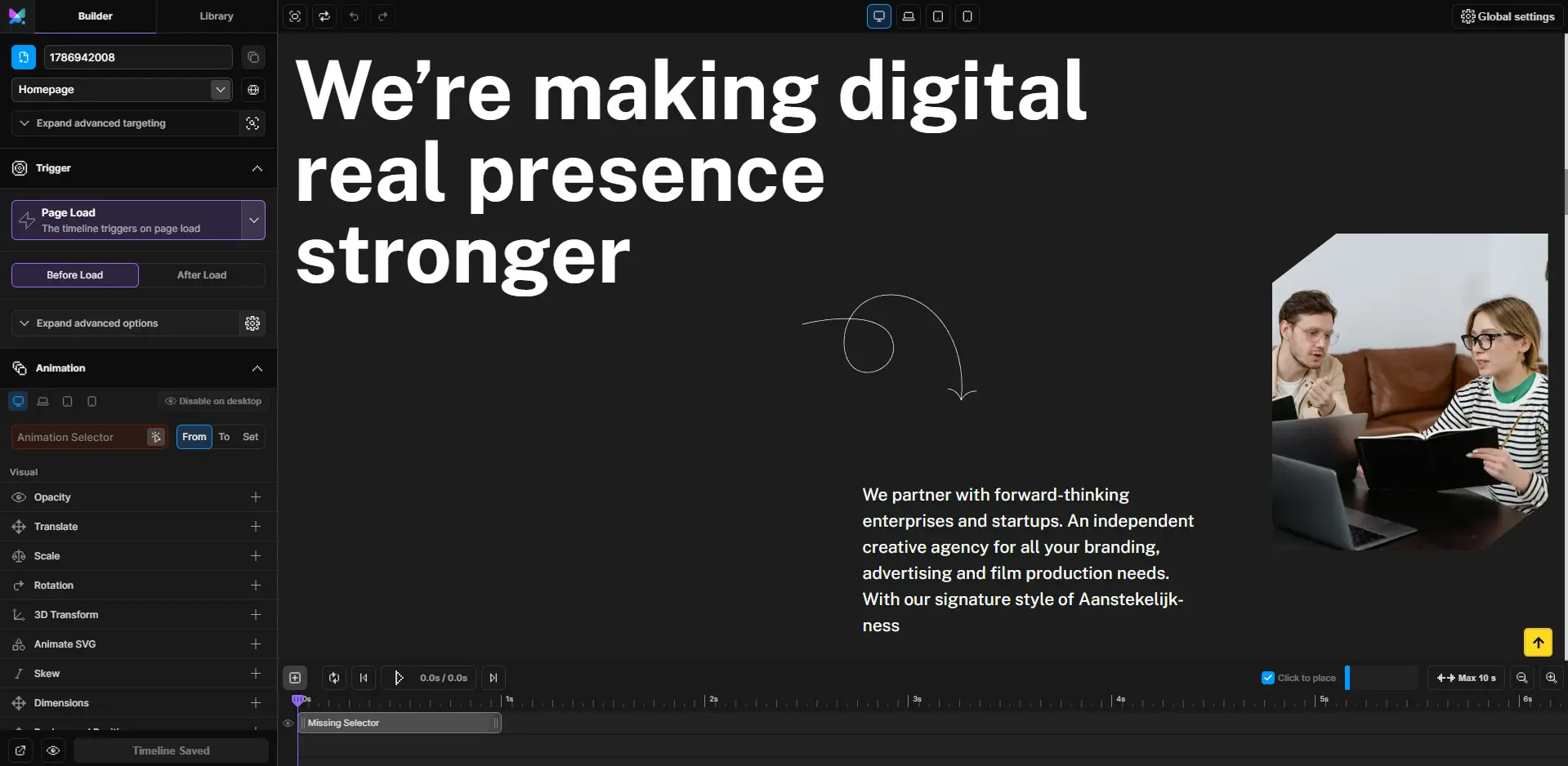
- Animation is your main requirement.
- You want a dedicated visual animation environment.
- You work with multiple WordPress page builders.
- You want to animate existing layouts visually.
- You need advanced timeline control.
- You frequently create scroll-driven experiences.
- You need features such as image sequences or page transitions.
- You want one animation workflow that is less dependent on the page builder being used.
Motion.page’s current Builder is specifically designed around visually selecting live website elements, creating animation timelines, and publishing those animations across different website-building environments.
Which Plugin Should You Choose?
| Your situation | Better choice |
|---|---|
| Elementor-only website | Animation Addons |
| Agency mainly using Elementor | Animation Addons |
| Need templates + widgets | Animation Addons |
| Need multiple page builders | Motion.page |
| Need animation timelines | Motion.page |
| Need complete website-building toolkit | Animation Addons |
Final Thoughts
Choose Animation Addons if Elementor is the foundation of your workflow and you want animation alongside widgets, extensions, templates, and other website-building tools.
Choose Motion.page if animation itself is your main priority and you need a visual workflow that works across multiple WordPress builders.
For Elementor-focused websites, Animation Addons is the more complete toolkit. For multi-builder animation workflows, Motion.page offers greater flexibility.
Ready to Bring Animations to Elementor?
With Animation Addons, you can create GSAP-powered animations directly in Elementor without relying on custom JavaScript. Explore its animation features, widgets, extensions, and templates to build more interactive websites faster.
Explore with Animation AddonsFAQs
Animation Addons is a better fit for Elementor users who want animations alongside widgets, extensions, and ready-made templates. Motion.page is more suitable for users who prioritize advanced animation control and compatibility across multiple WordPress builders.
Motion.page offers a free trial, allowing users to explore its animation workflow before purchasing a plan. Its full set of advanced features is available through its paid plans.
Yes, Animation Addons is designed to work with the newer Elementor V4 Atomic Editor alongside the traditional Elementor workflow. It complements the V4 approach by supporting reusable elements, Classes, Variables, and animation features.
Yes, Motion.page can animate websites built with Elementor without being limited to Elementor-specific widgets. Its visual Builder lets users select existing Elementor elements and create advanced animations around them.
Animation Addons can be easier for beginners who already use Elementor because it combines familiar website-building tools with animation features and templates. Motion.page may require more time to learn for users who are new to timeline-based animation workflows.
Animation Addons is a strong option for Elementor-focused agencies that need templates, widgets, extensions, and animation capabilities in one toolkit. Motion.page may be a better choice for agencies working across multiple WordPress builders and handling more animation-focused projects.
Animation Addons can replace Motion.page for many Elementor users who want animation features combined with website-building functionality. However, users who rely heavily on advanced animation timelines or multiple WordPress builders may still prefer Motion.page.
Choose Animation Addons if you primarily build with Elementor and want animations, widgets, extensions, and templates in one platform. Choose Motion.page if your priority is advanced visual animation and cross-builder compatibility.




Leave a Reply