

Black Friday Up to 50% off every Pro plan. Annual from $24.50, Lifetime from $51.Up to 50% off ProAgency Bundle $449 $1,499 Agency Bundle$1,499 $449 Ends in Getthe deal
Classic Elementor widget · Free

One Page Nav for Elementor: A fixed menu that takes visitors to each section

Add Elementor one page navigation to a long page. Give each item a label, an icon and the ID of its section, place the menu on the left, right or bottom, and show names as labels or tooltips. It is a free Elementor one page nav that stays on screen while visitors scroll.

  • Free on WordPress.org
  • Left, right or bottom
  • Labels or tooltip dots
  • An icon per item

Classic widget · Elementor 3 and 4Updated

Live demos

Three one page menus, live

A side menu, a set of navigation dots and a bottom bar, each on a small one-page site. Scroll inside a site or click a menu item: the site glides to that section and the menu marks where you are.

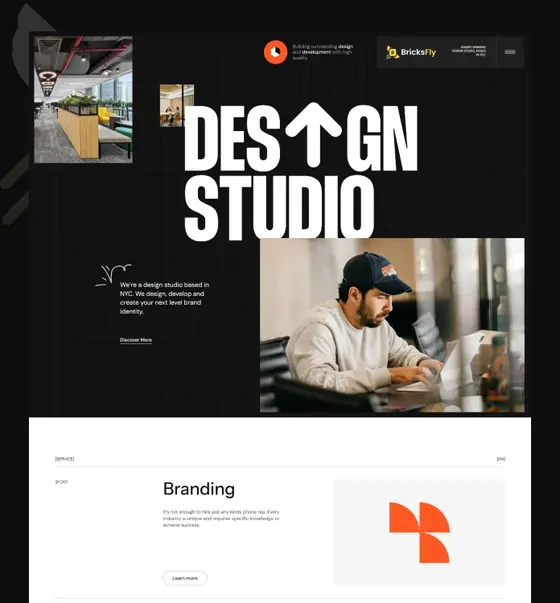
Arolax®WorkStudioContact
Brand and web studio

Brands and sites that ship

We design identities and build fast Elementor sites, from first sketch to launch day.

Start a project
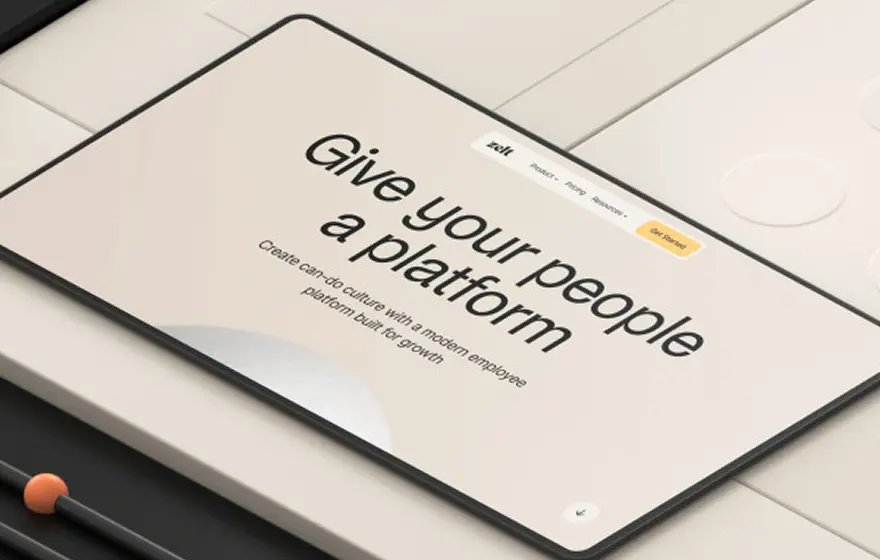
Tablet showing a landing page designed by the studio
Services

What we do

  1. 01Brand identityLogo, type, colour and a short guide your team can use.
  2. 02Website designPage layouts and a component kit, ready for Elementor.
  3. 03MotionScroll and hover animation that supports the story.
Selected work

Recent launches

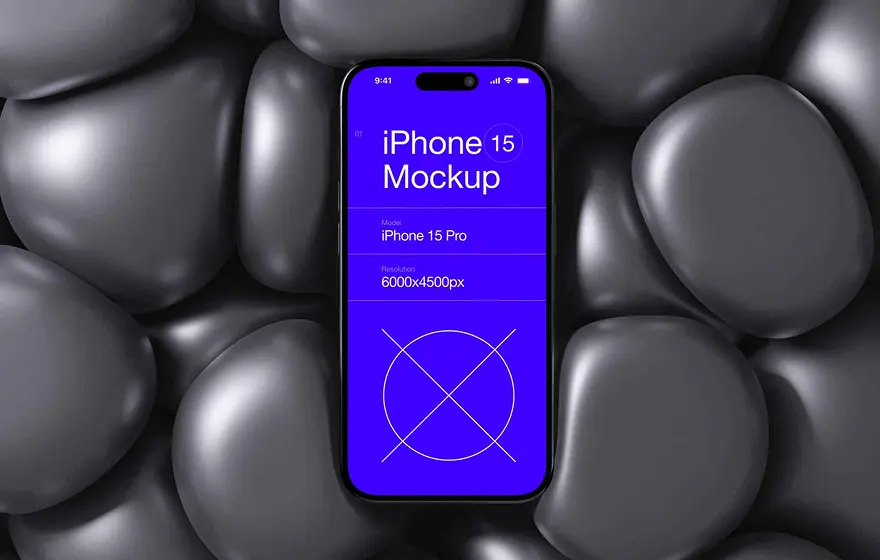
Phone mockup on black pebbles
Pebble app
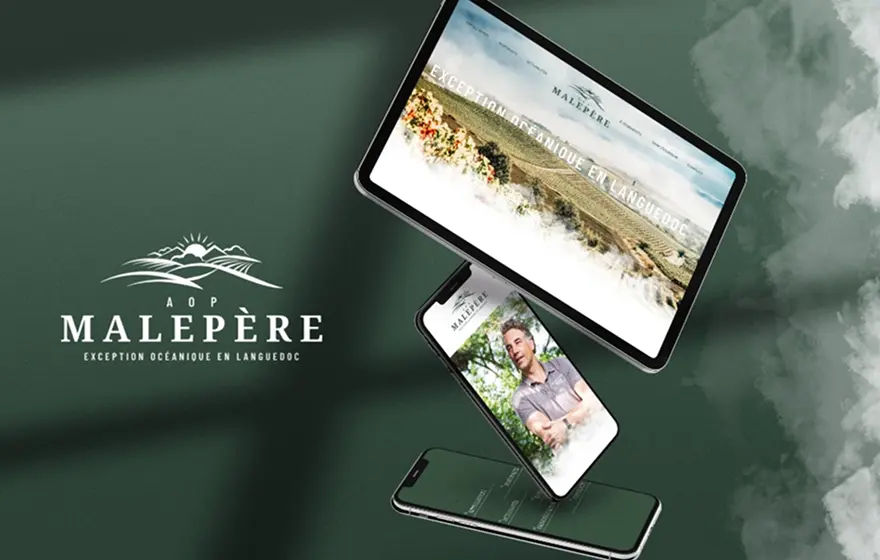
Malepère website on a tablet and phone
Malepère
Portrait of a man in a blue scarf
Sahara Films
Platform landing page on a tablet
Halden
Studio

Twelve people, one table

The team around a meeting table

Strategy, design and development sit together, so ideas reach the build without a hand-off.

Help

Questions before you book?

How long does a site take?Most sites launch in six to eight weeks.

Do you work with Elementor?Yes. Every site is built so your team can edit it.

Book a call
Agency one-page site

Elementor side navigation with icons and labels

An agency site on one long page. A dark menu on the right lists Home, Services, Work and Studio, each with an icon. A single Help item sits on the left. The item of the section in view turns orange.

Click Work, or scroll inside

Add four items in One Page Nav, each with its Text, Section ID and Icon. Set Item Gap to 24 and the Hover and Active colours to #F6502C. A second widget with Navigation Position on Left holds the Help item.
Maison FormeCollectionJournalStores
Autumn 2026

The Autumn Collection

Four rooms, forty pieces, all made in our workshop near Lyon. Scroll or use the dots to walk through.

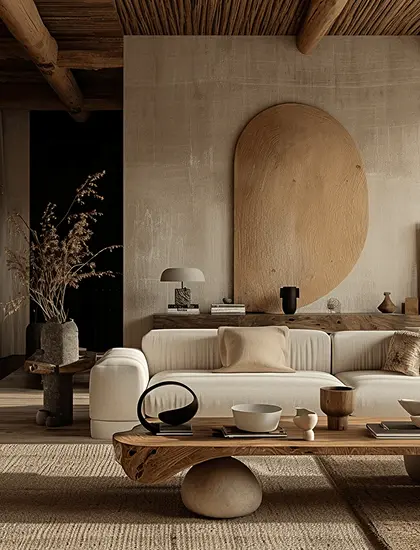
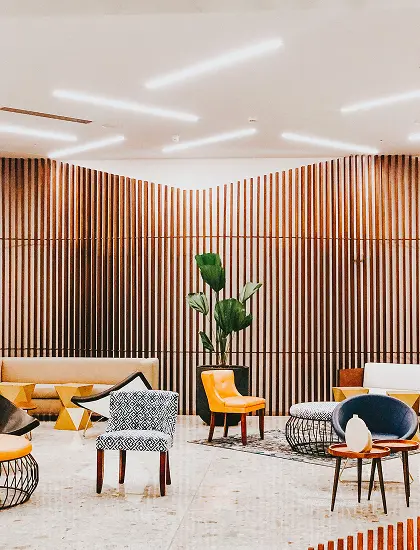
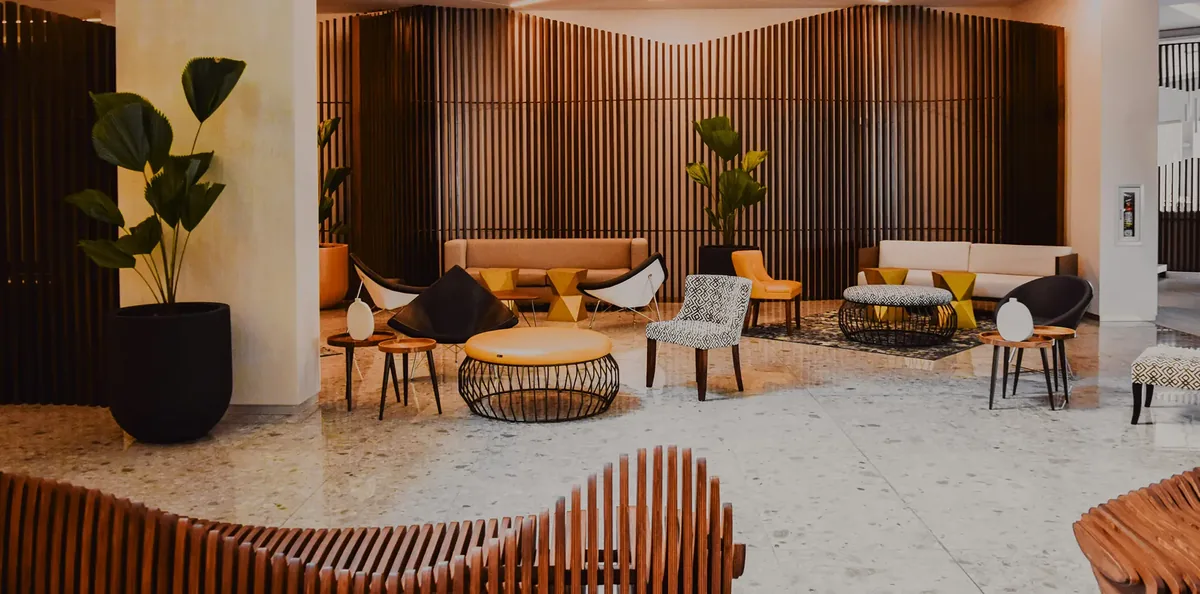
Lounge with wooden wall slats and armchairs
Living room with a low sofa and warm wood
01 / Living

Low sofas, warm oak

The Dune sofa and the Sable side tables, in oiled oak.

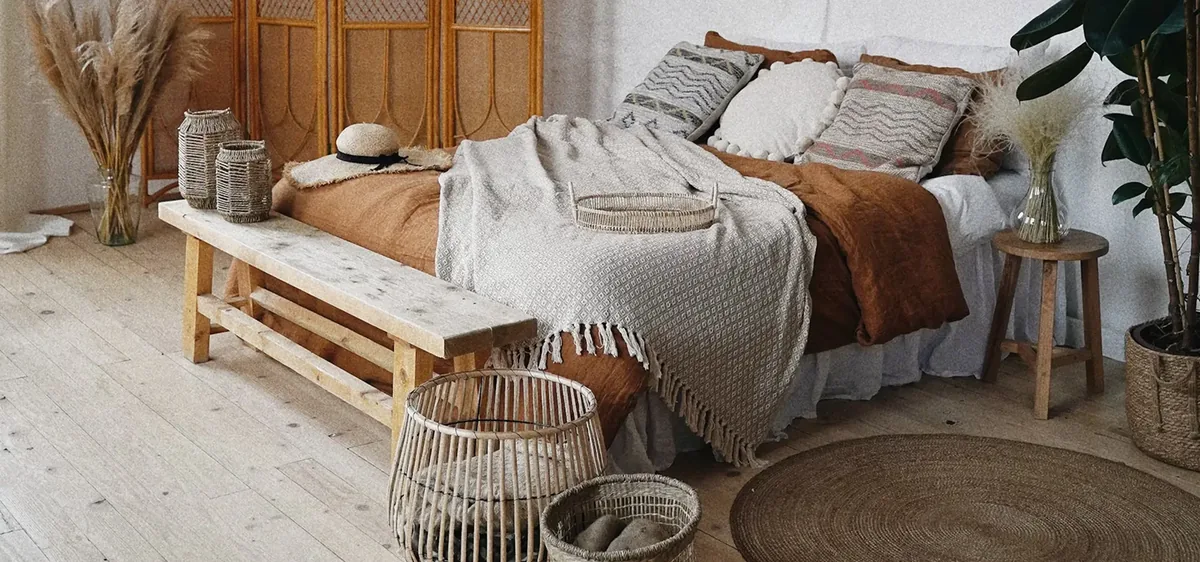
Bedroom with linen bedding and a bench
02 / Bedroom

Linen and soft light

Washed linen sets and the Halo bench at the foot of the bed.

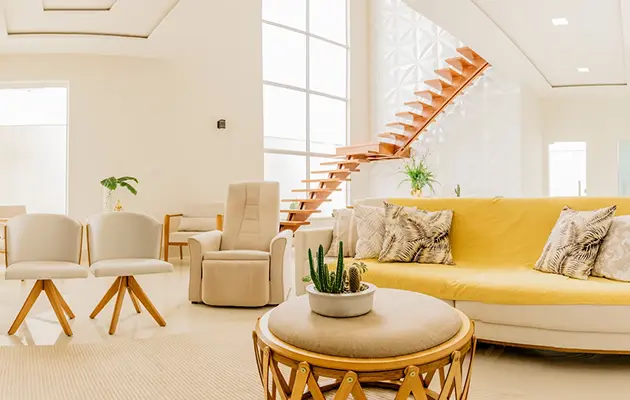
Bright lounge with a yellow sofa and a wooden stair
03 / Lounge

Colour for the lounge

The Soleil sofa in mustard boucle, with rattan armchairs.

Calm studio corner with a cream sofa
04 / Studio

A quiet corner

Stone, plaster and one round mirror. Made to order in eight weeks.

Furniture lookbook

Elementor dot navigation with tooltips

A furniture lookbook with one room per screen. Small dots in a white pill run down the right side. Point at a dot or tab to it and the room name appears in a dark tooltip.

Point at a dot

Turn on Show Tooltip, pick a small circle as each Icon, and set the Border Radius of the Navigation Wrapper to 30.

Portrait of a man in a blue scarf in the desert
Sahara FilmsFestivalArchivePress
12 to 16 November · Merzouga

Sahara Film Week

Five nights of open-air cinema at the edge of the dunes.

Programme

Five nights, twelve films

  • Wed 12Opening night: The Salt Road20:30
  • Thu 13Shorts from the Maghreb21:00
  • Fri 14Night of the Nomads21:00
  • Sat 15Retrospective: Desert Light20:00
  • Sun 16Awards and closing film20:30
In competition

Films to watch

Woman in orange sunglasses and a red folded collar
Red Paper92 min
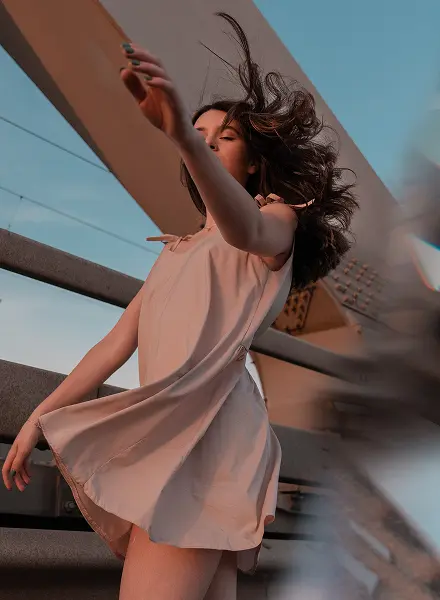
Woman dancing in a pink dress
Wind Dance78 min
Portrait of a woman holding a brush
Gold Hour104 min
Tickets

Pick your pass

One night€18Any evening screening
Festival pass€70All five nights
Camp pass€190Pass, tent and dinner
Venue

Under the stars at Erg Chebbi

The screen stands 2 km from Merzouga. Shuttles leave the village square every 30 minutes from 19:00.

Festival site menu

Elementor bottom navigation bar

A film festival site with a dark menu bar at the bottom centre. Each item has an icon and a label, the active one turns gold, and on phones only the icons stay.

Click Tickets

Set Navigation Position to Bottom and Horizontal Position to Center. Turn on Hide Title for mobile, so phones show icons only.

Features

Key features of One Page Nav

Every feature below is a real setting in the widget panel. Nothing needs custom code.

Section links you build

Add an item per section in One Page Nav. Each one has its own Text, Section ID and Icon. The ID is a plain anchor, so the menu scrolls to the section like any anchor menu.

A fixed side menu

Set Navigation Position to Left or Right for an Elementor fixed side menu, or to Bottom for a bottom navigation bar. The menu stays in place while visitors scroll.

Exact placement

Use Vertical Position for a side menu and Horizontal Position for a bottom bar, plus Height and Width.

Navigation dots with tooltips

Turn on Show Tooltip and the labels become tooltips that show the section name on hover. With small circle icons, this makes Elementor navigation dots.

Icons only on mobile

Hide Title works per device, so a phone can show icons while a desktop shows labels.

Style the wrapper

In Navigation Wrapper, set a classic or gradient background, Padding, Border and Border Radius.

Style every item

Set Icon Size, Icon Gap, Item Gap, typography, Padding and the Normal, Hover and Active colours.

Smooth scrolling with Pro

Animation Addons Pro gives you Elementor one page scroll navigation. With Pro active, a click scrolls smoothly to the section (1 s with power2.out on the original page) and the item of the section in view gets your Active style as visitors scroll.

Step by step

How to add one page navigation in Elementor

Five steps, no code. The bold names are the labels in the Elementor panel.

  1. Install and activate Animation Addons for Elementor from WordPress.org, and turn on One Page Nav under Widgets.

  2. Give each section an ID: select the container, open Advanced and type a CSS ID such as services.

  3. Drag One Page Nav onto the page. Add an item per section with its Text, Section ID and Icon.

  4. In Settings, pick the Navigation Position and Vertical Position, and turn on Show Tooltip for navigation dots.

  5. Style the Navigation Wrapper and Navigation Item, set the Hover and Active colours, check mobile and publish.

Try Animation Addons Free on WordPress.org · Works with Elementor Free
FAQ

Questions about One Page Nav

How do I add one page navigation in Elementor?

Install the free Animation Addons plugin, give each section a CSS ID, drag One Page Nav onto the page and add an item per section with that ID. It works on Elementor Free.

How do I create a one page website in Elementor?

Build each section as a container with its own CSS ID. Add Nav Menu or a logo in the header, then add One Page Nav with one item per ID, so visitors can jump between the sections.

Is there a free one page nav for Elementor?

Yes. One Page Nav is a free one page navigation widget for Elementor, in the Animation Addons plugin on WordPress.org. It is a free Elementor one page navigation that works with Elementor Free and Elementor Pro.

What do I type in Section ID?

Type the CSS ID of the section, without the # sign, for example pricing. Set the same ID under Advanced, CSS ID on the container.

Can I show navigation dots with tooltips?

Yes. Pick a small circle as the icon of each item and turn on Show Tooltip. This gives you Elementor dot navigation, and the section name appears in a tooltip on hover.

Can I make a side menu or a bottom bar?

Yes. Use Left or Right for an Elementor side navigation, or set Navigation Position to Bottom for an Elementor bottom navigation bar, then choose Left, Center or Right in Horizontal Position.

Does it scroll smoothly and highlight the section?

With Animation Addons Pro active, a click scrolls smoothly and the item of the section in view gets the Active style. The free widget links each item to its section.

Can I hide the labels on mobile?

Yes. Hide Title is a responsive setting, so you can show icons only on tablet or mobile and keep labels on desktop.

Should I use this or the Nav Menu widget?

Use Nav Menu for your header menu with submenus and a mobile hamburger. Use One Page Nav for a fixed side or bottom menu of section links.

Does it work in Elementor 4?

Yes. It is a classic widget, so Elementor 4 lists it with the legacy widgets and it works on the same page as atomic elements.

Animation Addons Pro · Elementor 4

Every section, one click away

A fixed one page menu with icons, labels or tooltip dots, free on Elementor Free.

Black Friday dealup to 50% off every Pro planEnds 5 Dec

  • 15-day money-back guarantee
  • Rated 4.6 / 5 on WordPress.org
  • No Elementor Pro needed
  • Elementor 3 & 4 in one license