

Coordinated page layouts
Keep a consistent design as visitors move through your website.
 Elementor V4 · Website templates
Find a complete design for your next project, make it your own, and spend less time building from a blank page. Explore 30+ website templates for agencies, businesses, software, and portfolios, built for Elementor V4's Atomic editor, with editable layouts and animated or static designs to suit your project.
30+ website templates
Choose a design that fits what you need to show, sell, or explain. Open the live preview to explore its pages before you buy.

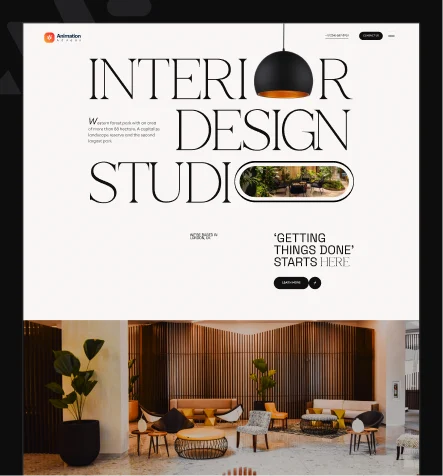
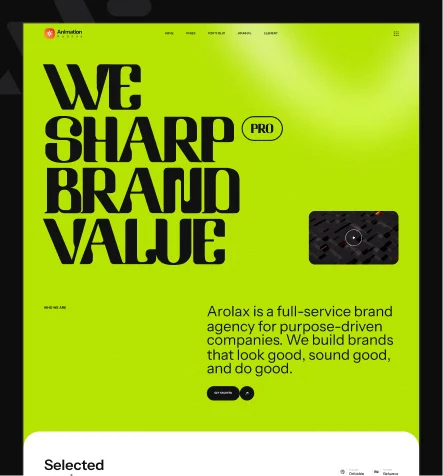
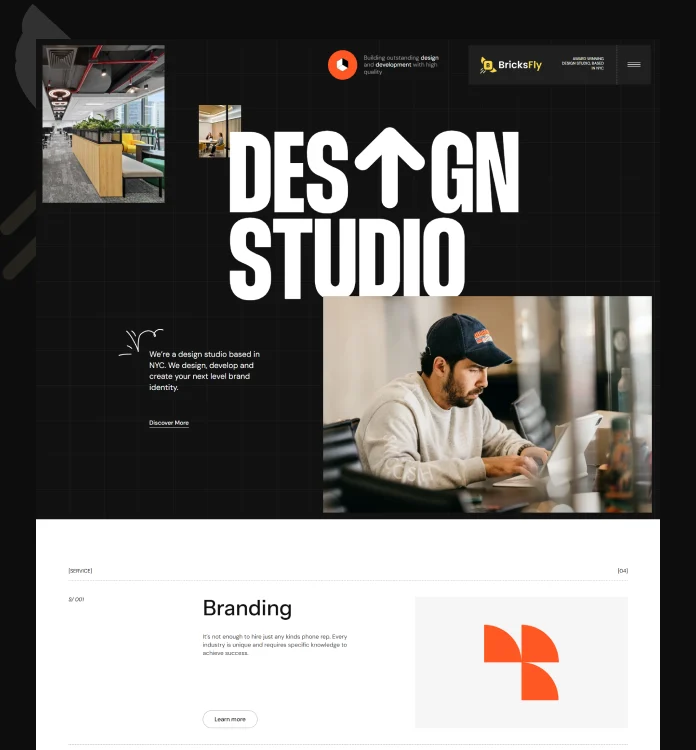
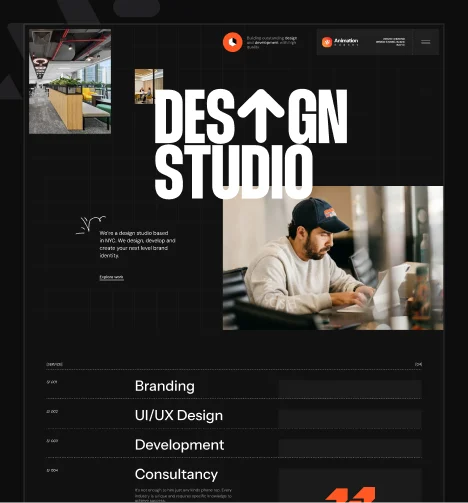
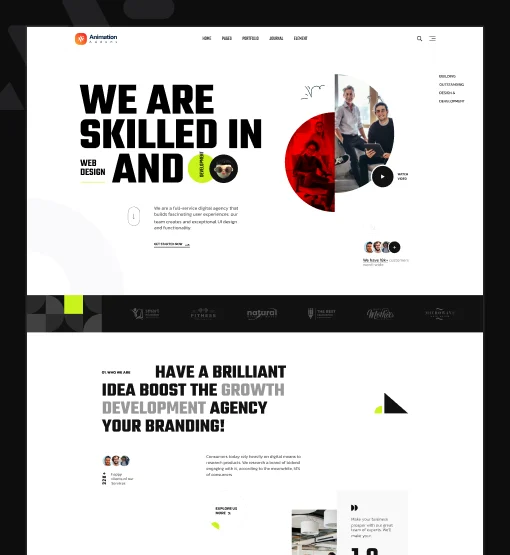
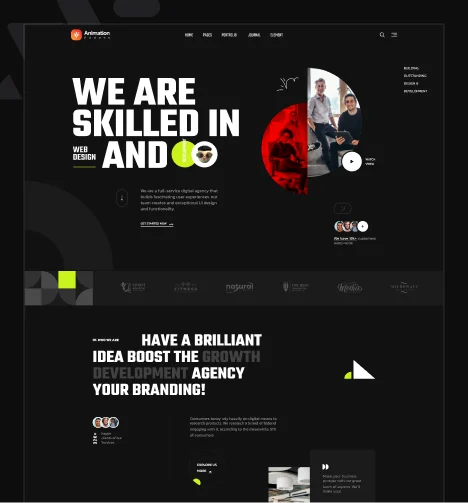

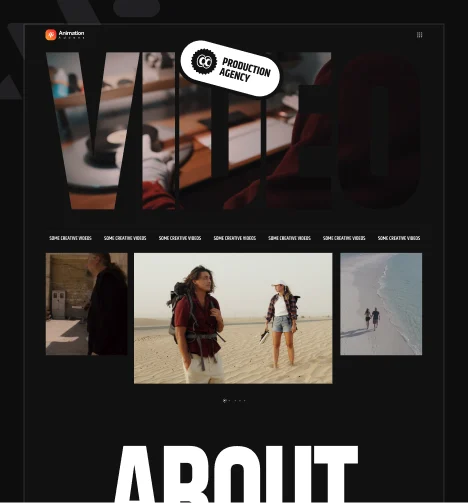
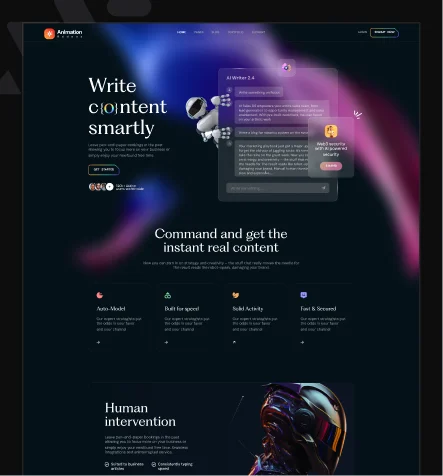
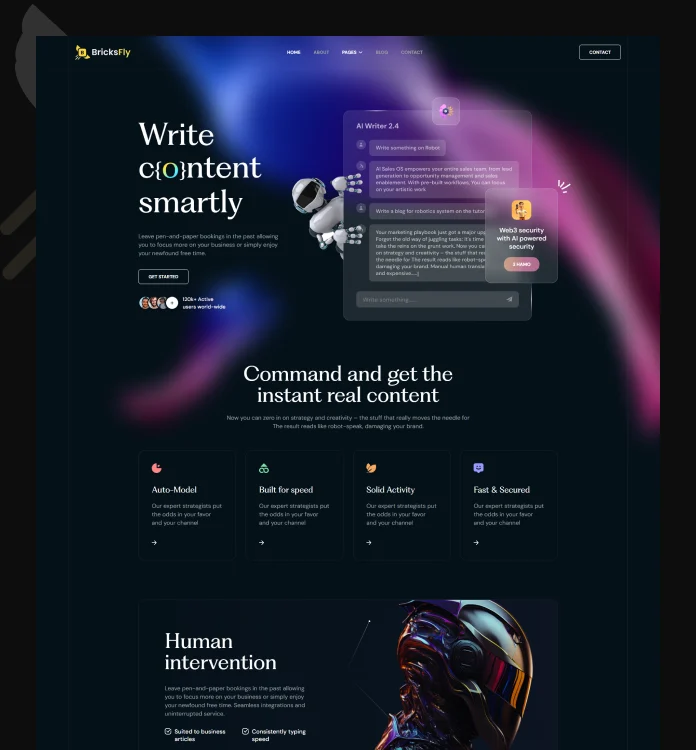
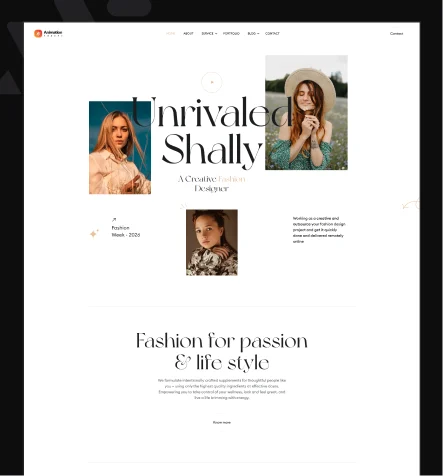
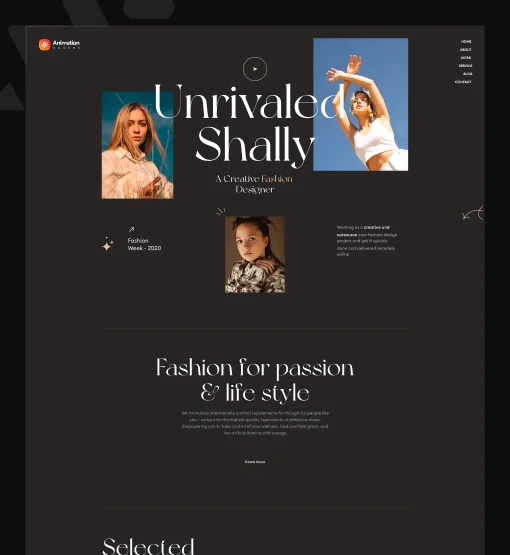


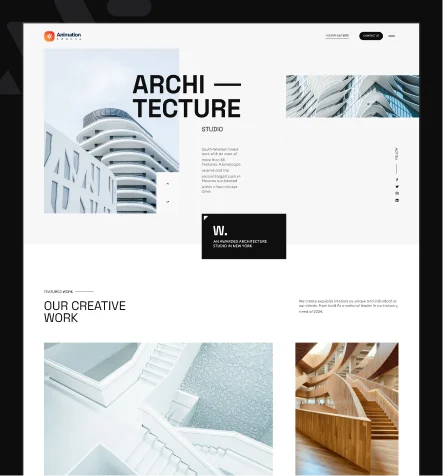
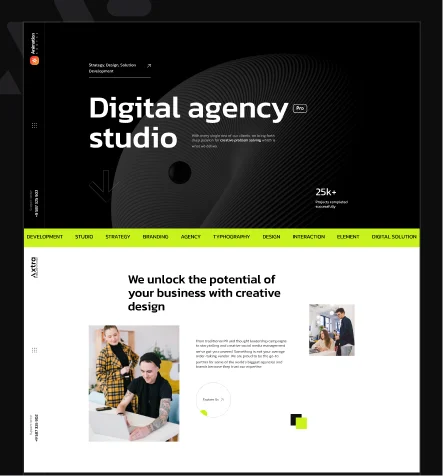
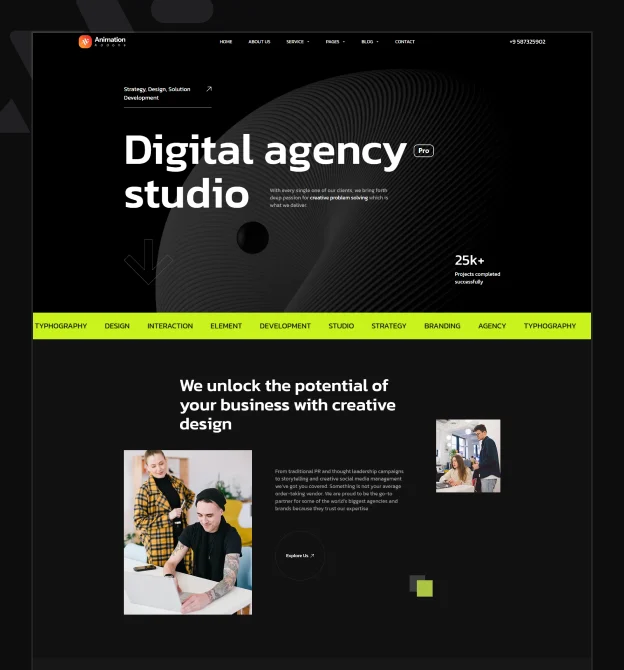
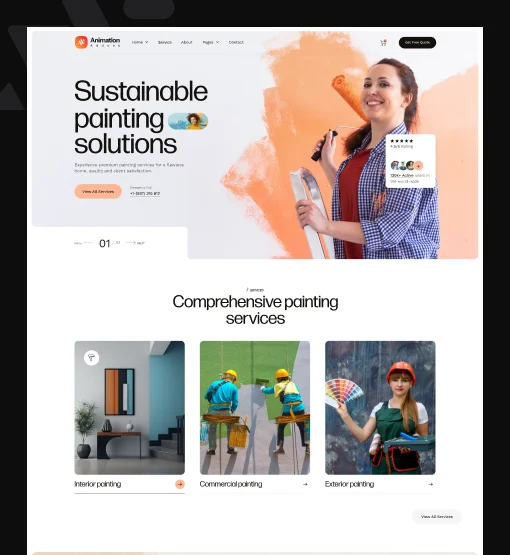
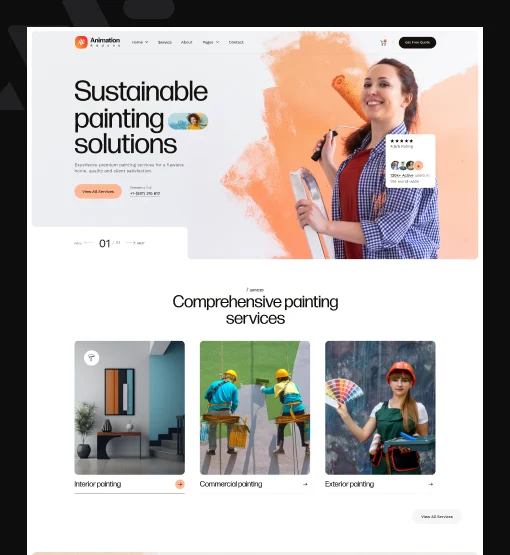
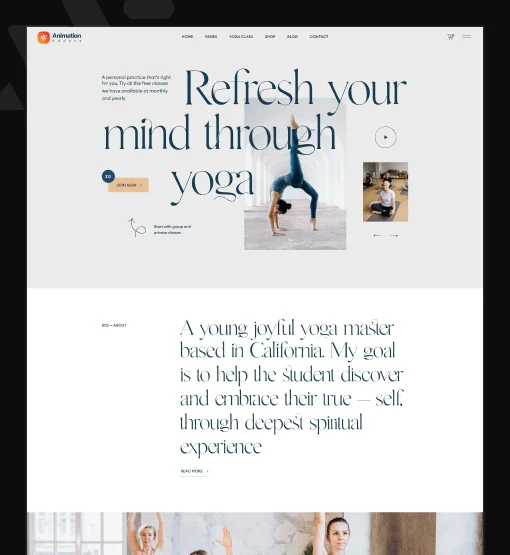
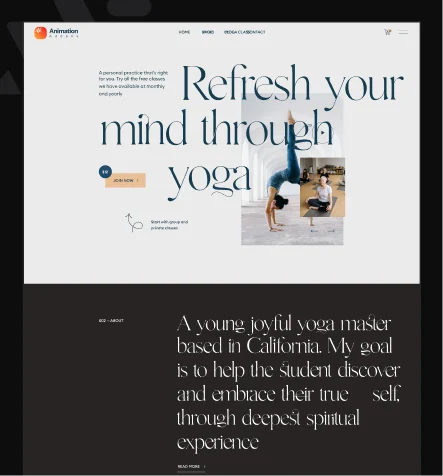
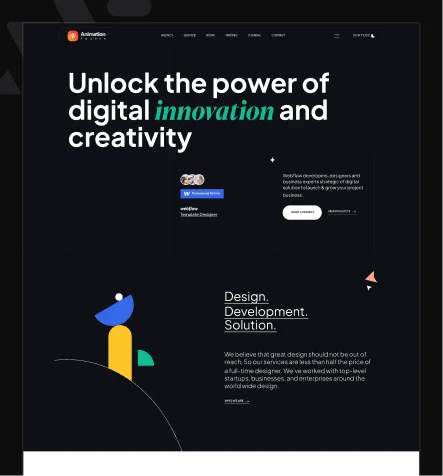
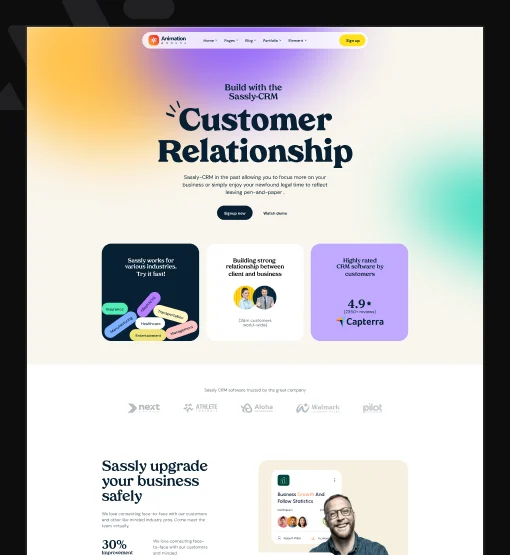
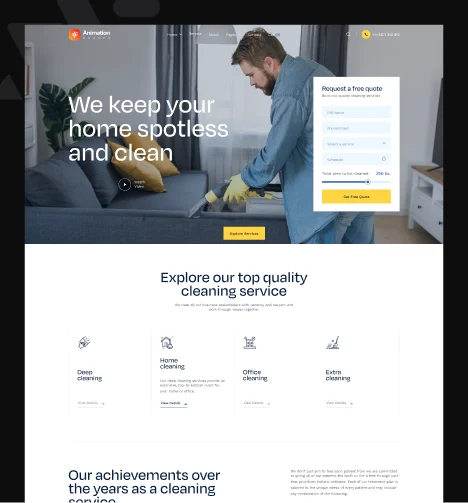
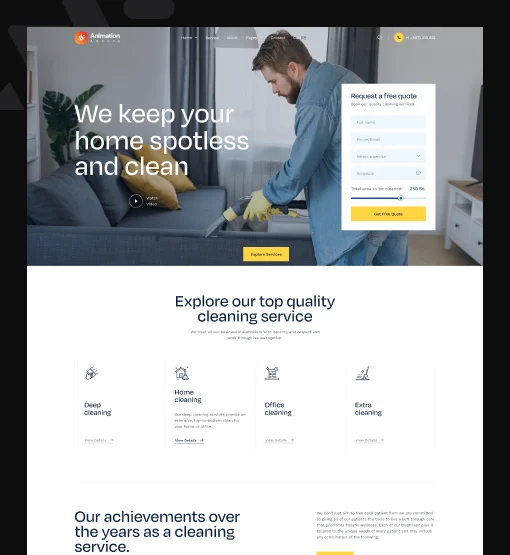
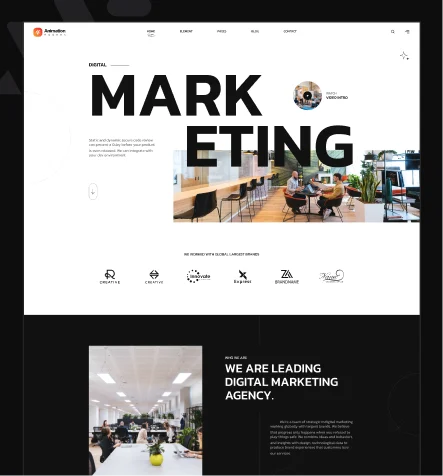
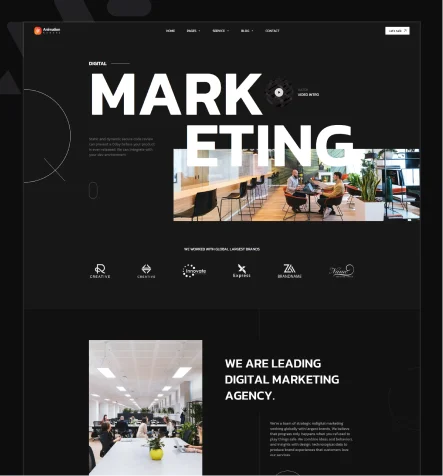
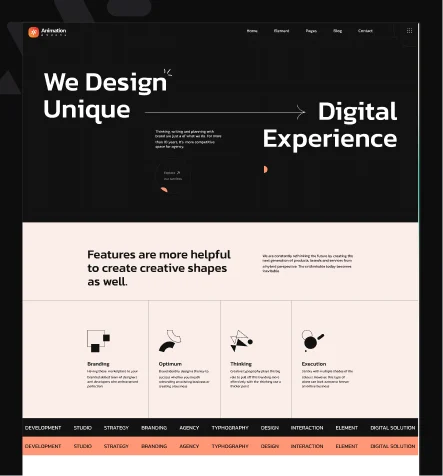
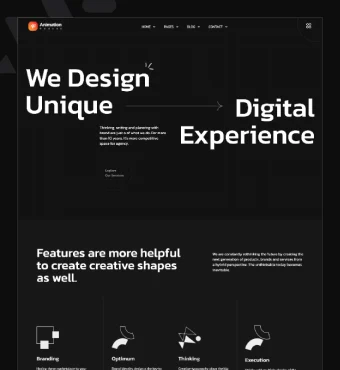


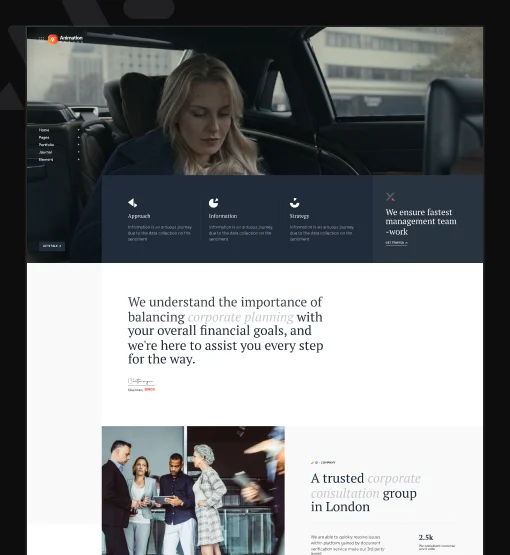
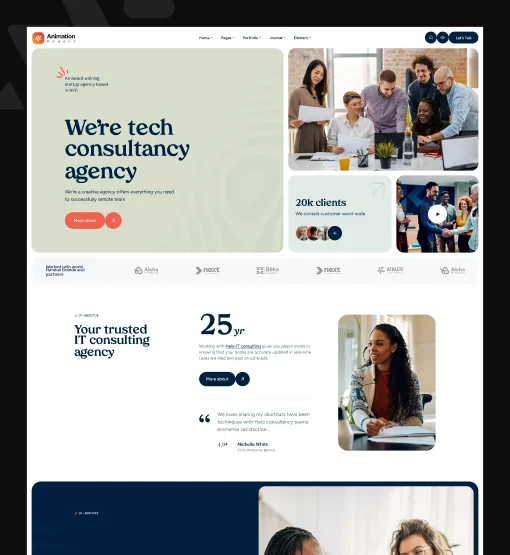
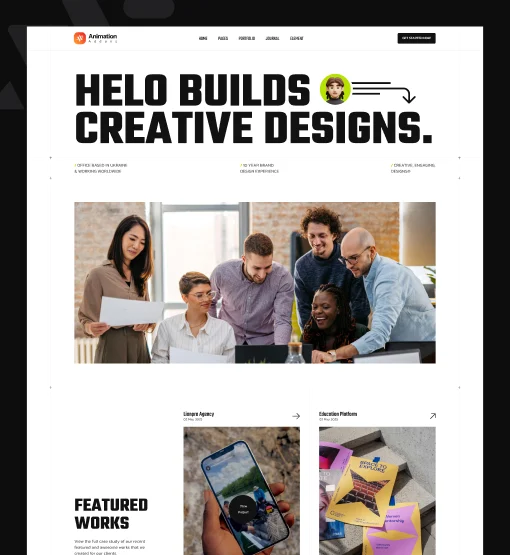
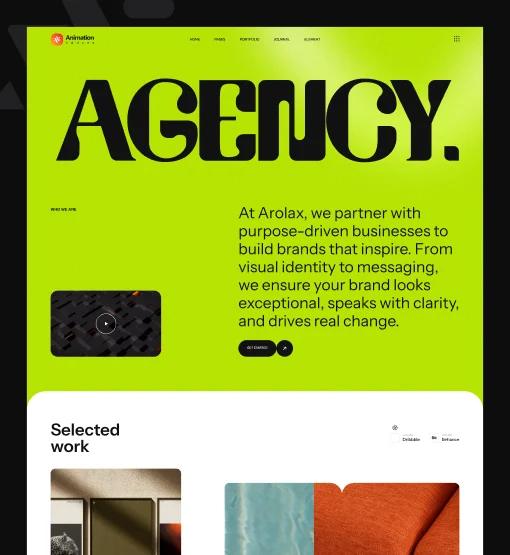
Found your design? Every Pro plan includes access to the full Elementor V4 template library.
Compare Pro PlansComplete websites
A strong homepage is only the beginning. Choose a template with the supporting pages your business needs, then add your own message, work, and offers.
Keep a consistent design as visitors move through your website.
Add your copy, images, colors, and typography in Elementor.
Start with a structure suited to your services, portfolio, or product.
Check the design and page flow before choosing your template.
Each template has its own page set: 5 to 10 pages across the catalog. Compare the included pages in the preview to find the right starting point.
Classes and Variables
These templates are built for Elementor V4's Atomic editor. Use its Classes and Variables to manage shared styles as you customize your design.
Spend more of your time shaping the message and design your visitors will see.
Animated or static
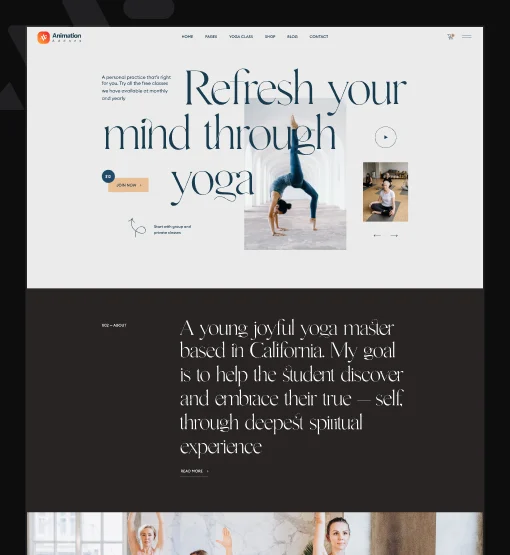
Explore animated Elementor templates with GSAP effects, or choose a static design for a simpler presentation. Light and dark variants are available for selected templates.
Use the live preview to see the motion and visual style before choosing. Available variants are shown on each template card.
Explore the Designs
 How it works
Preview the template and check its included pages. Pick the version that fits your project.
Install Elementor and Animation Addons on WordPress. For Pro templates, install Animation Addons Pro and activate your license. Open the starter template library, select your design, and follow the import steps.
Replace the sample content, customize the styles, and review the pages on desktop and mobile before publishing.
Animation Addons Pro
Your Animation Addons Pro plan includes the full Elementor V4 website template library, plus tools to extend each design as your project grows.
Choose your plan by the number of website activations you need and your preferred annual or lifetime option. Template access is included across Pro plans.
Already have Pro? Access your account for your download and license.
15-day refund window for eligible first purchases. Read the refund conditions.
Included with every Pro plan
They are prebuilt WordPress website designs made for Elementor V4's Atomic editor. Import a design through Animation Addons, then customize its pages, content, and styling in Elementor.
No. These templates work with the free Elementor plugin. Templates marked Pro require an Animation Addons Pro license, which is a separate product from Elementor Pro.
Yes. Every Pro plan includes the full Elementor V4 website template library. Select a plan with enough website activations for your projects and the annual or lifetime option you prefer.
This collection contains website templates with multiple coordinated pages. The included pages vary by design. The Pro plan also includes a separate V4 section template library for adding individual layouts.
Yes. Choose a plan with enough activations for the client websites you manage. Selling or distributing template packs, themes, or website kits requires separate permission under the product terms.
Yes. Customize the design in Elementor. Use shared Classes and Variables to manage linked styles, and adjust animations with Animation Addons. Static variants are available for selected designs.
No. Images and fonts shown in the demos are for preview purposes and are not included in the download. Add your own assets and obtain any licenses needed for your website.
Use a backup and a staging copy of your site to review the import first. Check the imported pages, styles, and settings before applying the design to your live website. Follow the import guide for the setup steps.
Annual plans use yearly billing. Lifetime plans use a one-time payment and cover the lifetime of the product, as defined in the product terms. See the pricing page for current prices, activation limits, and plan details.
Eligible first purchases have a 15-day refund window. Conditions apply, including giving support an opportunity to resolve technical issues. Change-of-mind purchases, renewals, and upgrades are excluded. Review the refund policy before purchasing.
More answers in the FAQ · Contact us
Get the Elementor V4 template library with Animation Addons Pro. Choose your design, add your brand, and move your project closer to launch.