
 Login
Login


If you’re looking to create smooth, professional web animations, GSAP (GreenSock Animation Platform) is often the first choice. It is fast, reliable, and works well for web projects. But sometimes you may want something different, like a smaller library, an easier tool for beginners, or one that works better with 3D animations.
In this blog, we’ll explore 10 best GSAP alternatives for web animations and help you choose the right one for your project.
If you are looking for a GSAP alternative, the best choice depends on how you build and what you want to animate.
Animation Addons and BricksFly are strong no-code options for WordPress users, while Anime.js, Motion.dev, ScrollReveal.js, PopMotion, and Mo.js suit code-based web animation. For 3D experiences, Spline and Three.js are better suited, while PixiJS works well for graphics-heavy projects.
Key Takeaways
- Animation Addons is suited to Elementor users who want visual, no-code animation controls.
- BricksFly combines GSAP-powered animation with templates, sections, Elements, and Extensions for Bricks Builder.
- Anime.js, Motion.dev, PopMotion, Mo.js, and ScrollReveal.js provide different levels of JavaScript control for web interactions and motion.
- Spline and Three.js are better choices for interactive 3D experiences, while PixiJS focuses on graphics-intensive animations.
Is GSAP Still the Best Choice in 2026?
Yes, GSAP is still one of the strongest choices for advanced web animation in 2026, especially when you need precise timelines, scroll-driven effects, complex sequences, or plugins such as ScrollTrigger and SplitText. It is also more accessible than before: GSAP and its plugins are now available free of charge, including previously paid plugins, with commercial use covered by its standard license.- Webflow
However, “best” depends on what you are building. If you only need simple transitions, CSS or the Web Animations API may be enough; React developers may prefer Motion, while designers working on interactive 3D experiences may find Spline or Three.js more suitable.
In other words, GSAP remains a powerful all-rounder, but choosing a tool that matches your project can give you a simpler workflow and avoid unnecessary complexity.
Choose GSAP if you need: complex timelines, ScrollTrigger, advanced sequencing, high animation control, or a mature ecosystem.
Consider an alternative if you need: a simpler API, a framework-specific workflow, lightweight animations, no-code controls, or specialized 2D/3D capabilities.
What Should You Look for in a GSAP Alternative?
Choosing a GSAP alternative isn’t simply about finding another animation library with similar features. The right tool should fit your skill level, project requirements, performance goals, and development workflow without adding unnecessary complexity.
Ease of Use
A good alternative should make animation easier rather than giving you another steep learning curve. If you’re a beginner or want to build animations quickly, look for a clear API, visual controls, or ready-to-use features that reduce the amount of code you need to write.
Animation Capabilities
Consider the type of animation you actually need, from simple transitions and UI effects to complex timelines, staggered sequences, and interactive experiences. A lightweight library may be enough for basic motion, while advanced projects may require timelines, sequencing, SVG animation, or physics-based effects.
Scroll Support
If your website relies heavily on scroll-based interactions, check whether the tool supports features such as scroll-triggered animations, parallax effects, pinned elements, or scroll-linked motion. Built-in scroll capabilities can save you from combining multiple libraries or writing additional custom code.
Framework Compatibility
Your animation tool should work naturally with the technology you’re already using. Whether you’re building with React, WordPress, Elementor, Bricks, Vue, or vanilla JavaScript, choosing a tool designed for your environment can make development smoother and reduce compatibility issues.
Performance
Animations should enhance your website, not make it slower or less responsive. Look for tools that use efficient browser animation techniques and allow you to animate performance-friendly properties such as transform and opacity, especially when creating multiple animations on the same page.
Bundle Size
A feature-rich library isn’t always the best choice if your project only needs a few simple effects. Check the library’s size and whether it supports modular imports or tree-shaking so you can avoid loading functionality your website doesn’t actually use.
Licensing
Always check the current license before choosing an animation tool for a commercial project. Look beyond the headline “free” and verify whether the license covers commercial use, plugins, redistribution, and your specific project type so you don’t run into restrictions later.
Which GSAP Alternative is right for me?
The right GSAP alternative depends on your project, coding experience, performance needs, and the type of animations you want to create. Whether you need a lightweight JavaScript library, a no-code WordPress solution, or a specialized tool for 2D or 3D experiences, choosing based on your specific workflow will help you find the best fit.
| Tool | Best For | Coding | Scroll Animation | Difficulty |
|---|---|---|---|---|
| Animation Addons | Elementor | No | ✅ | Easy |
| BricksFly | Bricks Builder | No | ✅ | Easy |
| Anime.js | Lightweight animations | Yes | Limited | Easy |
| Motion | UI & React | Yes | ✅ | Medium |
| ScrollReveal | Scroll reveals | Yes | ✅ | Easy |
| Three.js | 3D websites | Yes | Custom | Advanced |
| PixiJS | 2D graphics | Yes | Custom | Advanced |
| Spline | Visual 3D | Low | ✅ | Medium |
10 Best GSAP Alternatives for Web Animations
Explore 10 powerful GSAP alternatives, from lightweight JavaScript libraries to specialized tools for scroll, 2D, 3D, and no-code web animations. Compare their features, strengths, limitations, and ideal use cases to choose the right animation solution for your project.
1. Animation Addons
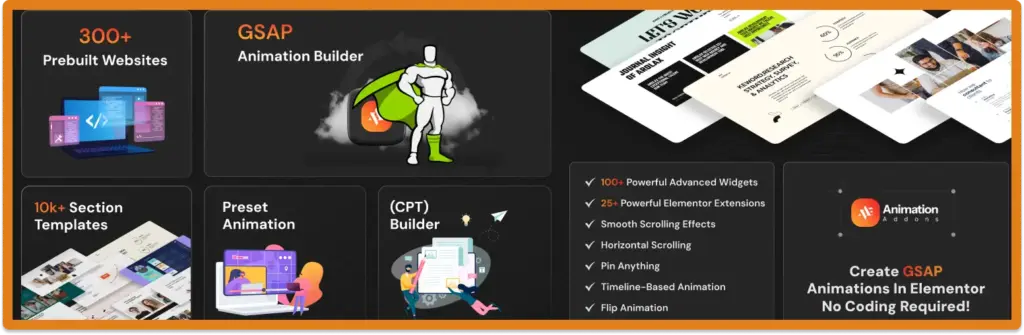
Animation Addons is a no-code WordPress plugin. It allows you to create advanced, GSAP-like animations for your website without writing a single line of code. You can add interactive elements, Smooth scroll effects, text animations, sticky elements, cursor-based motion, and more.
This makes it ideal for designers, marketers, and business owners who want to make their sites visually engaging and interactive.
- Note
- The plugin works seamlessly with Elementor, so you can apply animations directly within the page builder interface. You don’t need to switch between tools or deal with complex JavaScript code.
All animations are optimized for web performance, ensuring your site stays fast and responsive even with multiple effects.
Key Features
- Optimized for performance: Animations run smoothly on all devices without slowing your website.
- No coding required: Anyone can create professional animations without programming skills.
- Works directly with Elementor: Apply animations easily while designing pages.
- Wide variety of effects: Includes scrolltrigger, hover animations, horizontal scroll, cursor interactions, text animations, and more.
- Perfect for engagement: Make your website more interactive, fun, and visually appealing to visitors.
Animation Addons bridges the gap between powerful GSAP animations and WordPress, giving you full creative control while keeping everything simple and user-friendly.
Pros
- No-code animation controls
- Built for WordPress and Elementor
- Includes GSAP-powered animations
- Beginner-friendly interface
Cons
- Primarily focused on WordPress
- Advanced custom animations may require custom code
Best for: WordPress and Elementor users who want to create advanced animations without coding.
2. BricksFly
BricksFly is an all-in-one toolkit built specifically for Bricks Builder. It combines ready-made website templates, sections, Elements, Extensions, and visual GSAP animation tools in one workflow, helping users build faster without relying heavily on custom code.
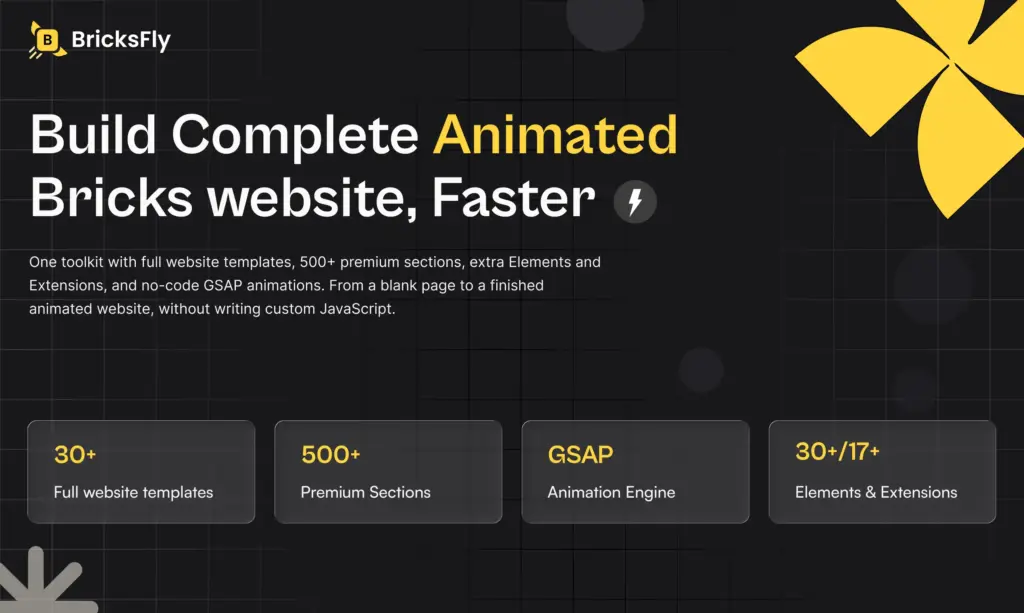
One of its strongest features is the built-in animation system. You can create effects such as ScrollTrigger animations, SplitText reveals, parallax effects, horizontal scrolling, sticky and pin interactions, smooth scrolling, and other motion effects directly inside Bricks.
- Note
- BricksFly also helps speed up the design process with 30+ full website templates and 500+ ready-made sections. Instead of starting every project from a blank page, you can import layouts, customize them, and focus more on branding and content.
This makes BricksFly useful for freelancers, agencies, designers, and Bricks users who want faster workflows, reusable layouts, and advanced animation without manually writing JavaScript for every effect.
Key features
- Visual GSAP animations: Create advanced motion effects directly inside Bricks Builder.
- No custom JavaScript required: Configure animations visually instead of writing animation code manually.
- 30+ website templates: Start complete website projects with pre-designed layouts.
- 500+ ready-made sections: Quickly build landing pages, service pages, pricing sections, testimonials, CTAs, and more.
- Additional Elements and Extensions: Expand Bricks Builder with extra design and functionality options.
- Advanced scroll effects: Includes ScrollTrigger, SplitText, parallax, horizontal scroll, pin effects, and smooth scrolling.
- Built for Bricks Builder: Everything works within the Bricks workflow, reducing the need to move between separate tools.
BricksFly brings templates, additional Elements, workflow extensions, and GSAP-powered animation into one Bricks Builder toolkit, making it easier to create polished and interactive WordPress websites faster.
Pros
- No-code animation features
- Built specifically for Bricks Builder
- Includes GSAP-powered animations
- Provides reusable website-building components
Cons
- Requires Bricks Builder
- Not designed for standalone JavaScript projects
Best for: Bricks Builder users who want powerful animations without writing custom JavaScript.
3. Anime.JS
Anime.js is a lightweight and flexible JavaScript animation library used for creating smooth and modern animations on the web. It works well with HTML elements, CSS properties, SVG graphics, and even JavaScript objects, making it useful for many types of projects. Because it is small in size, it loads quickly and keeps websites fast.
One of the biggest strengths of Anime.js is its easy timeline system. You can control the start time, delay, and order of each animation with simple code. It also supports many easing options and motion curves, allowing animations to feel more natural and realistic.
Key features
- Flexible timeline control
- Supports many easing and motion curves
- Beginner-friendly with easy documentation
- Works with DOM, CSS, SVG, and JS objects
- Lightweight and fast for better performance
Pros
- Lightweight
- Simple API
- Supports DOM, CSS, SVG, and JavaScript objects
- Good for basic-to-moderate animations
Cons
- Less comprehensive than GSAP for advanced choreography
- No built-in scroll animation system like ScrollTrigger
Best for: Developers who want a lightweight and straightforward animation library.
4. Motion.Dev
Motion.dev is a simple animation tool. It helps you make smooth and fun website effects with little code. You can add motion using clean parts you can reuse. It is a good choice when you want to work fast and keep things simple.
The tool runs very well. Your animations stay smooth on all devices. They look good on phones, tablets, and computers. You can use Motion.dev for hover effects, scroll effects, page changes, and other small animations.
It also works with React, Vue, and Svelte. The API is easy to understand. Both new and experienced developers can use it. Motion.dev gives you strong animation features without a difficult setup.
Key Features
- Component-based web projects
- Interactive UI elements
- Performance-focused animations
- Smooth micro-interactions in modern frameworks
Pros
- Modern and lightweight API
- Excellent React integration
- Supports scroll and in-view animations
- Uses browser-native animation capabilities
Cons
- Smaller plugin ecosystem than GSAP
- Advanced timeline control is more limited
Best for: React developers and teams building modern interactive interfaces.
5. Spline
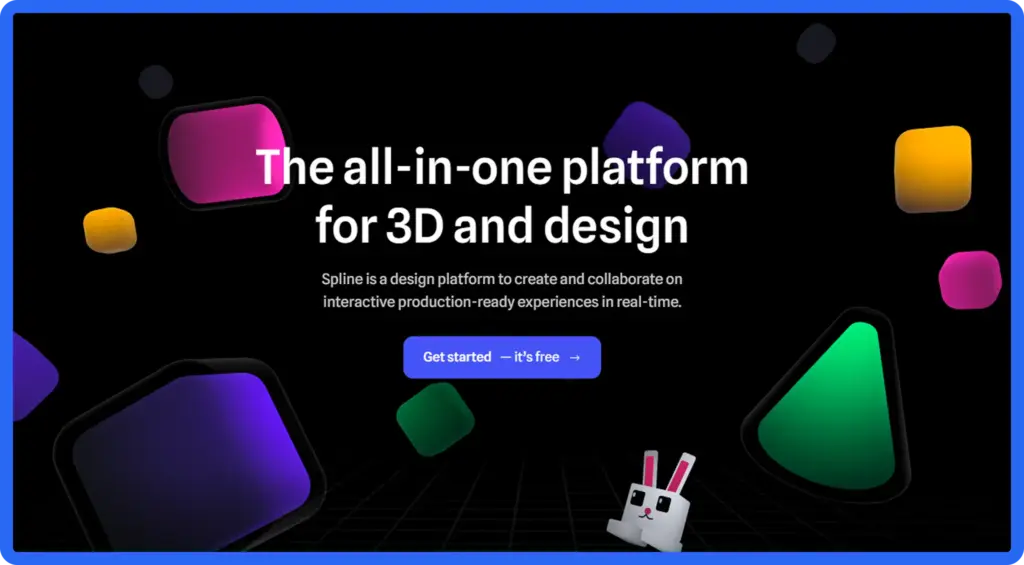
Spline is a tool for making 3D animations on the web. It lets you design, animate, and publish 3D scenes in your browser. You do not need to write hard code. You can use simple tools to build shapes, add colors, and create smooth animations.
Spline has a drag and drop editor. You can move objects with a click. You can add materials and make animations easily. It is great for people who want 3D design without learning complex software.
Spline also lets you make real time interactions. You can create click effects, hover effects, 3D moves, and other actions. This helps you build product previews, 3D hero sections, landing pages, and fun user experiences.
Key Features
- Drag-and-drop 3D scene editor
- Supports interactive 3D experiences
- No need for advanced coding
- Real-time rendering inside the browser
- Easy export and embed for websites
Pros
- Easy-to-create interactive 3D experiences
- Visual, no-code design workflow
- Supports interactive 3D web scenes
- Great for immersive website experiences
Cons
- Not a general-purpose 2D animation library
- 3D scenes can require more resources
Best for: Designers and developers creating interactive 3D websites and immersive experiences.
6. PixiJS
PixiJS is a fast tool for making 2D graphics on the web. It can handle many objects at the same time without slowing down. People use it for games, interactive apps, and animations that need speed.
PixiJS uses the computer’s graphics card to work faster. This is called GPU acceleration. It is much faster than normal web animations. You can use it with sprites, textures, particles, and special effects.
PixiJS is not just for games. You can make animated backgrounds, banners, and creative web elements. It works well for effects that need more power than normal animation tools.
It is good for projects that need full control over graphics. You can make real-time animations and special effects like blur, glow, and particle systems. PixiJS is strong, flexible, and perfect for graphics-heavy web projects.
Key Features
- GPU-accelerated rendering
- Supports sprites, textures, filters, and particles
- Ideal for visually intensive projects
- Smooth performance even with many objects
- Great for games, interactive visuals, and advanced animations
Pros
- High-performance 2D rendering
- Great for graphics-heavy experiences
- Supports WebGL and WebGPU rendering
- Suitable for games and interactive visuals
Cons
- More complex than traditional DOM animation libraries
- Not ideal for simple UI animations
Best for: Developers building high-performance 2D graphics, games, particles, and interactive canvas experiences.
7. Three.js Animation System
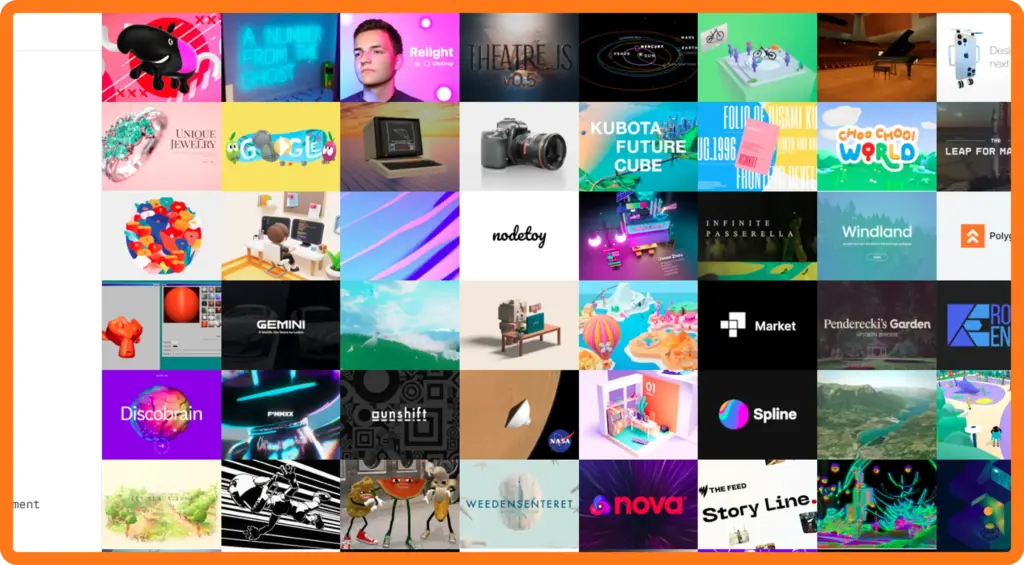
Three.js is a popular tool for making 3D animations on the web. It lets you animate 3D models, lights, cameras, and full scenes. You can use it to make interactive websites, product demos, virtual tours, games, and other cool experiences.
Three.js works with WebGL. This makes graphics run fast using the computer’s hardware. Even complex 3D animations stay smooth on computers, tablets, and phones. It can do object movements, skeletal animations, morphing, particles, and realistic lighting.
You can make interactive 3D products, animated scenes that react to users, or fully immersive web experiences. Three.js has a big community and lots of guides. Both beginners and experts can use it to create amazing web animations.
Key Features
- Full 3D support for models, lights, cameras, and scenes
- Works with WebGL for smooth, hardware-accelerated performance
- Ideal for interactive product showcases, 3D websites, and web games
- Supports advanced features like particle effects, skeletal animation, and morphing
- Large community and extensive learning resources
Pros
- Powerful 3D rendering capabilities
- Large ecosystem and community
- Supports immersive WebGL experiences
- Works well with interactive 3D scenes
Cons
- Steeper learning curve
- More resource-intensive than simple animation libraries
Best for: Developers creating 3D websites, interactive graphics, games, and WebGL experiences.
8. PopMotion
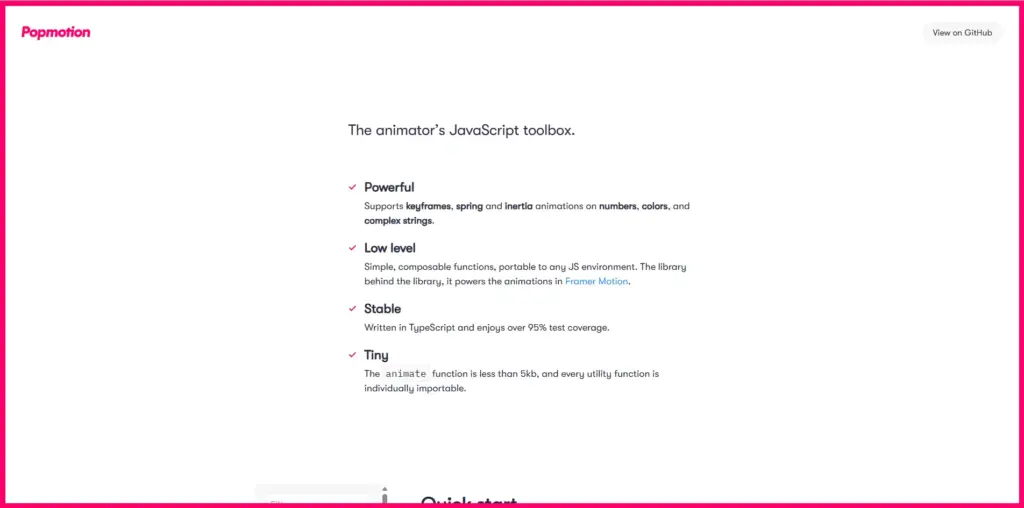
PopMotion is a versatile JavaScript animation library designed for creating simple, smooth, and interactive animations on the web. It uses a functional programming approach, which makes it highly flexible and modular.
Popmotion is a lower-level animation toolkit, while Motion provides a higher-level animation experience and is generally the better choice for developers looking for a modern UI animation library.
The library is lightweight and can be easily integrated with modern frameworks like React, Vue, and Svelte, making it a favorite for developers building interactive user interfaces.
Key Features
- Interactive UI components such as buttons, sliders, and modals
- Physics-based animations like bouncing, spring, or inertia motion
- Web applications that require dynamic and responsive motion
- Micro-interactions that enhance user engagement
- Smooth timeline-controlled animations for multi-step sequences
Pros
- Lightweight animation primitives
- Supports physics-based animations
- Flexible for custom animation systems
- Works well for programmatic motion
Cons
- Smaller ecosystem than GSAP
- Development has slowed compared with newer Motion tooling
Best for: Developers who need low-level control over physics-based and custom animations.
9. Mo.js
Mo.js is a strong tool for making cool web animations. It can make bursts, shapes, and moving paths that catch attention. It is built for motion graphics, so it works well for interactive and eye-catching effects.
Mo.js uses a timeline system. This lets you control and order many animations easily. It works with both SVG and normal web elements. You can animate icons, buttons, banners, and more. It also supports easing, staggered animations, and reusable modules. This helps you make complex animations with less code.
Key Features
- Timeline-based animations for precise sequencing
- Works with SVG and DOM elements
- Ideal for banners, buttons, and micro-interactions
- Supports easing, staggering, and reusable modules
- Lightweight and high-performance for fast-loading websites
Pros
- Designed for creative motion graphics
- Great for particles and burst effects
- Supports shape and motion effects
- Useful for visually engaging interactions
Cons
- Smaller community than GSAP
- Less suitable for complex website-wide animation systems
Best for: Developers and designers creating artistic motion graphics, particles, bursts, and eye-catching effects.
10. ScrollReveal.js
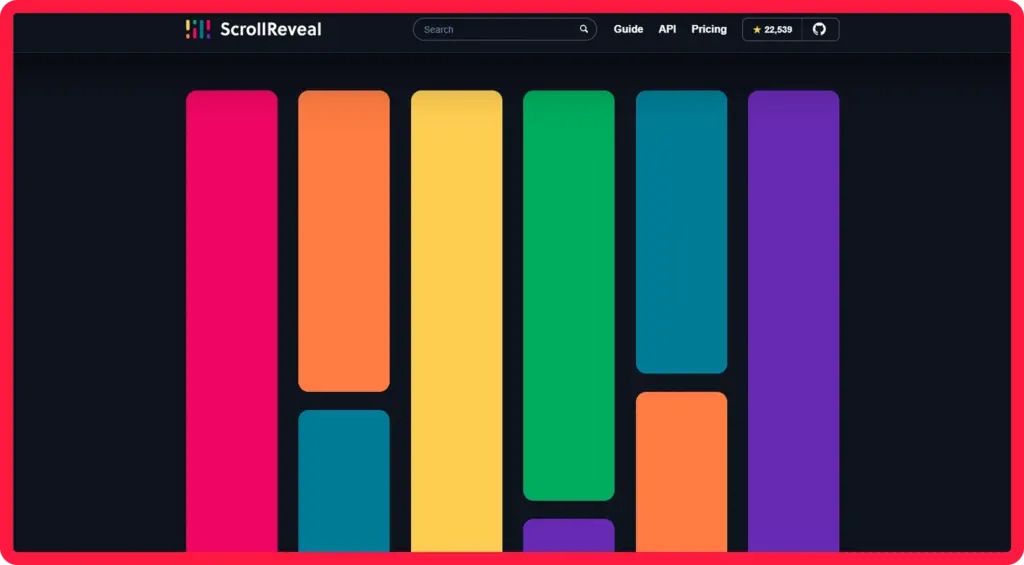
ScrollReveal.js is a tool for making scroll animations on websites. It can animate elements when they appear on the screen. This makes websites more lively and interactive. It is good for storytelling, product displays, landing pages, and content-heavy sites.
ScrollReveal.js is easy to use. You can make scroll animations with very little code. It is light, so it runs smoothly and does not slow down your site. You can use it with any HTML, including text, images, sections, or complex layouts.
ScrollReveal.js can do many effects like fade-ins, slide-ins, and scaling. You can change the speed, delay, and style of each animation.
Key Features
- Simple scroll-triggered animations for engaging websites
- Lightweight and fast for smooth performance
- Works with any HTML structure or layout
- Customizable effects with control over duration, delay, and easing
- Ideal for landing pages, storytelling sections, and content reveals
Pros
- Simple scroll-reveal animations
- Easy to integrate
- Lightweight approach
- Requires minimal JavaScript
Cons
- Limited compared with GSAP for complex animations
- Mainly focused on scroll-based reveals
Best for: Developers who need simple, lightweight scroll-reveal effects without a large animation framework.
How to Choose the Right Alternative?
Choosing the right GSAP alternative depends on your project goals, experience, and performance needs. Different tools excel in different areas, so understanding your requirements will help you make the best choice.
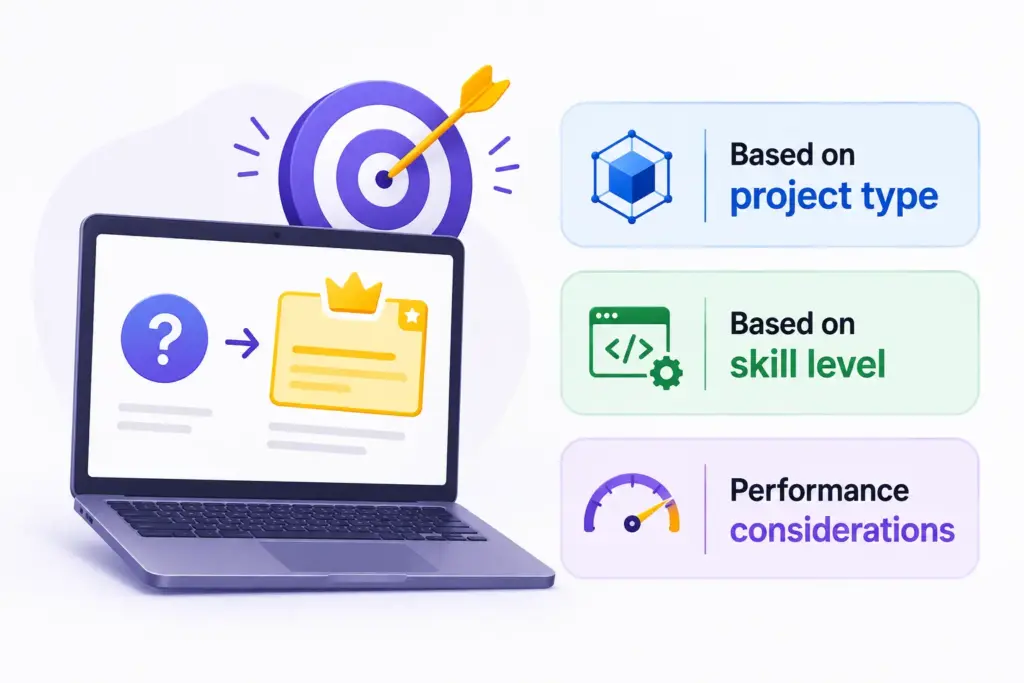
Based on project type
- Look for tools that can handle interactive 3D scenes, models, and immersive experiences.
- Focus on solutions that allow smooth, responsive micro-interactions, like buttons, sliders, and menus.
- Consider tools that trigger animations as elements enter the viewport for dynamic page content.
- Choose options that support bursts, shapes, and high-impact visual effects.
Based on skill level
- Pick tools that are easy to use without coding and offer visual controls or simple APIs.
- Advanced tools provide full coding control, component-based workflows, and the ability to create custom, complex animations.
Performance considerations
- Check how lightweight the tool is and whether it affects page loading speed.
- Ensure animations run smoothly across all browsers and devices.
- Optimized, hardware-accelerated tools deliver the best performance for complex or graphics-heavy projects.
- Note
- By assessing your project type, skill level, and performance needs, you can select a GSAP alternative that fits your workflow and helps create engaging, interactive web experiences.
Wrap Up
GSAP is one of the most powerful tools for web animations, offering speed, flexibility, and precise control for creating interactive and engaging websites. However, there are many alternatives that can suit different needs, skill levels, and project types.
For WordPress users who want powerful, no-code GSAP-like animations, Animation Addons is a strong choice. For Bricks Builder, you can look for BricksFly.
By understanding your project requirements, skill level, and performance goals, you can select an alternative that helps you build dynamic, interactive, and visually appealing web experiences.
FAQs
GSAP is a JavaScript library for creating web animations. It is fast, reliable, and lets you animate HTML, CSS, and SVG elements with precise control. Its strength lies in smooth, interactive, and high-performance animations for websites.
No. GSAP works only in web browsers for real-time web animations. For video, social media, or TV content, you need video editing or motion graphics software.
It depends on the tool. Some alternatives are beginner-friendly and require no coding, while others are developer-focused and give full control for complex animations.
Consider your project type (3D animations, interactive UI, scroll-based storytelling, or motion graphics), your skill level, and performance requirements. Lightweight and optimized tools ensure smooth animations across all devices.
Yes, GSAP and its plugins are currently freely available through npm, including plugins such as ScrollTrigger, SplitText, and MorphSVG. GSAP’s official documentation recommends version 3.13 or later for the current freely available package.
 Built Natively for Elementor V4
Build your page.
Add motion in Elementor.
Choose Animation Addons V4 when your project needs Elementor building blocks and visual GSAP animation tools. Start with ready-made templates, customize with Atomic Widgets, and configure motion from the same workflow.
- 40+Atomic Widgets
- 30+Website Templates
- 500+Section Templates
- 20+Extensions




Leave a Reply