Halloween 40% off every Pro plan. Lifetime from $51, pay once.40% off Pro Vanishes in Claim40% off
Classic Elementor widget · Free

Image Accordion for Elementor: Image panels that expand on hover and reveal your content

The Image Accordion widget is the Elementor image accordion for portfolios, rooms and services. It turns a row of photos into expandable image panels. Hover or click a panel and it widens, the image darkens and a title, text and button rise into view. Lay the panels out side by side or stacked. Free, on Elementor Free.

  • Free on WordPress.org
  • Expand on hover or click
  • Horizontal or vertical
  • Title, text and button per panel

Classic widget · Elementor 3 and 4Updated

Live demos

Four image accordion designs, live

Four ways to use an Elementor image accordion, each on a small site. Hover a panel, tab to it with the keyboard, or tap it on a phone to watch it expand.

Arolax®WorkStudioContact
Selected work

Three projects, one studio
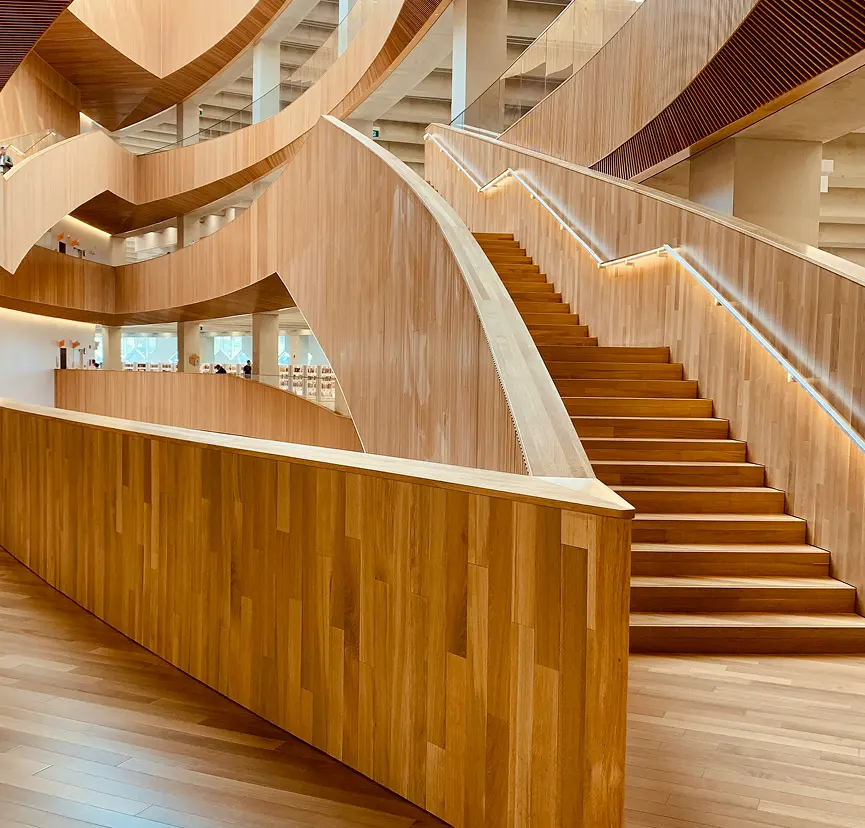
A curved wooden staircase in a tall atrium
Architecture - 2024

Cedar Stair House

A family home built around one long oak stair.

Three women talking around laptops
Brand identity - 2023

Shally Rebrand

A new voice and look for a skincare shop.

A tablet showing a website with the line Give your people a platform
Product design - 2022

Halden Platform

A calm dashboard for teams of every size.
Agency case studies

Image accordion with text

The work page of a design agency. Three tall photos sit in a row. The one you point at widens, darkens a little and shows a sub title, a project name and one line of text at the bottom left.

Hover a panel

In the panel, set Layout to Horizontal, Expand On to Hover, Vertical Align to Bottom and Text Align to Left.
Maison FormeProjectsRoomsJournal
Room by room

Interiors we finished this year

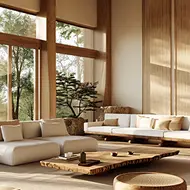
A bright living room with a low sofa and wooden beams
Living room - 2024

Oak and Linen

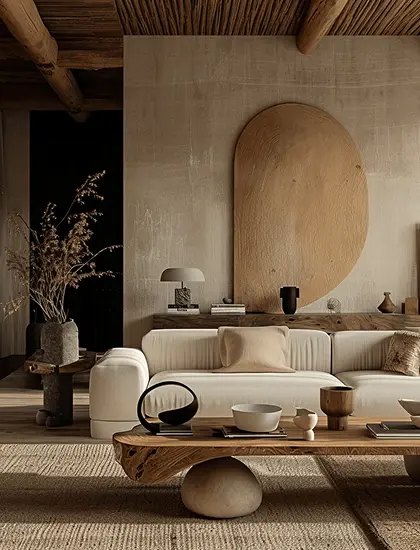
A calm room with an oval mirror and a low sofa
Lounge - 2024

Quiet Plaster

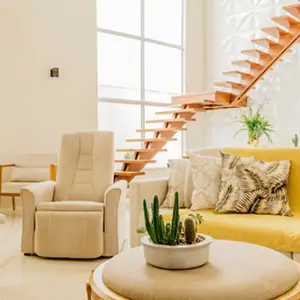
A sunny hall with a floating wooden stair and yellow sofa
Entrance - 2023

Open Stair Hall

Room galleries

Centered titles on each panel

The projects page of an interior studio. Three room photos in a row. The open photo shows its room type and name in the middle, which suits short labels over strong pictures.

Hover a room

In the panel, set Layout to Horizontal, Expand On to Hover, Height to 400 px and Link Type to None.

Space booking

Image accordion with a button

A coworking site in Lyon. Each photo opens to show one Book a visit button with an arrow after the text. The button links to that space.

Hover a space

In the panel, set Link Type to Button, Icon Position to After, Vertical Align to Bottom and Height to 400 px.

MalepèreEstateRoomsWine
Stay at the estate

Three rooms above the cellar

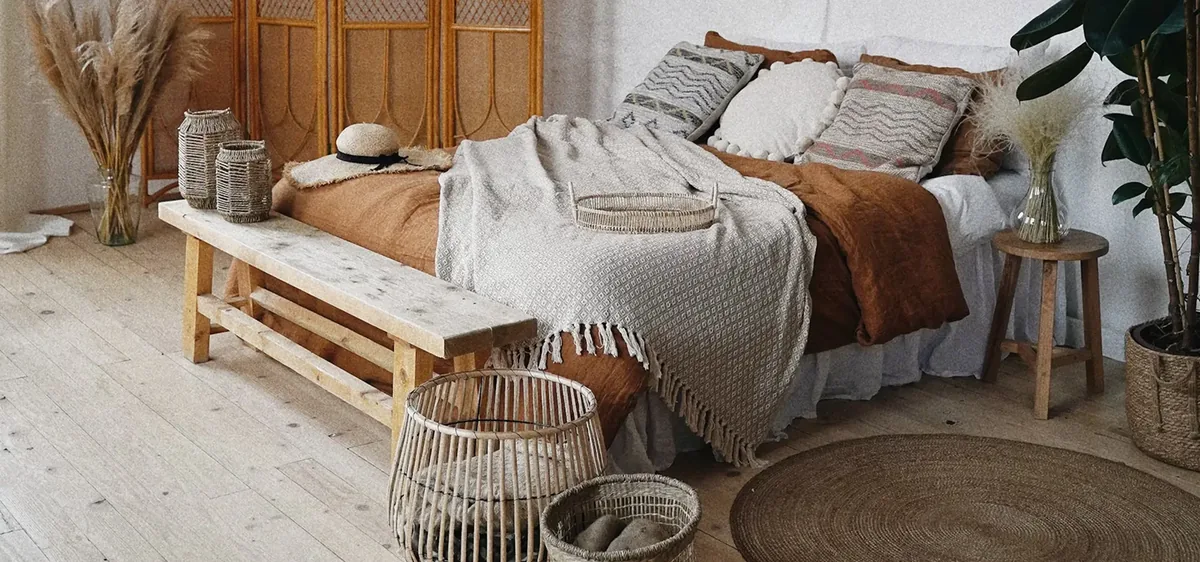
A bedroom with a linen bed and a wooden bench

The Linen Room

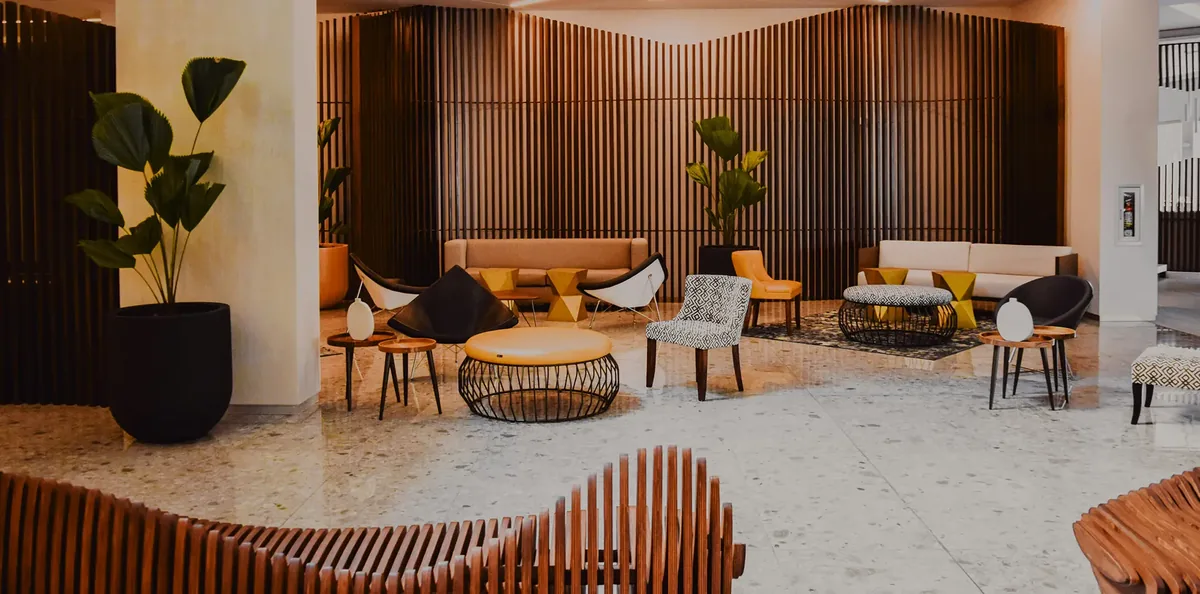
A lounge with wooden walls and low chairs

The Cellar Lounge

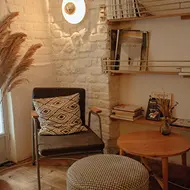
A reading corner with a lamp and a round table

The Reading Room

Hotel rooms

Elementor vertical image accordion

A wine estate lists three guest rooms in a column. The open photo grows taller and the others shrink, so a list of rooms fits a narrow page.

Hover a room

In the panel, set Layout to Vertical, Expand On to Hover, Height to 600 px and Link Type to None.

Features

Key features of Image Accordion

What the widget gives you, each tied to a setting in the Elementor panel.

Versatile panel content

Build Elementor expandable image panels: each item in Accordions takes an Image, Title, Sub Title, Description and Link.

Hover reveal or click

Set Expand On to Hover for an Elementor hover image accordion, or to Click to keep a panel open.

Side by side or stacked

Pick a Horizontal layout for an Elementor horizontal image accordion, or Vertical to stack the panels in a column.

Controlled on every device

Use Breakpoint to stack horizontal panels in a column below the screen size you choose.

Place the content

Move the text with Horizontal Align, Vertical Align and Text Align, and set the Height per device.

A button in each panel

Set Link Type to Button and each panel gets a button that opens its own link.

Overlay you control

Change the dark layer with Overlay Color and the space around the text with Padding.

Typography and SEO

Style the Title, Sub Title and Description (spacing, colour, typography), pick the Title HTML Tag and the Image Resolution, and style the Button with the Animation Addons button styles.

Step by step

How to add an image accordion in Elementor

Five steps to add the Elementor image accordion widget, no code. The bold names are the labels in the Elementor panel.

  1. Install Animation Addons for Elementor from WordPress.org, then turn on Image Accordion in Animation Addons → Elements.

  2. In Elementor, search the panel for the Image Accordion widget and drag it onto the page.

  3. In Accordions, add your panels: Image, Title, Sub Title, Description and Link.

  4. Choose the Layout, Expand On, Height and Breakpoint, and set Link Type to Button if you want a call to action.

  5. Style the Content and Button in the Style tab, then hover the panels in preview and check the page on a phone.

Try it free Free on WordPress.org · Works with Elementor Free
FAQ

Questions about Image Accordion

How to make an image accordion in Elementor?

Add the free Image Accordion widget from Animation Addons, add an image and text for each panel in Accordions, and pick a Layout. The panels expand on hover with no code.

How do I set up an Elementor image accordion on click?

Set Expand On to Click. A click opens that panel and closes the others, and it stays open when the mouse moves away.

Can I build an Elementor vertical image accordion?

Yes. Set Layout to Vertical and the panels stack in a column. The open panel takes three times the height of the others.

Is the Elementor image accordion responsive?

Yes. Horizontal panels stack in a column below the Breakpoint you choose, Mobile by default. On a touch screen a tap opens a panel.

Can I add an Elementor image accordion with button?

Yes. Set Link Type to Button and every panel shows a button. Each item has its own Link, so every button opens a different page.

How fast is the expand animation?

The panel grows in 0.3 seconds and the overlay fades in over 0.4 seconds. The text rises 100 px into place over 1 second.

Is the Elementor image accordion free?

Yes. Animation Addons is a free Elementor image accordion plugin on WordPress.org. The widget is part of it and works with Elementor Free. Elementor Pro is optional.

Does it work in Elementor 4?

Yes. It is a classic widget, so Elementor 4 lists it with the legacy widgets and it works on the same page as atomic elements.

Which Elementor widget do I use for FAQs instead?

Use Advanced Accordion. It opens text sections and can output FAQ schema. Image Accordion is built for photos with short text.

Can I put more than three panels in one accordion?

Yes. Add as many items in Accordions as you need. Keep the number small enough that each closed panel stays wide enough to read.

Animation Addons Pro · Elementor 4

Bigger images, less space

Image panels that expand on hover or click, built and styled in Elementor, free.

Halloween deal40% off every Pro planEnds 5 Nov

  • 15-day money-back guarantee
  • Rated 4.6 / 5 on WordPress.org
  • No Elementor Pro needed
  • Elementor 3 & 4 in one license