
 Login
Login


Running a WordPress website should not mean spending every day repeating the same tasks. From publishing content and optimizing images to creating backups, managing SEO, sharing social posts, and connecting business tools, the right WordPress automation plugins can handle essential work in the background. That gives bloggers, marketers, store owners, agencies, and developers more time to focus on content, customers, and growth.
In this guide, we compare six of the best WordPress automation plugins in 2026, including Bit Flows, Rank Math, FlowMattic, UpdraftPlus, Bit Social, and Jetpack. You will learn what each plugin automates, its key features, who it is best suited for, and how to choose a reliable automation stack without overloading your website.
The best WordPress automation plugins in 2026 depend on the task you want to automate.
Bit Flows is best for multi-step workflows and app integrations,Rank Math handles SEO automation,FlowMatticautomates anything,UpdraftPlus manages scheduled backups,Bit Social automates social publishing, and Jetpack combines security, performance, backups, and growth tools.
Start by identifying your most repetitive task, choose one plugin that solves it, confirm compatibility, and test it on a staging site before using it on your live website.
Key Takeaways
- Bit Flows: Best for advanced multi-step workflows, AI agents, conditional logic, and third-party integrations.
- Rank Math: Best for automating on-page SEO, sitemaps, redirects, and search-performance monitoring.
- FlowMattic: Connect WordPress with CRMs, spreadsheets, services, and custom APIs without paying per task.
- UpdraftPlus: Best for scheduled backups, pre-update backups, cloud storage, and easy restoration.
- Bit Social: Best for scheduling and automatically sharing WordPress content across social platforms.
- Jetpack: Best for users who want security, backups, performance, analytics, and social automation in one toolkit.
- Choose plugins based on a specific time-consuming task rather than installing every automation tool available.
- Check compatibility, update history, support quality, pricing, and user reviews before committing.
- Test every new plugin on a staging website to prevent conflicts or unexpected performance issues.
Why You Need WordPress Automation Plugins
Running a WordPress site manually is like trying to fill a swimming pool with a teaspoon. It is possible, but why would you? You don’t have to do anything manually to automate tasks like backing up your site, running an e-commerce site, optimizing images, sharing content, managing SEO, and many more.
They get rid of mistakes made by people, save you a lot of time every week, and let you focus on making great content and getting more people to read it. Plus, when you’re sleeping or on vacation, your site keeps running smoothly because everything’s automated. It’s not about being lazy; it’s about using your time wisely.
What Makes a Good WordPress Automation Plugin?
A good WordPress automation plugin should save time without making your website harder to manage. It needs to solve a clear problem, connect smoothly with your existing tools, and run automated tasks reliably in the background.
Easy Workflow Setup
The plugin should make it simple to create and manage automation. Visual builders, clear triggers, straightforward actions, and beginner-friendly settings help users build workflows without coding.
Reliable Triggers and Actions
A useful automation plugin should respond accurately when a specific event happens. For example, it may send an email after a form submission, publish a social post when new content goes live, or create a backup before an update.
Multi-Step Workflow Support
Strong automation tools go beyond single actions. They allow you to build workflows with multiple steps, delays, repeaters, routers, filters, and conditional logic. This is especially helpful for marketing, customer management, eCommerce, and internal operations.
Useful Integrations
The plugin should connect WordPress with the platforms you already use, such as CRMs, email marketing tools, social networks, spreadsheets, eCommerce services, and cloud storage. More relevant integrations make the plugin more flexible.
Clear Logs and Error Tracking
A good automation plugin should show whether each workflow completed successfully. Detailed logs, notifications, and error tracking make it easier to identify failed steps and fix problems quickly.
Performance and Compatibility
Automation should not slow down your website or conflict with other plugins. Choose a tool that is regularly updated, works with your current WordPress setup, and loads only the resources needed for each task.
Security and Data Protection
The plugin should handle website and customer data responsibly. Secure connections, permission controls, protected credentials, and reliable update practices are important, especially when connecting external platforms.
Flexible Pricing
The right plugin should provide the features and usage limits you need at a reasonable price. Check whether plans limit workflows, tasks, steps, integrations, or connected websites before choosing.
Active Support and Updates
Regular updates show that the plugin is being maintained for new WordPress versions and security requirements. Helpful documentation and responsive customer support are also important when building advanced workflows.
The article also recommends checking compatibility, update history, customer support, pricing, and user reviews, then testing every plugin on a staging site before using it on a live website.
6 Top WordPress Automation Plugins: Quick Comparison Table
| Plugins | Free Version | Starting Price | Best For |
| Bit Flows | Yes | Starts at $59/year and lifetime starts at $159. | Multi-step workflow automation using AI Agent |
| Rank Math | Yes | Starts at $7.99/month | SEO optimization, site analytics |
| FlowMattic | Yes | Starts at $149/year | Advanced WordPress Automation |
| UpdraftPlus | Yes | Starts at $70/year | Automate WordPress Backups |
| Bit Social | Yes | Starts at $49/year | AI powered Social Media auto‑posting and scheduling |
| Jetpack | Yes | Starts at $9.95/year | Automate site security |
Let’s take a closer look at each plugin to find out what makes it special and how it can make using WordPress easier. Get ready to learn about the things that can make your site work better, faster, and smarter.
1. Bit Flows: Automate Your WordPress with Multistep Workflows
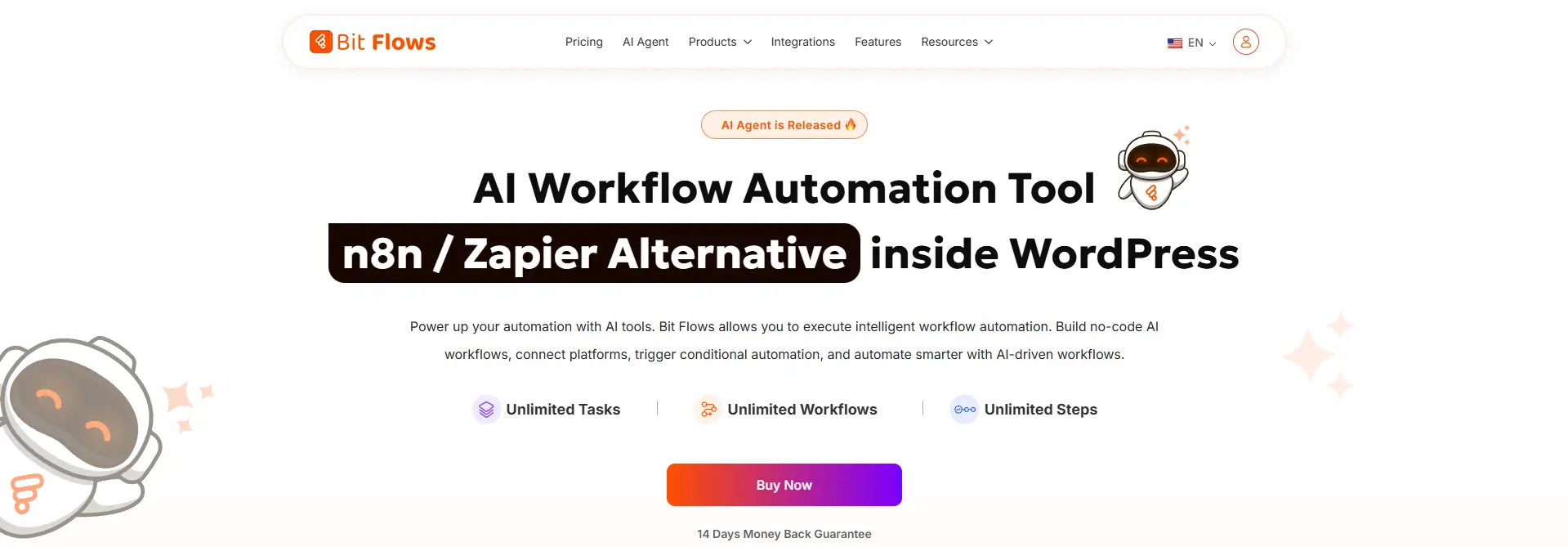
Bit Flows is the most advanced and multi-step workflow automation tool for WordPress users. This plugin is designed for people who want to automate entire workflows, not just single tasks, and it does this beautifully by connecting different apps, AI models, and WordPress features together.
What makes Bit Flows stand out is its ability to handle multi-step workflows using AI agents. You can build free agentic workflows that handle support, analyze data, content, leads, and more. No more manual tasks or playing with multiple tools with fixed rules. Everything happens automatically and intelligently.
Key Features:
- Drag‑and‑drop visual workflow builder with unlimited workflows, tasks, and steps.
- AI Agent for automated decision-making.
- Integrates with over 252+ platforms, including Google Sheets, Shopify, and Mailchimp.
- Custom triggers and actions to tailor workflows to specific business needs.
- Supports multi-step workflows with tools like Router, Iterator, Delay, Repeater, Json Parser, and more.
- Multiple AI model integration, allowing you to choose the best AI for each specific task
- With the advanced conditional logic feature, you can create more complex workflows.
- Powerful logging system to track real-time workflow steps and performance.
Best For: Site owners, marketers, agencies, and developers who want to automate real WordPress tasks and integrate them with tools like CRMs, spreadsheets, or popular platforms.
Pricing: Free version is available. Annual plans start from $59/year and lifetime plans start from $159.
2. Rank Math: Automate WordPress SEO for Better Visibility
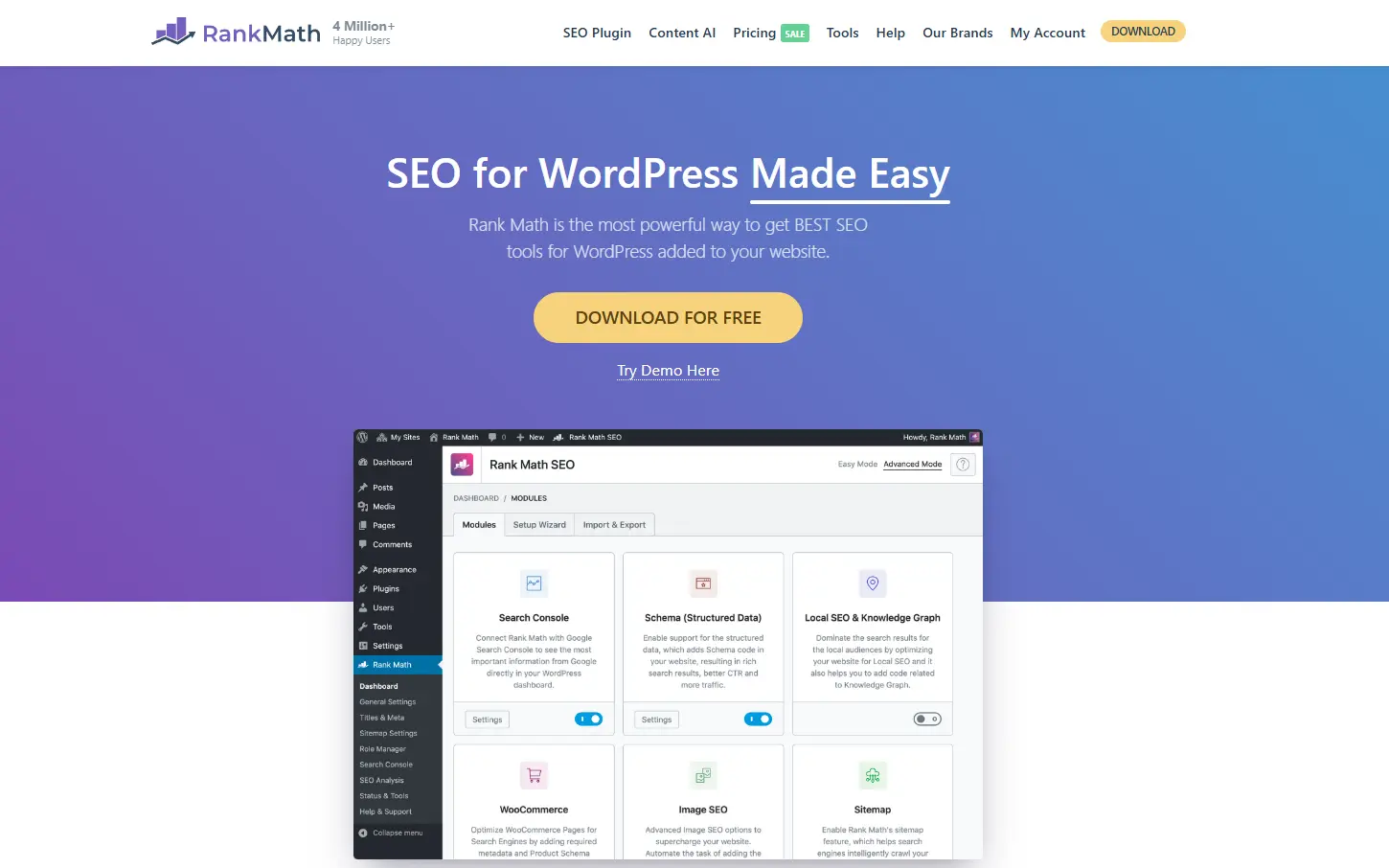
SEO is very important for WordPress success, but it can be tough to do it by hand. Rank Math takes care of SEO tasks like keyword tracking, on-page optimization, and sitemap generation automatically.
This way, you can make sure your content is SEO-friendly without spending hours doing it by hand. It also gives you smart suggestions for how to improve your rankings, all based on AI-powered information.
Key Features:
- Automated on-page SEO optimization.
- Real-time keyword ranking tracking.
- Integration with Google Search Console for insights.
- Built-in 404 monitor and redirection tools.
- Automated sitemap generation for better indexing.
- AI-powered suggestions for improving SEO.
Best for: WordPress website owners who want an easy and automated way to optimize their site for search engines without dealing with manual tasks
Price: Free version available, and paid plans start at $7.99/month.
3. FlowMattic: Automate Anything Inside WordPress

FlowMattic is a no-code workflow automation plugin that connects WordPress plugins with external applications and services. Its visual workflow builder lets users create multi-step automations with triggers, actions, conditions, routers, delays, webhooks, and data-processing modules.
Unlike task-based cloud platforms, FlowMattic runs workflows from WordPress and includes unlimited workflows and task executions across its paid plans. It is useful for automating form submissions, WooCommerce processes, CRM updates, email marketing, lead management, notifications, data synchronization, and other repetitive business tasks.
Key Features:
- Visual, no-code workflow builder
- Unlimited workflows and task executions
- Multi-step workflows with triggers and actions
- Conditional logic and smart trigger conditions
- Webhooks and custom API connections
- AI agents with support for multiple AI providers
- Built-in MCP server and client functionality
- Workflow templates for faster setup
- Built-in tools for forms, PDFs, images, emails, bookings, and database management
Best For: FlowMattic is particularly useful for users who want to connect WordPress with CRMs, spreadsheets, email platforms, payment services, communication tools, and custom APIs without paying per task.
Price: Users can test the plugin through its free demo site. The annual plan starts at $149/year.
4. UpdraftPlus: Automate WordPress Backups

UpdraftPlus is a backup plugin for WordPress that automates the backup process, ensuring that your website’s data is always safe. What sets UpdraftPlus apart is its ability to back up your site automatically before any plugin or theme updates are made, preventing data loss during updates.
Key Features:
- Automates scheduled backups of your WordPress site.
- Allows automatic backups before updates.
- Supports cloud storage integration (Google Drive, Dropbox, etc.).
- Restores backups with one click.
- Provides encryption for sensitive data.
- Supports incremental backups to save storage space.
Best For: UpdraftPlus is a must-have for WordPress users who want peace of mind knowing that their site’s data is backed up and easily recoverable.
Price: Free version available, and paid plans start at $70/year.
5. Bit Social: Automate Social Media Sharing

Bit Social is a great WordPress plugin that helps you plan and manage posts on a number of social media sites. You can automatically write captions and summaries for social media posts when you connect with AI. It makes it easier to share content by automatically posting to Facebook, Instagram, Twitter, and other sites from your WordPress dashboard.
Key Features:
- Automatically shares WordPress posts on social media.
- Schedules posts for future publication.
- Summarize posts & write captions for different social platforms with AI easily.
- Supports over 12 platforms, including Facebook, Twitter, LinkedIn, and Instagram.
- Filter your WordPress posts to target the right audience.
- Access built-in logs to see whether your posts were successfully shared.
Best For: Bit Social is perfect for bloggers, marketers, and e-commerce businesses looking to simplify their social media efforts and keep their audience engaged.
Price: Free version available, and paid plans start at $9.95/year.
6. Jetpack: Enhance WordPress Security, Performance, and Growth
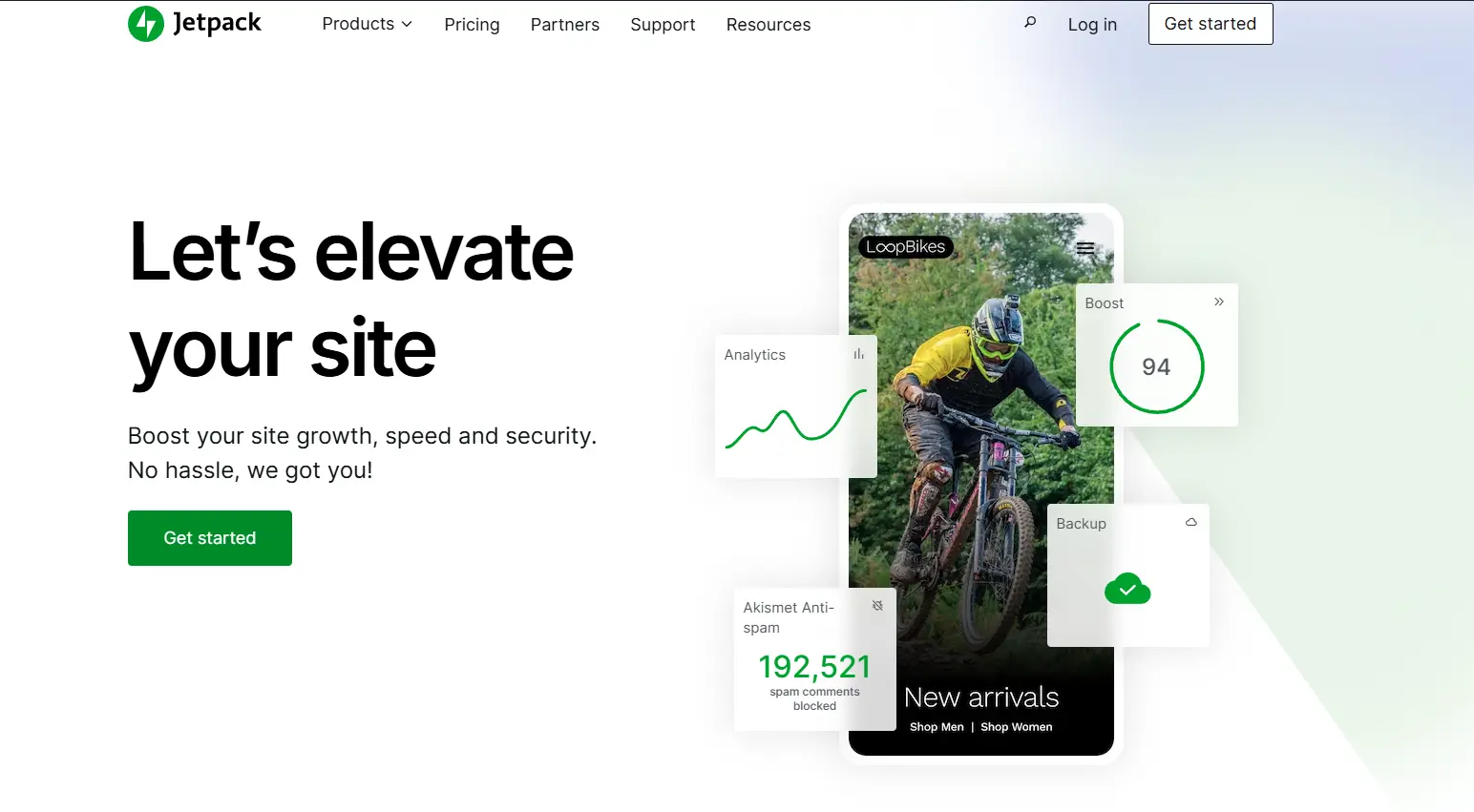
Jetpack is a comprehensive plugin that offers a suite of features for improving your WordPress site’s performance, security, and growth. With automatic backups, site stats, security scanning, and more, Jetpack is a versatile tool for managing multiple aspects of your site.
Key Features:
- Provides automatic daily and real-time backups.
- Offers site stats and performance insights.
- Scans your site for security vulnerabilities.
- Protects against brute force attacks.
- Increases site speed with content delivery network (CDN).
- Automates social media sharing and post scheduling.
Best For: Jetpack is great for WordPress users who need an all-in-one solution for security, real-time backups, and performance optimization.
Price: Free version available, and paid plans start at $119.4/year.
How to Pick the Right WordPress Automation Plugin
Start by identifying your biggest time-drains. Is it social media posting, image optimization, content generation, or maybe SEO tasks? Pick plugins that solve those specific problems rather than installing everything at once. Check compatibility with your current WordPress setup and other plugins you’re using, because conflicts can break your site.
Check out real user reviews on WordPress.org and look for plugins that get regular updates and have good customer service. This proves that the people who made it care.
Also, it’s important to consider the pricing and feature access. Some plugins offer free versions with basic features, while others require a subscription to unlock advanced automation options. And don’t forget to test any new plugins on a staging site first, just to be safe. It’s better to experiment there than risk messing with your live site.
Conclusion: Automate Wisely, Grow Confidently
You’re wasting hours of your life if you still do everything by hand. WordPress automation plugins help you get more done without working harder.
Whether you need to streamline marketing workflows, or you’re looking to automate WooCommerce and manage multiple stores with Multi-Store Sync, the right tools take the heavy lifting off your shoulders. All of these things will ultimately help your business grow.
By adding these powerful WordPress automation plugins to your site, you can eliminate repetitive tasks, save time, reduce mistakes, improve your site’s performance, and enhance the user experience. All of these things will help your business grow.
FAQs
No coding is required! Plugins like Bit Flow and UpdraftPlus offer simple, user-friendly interfaces perfect for beginners.
Yes, plugins like Bit Flows integrate with over 250 platforms like Google Sheets, Shopify, and Mailchimp. Using Bit Flows’ AI agent, you can automate understanding context, making decisions, and taking actions on your behalf.
Yes, plugins like Bit Social allow you to automate social media posting and scheduling directly from your WordPress dashboard.
Yes, Bit Flows allows you to create fully customized multi-step workflows with triggers, actions, webhooks, and AI-powered decision-making.
Yes, plugins like Bit Flows come with logging and real-time error tracking, so you can identify issues in your workflows quickly.
Yes, Bit Flows and other automation plugins can help you update product details, stock levels, and pricing automatically in WooCommerce.
Yes, UpdraftPlus allows you to back up everything on your WordPress site, including files, themes, plugins, and the database.



Leave a Reply