
 Login
Login


Elementor is already a powerful WordPress page builder, but addon plugins can take it much further. They can add new widgets, templates, advanced interactions, animation controls, and other features that are not available in Elementor by default.
Two options you may come across are Animation Addons and Premium Addons for Elementor.
Both extend Elementor, but they focus on different areas.
Animation Addons combines advanced GSAP-powered animations, Elementor V4 Atomic Widgets, traditional Elementor widgets, extensions, and a large template library.
Premium Addons focuses more broadly on Elementor widgets, WooCommerce tools, menus, templates, display conditions, visual effects, and newer AI-assisted Elementor workflows.
So, which one is better for your website?
In this comparison, we’ll look at their animation capabilities, widgets, templates, Elementor V4 support, performance, and other important features to help you decide.
Quick Answer
Animation Addons is the better choice if you want advanced GSAP-powered animations, Elementor V4 Atomic Widgets, ScrollTrigger, SplitText, smooth scrolling, MotionPath, MorphSVG, and other interactive effects. Premium Addons is better suited to users who primarily need a wider range of general Elementor widgets, WooCommerce tools, display conditions, templates, and AI-assisted workflows.
Key Takeaways
- Animation Addons is more focused on advanced GSAP-powered animation, interactive effects, and Elementor V4 workflows.
- Animation Addons includes 100+ widgets, 25+ extensions, 300+ complete websites, 2,000+ pages, and 10,000+ sections.
- Its animation features include ScrollTrigger, SplitText, ScrollSmoother, MotionPath, DrawSVG, MorphSVG, FLIP, Draggable, and timeline animations.
- Animation Addons also supports Elementor V4 Atomic Widgets, Global Classes, Variables, and V4 templates.
- Premium Addons is better suited to users who need broader Elementor functionality such as WooCommerce tools, menus, display conditions, general widgets, and templates.
- Premium Addons provides 90+ widgets, 17+ addons, 580+ templates, and 35 AI Abilities.
- For advanced animation and Elementor V4 projects, Animation Addons is the stronger choice, while Premium Addons is a solid option for general Elementor expansion and AI-assisted workflows.
What is Animation Addons?
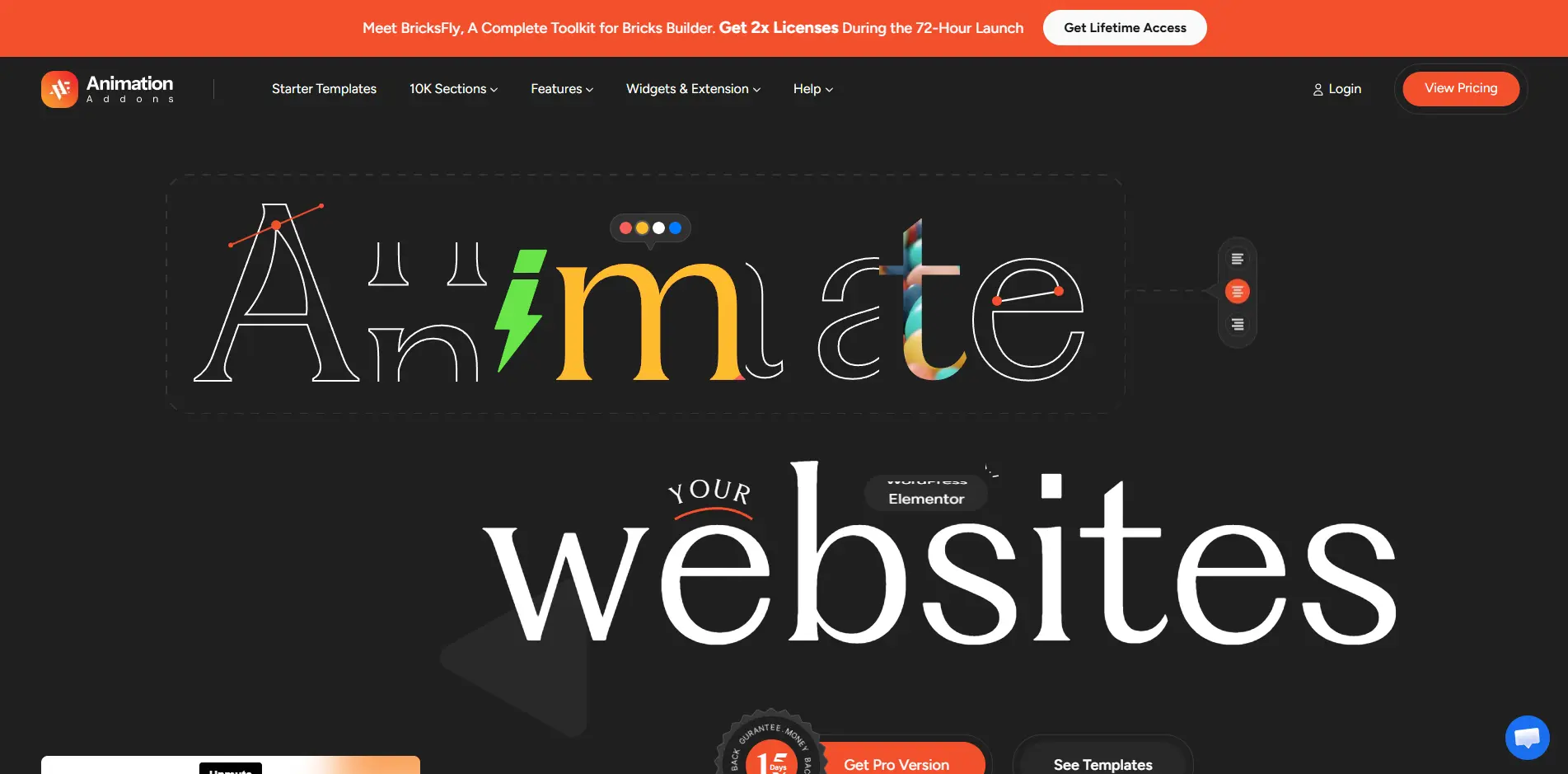
Animation Addons is a WordPress plugin built for creating modern Elementor websites with advanced animation and interactive effects without writing custom JavaScript.
Its biggest strength is its GSAP-powered animation system.
Instead of relying only on simple entrance animations, you can create scroll-based interactions, timeline animations, animated text, image effects, smooth scrolling, draggable elements, SVG animations, and complex animation sequences directly within your Elementor workflow.
Animation Addons includes features such as:
- GSAP ScrollTrigger
- SplitText animations
- ScrollSmoother
- MotionPath
- DrawSVG
- MorphSVG
- FLIP animations
- Draggable interactions
- Horizontal scrolling
- Pin and sticky effects
- Timeline animations
- Text reveal effects
- Image animations
- Cursor interactions
- Lottie animations
Its Animation Builder also provides control over properties such as timing, easing, triggers, and animation sequences.
But Animation Addons is not only an animation plugin.
It currently includes 300+ complete website templates, 2,000+ pre-built pages, more than 10,000 section templates, 100+ widgets, and 25+ extensions.
Another major change in 2026 is Elementor V4 support.
Animation Addons now provides a V4-ready ecosystem with Atomic Widgets, Elementor V4 templates, extensions, and GSAP-powered animation designed to work with Elementor’s Atomic Editor, Global Classes, Variables, and CSS-first workflow.
This makes it suitable for both existing Elementor websites and users starting to build with the newer Elementor V4 workflow.
What is Premium Addons?
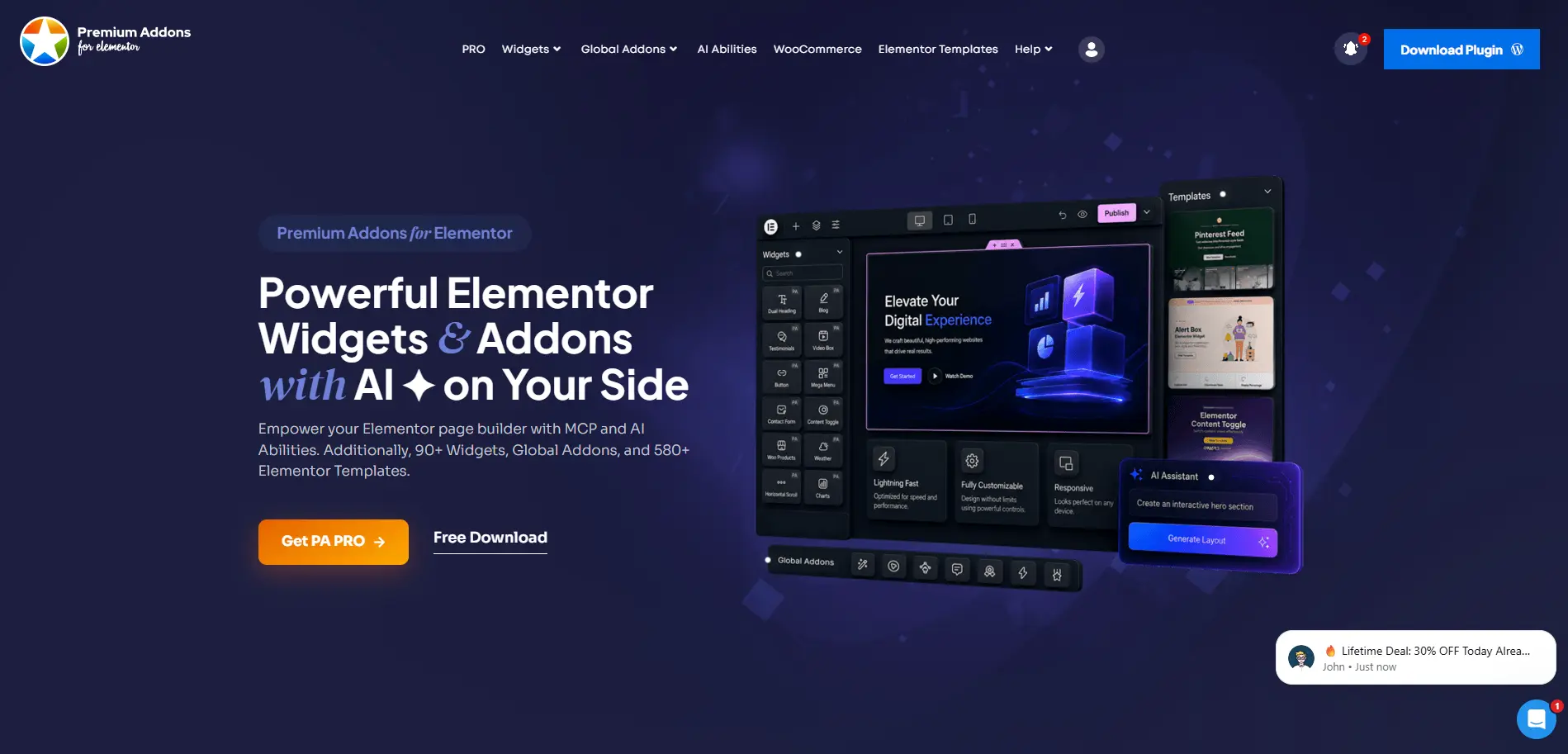
Premium Addons for Elementor is a general-purpose Elementor addon developed by Leap13.
Instead of specializing primarily in animation, it provides a broad collection of tools for building different types of Elementor websites.
Premium Addons currently lists 90+ Elementor widgets, 17+ addons, and 580+ ready-made container and full-page templates.
Its features include tools for:
- Mega menus
- Mobile menus
- Carousels
- Testimonials
- Blog layouts
- WooCommerce
- Search forms
- News tickers
- Display conditions
- Cross-domain copy and paste
- Equal-height containers
- Lottie animations
- Liquid Glass effects
- Media elements
Premium Addons also includes several animation-related tools.
For example, users can create Horizontal Scroll layouts, Magic Scroll effects, Lottie animations, animated text, floating effects, and other visual interactions.
One of its biggest additions in 2026 is AI Abilities.
Premium Addons now provides 35 AI Abilities based on WordPress Abilities API and MCP. Compatible AI clients can perform tasks such as creating pages, inserting widgets, duplicating content, reading global design information, and moving content between websites.
So Premium Addons has become more than just a widget collection. It is now a broader Elementor productivity toolkit.
Features Comparison Table: Animation Addons vs PremiumAddons
| Feature / Category | Animation Addons | Premium Addons |
|---|---|---|
| Versions | ||
| Free Version | ✅ | ✅ |
| Pro Version | ✅ | ✅ |
| Elementor V4 | ||
| Elementor V4 Support | ✅ | Selected V4-related support |
| Atomic Widgets | ✅ | Check individual feature support |
| Global Classes & Variables Workflow | ✅ | Check individual feature support |
| Elementor V4 Templates | ✅ | Not positioned as a dedicated V4 template system |
| GSAP Animation for Elementor V4 | ✅ | No dedicated GSAP animation system |
| Template Library | ||
| Complete Website Templates | 300+ | ❌ Not a primary offering |
| Page Templates | 2,000+ | ✅ |
| Section Templates | 10,000+ | ✅ |
| Container & Full Page Templates | ✅ | 580+ |
| Ready-Made Animated Templates | ✅ | ✅ Selected animated templates |
| Widgets & Extensions | ||
| Total Widgets | 100+ | 90+ |
| Extensions / Addons | 25+ | 17+ |
| Mega Menu | ✅ | ✅ |
| WooCommerce Features | ✅ | ✅ |
| Display Conditions | Selected functionality | ✅ |
| Cross-Domain Copy/Paste | ✅ | ✅ |
| Animation | ||
| GSAP-Powered Animation System | ✅ | No dedicated GSAP system documented |
| ScrollTrigger | ✅ | No dedicated ScrollTrigger system |
| Smooth Scrolling | ✅ | No ScrollSmoother equivalent documented |
| SplitText Animation | ✅ | Animated text effects available |
| Horizontal Scrolling | ✅ | ✅ |
| Pin Elements on Scroll | ✅ | Selected scroll effects |
| Timeline Animation | ✅ | No comparable visual timeline system documented |
| Text Reveal Animation | ✅ | ✅ |
| ScrambleText | ✅ | ❌ |
| MotionPath | ✅ | ❌ |
| DrawSVG | ✅ | SVG-related animation available |
| MorphSVG | ✅ | ❌ |
| Lottie Animation | ✅ | ✅ |
| FLIP Animation | ✅ | ❌ |
| Draggable Animation | ✅ | ❌ |
| Image Animation | ✅ | Selected effects |
| Cursor Effects | ✅ | Selected effects |
| Magic Scroll | ScrollTrigger-based alternatives | ✅ |
| Other Features | ||
| AI / MCP Tools | ❌ Not a core feature | ✅ 35 AI Abilities |
| Add Animation to Existing Layouts | ✅ | ✅ Selected effects |
| Drag-and-Drop Workflow | ✅ | ✅ |
| Smart Asset Loading | ✅ | ✅ |
| Reduced Motion Support | ✅ | Depends on implementation |
| Beginner Friendly | ✅ | ✅ |
The biggest difference is not simply the number of checkmarks.
The two products approach Elementor from different directions.
Premium Addons provides many individual widgets, addons, design effects, and productivity tools.
Animation Addons provides those general Elementor tools while going much deeper into animation creation and motion control.
Elementor V4 Support
Elementor V4 is one of the most important changes to consider when comparing Elementor addons in 2026.
Elementor’s Atomic Editor introduces a different approach to building websites, with a stronger focus on cleaner markup, Global Classes, Variables, reusable styling, and a CSS-first workflow.
Animation Addons now supports this new architecture.
Its Elementor V4 ecosystem includes Atomic Widgets, V4 templates, extensions, and GSAP-powered animation tools designed to work with Elementor’s new Atomic workflow.
This means you can use Elementor V4’s modern design system while still creating advanced animations such as:
- Scroll animations
- Text reveals
- Hover animations
- Page-load effects
- SVG animations
- Interactive motion
You do not have to choose between Elementor V4’s Atomic workflow and advanced animation.
Animation Addons brings the two together.
Premium Addons also has some Elementor V4-aware functionality. Its AI Abilities can detect Atomic support and work with Elementor V4 Flexbox elements. However, its own documentation notes limitations around inserting Elementor V4 Atomic widgets through some AI abilities.
So when comparing specifically for an Elementor V4 Atomic animation workflow, Animation Addons currently provides the more focused solution.
Winner for Elementor V4 Animation: Animation Addons
Animation Capabilities
This is where Animation Addons has its biggest advantage.
Premium Addons does support animations.
It includes Horizontal Scroll, Magic Scroll, Lottie animations, animated text, floating effects, and other visual features.
So it would not be accurate to say that Premium Addons cannot create animated or scroll-based Elementor websites.
The difference is how much control you get.
Animation Addons provides a complete GSAP-powered motion system.
You can control how an animation starts, how long it runs, its easing, trigger behavior, scroll position, sequencing, and interaction with other animations.
For example, you could:
- Split a heading into individual characters.
- Animate the characters as the section enters the viewport.
- Pin the section during scrolling.
- Move another element along a MotionPath.
- Reveal an SVG using DrawSVG.
- Connect multiple animations through a timeline.
That type of coordinated animation workflow is where Animation Addons stands apart.
Winner for Advanced Animation: Animation Addons
Text Animation
Both plugins can animate text, but their approaches are different.
Premium Addons provides animated text and heading effects that work well for common animated typography requirements.
Animation Addons goes further with GSAP-powered tools such as SplitText, text reveal, ScrambleText, timeline controls, staggered animation, and scroll-triggered typography.
You can animate text by character, word, or line and combine it with scrolling, timelines, easing, and other effects.
If you only need a simple animated heading, either plugin may be enough.
For more advanced typography and storytelling effects, Animation Addons provides significantly more control.
Winner for Text Animation: Animation Addons
Scroll Animation
Scroll-based interaction is another area where both plugins provide functionality.
Premium Addons offers features such as Horizontal Scroll and Magic Scroll. Magic Scroll can animate elements based on scrolling, while Horizontal Scroll helps create sideways scrolling layouts.
Animation Addons uses a more extensive GSAP-based approach.
Its scroll animation capabilities include:
- ScrollTrigger
- Horizontal ScrollTrigger
- ScrollSmoother
- Pinning
- Parallax
- Timeline-based scroll animation
- Text reveals
- Image animations
- Scroll-driven transformations
You can also combine these features rather than using them as isolated effects.
Winner for Advanced Scroll Animation: Animation Addons
Widgets and General Website Building
Premium Addons remains strong when it comes to general Elementor functionality.
Its 90+ widgets cover many common website requirements, including:
- Carousel
- Blog posts
- Testimonials
- Mega menu
- Mobile menu
- Search
- WooCommerce
- News ticker
- Pricing tables
- Media
- Navigation
It also provides 17+ global addons and additional tools such as Display Conditions and Equal Height Containers.
Animation Addons currently provides 100+ widgets and 25+ extensions.
Its widget collection covers both standard website-building requirements and more animation-focused components.
So widget count alone should not determine your choice.
If you mainly need general Elementor utilities, Premium Addons has a mature collection.
If you want those website-building tools together with a much deeper animation system, Animation Addons offers the broader motion-focused package.
Template Library
Animation Addons has a major advantage in full website templates.
Its current library includes:
- 300+ complete websites
- 2,000+ pre-built pages
- 10,000+ section templates
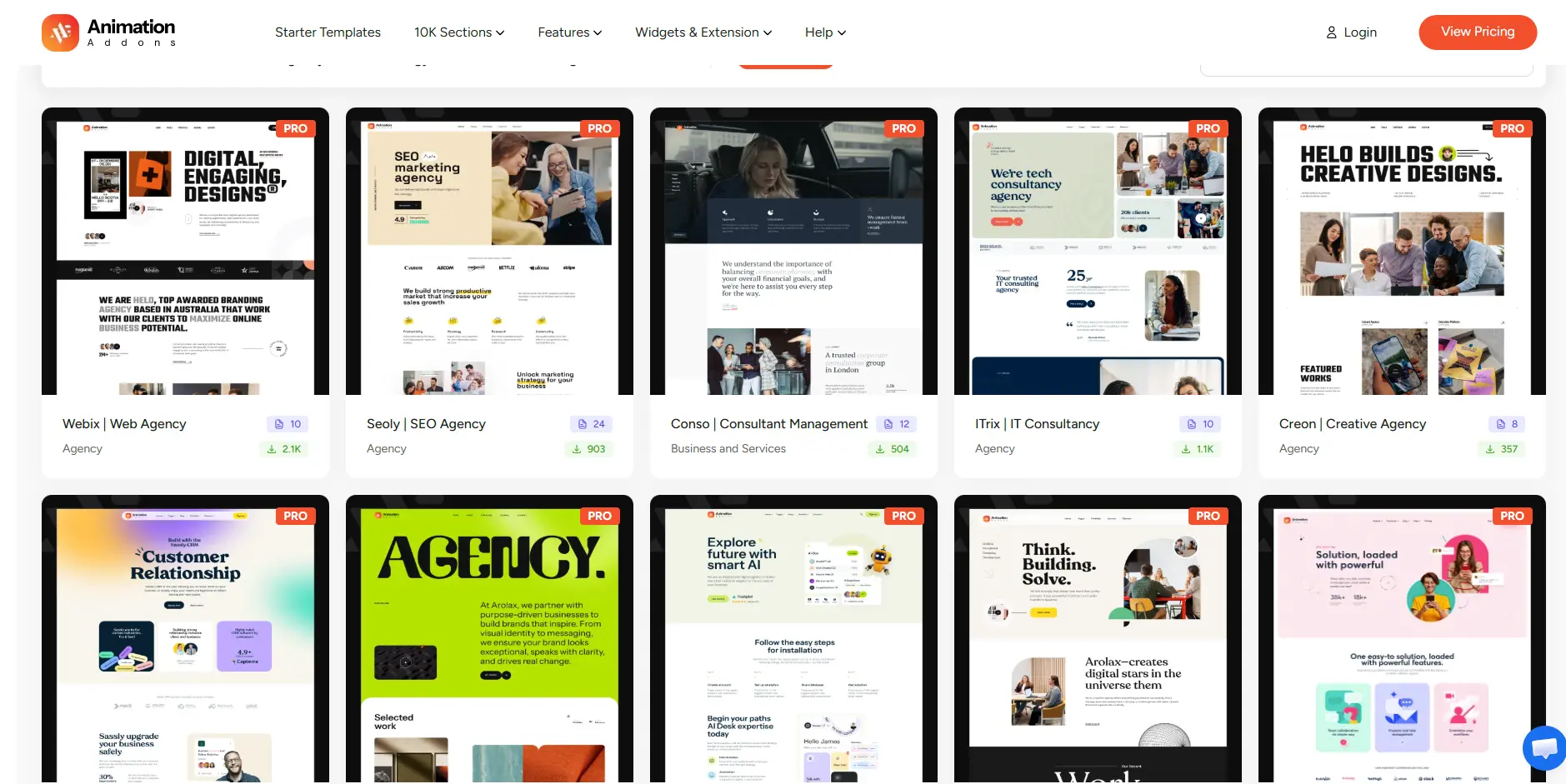
Many templates are built around animated experiences, so you can import a complete design instead of building every animation from scratch.
This is especially useful for agencies and freelancers who need to deliver client websites quickly.
Premium Addons currently lists 580+ ready-made Elementor container and full-page templates.
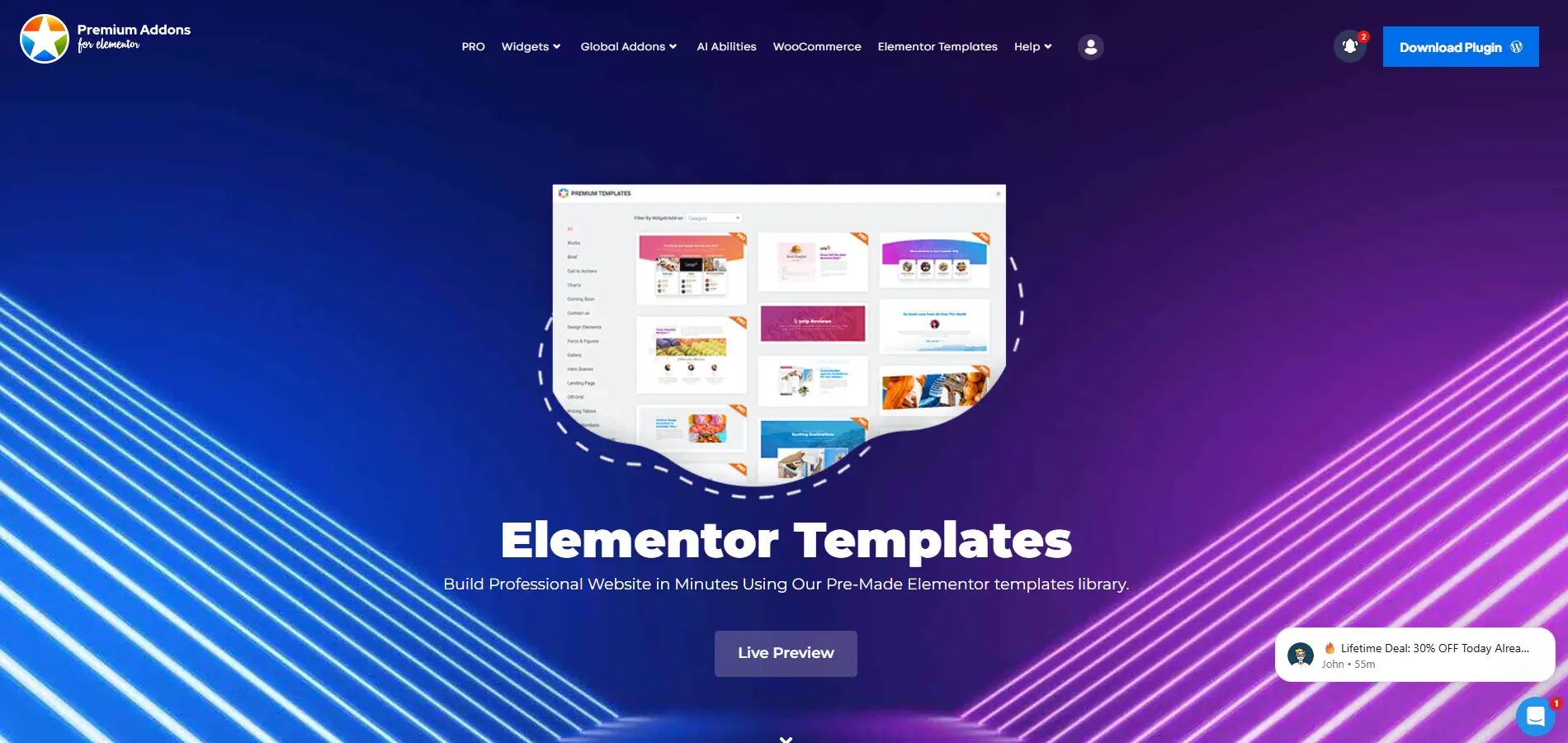
That is still a useful library, particularly if you already use Premium Addons widgets.
However, if you want a large selection of complete animated websites, pages, and sections, Animation Addons provides the larger ecosystem.
Winner for Template Library: Animation Addons
AI and MCP Features
Premium Addons has a clear advantage in this category.
Its 2026 AI Abilities feature connects compatible AI clients to WordPress through MCP.
The system includes 35 AI Abilities that can help perform tasks such as:
- Creating Elementor pages
- Creating templates
- Adding containers
- Inserting widgets
- Reading site colors and fonts
- Duplicating pages
- Copying content between websites
- Managing Premium Addons settings
This is a very different feature from Animation Addons’ visual animation workflow.
If AI-assisted Elementor site management is important to you, Premium Addons currently has the stronger offering.
Winner for AI-Assisted Workflow: Premium Addons
Performance
Performance matters especially when working with animations.
Animation Addons uses smart asset loading so only relevant animation scripts and features are loaded when required. It also uses an optimized GSAP integration and includes reduced-motion controls for accessibility.
Elementor V4 support also gives Animation Addons another advantage for new Atomic builds because its V4 widgets are designed around cleaner DOM output, Global Classes, Variables, and the new CSS-first structure.
Premium Addons also uses modular asset loading. Its official plugin page states that required JavaScript files are loaded based on the features used on the page.
However, neither plugin’s performance should be judged only by marketing claims.
Actual results depend on:
- How many widgets you use
- Number of animations
- Images and video
- Third-party scripts
- Hosting
- Caching
- Theme
- Other Elementor addons
For important projects, always test the final page using tools such as PageSpeed Insights and Chrome DevTools.
Why Should You Consider Animation Addons?
Animation Addons makes sense if you want more than another Elementor widget pack.
Its main advantage is that it combines several areas in one plugin:
Advanced animation: Create GSAP-powered scroll, text, image, SVG, timeline, and interactive animations visually.
Elementor V4: Work with Atomic Widgets, V4 templates, Global Classes, Variables, and the newer Elementor workflow.
Website building: Get 100+ widgets and 25+ extensions for building different types of Elementor layouts.
Templates: Start with 300+ complete websites, 2,000+ pages, and 10,000+ sections instead of designing everything from scratch.
Existing websites: Apply animations to existing Elementor layouts instead of rebuilding the entire website.
This makes Animation Addons particularly useful for designers, agencies, freelancers, and developers who want to create more interactive websites without manually coding every GSAP animation.
When Should You Choose Premium Addons?
Premium Addons may be the better choice if animation is not your main priority.
Consider Premium Addons if you primarily need:
- General Elementor widgets
- WooCommerce elements
- Display conditions
- Mega menus
- Mobile menus
- Blog and magazine widgets
- Cross-domain copy/paste
- AI-assisted Elementor workflows
- Ready-made page and container templates
It also includes useful animation features, so you can still add motion without installing a dedicated animation system.
For general-purpose Elementor expansion, Premium Addons remains a strong option.
Animation Addons vs Premium Addons: Which One Should You Choose?
The right choice depends on what you want to build.
Choose Animation Addons if:
- Advanced animation is important to your website.
- You want to use Elementor V4 with Atomic Widgets.
- You want GSAP animation without writing JavaScript.
- You need ScrollTrigger, SplitText, MotionPath, DrawSVG, MorphSVG, or timelines.
- You want advanced scroll storytelling.
- You need a large collection of complete website templates.
- You want to animate existing Elementor layouts.
- You build creative, agency, portfolio, SaaS, or interactive websites.
Choose Premium Addons if:
- Your priority is adding more general widgets to Elementor.
- You need WooCommerce-specific widgets.
- You want Display Conditions.
- You want menu and navigation tools.
- You are interested in AI and MCP-based Elementor workflows.
- Advanced GSAP animation is not a major requirement.
Final Thoughts
Animation Addons and Premium Addons are both capable Elementor plugins, but they are designed around different priorities.
Premium Addons is a broad Elementor toolkit. It provides 90+ widgets, 17+ addons, 580+ templates, WooCommerce tools, menus, display conditions, visual effects, and 35 AI Abilities.
Animation Addons focuses much more heavily on advanced animation and interactive website design.
It combines a GSAP-powered Animation Builder, ScrollTrigger, SplitText, MotionPath, DrawSVG, MorphSVG, timelines, smooth scrolling, draggable interactions, 100+ widgets, 25+ extensions, and a large template library.
And with its updated Elementor V4 support, users can now combine Atomic Widgets, Global Classes, Variables, V4 templates, and GSAP animation within the newer Elementor workflow.
So the decision is simple:
Choose Premium Addons if you mainly want to expand Elementor with more general-purpose functionality and AI-assisted tools.
Choose Animation Addons if you want Elementor V4, advanced GSAP animation, interactive motion, widgets, extensions, and animated templates in one ecosystem.
For animation-focused Elementor websites, Animation Addons is the stronger choice.
Frequently Asked Questions
Is Animation Addons compatible with Elementor V4?
Yes. Animation Addons now provides a V4-ready ecosystem that includes Atomic Widgets, Elementor V4 templates, extensions, and GSAP-powered animations designed for Elementor’s new Atomic workflow.
Is Animation Addons better than Premium Addons?
It depends on what you need. Animation Addons is better suited to advanced animation and interactive Elementor websites. Premium Addons is better suited to users who primarily want additional widgets, WooCommerce tools, menus, display conditions, and AI-assisted Elementor functionality.
Does Animation Addons support GSAP?
Yes. Animation Addons uses GSAP for advanced animation features including ScrollTrigger, ScrollSmoother, SplitText, MotionPath, DrawSVG, MorphSVG, FLIP, Draggable, and timeline-based animations.
Can I use Animation Addons with an existing Elementor website?
Yes. You can apply Animation Addons animation features to existing Elementor layouts instead of rebuilding your pages from scratch.
Which plugin is better for Elementor V4 animation?
Animation Addons is the stronger choice if you want advanced animation inside Elementor V4. Its V4 ecosystem combines Atomic Widgets and Elementor’s newer styling workflow with GSAP-powered motion tools.


Leave a Reply