


 Login
Login


If you’re looking to create smooth, professional web animations, GSAP (GreenSock Animation Platform) is often the first choice. It is fast, reliable, and works well for web projects. But sometimes you may want something different, like a smaller library, an easier tool for beginners, or one that works better with 3D animations.
In this blog, we’ll explore 10 best GSAP alternatives for web animations and help you choose the right one for your project.
What is GSAP Animation?
GSAP (GreenSock animation platform) is a JavaScript library for creating animations on websites. It lets you move HTML, CSS, and SVG elements with precise control. You can make smooth scrolling effects, hover animations, and interactive page elements that look professional.
GSAP is fast and reliable. It can handle many animations at once without slowing down your site. It also allows detailed control over timing, easing, and sequences. This makes it perfect for designers and developers who want polished, engaging animations.
Because of its flexibility, GSAP is popular among web designers, developers, and digital agencies. It helps make websites more lively and engaging for visitors.
1. Animation Addons
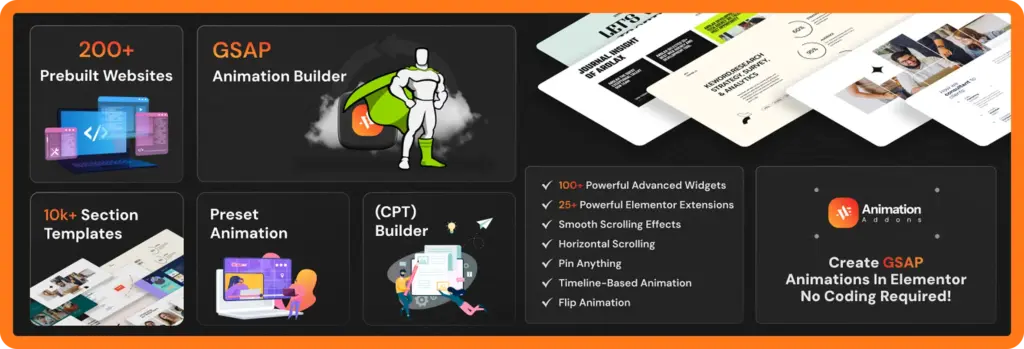
Animation Addons is a no-code WordPress plugin. It allows you to create advanced, GSAP-like animations for your website without writing a single line of code. You can add interactive elements, Smooth scroll effects, text animations, sticky elements, cursor-based motion, and more.
This makes it ideal for designers, marketers, and business owners who want to make their sites visually engaging and interactive.
The plugin works seamlessly with Elementor, so you can apply animations directly within the page builder interface. You don’t need to switch between tools or deal with complex JavaScript code.
All animations are optimized for web performance, ensuring your site stays fast and responsive even with multiple effects.
Key Features:
- Optimized for performance: Animations run smoothly on all devices without slowing your website.
- No coding required: Anyone can create professional animations without programming skills.
- Works directly with Elementor: Apply animations easily while designing pages.
- Wide variety of effects: Includes scrolltrigger, hover animations, horizontal scroll, cursor interactions, text animations, and more.
- Perfect for engagement: Make your website more interactive, fun, and visually appealing to visitors.
Animation Addons bridges the gap between powerful GSAP animations and WordPress, giving you full creative control while keeping everything simple and user-friendly.
2. Anime.JS
Anime.js is a lightweight and flexible JavaScript animation library used for creating smooth and modern animations on the web. It works well with HTML elements, CSS properties, SVG graphics, and even JavaScript objects, making it useful for many types of projects. Because it is small in size, it loads quickly and keeps websites fast.
One of the biggest strengths of Anime.js is its easy timeline system. You can control the start time, delay, and order of each animation with simple code. It also supports many easing options and motion curves, allowing animations to feel more natural and realistic.
Anime.js is also popular with beginners. The documentation is simple, clear, and full of examples. This makes it easy for new developers or designers to get started and build smooth, professional animations without a steep learning curve.
Key features:
- Flexible timeline control
- Supports many easing and motion curves
- Beginner-friendly with easy documentation
- Works with DOM, CSS, SVG, and JS objects
- Lightweight and fast for better performance
3. Motion.Dev
Motion.dev is a simple animation tool. It helps you make smooth and fun website effects with little code. You can add motion using clean parts you can reuse. It is a good choice when you want to work fast and keep things simple.
The tool runs very well. Your animations stay smooth on all devices. They look good on phones, tablets, and computers. You can use Motion.dev for hover effects, scroll effects, page changes, and other small animations.
It also works with React, Vue, and Svelte. The API is easy to understand. Both new and experienced developers can use it. Motion.dev gives you strong animation features without a difficult setup.
Best for:
- Component-based web projects
- Interactive UI elements
- Performance-focused animations
- Smooth micro-interactions in modern frameworks
4. Spline
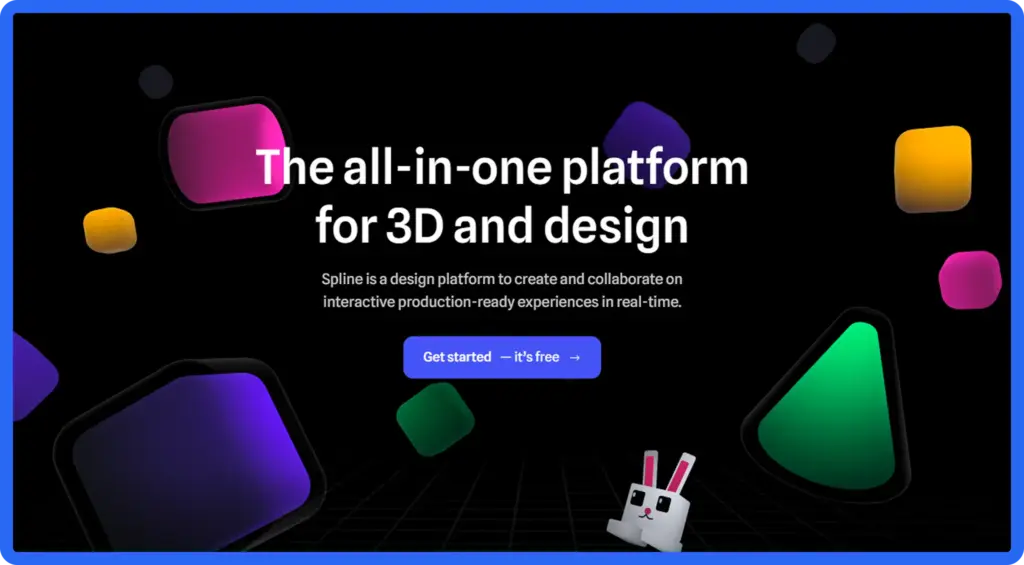
Spline is a tool for making 3D animations on the web. It lets you design, animate, and publish 3D scenes in your browser. You do not need to write hard code. You can use simple tools to build shapes, add colors, and create smooth animations.
Spline has a drag and drop editor. You can move objects with a click. You can add materials and make animations easily. It is great for people who want 3D design without learning complex software.
Spline also lets you make real time interactions. You can create click effects, hover effects, 3D moves, and other actions. This helps you build product previews, 3D hero sections, landing pages, and fun user experiences.
Everything works in the browser. You can export your 3D scene and add it to any website. You do not need to write long JavaScript code. It is simple and good for beginners.
Highlights:
- Drag-and-drop 3D scene editor
- Supports interactive 3D experiences
- No need for advanced coding
- Real-time rendering inside the browser
- Easy export and embed for websites
5. PixiJS
PixiJS is a fast tool for making 2D graphics on the web. It can handle many objects at the same time without slowing down. People use it for games, interactive apps, and animations that need speed.
PixiJS uses the computer’s graphics card to work faster. This is called GPU acceleration. It is much faster than normal web animations. You can use it with sprites, textures, particles, and special effects.
PixiJS is not just for games. You can make animated backgrounds, banners, and creative web elements. It works well for effects that need more power than normal animation tools.
It is good for projects that need full control over graphics. You can make real-time animations and special effects like blur, glow, and particle systems. PixiJS is strong, flexible, and perfect for graphics-heavy web projects.
Advantages:
- GPU-accelerated rendering
- Supports sprites, textures, filters, and particles
- Ideal for visually intensive projects
- Smooth performance even with many objects
- Great for games, interactive visuals, and advanced animations
6. Three.js Animation System
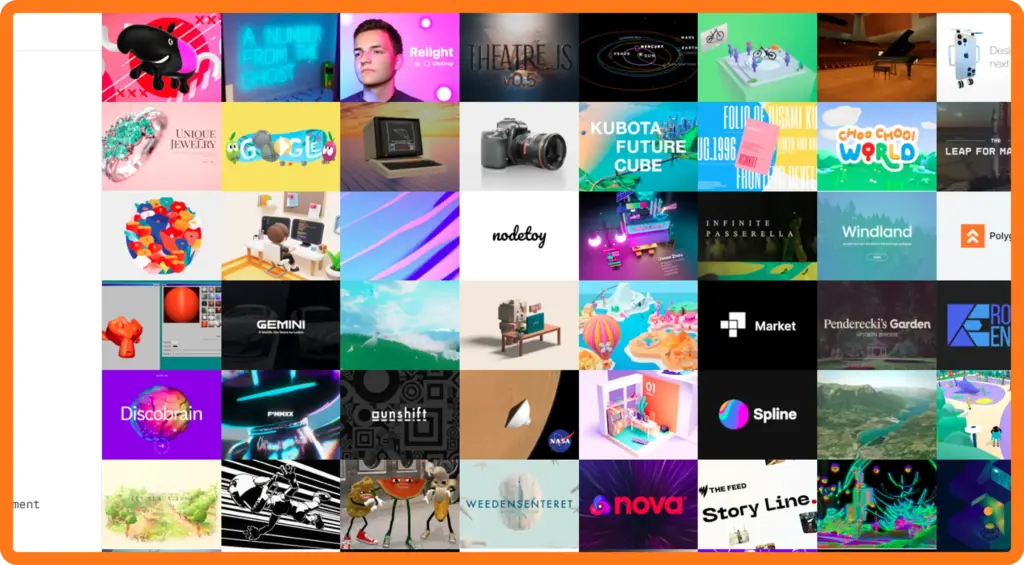
Three.js is a popular tool for making 3D animations on the web. It lets you animate 3D models, lights, cameras, and full scenes. You can use it to make interactive websites, product demos, virtual tours, games, and other cool experiences.
Three.js works with WebGL. This makes graphics run fast using the computer’s hardware. Even complex 3D animations stay smooth on computers, tablets, and phones. It can do object movements, skeletal animations, morphing, particles, and realistic lighting.
It is great for developers who want more than flat animations. You can make interactive 3D products, animated scenes that react to users, or fully immersive web experiences. Three.js has a big community and lots of guides. Both beginners and experts can use it to create amazing web animations.
Why it’s popular:
- Full 3D support for models, lights, cameras, and scenes
- Works with WebGL for smooth, hardware-accelerated performance
- Ideal for interactive product showcases, 3D websites, and web games
- Supports advanced features like particle effects, skeletal animation, and morphing
- Large community and extensive learning resources
7. Velocity.js
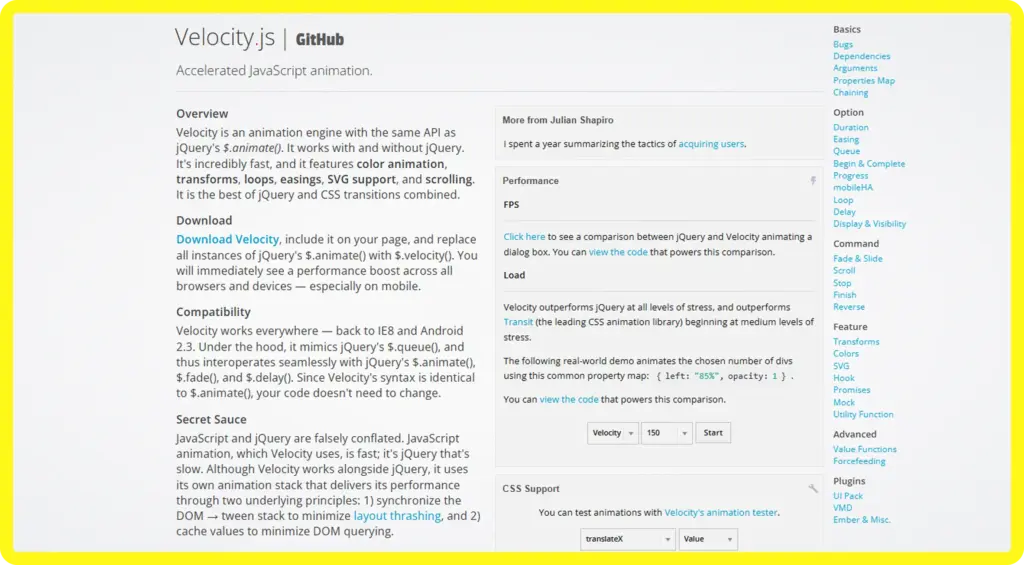
Velocity.js is a fast and small tool for making web animations. It mixes the ease of CSS with the power of JavaScript. You can animate elements smoothly and easily. It works on its own, so you can add it to any project without extra tools.
Velocity.js is very fast. It uses smart animation loops to keep motions smooth. It also works on older browsers, so it is reliable for many users.
You can animate colors, shapes, positions, and even chains of animations. The code is simple and easy to use. It is great for beginners and experts who want quick and smooth web animations.
Key Features:
- Smooth and high-performance transitions
- Works on older browsers for better compatibility
- Lightweight and fast, with minimal dependencies
- Easy to integrate into existing projects
- Supports CSS properties, transforms, colors, and animation sequences
8.PopMotion
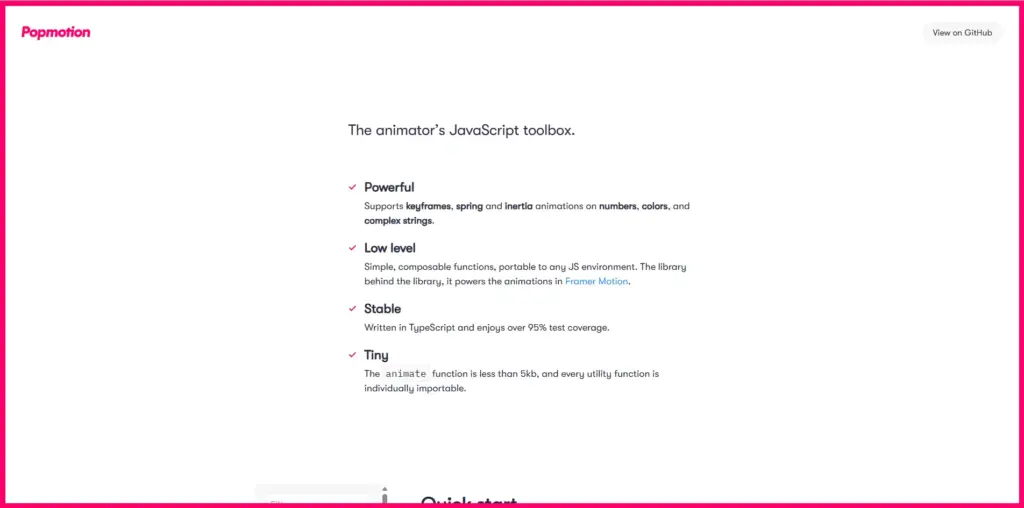
PopMotion is a versatile JavaScript animation library designed for creating simple, smooth, and interactive animations on the web. It uses a functional programming approach, which makes it highly flexible and modular.
One of its standout features is support for physics-based animations, allowing elements to move naturally with forces like spring, friction, and velocity. This makes animations feel more realistic and responsive.
PopMotion also provides timeline management and keyframe support, letting developers chain multiple animations together and control their sequence precisely. It works well for both small micro-interactions and larger dynamic motion in web apps.
The library is lightweight and can be easily integrated with modern frameworks like React, Vue, and Svelte, making it a favorite for developers building interactive user interfaces.
Best use cases:
- Interactive UI components such as buttons, sliders, and modals
- Physics-based animations like bouncing, spring, or inertia motion
- Web applications that require dynamic and responsive motion
- Micro-interactions that enhance user engagement
- Smooth timeline-controlled animations for multi-step sequences
9. Mo.js
Mo.js is a strong tool for making cool web animations. It can make bursts, shapes, and moving paths that catch attention. It is built for motion graphics, so it works well for interactive and eye-catching effects.
Mo.js uses a timeline system. This lets you control and order many animations easily. It works with both SVG and normal web elements. You can animate icons, buttons, banners, and more. It also supports easing, staggered animations, and reusable modules. This helps you make complex animations with less code.
Mo.js is great when visuals matter. You can make animated buttons, banners, hover effects, or small interactive effects. It is light and runs smoothly without slowing down your website.
Features:
- Timeline-based animations for precise sequencing
- Works with SVG and DOM elements
- Ideal for banners, buttons, and micro-interactions
- Supports easing, staggering, and reusable modules
- Lightweight and high-performance for fast-loading websites
10. ScrollReveal.js
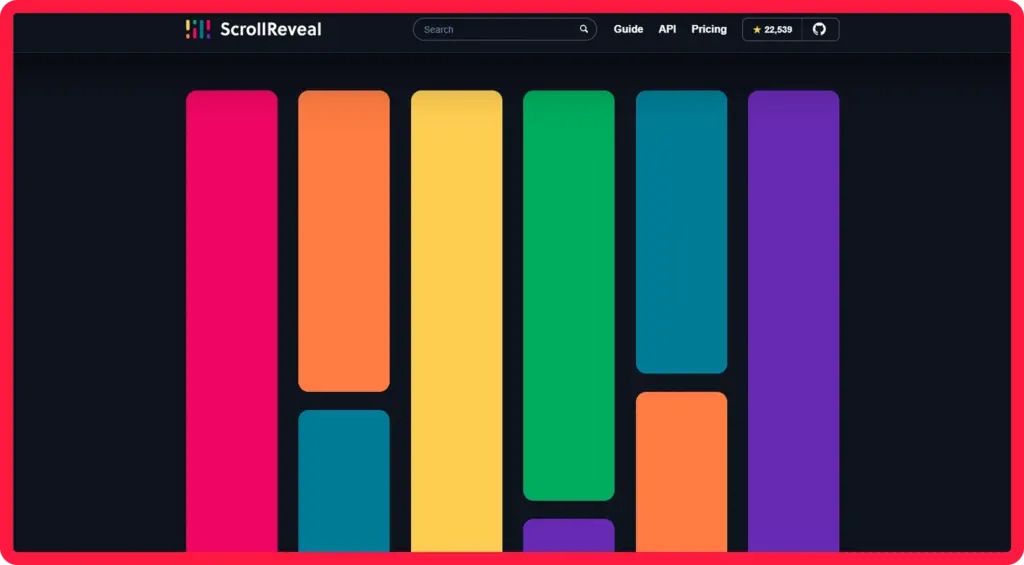
ScrollReveal.js is a tool for making scroll animations on websites. It can animate elements when they appear on the screen. This makes websites more lively and interactive. It is good for storytelling, product displays, landing pages, and content-heavy sites.
ScrollReveal.js is easy to use. You can make scroll animations with very little code. It is light, so it runs smoothly and does not slow down your site. You can use it with any HTML, including text, images, sections, or complex layouts.
ScrollReveal.js can do many effects like fade-ins, slide-ins, and scaling. You can change the speed, delay, and style of each animation. It works well for small sites and big projects that need engaging visuals.
Why use it:
- Simple scroll-triggered animations for engaging websites
- Lightweight and fast for smooth performance
- Works with any HTML structure or layout
- Customizable effects with control over duration, delay, and easing
- Ideal for landing pages, storytelling sections, and content reveals
How to Choose the Right Alternative?
Choosing the right GSAP alternative depends on your project goals, experience, and performance needs. Different tools excel in different areas, so understanding your requirements will help you make the best choice.
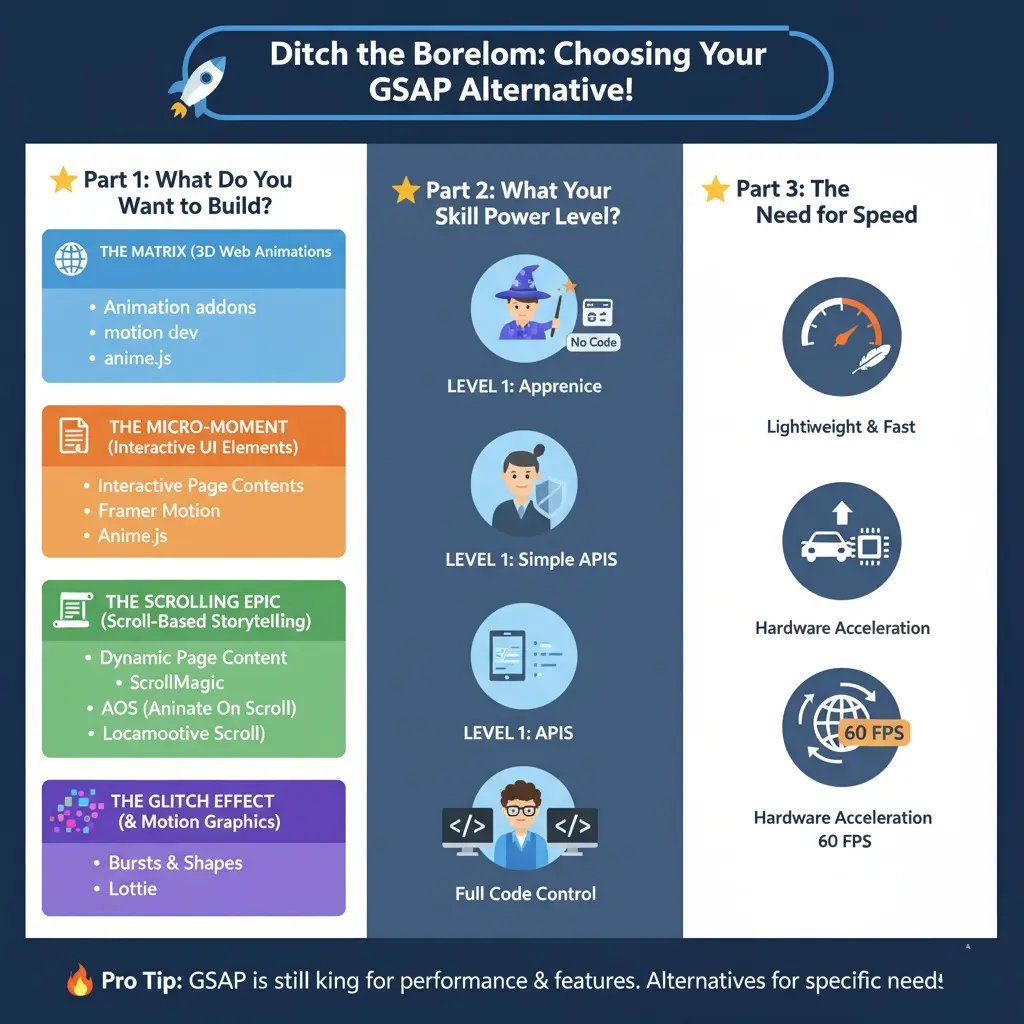
Based on project type:
- Look for tools that can handle interactive 3D scenes, models, and immersive experiences.
- Focus on solutions that allow smooth, responsive micro-interactions, like buttons, sliders, and menus.
- Consider tools that trigger animations as elements enter the viewport for dynamic page content.
- Choose options that support bursts, shapes, and high-impact visual effects.
Based on skill level:
- Pick tools that are easy to use without coding and offer visual controls or simple APIs.
- Advanced tools provide full coding control, component-based workflows, and the ability to create custom, complex animations.
Performance considerations:
- Check how lightweight the tool is and whether it affects page loading speed.
- Ensure animations run smoothly across all browsers and devices.
- Optimized, hardware-accelerated tools deliver the best performance for complex or graphics-heavy projects.
By assessing your project type, skill level, and performance needs, you can select a GSAP alternative that fits your workflow and helps create engaging, interactive web experiences.
GSAP is Built for the Web, Not for Video Software
GSAP is a tool for making web animations. It works in web browsers. You can animate page elements, add smooth scrolling, hover effects, and motion sequences.
GSAP does not work for video or motion graphics software. If you want animations for video, TV, or social media, you need video editors or motion software. Those tools use timelines and frames. GSAP operates in real-time on websites.
GSAP is great for making websites interactive. It can respond to user actions and tell stories with motion. Animations are light, fast, and smooth on all devices. Web developers and designers can control every part of the motion.
Key points:
GSAP works only in web browsers.
1. It is best for interactive and real-time web animations.
2. It cannot make video files for TV or social media.
3. It runs smoothly and is fast on all devices.
4. It is perfect for dynamic websites and interactive storytelling.
Wrap-Up
GSAP is one of the most powerful tools for web animations, offering speed, flexibility, and precise control for creating interactive and engaging websites. However, there are many alternatives that can suit different needs, skill levels, and project types.
Performance is also key, lightweight and optimized tools ensure smooth animations across all devices. For WordPress users who want powerful, no-code GSAP-like animations, Animation Addons is a strong choice.
It lets you create engaging animations in Elementor without writing code. Your site stays fast and responsive. By understanding your project requirements, skill level, and performance goals, you can select an alternative that helps you build dynamic, interactive, and visually appealing web experiences.
FAQs
What is GSAP and what makes it special?
GSAP is a JavaScript library for creating web animations. It is fast, reliable, and lets you animate HTML, CSS, and SVG elements with precise control. Its strength lies in smooth, interactive, and high-performance animations for websites.
Can I use GSAP for video or motion graphics?
No. GSAP works only in web browsers for real-time web animations. For video, social media, or TV content, you need video editing or motion graphics software.
Do I need coding skills to use these GSAP alternatives?
It depends on the tool. Some alternatives are beginner-friendly and require no coding, while others are developer-focused and give full control for complex animations.
How do I choose the right alternative?
Consider your project type (3D animations, interactive UI, scroll-based storytelling, or motion graphics), your skill level, and performance requirements. Lightweight and optimized tools ensure smooth animations across all devices.

Leave a Reply