


 Login
Login

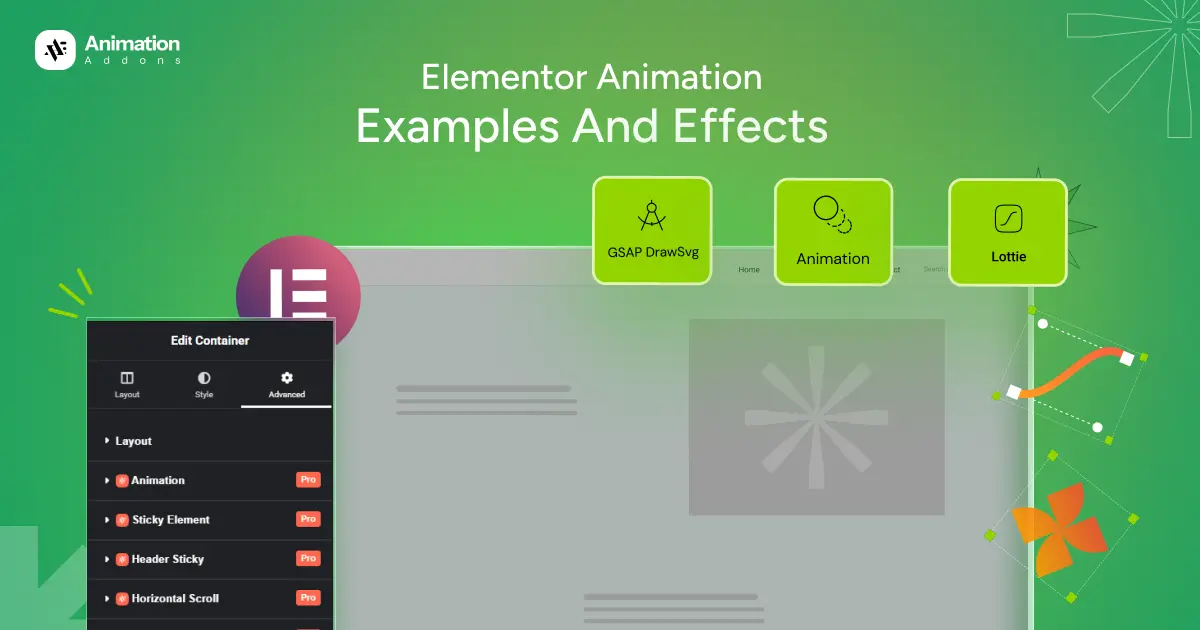
Building a visually engaging website is no longer optional, it’s expected. This is where Elementor shines. Known for its drag-and-drop simplicity, Elementor empowers designers, developers, and business owners to create modern websites without touching code. Subtle motion guides user attention, enhances storytelling, and turns static sections into immersive experiences.
While Elementor includes basic entrance and hover animations, today’s web design trends demand more like smooth scroll interactions, text reveals, image transitions, and timeline-based effects that feel fluid and intentional. These advanced animations help improve engagement, reduce bounce rates, and leave a lasting impression on visitors.
In this article, we have presented 20+ Elementor animation examples and effects to inspire your next project. If you want to design a landing page, portfolio, or business website, these ideas will help you push creative boundaries and deliver a premium user experience.
2. Pin Elements
8. GSAP DrawSVG
11. Advanced Tooltip
12. Smooth Scrolling
13. Fade Animation
14. Bounce Animation
17. Morph SVG
19. Toggle Switch
21. Video PopUp
22. Video Musk
1. Horizontal Scrolling
Horizontal scrolling allows content to move sideways instead of the traditional vertical flow. It helps clients present portfolios, storytelling sections, or product showcases in a more immersive way. This results in higher engagement, longer session time, and a premium, modern website feel.
2. Pin Elements
Pin elements keep specific content fixed on the screen while the rest of the page scrolls. This helps clients highlight important messages, CTAs, or visuals without losing user attention. The benefit is better content focus, clearer storytelling, and improved conversion flow.
3. Stacked Cards
Stacked cards display layered content that animates as users scroll or interact. This helps clients organize information in a visually appealing and digestible format. The result is improved content readability, stronger visual hierarchy, and a clean, modern UI experience.
4. Parallax Effect
Parallax effect creates depth by moving background and foreground elements at different speeds. It helps clients add visual richness and storytelling depth to landing pages and hero sections. The benefit is a more immersive experience that feels dynamic and professional.
5. ScrollTrigger
ScrollTrigger controls animations based on scroll position and user behavior. It helps clients create precise, responsive animations that feel natural and intentional. This improves user experience and makes interactions feel smooth and professional.
6. Image Animation
Image animation adds motion to images through reveals, transitions, or scroll-based effects. It helps clients make visuals more engaging instead of static and boring. The benefit is stronger visual storytelling and a more interactive website experience.
7. Lottie Animation
Lottie animations are lightweight, vector-based animations that load fast and stay sharp on all devices. They help clients add smooth, high-quality motion without affecting performance. The result is faster websites with modern and engaging visuals.
8. GSAP DrawSVG
GSAP DrawSVG animates SVG paths as if they are being drawn in real time. It helps clients visually explain processes, icons, or illustrations in an engaging way. This boosts clarity, creativity, and overall visual appeal.
9. Flip Animation
Flip animations rotate elements in 2D or 3D space to reveal new content. They help clients present information interactively, especially for cards, features, or pricing sections. The benefit is increased interactivity and better user engagement.
10. Typewriter Animations
Typewriter animations display text letter by letter, mimicking real typing. They help clients highlight slogans, keywords, or changing messages dynamically. This creates anticipation, grabs attention, and enhances storytelling.
11. Advanced Tooltip
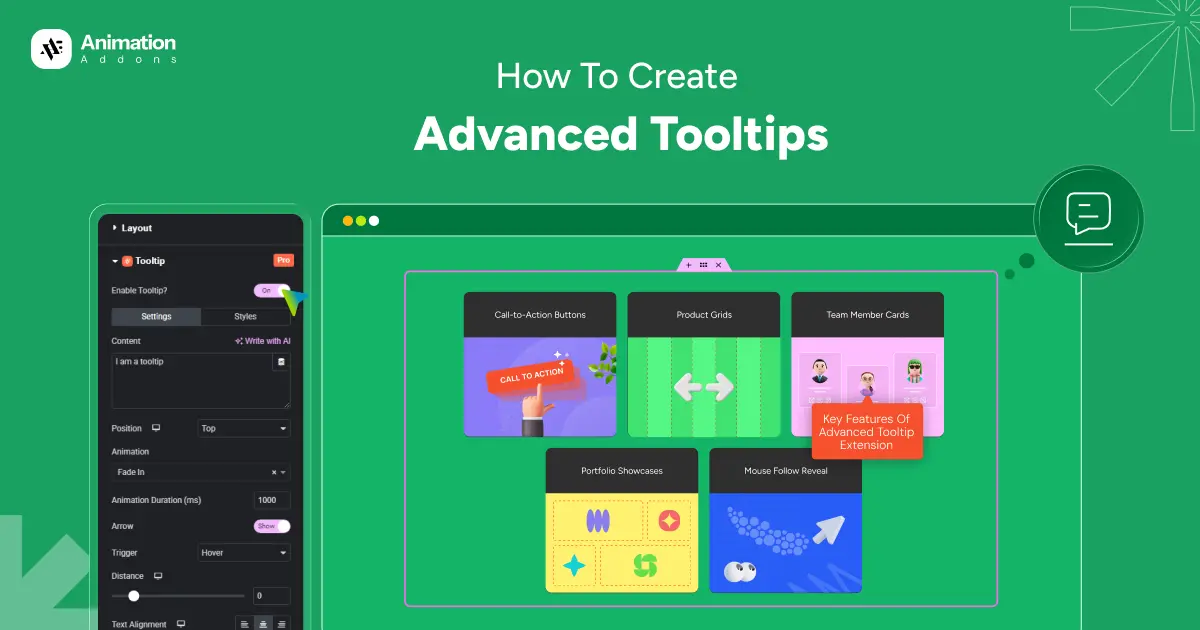
Advanced tooltips show additional information on hover or interaction without cluttering the layout. They help clients explain features, icons, or terms clearly and contextually. The benefit is cleaner design with improved user understanding.
12. Smooth Scrolling
Smooth scrolling removes harsh jumps between sections and creates fluid page movement. It helps clients deliver a more comfortable and premium browsing experience. The benefit is reduced eye strain, better flow, and higher perceived quality.
13. Fade Animation
Fade animation smoothly brings elements into view by adjusting their opacity. It helps clients introduce content gently without overwhelming users or distracting from the message. The benefit is a clean, elegant user experience that improves readability and responsive visual flow.
14. Bounce Animation
Bounce animation adds a lively up-and-down motion to elements, making them feel energetic and noticeable. It helps clients highlight important content like buttons, icons, or alerts without using aggressive visuals. The benefit is increased attention, clearer visual cues, and improved user interaction.
15. Split Text Animation
Split text animation breaks text into lines, words, or characters and animates them individually. It helps clients draw attention to headlines and key messages in a creative way. This improves readability, interactive visual impact, and message retention.
16. Custom Hover Effect Animation
Custom hover effects animate elements uniquely when users interact with them. They help clients guide attention and make buttons, images, or cards more engaging. The benefit is better interaction feedback and improved conversion rates.
17. Cursor Move Effect
Cursor move effects animate elements based on cursor movement. They help clients create interactive and playful experiences that respond to user behavior. This adds delight, uniqueness, and a premium feel to the website.
18. Morph SVG
Morph SVG animation smoothly transforms one SVG shape into another using motion-based transitions. It helps clients create visually dynamic icons, backgrounds, and storytelling elements that feel fluid and modern. The benefit is enhanced visual appeal, clearer communication of ideas, and a distinctive, high-end user experience.
19. Content Slider Animation
Content slider animation displays multiple pieces of content within a single area using smooth transitions. It helps clients showcase products, testimonials, or features without making the page long or cluttered. The benefit is better content organization, higher engagement, and efficient use of screen space.
20. Toggle Switch
A toggle switch allows users to switch between two or more content states instantly. It helps clients present comparisons such as pricing plans, monthly vs yearly options, or light vs dark views in a clean way. This improves user interaction, reduces confusion, and supports faster decision-making.
21. Button Animations
Button animations add motion effects to buttons on hover, click, or scroll interactions. They help clients draw attention to calls-to-action and clearly indicate where users should interact. The benefit is higher click-through rates, improved usability, and a more engaging, conversion-focused website.
22. Video PopUp
Video popup opens videos in a modal overlay without redirecting users to another page. It helps clients highlight promos, demos, or explainer videos while keeping visitors on the same page. The benefit is increased video engagement, lower bounce rates, and stronger storytelling.
23. Video Musk
Video mask displays videos inside custom shapes, text animation, or layered designs instead of standard rectangular frames. It helps clients create visually striking hero sections, banners, and storytelling layouts. The result is stronger visual branding, higher engagement, and a premium, modern website appearance.
Final Words
Animations are no longer just decorative elements. They play a vital role in shaping how users experience a website built with Elementor. When used strategically, animations guide attention, simplify interactions, and turn static layouts into engaging digital experiences.
With these 20+ Elementor animation examples and effects, you now have the inspiration to design visually compelling websites that not only look impressive but also drive real results.

Leave a Reply