Tilt Effect

Create stunning interactive visuals with the Tilt Effect. Enhance user engagement, highlight content, and deliver a modern browsing experience effortlessly.

Key Features And Benefits

One-Click Activation

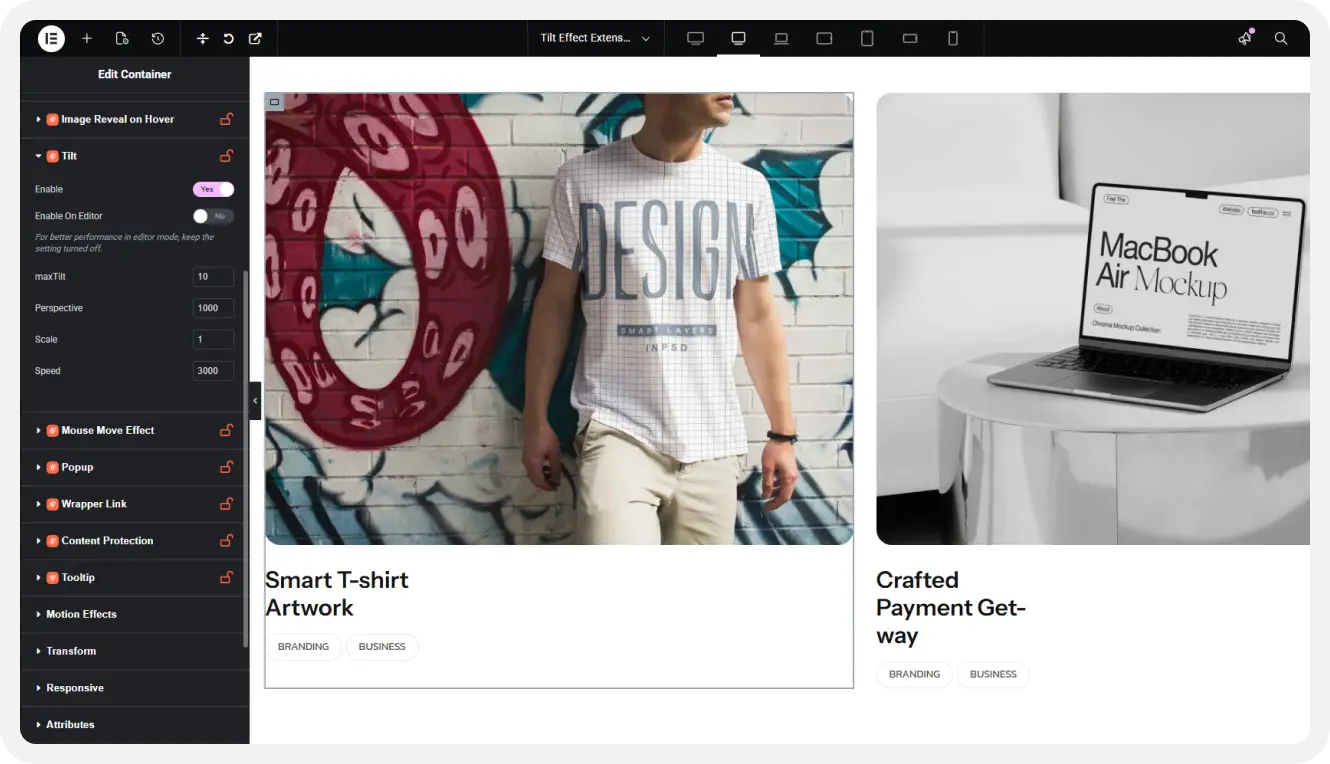
Enable tilt effects instantly with a single click, no coding required for quick setup.

Live Editor Preview

See tilt effects in real time while editing, making it easy to adjust and refine.

Control Maximum Tilt

Set the tilt intensity to control how much elements move based on cursor interaction.

Adjust Perspective

Modify perspective depth to create realistic 3D motion and enhance visual experience.

Scale On Hover

Add zoom effects on hover to make elements feel more interactive and engaging.

Set Animation Speed

Control tilt animation speed to achieve smooth, fast, or subtle motion effects easily.

Tilt Effect - Demo 01

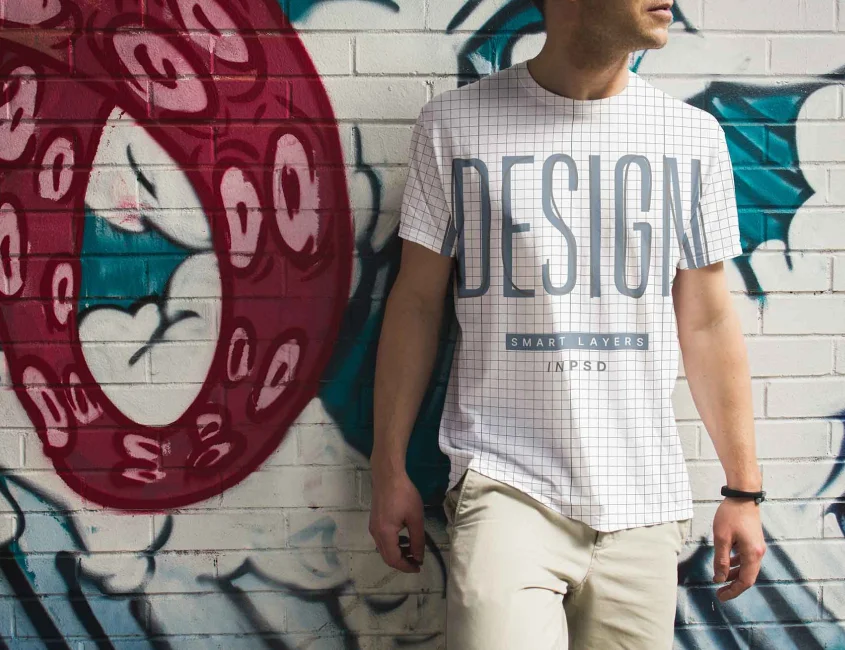
Smart T-shirt Artwork

Branding

Business

Crafted Payment Get-way

Branding

Business

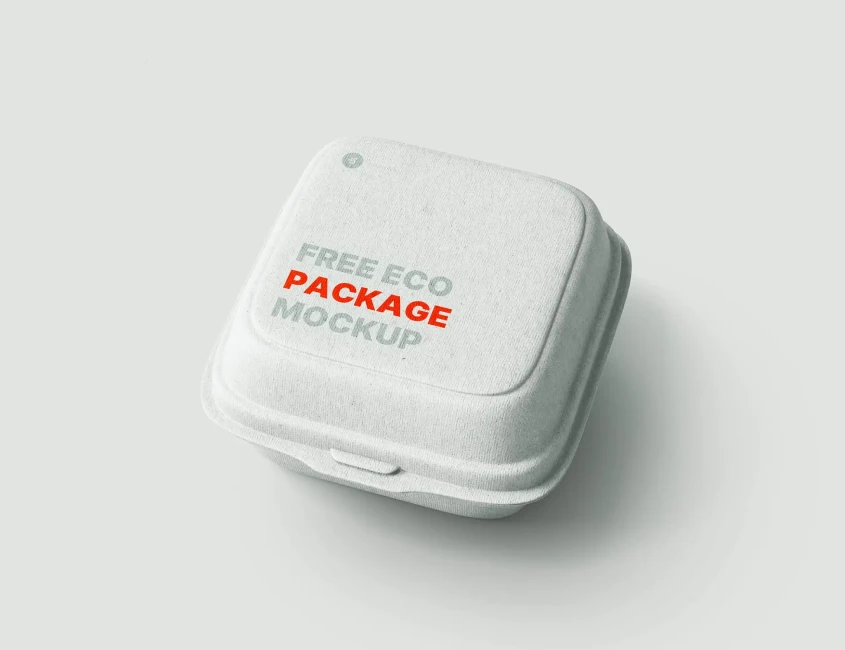
Wild Code Zem Boxes

Branding

Business

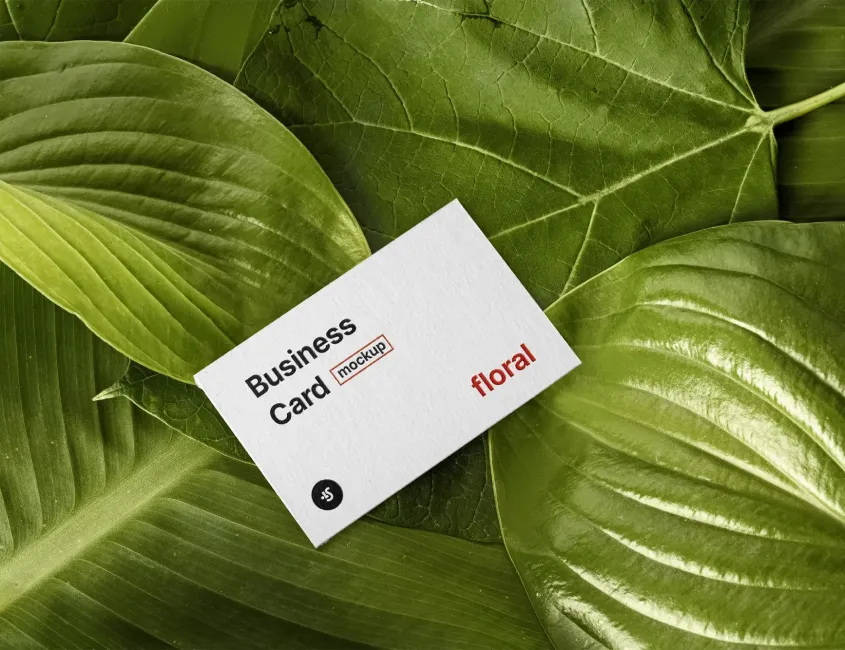
Floral Business Card

Business

Business

Tilt Effect - Demo 02

Design - 2026

Victoria kinko

Marketing

Busynet Traffic Grow
Marketing

Real strategy roadmap

Design - 2026

Victoria kinko
Tilt Effect - Demo 03

Image Tilt Effect

Tilt Effect - Demo 04

Modelling - 2012

fresh edge

Modelling - 2012

Siyantika Glory

Modelling - 2012

benjon website

Tilt Effect - Demo 05

Have question? we’re here to help

Documentation & Inspiration
Become a part of our community
Didn’t find Your Answer?
What is the Tilt Effect widget?
The Tilt Effect widget adds a 3D hover animation to elements, making them tilt based on cursor movement for a more interactive and engaging user experience.
No, the widget is fully user-friendly and can be configured through simple controls without any coding skills.
Yes, you can easily customize tilt strength, speed, perspective, and animation settings to fit your design needs.
No, the widget is optimized for performance and designed to run smoothly without impacting your site’s loading time.
You can apply it to the container section to enhance visual appeal and user engagement.