Explore the features that transform smooth scrolling and stunning animations into reality, enhancing your Elementor designs.
What is Template library extension?
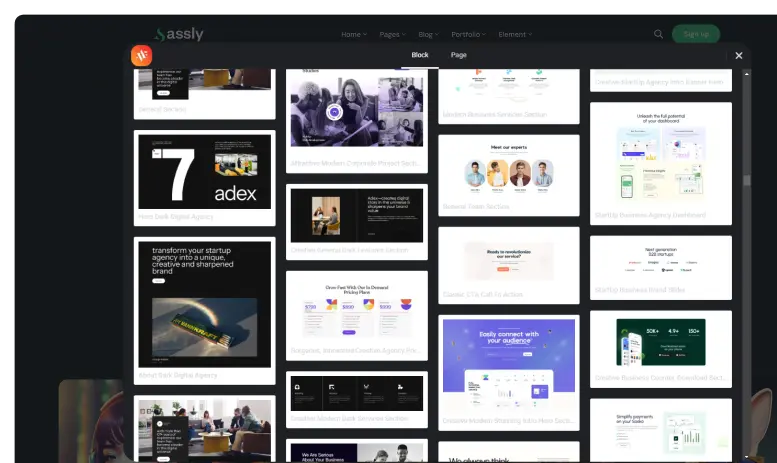
The Template Library extension provides a collection of pre-designed layouts, sections, and blocks that users can instantly import into their website. Users can save time and simplify the design process without compromising quality or creativity.
What makes this extension essential?
It eliminates repetitive design work by offering ready-to-use templates. Help users build professional-looking pages faster with consistent styling and minimal effort.
Key features of Template library extension
Choose from a wide variety of professional templates for different use cases.
Instantly add templates to your page with a single click and allow faster website development.
Easily edit imported templates to match your brand identity and layout structure.
How It Works
Explore the below documentation to get a clear idea of how to use the WCF Animation.
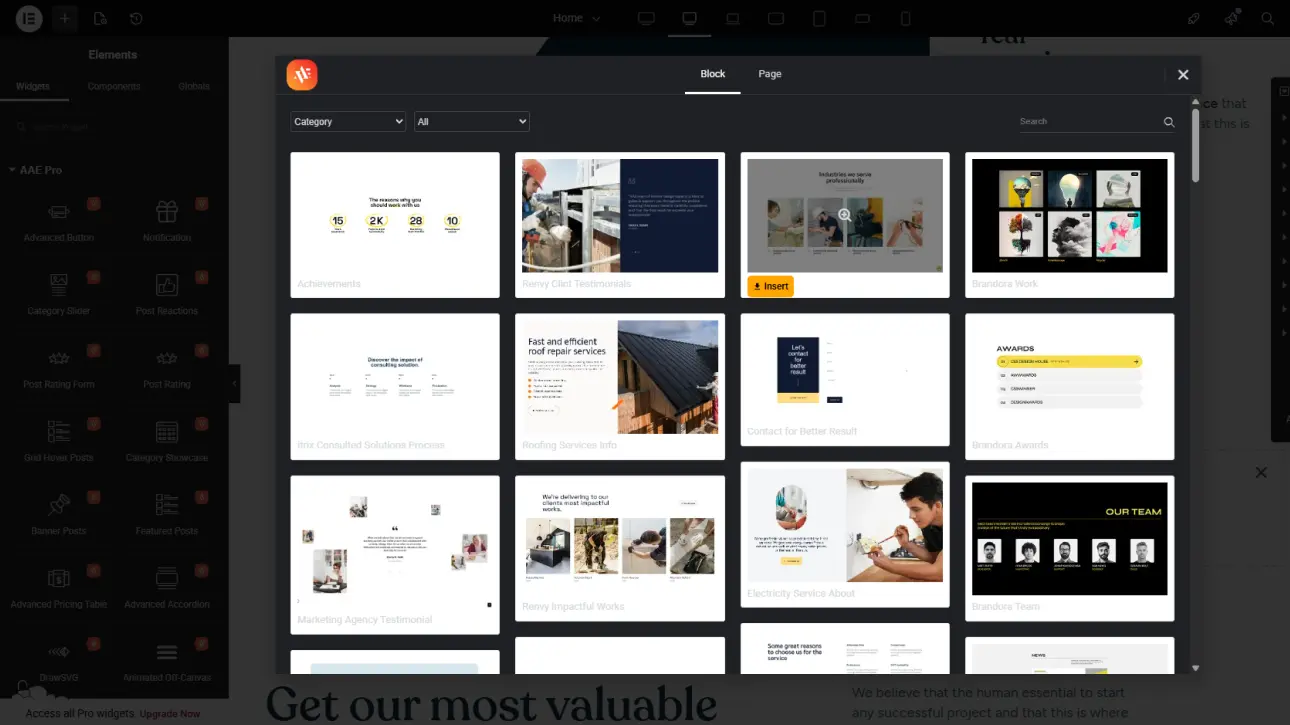
Open the Template Library directly from your editor panel to explore a wide range of professionally designed templates. Easily browse categories to quickly find layouts that match your project needs.
Step 2: Choose and Import a Template
Select your preferred template from the collection and import it instantly with one click. The template will be automatically added to your page, saving time to design from scratch
Step 3: Customize and Publish
Modify the imported template to align with your brand by editing content, colors, images, and layout elements. Once satisfied, finalize your design and publish your page with a professional look.
25% Off
Limited Time Offer
Get 25% off any lifetime license, plus 2x the sites on every tier. Pay
once. Keep it for life.



 Login
Login