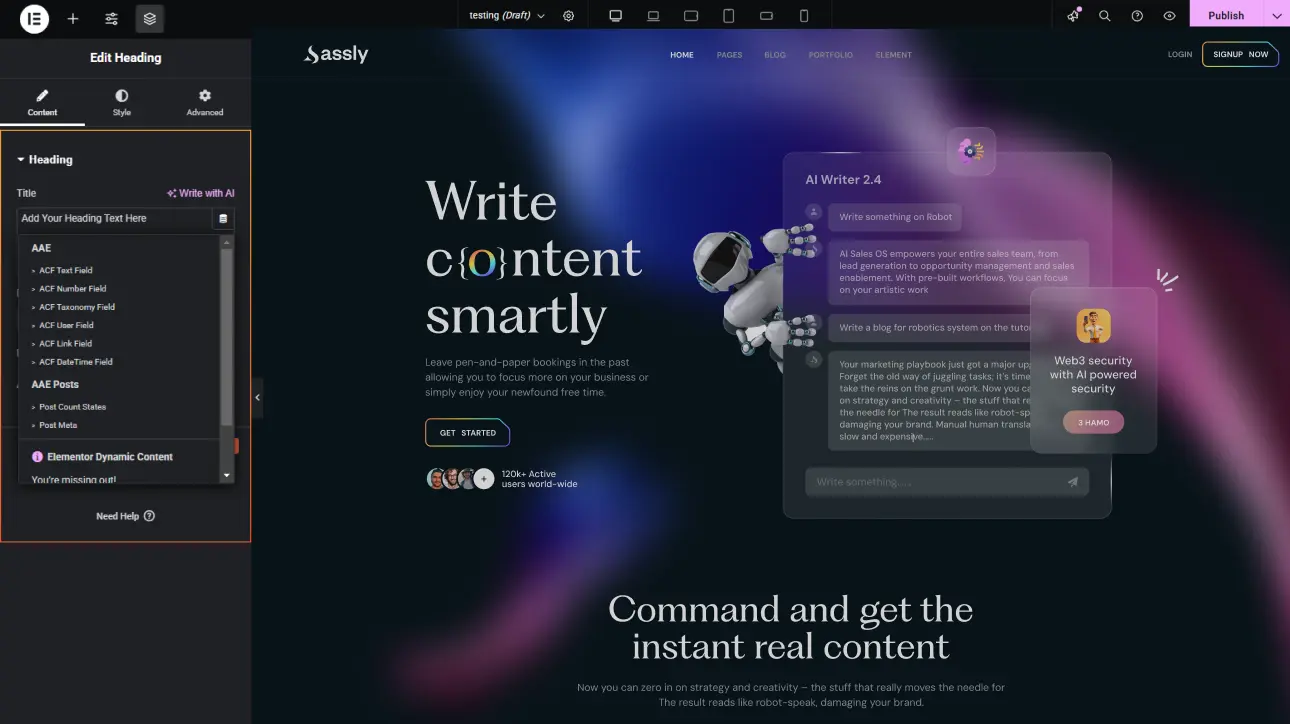
Explore the features that transform smooth scrolling and stunning animations into reality, enhancing your Elementor designs.
What is Dynamic Tags extension?
The Dynamic Tags extension allows you to insert dynamic data such as user information, post details, or custom fields directly into your design, enabling automated content updates without manual editing or duplication.
What makes this extension essential?
It streamlines content management by automatically displaying up-to-date data, reducing manual work while ensuring consistency and personalization across your entire website.
Key features of Dynamic Tags extension
Pull and display dynamic data like titles, dates, or user information automatically.
Use data from posts, custom fields, or site settings to populate content dynamically.
Ensure content updates automatically based on changes without manual editing.
How It Works
Explore the below documentation to get a clear idea of how to use the WCF Animation.
Choose any widget or content element where you want dynamic data to appear. The extension integrates seamlessly, allowing you to replace static content fields with dynamic tag options easily.
Step 2: Apply Dynamic Tags
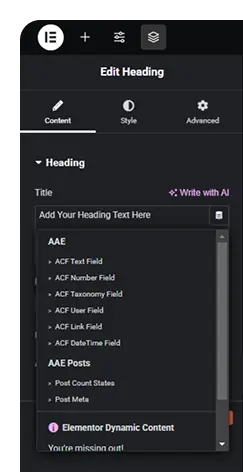
Pick the appropriate dynamic tag from the available options, such as post title, user name, or custom fields, to automatically fetch and display relevant data within your selected element.
Step 3: Customize and Display
Adjust formatting, fallback content, or conditions to control how the dynamic data appears. Once set, the content updates automatically based on context, ensuring accurate and real-time display across your website.
25% Off
Limited Time Offer
Get 25% off any lifetime license, plus 2x the sites on every tier. Pay
once. Keep it for life.



 Login
Login