Explore the features that transform smooth scrolling and stunning animations into reality, enhancing your Elementor designs.
What is Content Protection extension?
The Content Protection extension helps safeguard your website’s content by preventing actions like copying text, right-clicking, or inspecting elements, ensuring your valuable information remains secure from unauthorized use or duplication.
What makes this extension essential?
It protects your intellectual property and sensitive data, reducing content theft while maintaining control over how users interact with and access your website content.
Key features of Content Protection extension
Prevent users from copying content to protect valuable website information.
Block common shortcuts like copy, paste, and inspect to enhance content security.
Apply protection to specific pages or sections without affecting entire website functionality.
How It Works
Explore the below documentation to get a clear idea of how to use the WCF Animation.
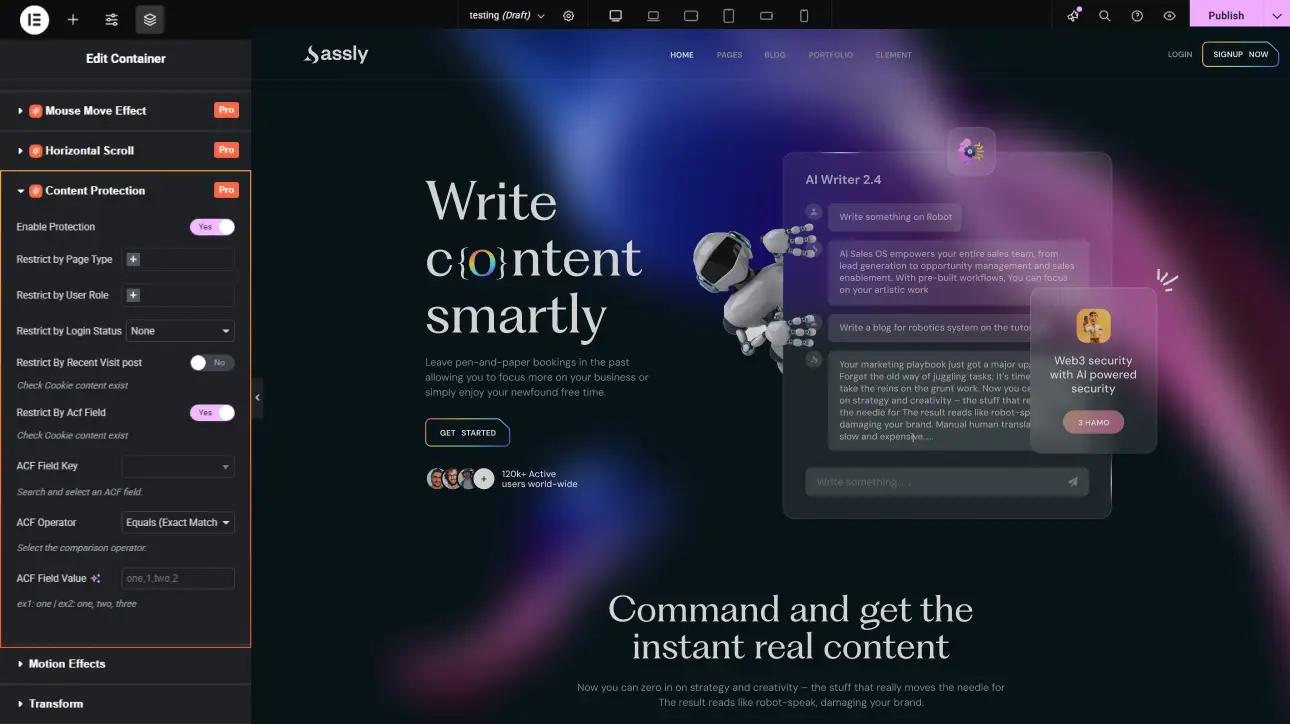
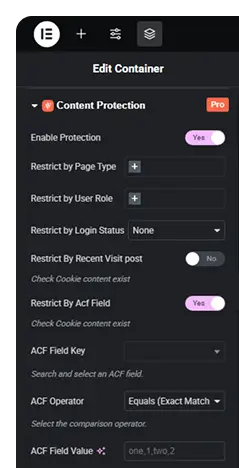
Activate the Content Protection extension and choose which restrictions to apply, such as disabling copy, right-click, or keyboard shortcuts for specific pages or the entire website.
Step 2: Configure Protection Rules
Customize protection levels by selecting targeted pages, user roles, or content types. This allows you to balance security with usability based on your website’s needs.
Step 3: Apply and Monitor
Save your settings and publish the changes. The extension will automatically enforce protection rules in real time, helping you monitor and safeguard your content effectively.
25% Off
Limited Time Offer
Get 25% off any lifetime license, plus 2x the sites on every tier. Pay
once. Keep it for life.



 Login
Login