Explore the features that transform smooth scrolling and stunning animations into reality, enhancing your Elementor designs.
What is Custom CSS extension?
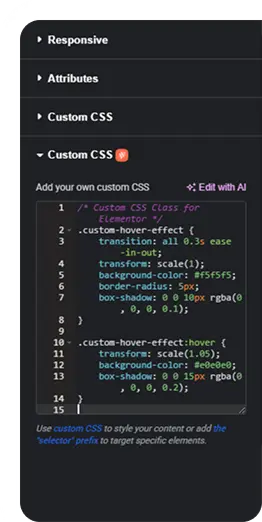
The Custom CSS extension allows you to add your own CSS code to style and customize website elements easily. It helps you modify layouts and adjust styling of website without editing theme files.
What makes this extension essential?
This extension gives you full design control by allowing custom styling beyond default settings. Easily fine-tune layouts, colors and spacing without modifying core theme files.
Key features of Custom CSS extension
Apply custom CSS to control styling, including colors, spacing and layouts.
Add CSS to specific sections, widgets, or pages to customize individual elements.
Manage all your custom CSS in one place without editing theme files.
How It Works
Explore the below documentation to get a clear idea of how to use the WCF Animation.
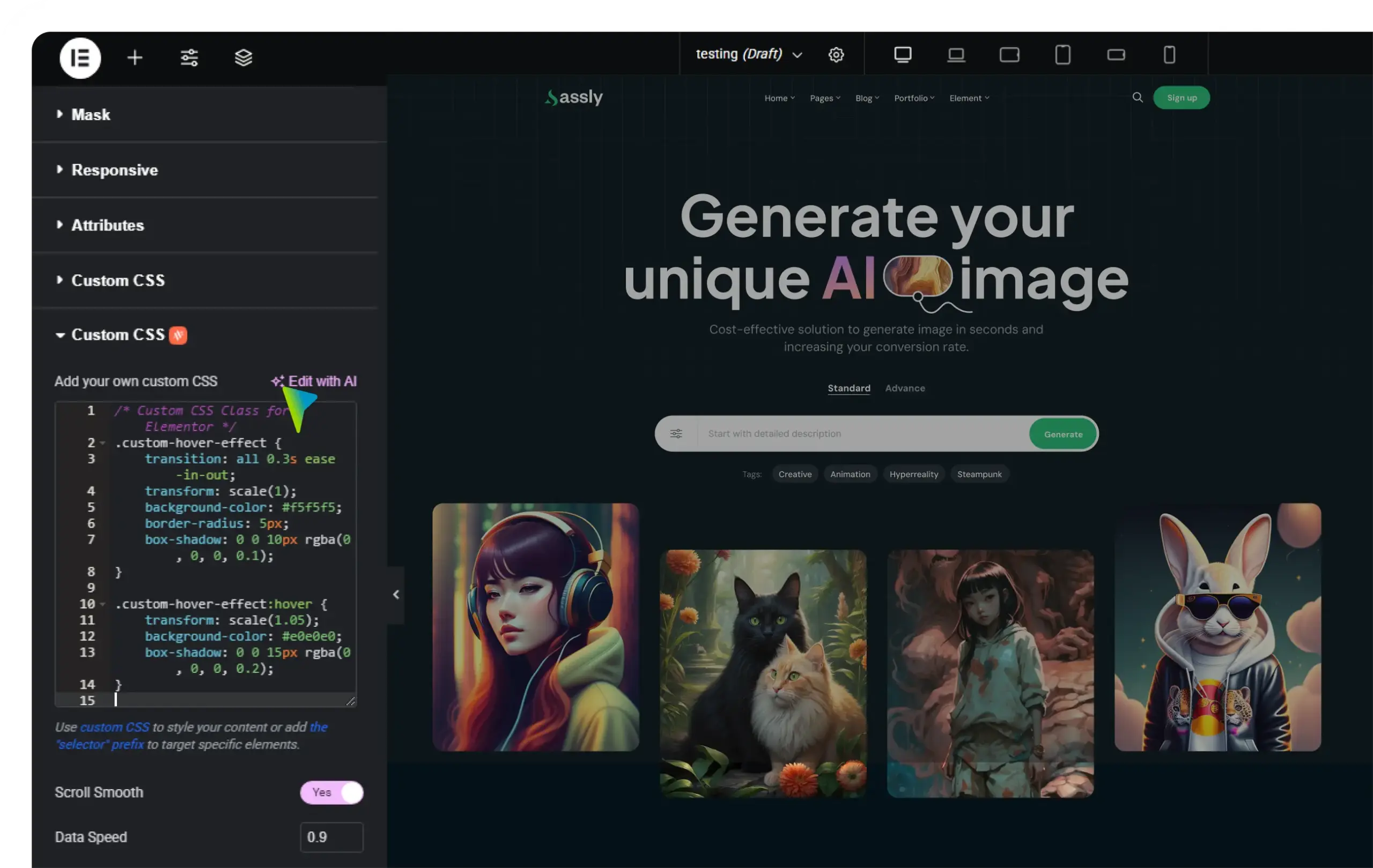
Go to the element, section, or widget settings in your editor and find the Custom CSS option provided by Animation Addons. This allows you to add styling directly without editing theme files.
Step 2 : Add Your CSS Code
Enter your custom CSS rules to modify styles such as colors, spacing, typography, or layout behavior. This helps you fine-tune the appearance of specific elements according to your design needs.
Step 3 : Save and Apply the Changes
After adding the CSS code, save or update the page. Your custom styling will instantly apply to the selected elements, allowing you to see the visual changes on your website.



 Login
Login