


 Login
Login


Modern websites are no longer static pages, they are immersive, interactive experiences. One of the most powerful tools for creating scroll-based animations is GSAP ScrollTrigger. It allows developers and designers to control animations precisely based on the user’s scroll position, making storytelling more engaging and visually dynamic. From smooth parallax effects to horizontal scrolling sections, pinned elements, SVG morphing, and Lottie integrations, ScrollTrigger opens endless creative possibilities.
In this article, we’ll explore 20 inspiring GSAP ScrollTrigger examples that demonstrate how to transform ordinary scrolling into captivating, high-performance web experiences.
1. ScrollTrigger
GSAP ScrollTrigger allows you to control animations based on the user’s scroll position. It enables precise start and end points, scrub effects, pinning, and smooth transitions. This powerful plugin helps create dynamic storytelling experiences and improves engagement with interactive scroll-based animations.
2. Horizontal Scrolling
Horizontal scrolling with ScrollTrigger transforms vertical scroll into sideways movement. It’s ideal for showcasing portfolios, image galleries, timelines, or product features. By pinning sections and animating horizontal translation, you create a visually engaging, app-like browsing experience.
3. Scroll Smoother
Scroll Smoother enhances the scrolling experience by adding fluid, momentum-based movement. It reduces abrupt scroll jumps and creates a premium feel. When combined with ScrollTrigger, it ensures animations look seamless and polished across devices.
4. Stacked Cards
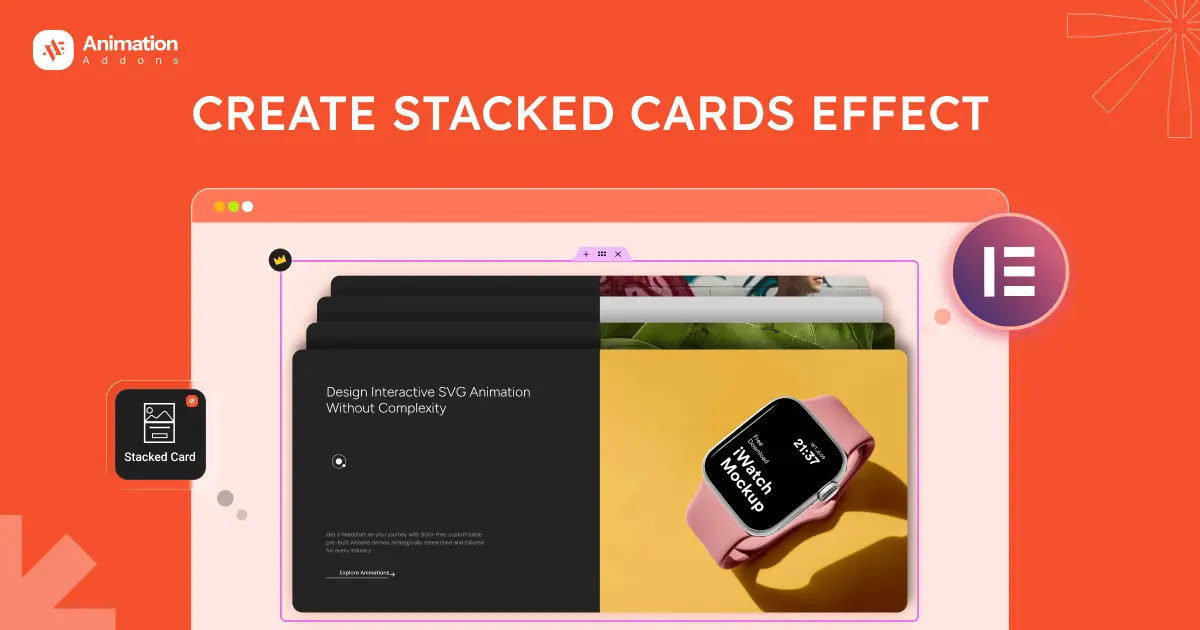
Stacked card animations create layered content that overlaps and reveals progressively as users scroll. This effect is perfect for storytelling, feature highlights, or step-by-step processes. Each card smoothly transitions, building visual depth and structured content flow.
5. Parallax Effect
Parallax scrolling creates depth by moving background and foreground elements at different speeds. Using ScrollTrigger, you can precisely control movement timing and intensity. This technique enhances visual storytelling and makes landing pages more immersive.
6. Smooth Scrolling
Smooth scrolling creates a fluid, momentum-based scroll experience that feels natural and premium. With GSAP ScrollTrigger, animations synchronize perfectly with scroll progress, eliminating abrupt jumps. This technique enhances user experience, improves visual flow, and makes complex transitions feel seamless across modern websites.
7. Image Scale with Scroll
Image scaling animations gradually enlarge or shrink visuals based on scroll position. This technique draws attention to key sections, hero banners, or featured products. ScrollTrigger ensures smooth scaling transitions tied directly to user interaction.
8. Image Stretch Animation
Image stretch animations manipulate width or height dynamically while scrolling. This effect adds dramatic emphasis during section transitions. It works well for modern websites seeking bold visual impact and interactive design elements.
9. Morph SVG
SVG morphing allows one vector shape to smoothly transform into another during scroll. ScrollTrigger synchronizes the morphing process with user movement. This technique is ideal for creative branding, icons, and storytelling-driven interfaces.
10. Lottie Animation With Scrolling
Lottie animations can be controlled frame-by-frame using scroll progress. ScrollTrigger connects scroll position to animation playback, enabling interactive illustrations. This approach adds lightweight, high-quality animations without compromising website performance.
11. Pin Elements
Pinning keeps elements fixed in place while the rest of the page scrolls. It’s useful for highlighting important content, step sequences, or storytelling sections. ScrollTrigger makes pin timing and duration highly customizable.
12. Scroll Elements
Animating elements as they enter or leave the viewport enhances engagement. ScrollTrigger detects visibility and triggers fade-ins, slides, rotations, or scaling. This approach creates smooth section transitions and improves visual hierarchy.
13. Nested Elements
Nested scroll animations involve triggering child elements inside pinned or animated parent containers. This layered interaction creates complex yet smooth transitions. ScrollTrigger manages timing and synchronization for seamless multi-level animation effects.
14. Scrolling Text Animation Invert Scrub
Invert scrub text animation reverses motion direction based on scroll position. It creates a dynamic push-pull effect as users move up or down. ScrollTrigger’s scrub feature ensures real-time synchronization with scroll progress.
15. Scrolling Word Text Animation Transform Value
This effect animates individual words or letters using transform properties like translate, rotate, or scale. ScrollTrigger links animation progress to scroll movement, making text appear dynamic, interactive, and visually engaging.
16. Scrolling Text Move Play Scroll Animation
Scrolling text move animations trigger movement or playback when reaching defined scroll points. You can combine play, pause, and reverse actions for interactive storytelling. ScrollTrigger ensures smooth timing control and responsive behavior across devices.
17. Content Slider
A content slider built with GSAP ScrollTrigger allows sections, images, or text blocks to transition smoothly as users scroll. Instead of auto-sliding on a timer, the movement is controlled by scroll position, creating a more interactive experience. This technique works well for showcasing features, testimonials, portfolios, or step-by-step storytelling while maintaining full control over animation timing and direction.
18. Scrollable Video
A scrollable video connects playback progress directly to the user’s scroll position. Using GSAP ScrollTrigger, each scroll movement advances or reverses video frames smoothly. This interactive technique is ideal for product storytelling, tutorials, or cinematic web experiences that demand precise control and engagement.
19. Video Box with Mouse Scrolling Effect
A video box with mouse scrolling effect allows users to control video playback or visual transitions through scroll interaction. Using GSAP ScrollTrigger, the video can play, pause, zoom, or reveal content based on scroll progress. This creates an immersive storytelling experience, ideal for product demos, cinematic intros, or interactive landing pages.
20. Portfolio Scrolling Widget
A portfolio scrolling widget uses GSAP ScrollTrigger to reveal projects dynamically as users move down the page. Items can fade, slide, scale, or stack smoothly, creating a polished presentation. This approach enhances storytelling, highlights key projects, and keeps visitors engaged with interactive, visually appealing transitions.
Wrap Up
GSAP ScrollTrigger has completely transformed the way developers approach scroll-based animations. Instead of relying on basic fade-ins or simple transitions, you can now build immersive, story-driven experiences that respond directly to user interaction.
The examples shared in this article highlight how creative scrolling techniques can elevate modern web design and improve user engagement. Experimenting with these ideas can help you craft visually compelling, smooth, and memorable digital experiences that truly stand out.

Leave a Reply